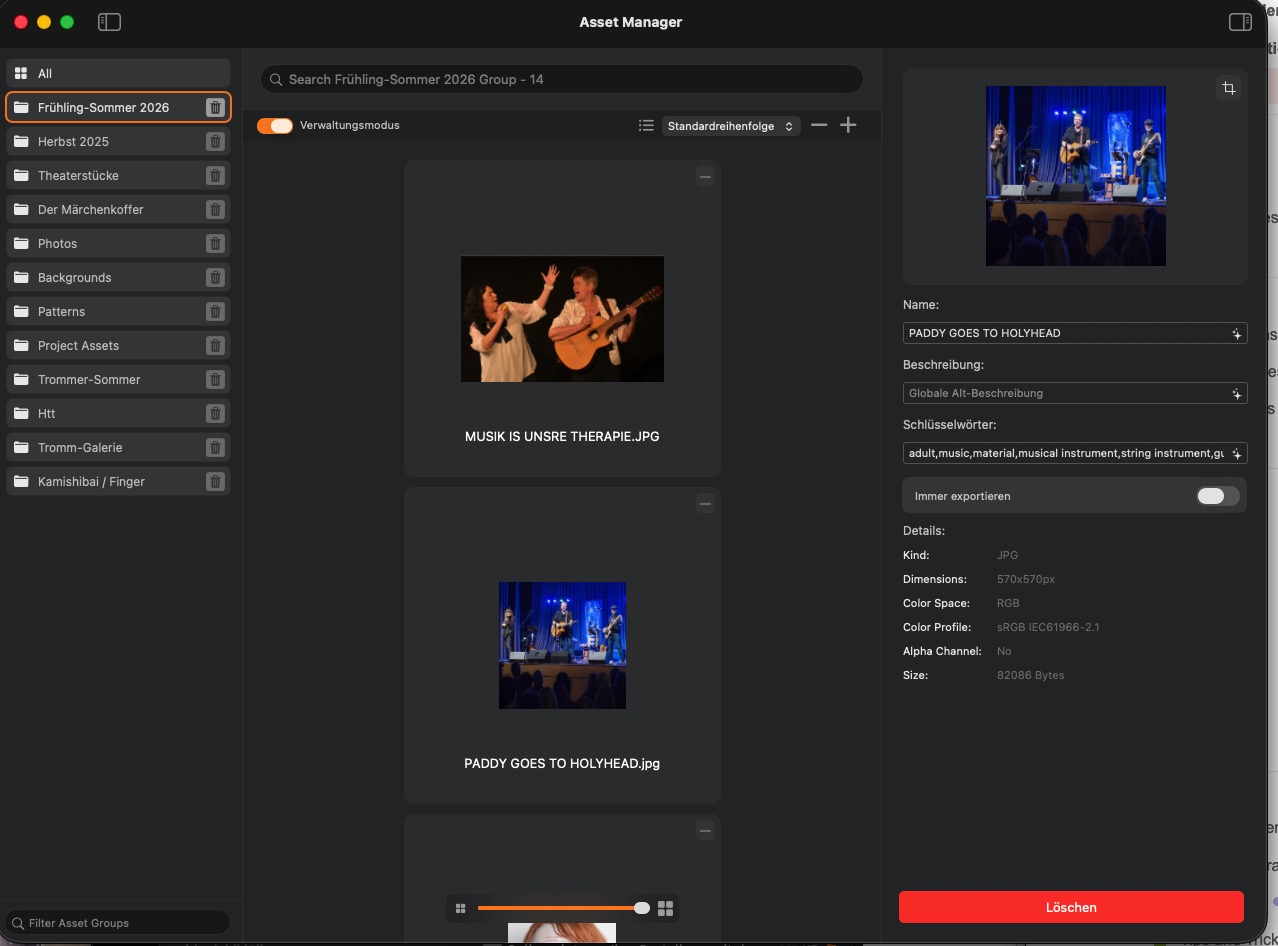
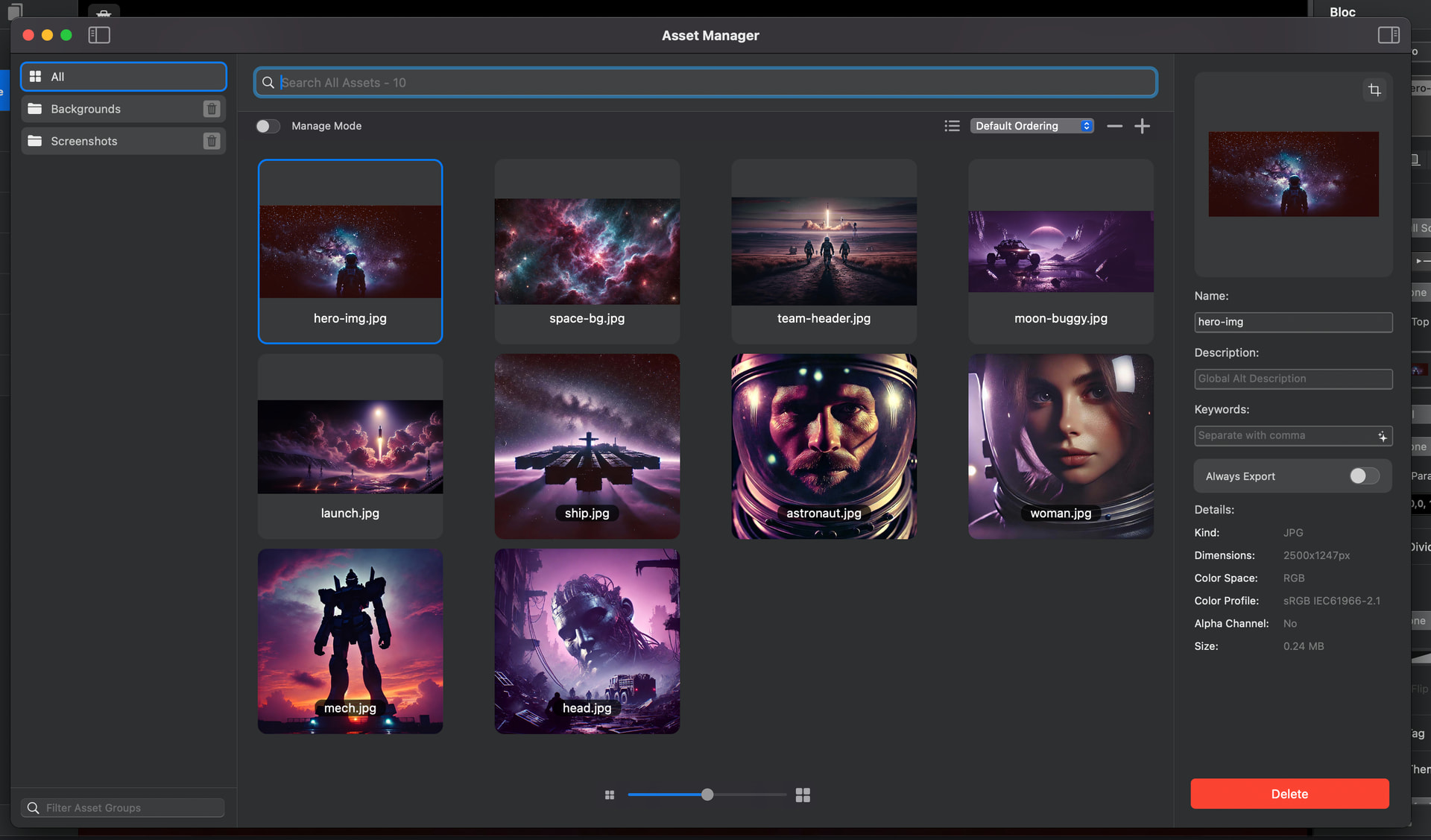
Suddenly after updating to 6.4.0. Images appear very small in Asset Manager even though the grid space is large. The slider to maximum doesn’t help, as can be seen in the screenshot.
1 Like
I’ve not seen that before, do the images scale down correctly? Do they have any transparent pixels around them?
Hi Norm,
I’m a computer graphics designer; I’ve worked with images my whole life ;-))), so I’m sure everything is fine with the images. It doesn’t matter whether I load original images or resize them using built-in features in Blocs. This problem started since the last update.
Perhaps it has to do with the resolution of my screen: 3840 x 2160
I think @akula means that, after a certain point, the images never get any bigger, even if there’s still plenty of space available. Kind of like in the montage
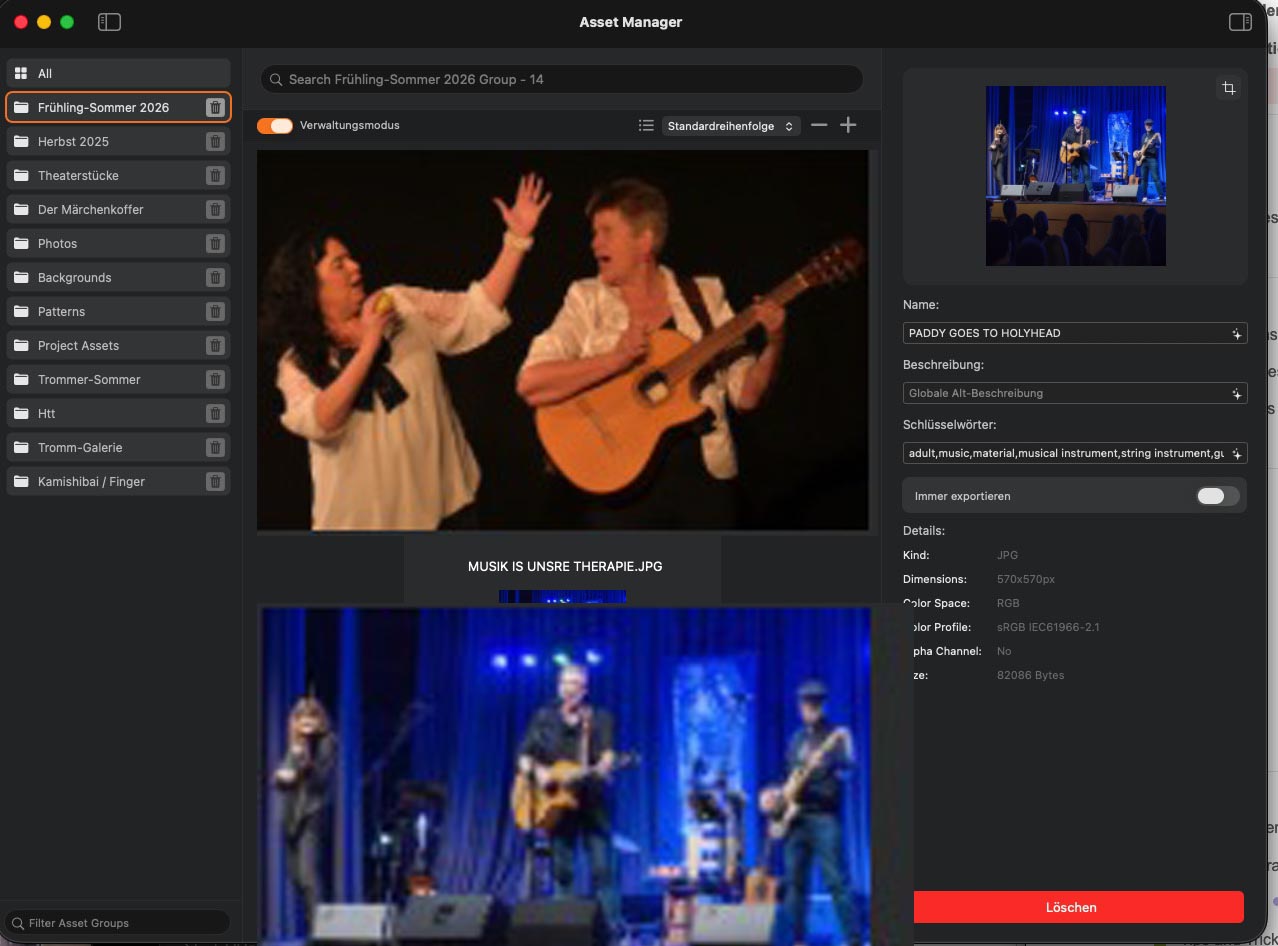
Yes, exactly what I wanted!
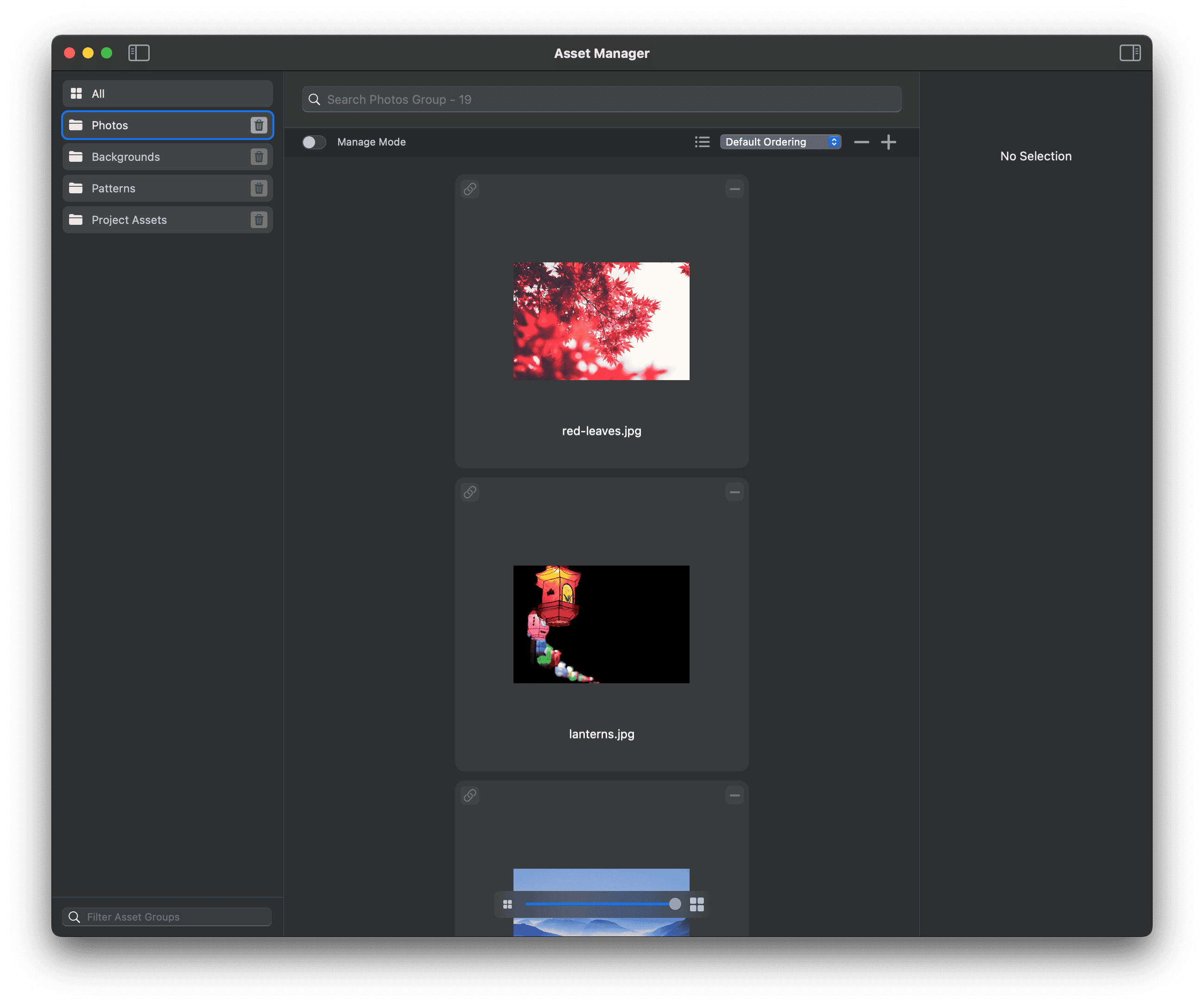
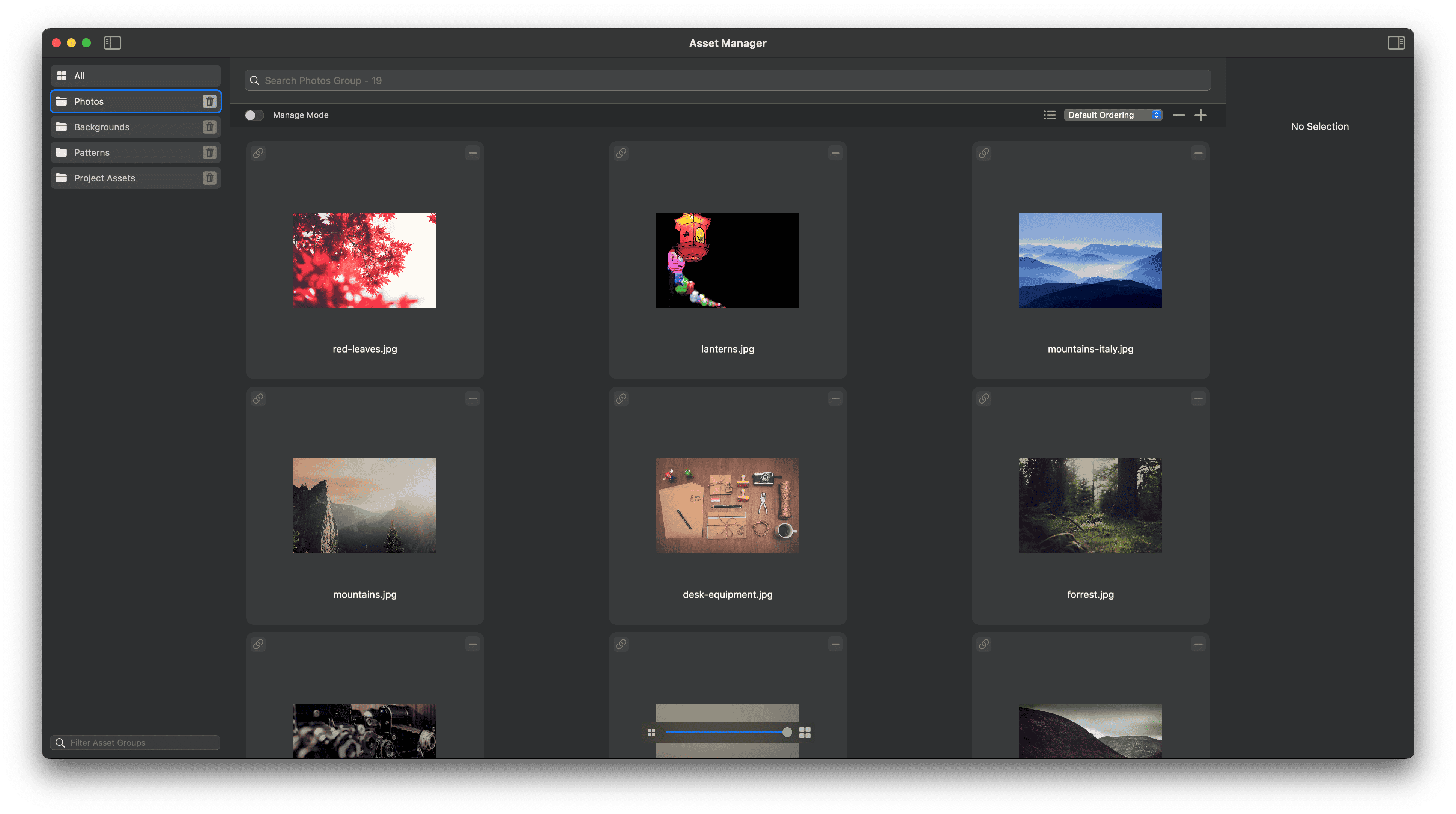
This is how it looks for me (Blocs 6.4.0), but I’m not sure if it’s correct or not, since I usually always use the list view?

But now that I see it like this, it does look a little odd, doesn’t it? It really wastes a lot of space.

Hey Guys I have something coming to improve this, should be ready for next weeks release.
4 Likes
Thoughts on this, thumbnails will fill as much space as possible in grid mode. So square images fill entire tile?
2 Likes
Yes, exactly what I wanted! Square images should take up the entire area.
2 Likes