Oh well that makes all the difference. Forget everything I said 
Remember this is all hidden code only seen by the browser and search engines.
Oh well that makes all the difference. Forget everything I said
Remember this is all hidden code only seen by the browser and search engines.
Wise words I usually live by 
I just updated to Sequoia 15.0.1 and Blocs came up with a request to allow notifications, which I accepted, thinking it would be like before and only appear for big stuff. Instead it’s happening for really trivial things like copying a URL.
I can turn it off entirely, but surely there has to be a happy medium here somewhere. I’m seeing a notification every 5 seconds since allowing that.
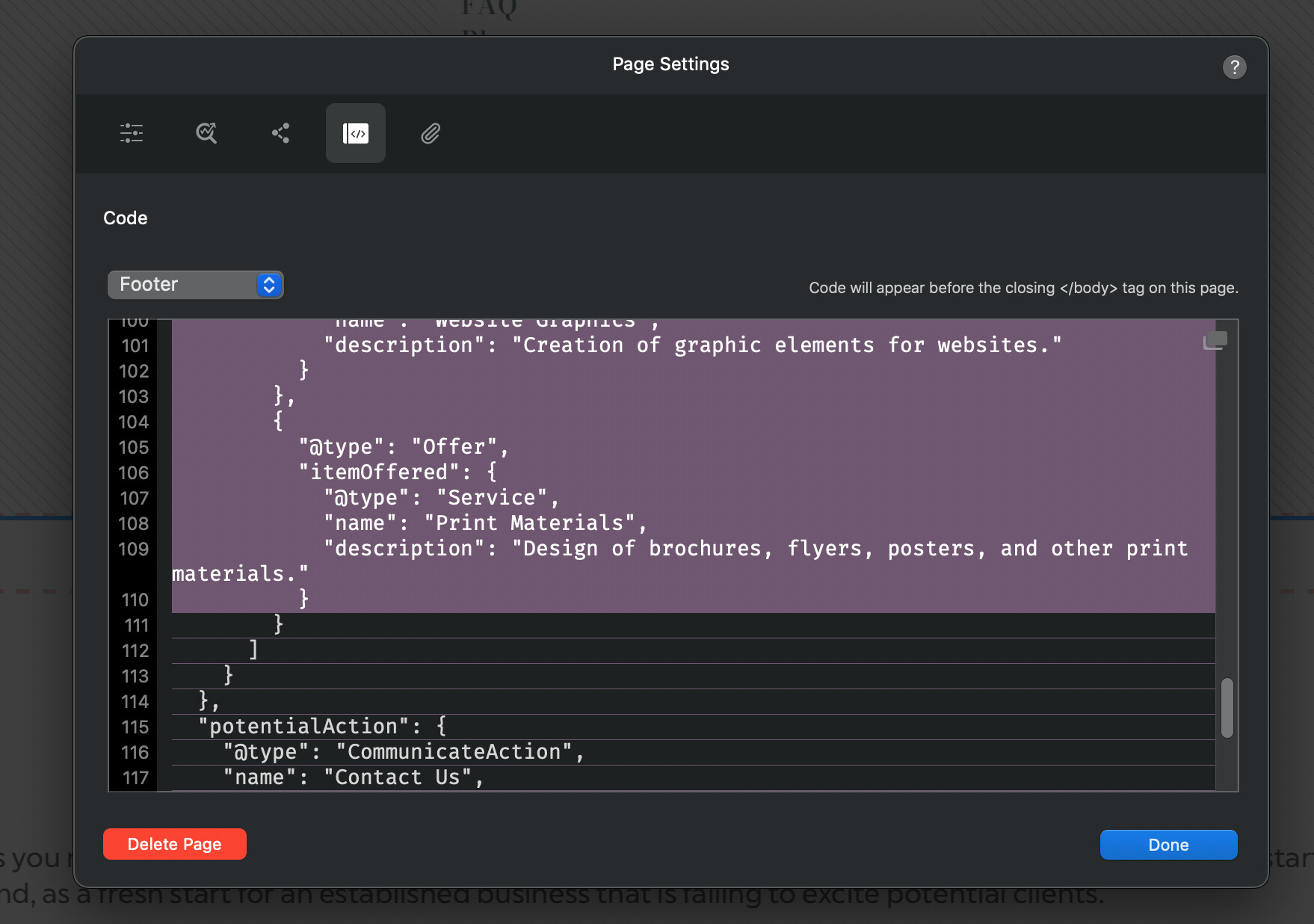
I’m seeing a strange graphic glitch if I select text in the page setting code area and scroll down. Never had this before with the lines. Is that supposed to happen?
 Thats the web from its inception to present day.
Perhaps better to have revisited and continued the discussion here. 
The scary part in that thread from 5 years ago is that I mentioned I was in the process of rebuilding my web design site with Blocs. Fast forward to 2024 and it is still an operation in progress.
I’m seeing a strange behaviour with the bric pop up screen, where I go to select a bric like a paragraph and it doesn’t respond, despite several attempts. I then click out, bring up the window again and it works first time.
This may well be related to Sequoia 15.0.1, which I installed this morning. It’s not typical behaviour.
Are you finding this is a consistent issue?
No it’s very random. Most of the time it is fine, but if I’m working constantly it will happen maybe a couple times in say an hour. Clicking away and trying again then works normally.
Next time you encounter it, try scrolling the Bric Bar a little so the Bric is fully on screen and try and click again. I have a feeling there is a bit of an issue with the click zones being updated.
The brics being selected are always fully in view. I’m on a 32" display here with Blocs using the full height of the screen. The brics are either at the top as favourites or I search for them, so they appear at the top in full view.
As a test, I just tried scrolling the bar so a bric was barely 10% visible and it still worked when clicked on the bottom edge.
That old bug of creating a line break after deleting a link is back again.
If you wait another 5 years you can just mind map your thoughts directly to others with no design, development or server costs involved. Enabling instant engagement, though massive headaches may occur. 
Hey @Ricardo Ive sent over some corrections to the bric you sent me. Im no longer getting php mutations with those changes.
Deleting a link that is nested with a text Bric?
Yes the same as before. It’s not easily visible on the canvas either and has to be spotted in the layer tree. The option to display line break tags is enabled.
This is going soon, Safari WebKit engine no longer allows this hack, so the option is misleading.
How are you deleting the link, there are a few ways to do it?
I select the link and press cmd + back. That deletes the link, but creates the line break.
Naturally, when I tried it just now it worked properly, but it has been happening quite frequently lately.
The inline text editing in Blocs and most browsers is often very problematic.
This part of Blocs is managed by the browser engine content editable with lots of code additions to prevent it making crazy mutations.
I’ll double check the fail safe code again. It’s likely that updating the OS and with it the Safari rendering engine, something has moved which is preventing the original fix being as efficient.
Just a thought, but a lot of the text I’ve been editing was originally written long ago. It may well be something lingering there from older versions that doesn’t occur with new text. I’ll run some checks.