Hello @nelo
Here’s one way to change the arrow icons.
The arrows icons are fontawesome and named fa-chevron-left (and right)
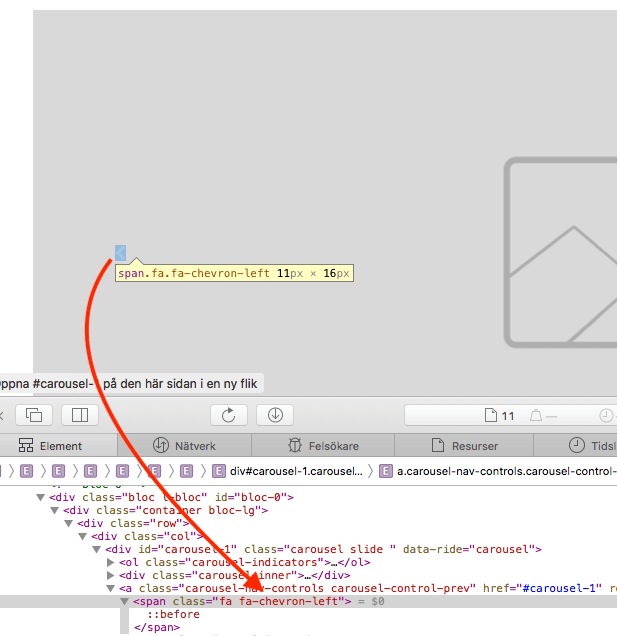
Go to Find Icons with the Perfect Look & Feel | Font Awesome and search for chevron and you’ll fint it there.
There’s also a nice circular arrow called chevron-circle-left (and right)
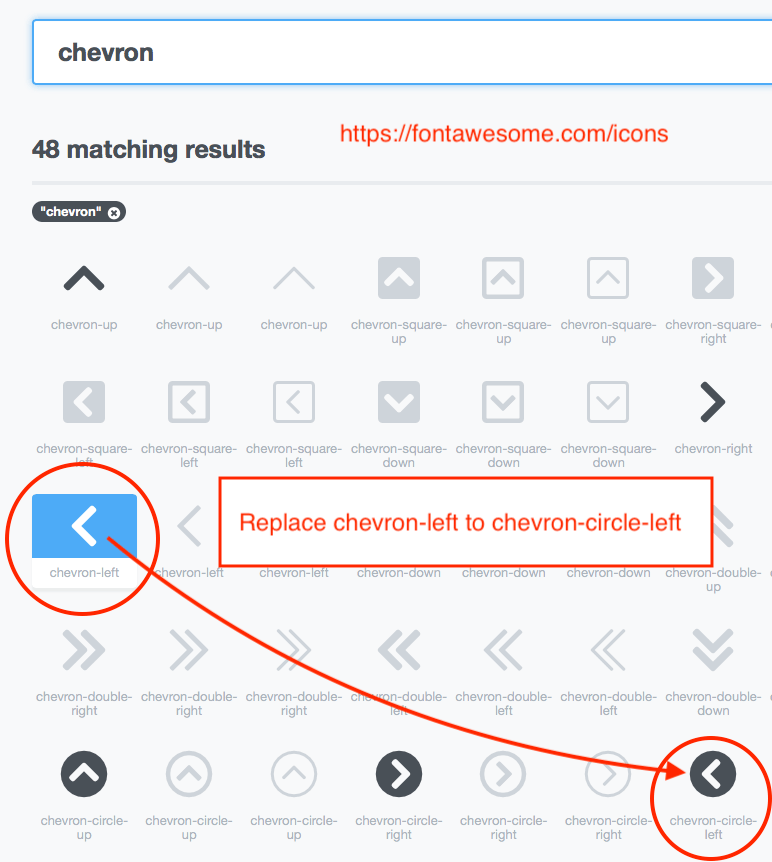
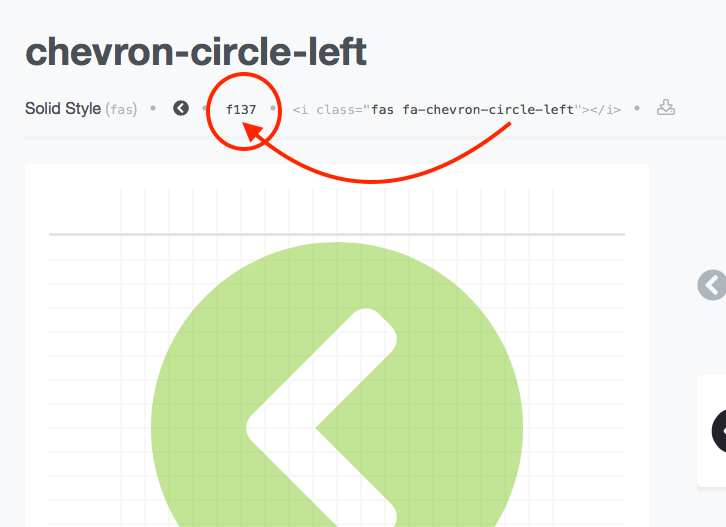
Click the chevron-circle-left and you’ll see it also has an id (f137)
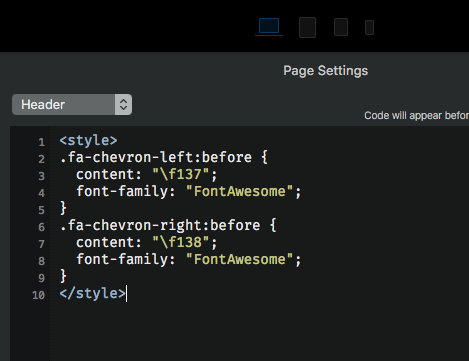
Go to Page > Settings > Add Code > Header
And paste this code:
<style>
.fa-chevron-left:before {
  content: "\f137";
  font-family: "FontAwesome";
}
.fa-chevron-right:before {
  content: "\f138";
  font-family: "FontAwesome";
}
</style>
f138 is of course for the right arrow.
You need to preview in browser to see the result.
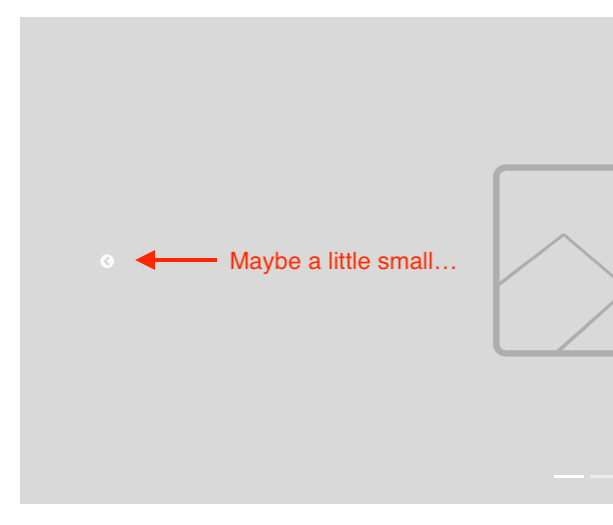
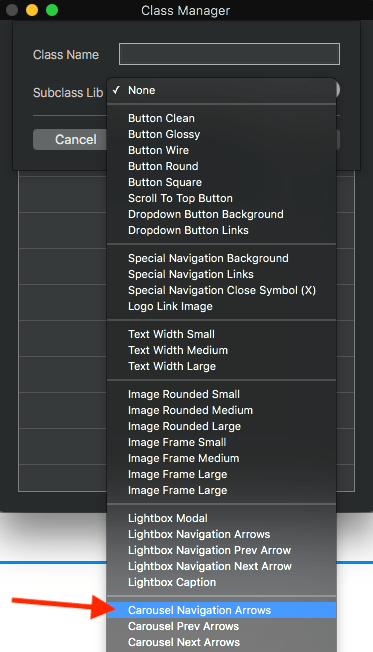
To adjust the size of the icon create a new class in the Class Manager.
There is a premade class just for the icons in the drop down menu, use that.
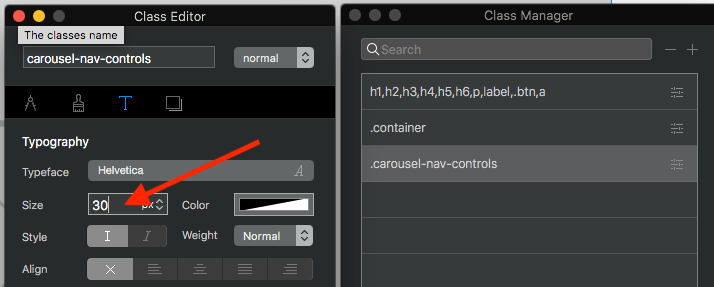
Set the text size to change the arrows size.
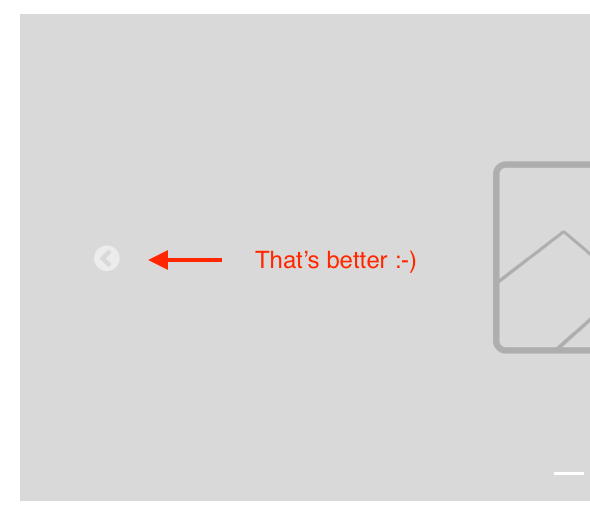
And voila… we now have the circular arrow icon 
Cheers / Johny