I am using IOS 18.
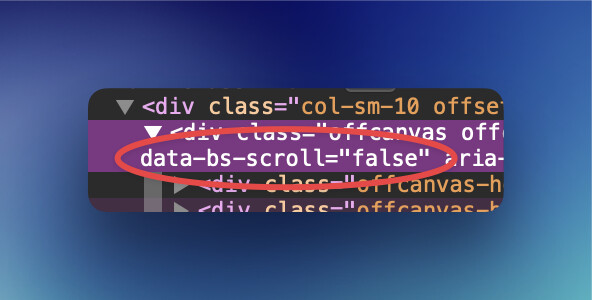
Allow page scroll is off in offcanvashelper
In Safari browser, at XS breakpoint, offcanvas scrolling. No problem in other browsers.
I didn’t solve it.
Hi @mexmet do you have a link I can see?
Also can you describe a bit more the situation. Page scroll is not the same as scrolling inside the Offcanvas Menu itself. I could be misunderstanding what you mean here.
Pete.
Hi Pete,
I made a simple block project, it is different from the original, I can’t send the original site. The problem is not in ios 18.
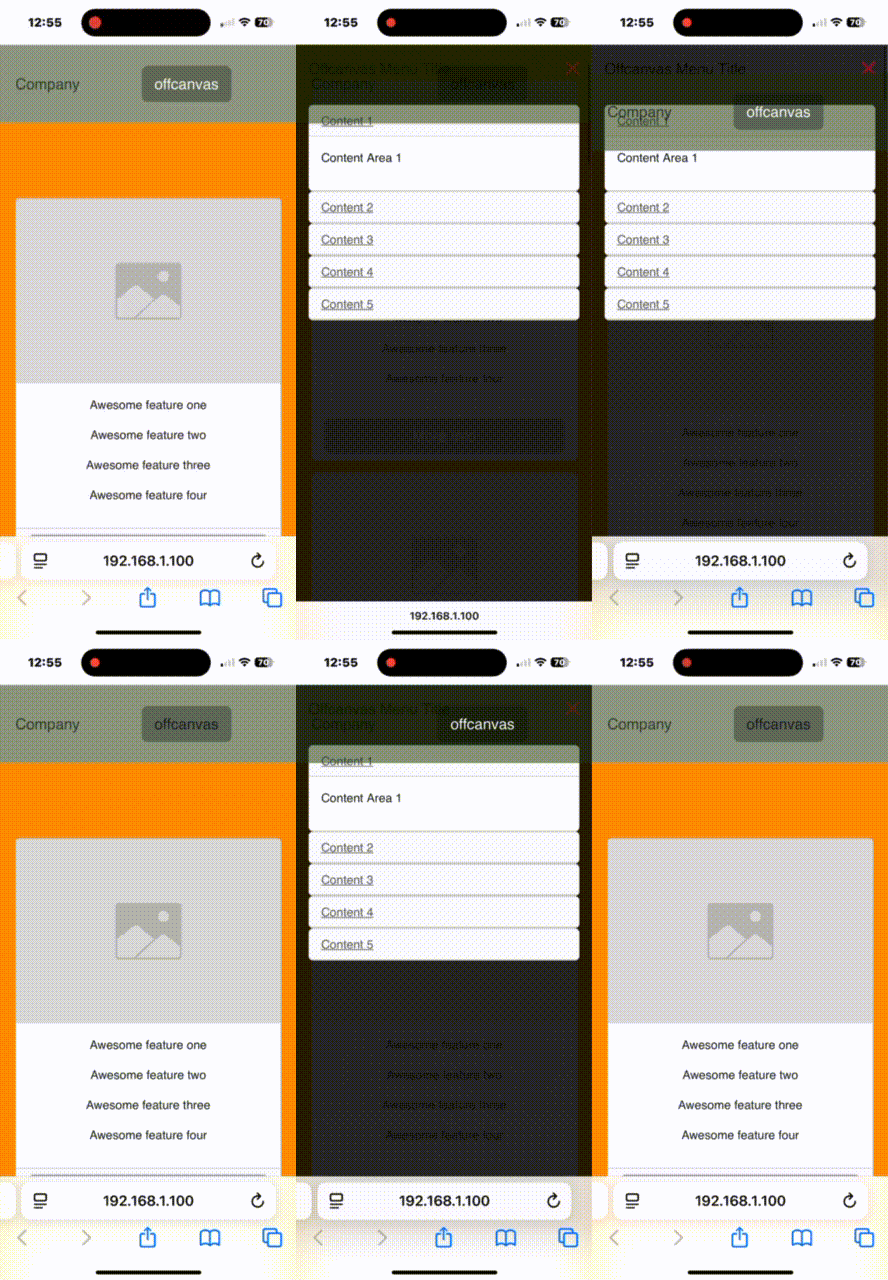
When I run offcanvas with stickynav enabled, the main screen in the background is scrolled. Other browsers have the same problem.
There is no problem when stickynav is not active.
1 Like
Can you message me that example project please and I’ll take a closer look.
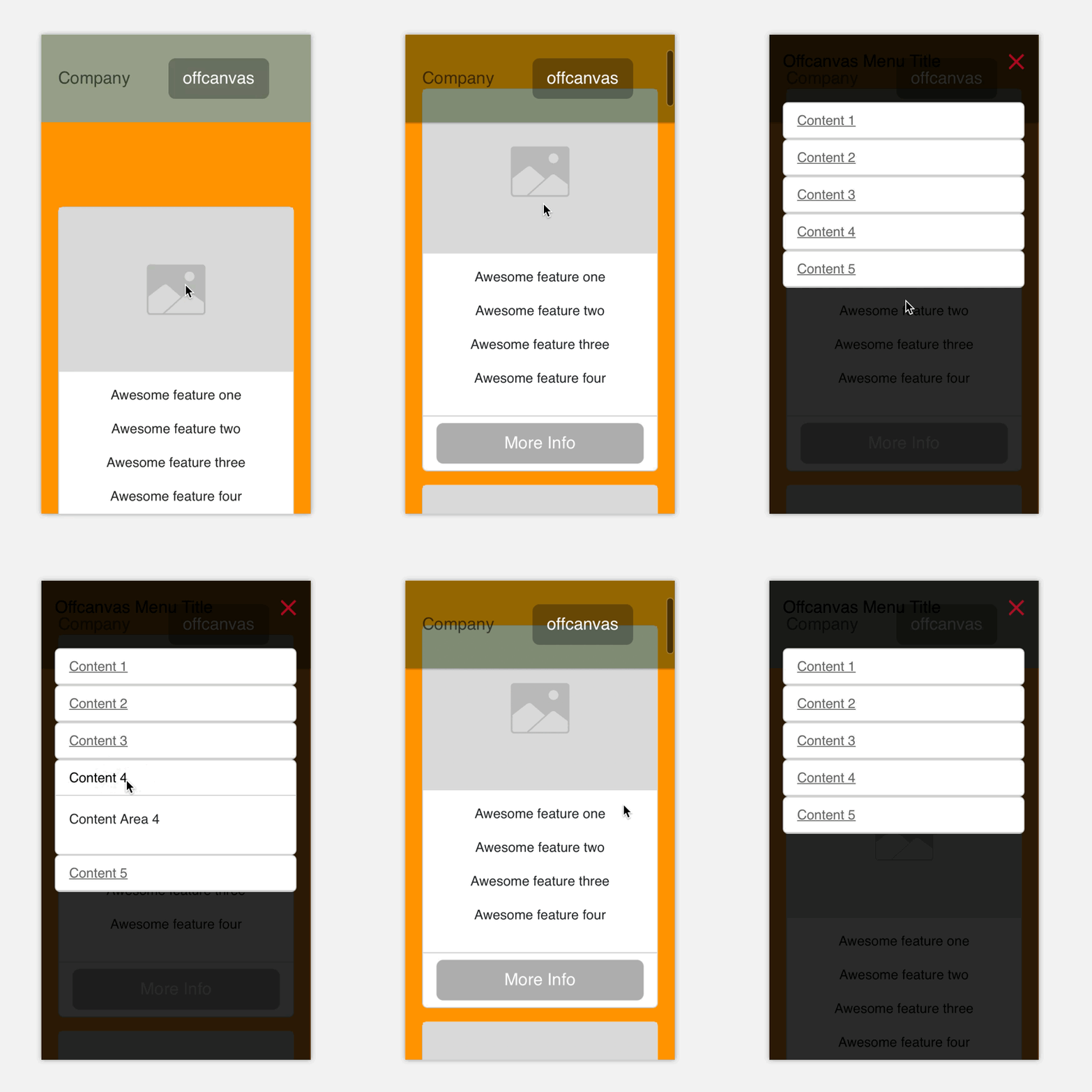
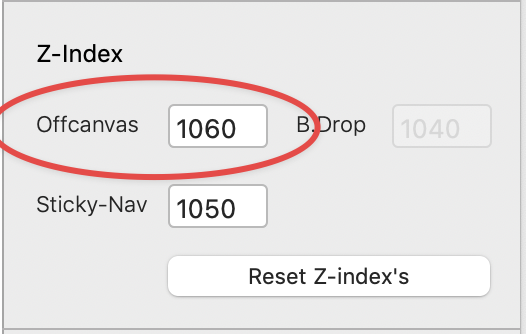
Hi Pete, thank you very much. Changing the z-index did not help, it gives different results on different phones and browsers.
@mexmet I was able to duplicate this issue, but its hit and miss.
Let me look into it some more, it maybe a Bootstrap issue. The Offcanvas attributes are being applied correctly.
Hey @mexmet
I narrowed the issue down to a CSS issue with the Bootstrap Offcanvas, and a fixed position being used on the navigation.
I will build a fix into Offcanvas Helper to resolve this, but for now, you can add the following code to your project footer. This will add the Bootstrap utility class position-fixed to the body of the page when the offcanvas opens, forcing it not to scroll. And it will remove it when the offcanvas closes. This will ensure a reliable experience.
Change the ID to match the ID of your offcanvas.
Let me know how you get on, I found this worked for me.
Code that works, but scrolls back to top… crap
<script>
// Set the ID of your Offcanvas here
var offcanvasElement = document.getElementById('ofc');

// When Offcanvas opens add class to body
offcanvasElement.addEventListener('show.bs.offcanvas', function () {
    document.body.classList.add('position-fixed');
});
// When offcanvas closes remove class from body
offcanvasElement.addEventListener('hide.bs.offcanvas', function () {
    document.body.classList.remove('position-fixed');
});
</script>
EDIT:
Sorry, I just realised that page scrolls back to the top when the Offcanvas opens with this approach, so not the best user experience. I will see if I can find another solution. Overflow should be solving this, but it’s not. Bootstraps’ Offcanvas applies this to the body by default.
Maybe someone else has a suggestion here?
Hi @PeteSharp ,
Code solves my problem but creates another problem (scroll back to top).
@mexmet i know. That’s why I edited the post, I realised moments after I posted.
It’s not an Offcanvas Helper issue. But it is an issue, that I don’t have a solution for right now. 