Hello @chikega and @KBConcepts there you have a full explanations:
-
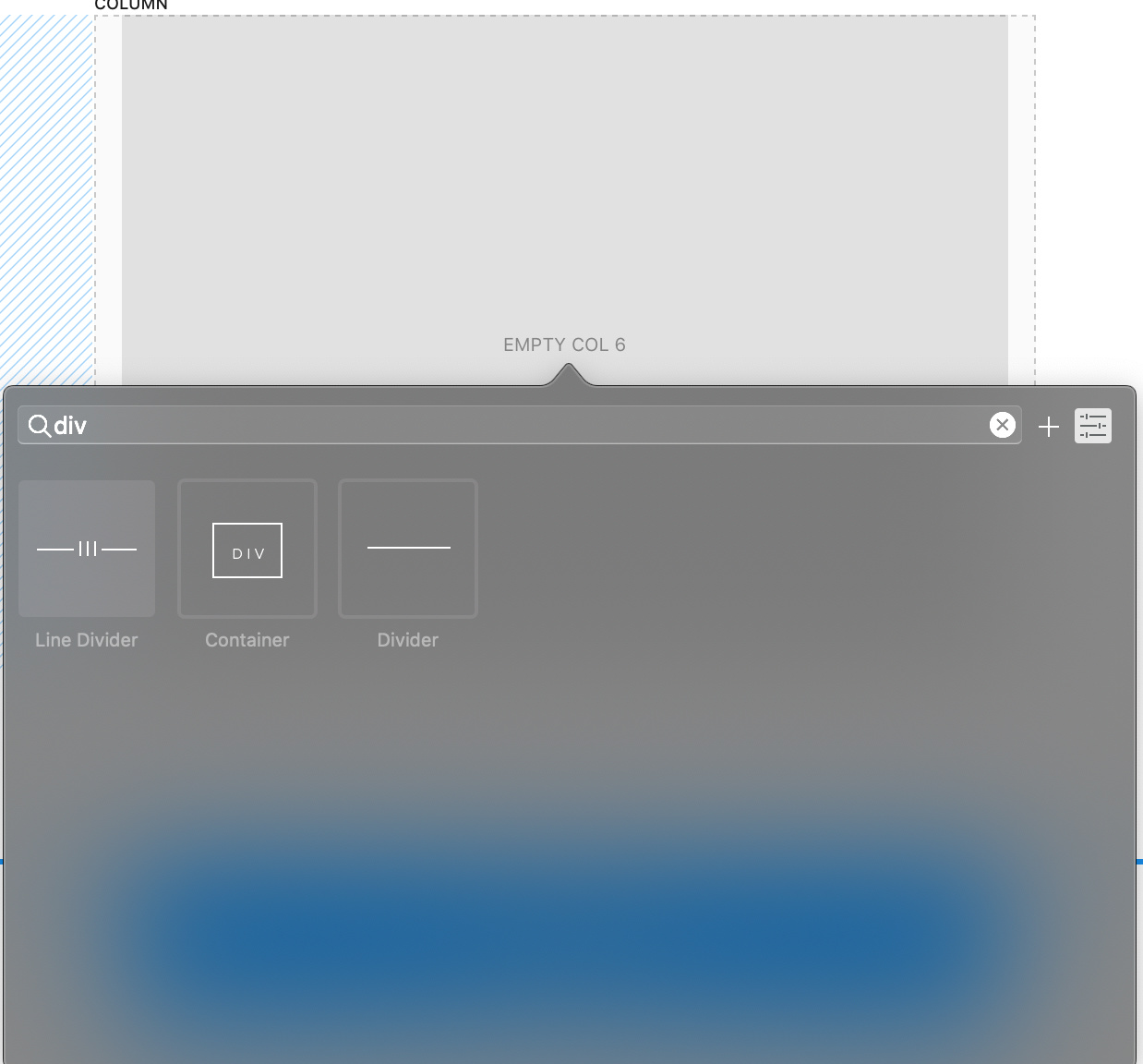
Add a div bric container:
-
Give it the ID “example1”:
-
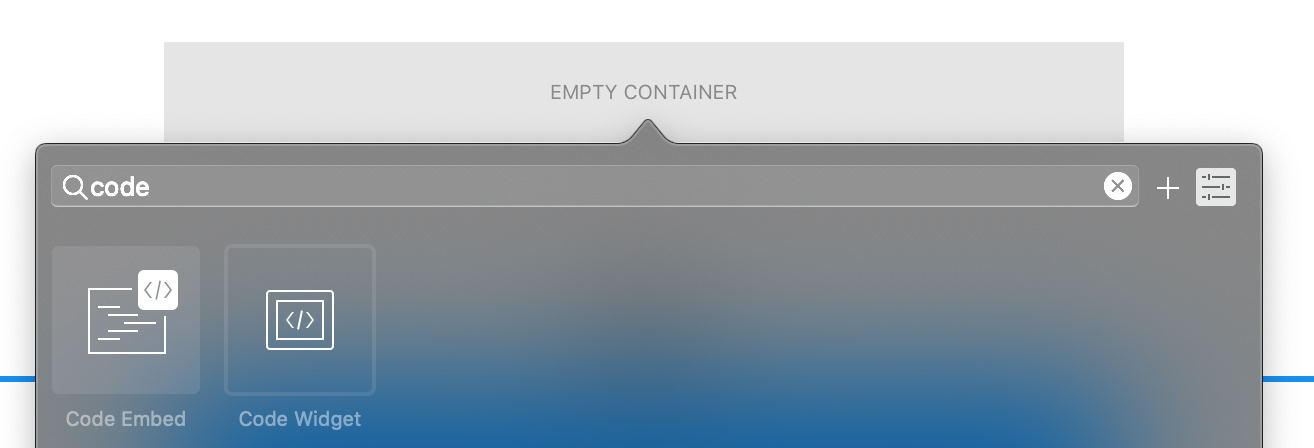
Inside the div add a Code Widget bric:
-
Inside the HTML Code add the following one: (example for @KBConcepts)

<script src="js/pdfobject.min.js"></script>
<script>PDFObject.embed("downloads/wcf.pdf", "#example1");</script>
-
Add pdf to page:
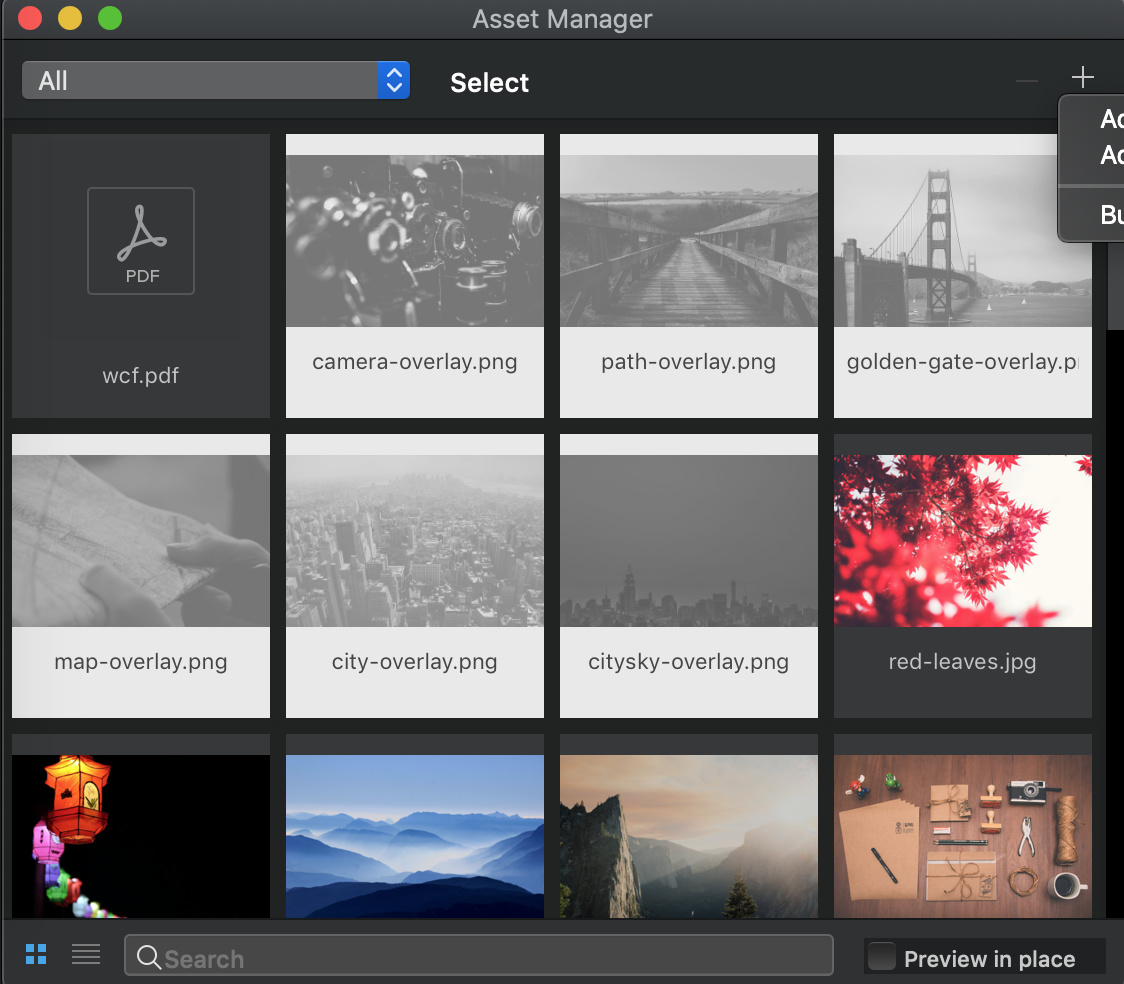
a) Add pdf to assets:
There is the file from @KBConcepts: wcf.pdf.zip (596.8 KB)
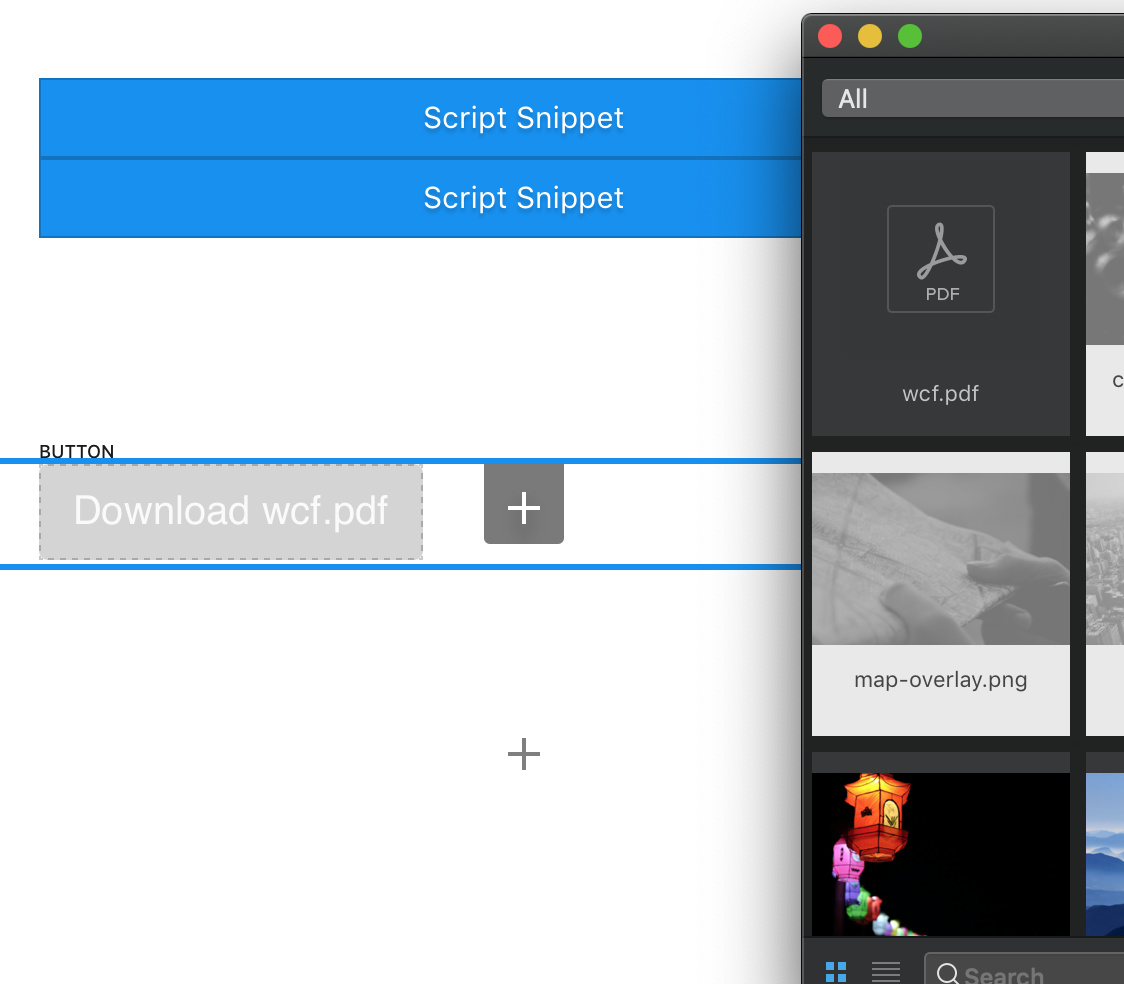
b) Drag from assets to page the pdf file. And automatically add a button Download wcf.pdf:
c) Click on button and hide it by deselecting the eye option under visibility options:
-
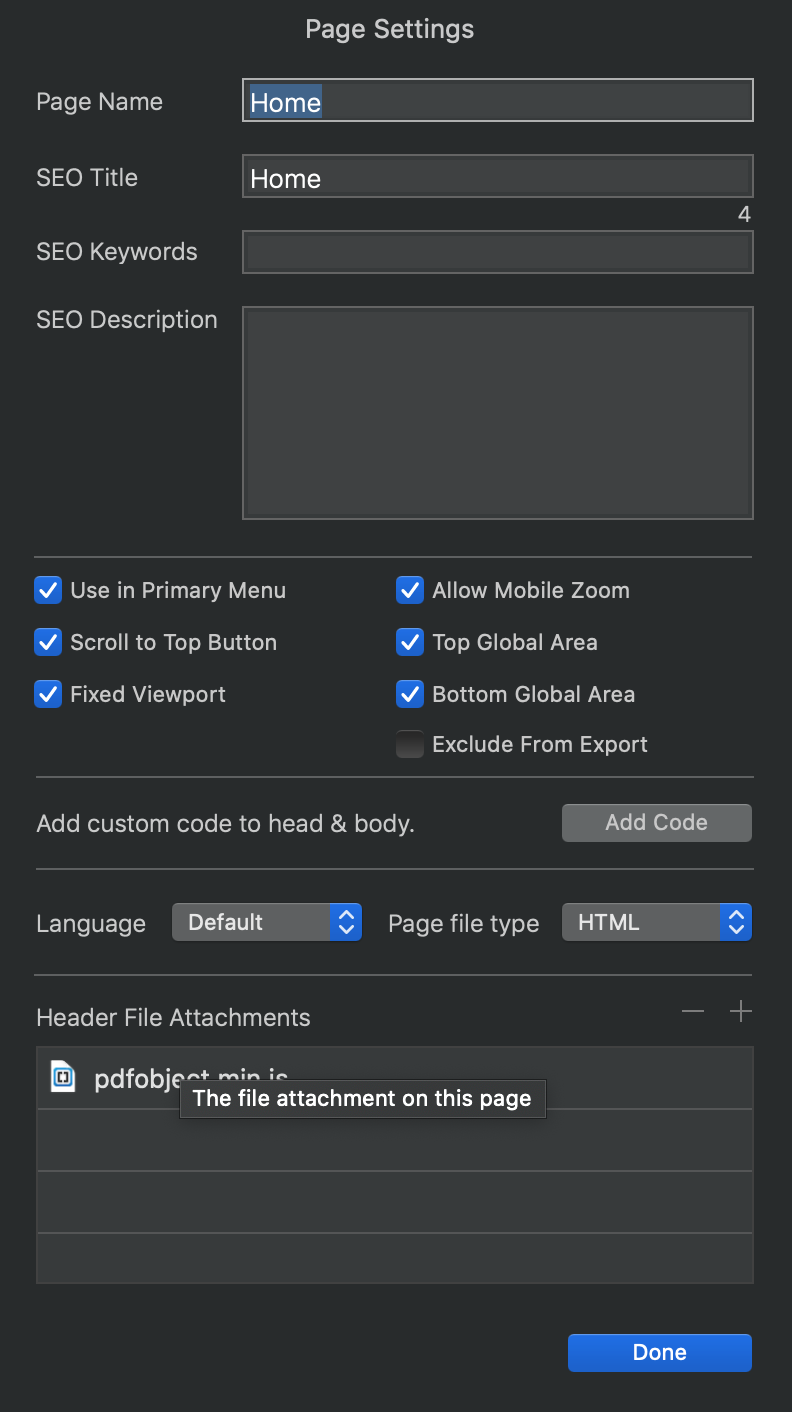
Finally add the js file into page settings under Heather file attachments:
There is the file : pdfobject.min.js.zip (2.6 KB) -
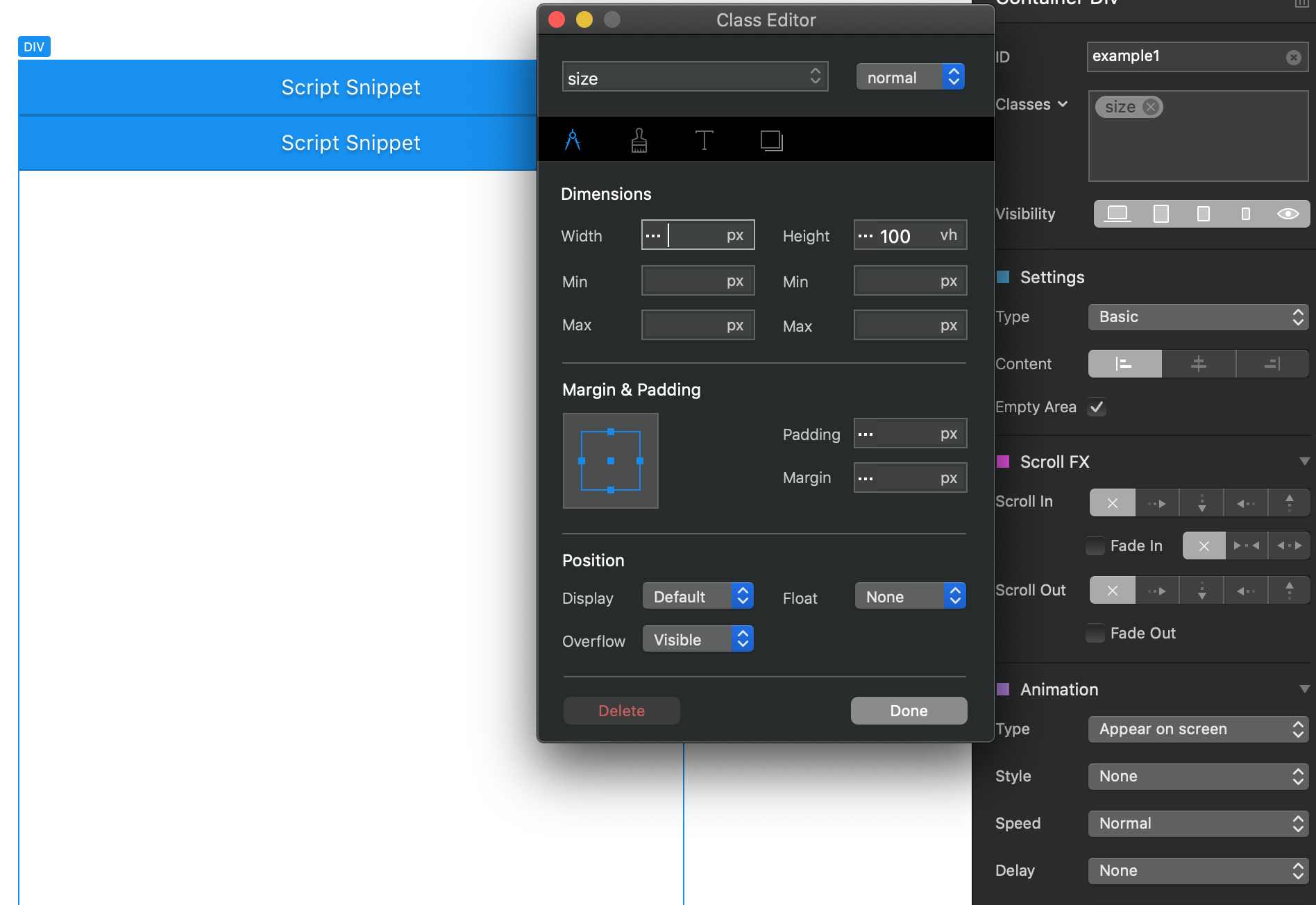
Now you just need to add height to the script and for that you can add a class to the DIV you create in point 1 name it for example size and give it the height in vh and give it 100vh of size:

Try it and hope it helps you.