I put this in a separate thread a couple months ago but I just saw this thread and it seems the more relevant place to put it. I would like to see Blocs implement more standard Mac productivity app conventions in terms of mouse and key bindings.
Two specific common Mac productivity app conventions in tree views that I’m missing in the Layer Tree:
Option (Alt)-Drag to duplicate an existing component. Suppose I have a Row element I want to copy from one Column to another Column. Right now I would have to Duplicate it (right click or Shift-Command-D) and then drag the duplicated element to the other Column. If you’re doing many of these it’s much less efficient than just dragging the original Row while holding down Option. Typically apps show a little plus sign while you drag to show you’re duplicating instead of moving. This is even more helpful when you select multiple items and want to drag-duplicate them all at once.
Using the Delete key to delete elements in the tree. If I want to delete an element I have to use Command-D. Why can’t this be simplified to just the Delete key as it is in most other apps?
Another feature I’d like to see is being able to select multiple items at the same time in the layer-tree and edit all of their common attributes.
In Mac productivity apps this is typically done using command-click. So, for example perhaps I have three List item elements and I want to change all of their colors at once. I’d like to be able to hold down command, click on all three (one at a time) and then be able have all three selected and modified at the same time. If elements are of different types, than only their common attributes would appear in the inspector. Thanks for your consideration!
@Norm Can you add an option in preferences for default asset mode? I think, correct me if I am wrong, the mode always refers to the one where if you click on an asset it gets applied.
I don’t think I’ve put this here yet, but I may have mentioned it before. Would it be possible to be able to set the default padding for a new block in settings. Currently it is set to 100px and it is annoying to have to go through all blocks to change it. I tend to use 20px
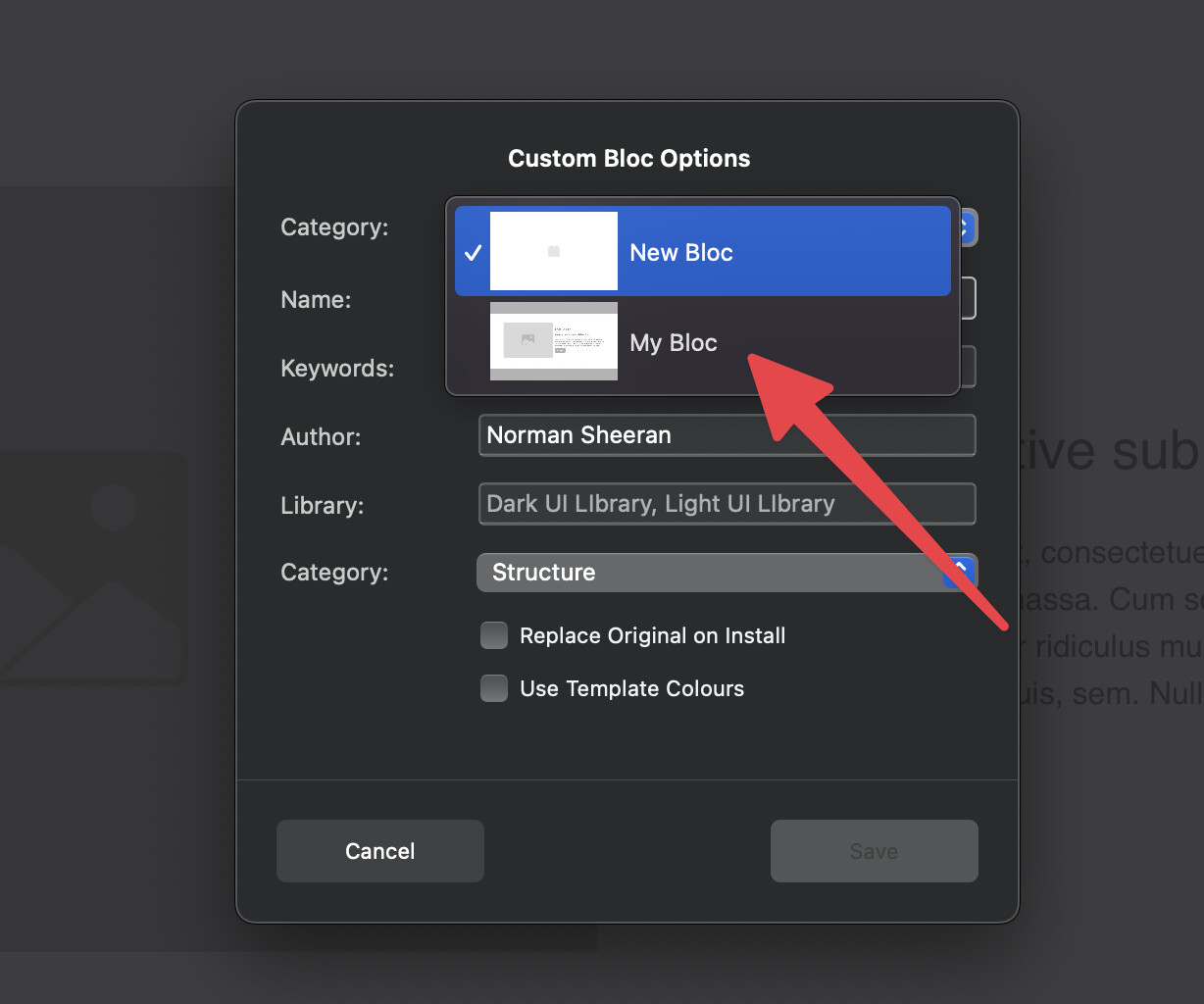
A little more Automated and Editable blocs elements after saving to catalog.
I think this will be very useful for anybody that needs to create repeatable pages. Sometimes I need to change one little thing in a bloc that I have saved to the catalog. Right now the only way is to delete it and add a new bloc.
The second option I would like to see is to mark a bloc as universal. So when I edit it, it will auto populate on all pages without the need to go through all pages and update it myself.
Those sidebar settings use the bootstrap utilities which are hard values enforced with !important in the CSS.
Many of the sidebar settings will overrule values added with classes, unless you use !important in the value on the class you create.
But I get it’s confusing, it’s a challenge to merge all of the customisation of classes on top of the bootstrap framework and not run into occasional conflict issues like this.
It would be good to get a copy of these projects. Version 6 has had a lot of improvements implemented regarding layer tree stability over the last year. We actually rewrote the entire layer tree parsing logic to improve this issue.
In most cases these issues come from structural mutation that are not supported but creep in via bugs in copy and paste and drag and drop. Although we patch the original causes, project that still contain the mutation may cause hidden Blocs in the layer tree.
Using Bootstrap utilities continues to be a source of frustration for me.
When I create a “custom” style it should automatically override any bootstrap utility that may be set in the sidebar. Or there should be a toggle that allows me to completely turn off bootstrap utilities.
Also. when it comes to subclasses, if a subclass (mobile menu, etc.) is needed or used in a project it should appear on the list of custom classes I create or at the very least have a toggle that allows me to see subclasses that are in use or needed for the current project. Having to go dig through the list of obscure subclasses can be very frustrating.
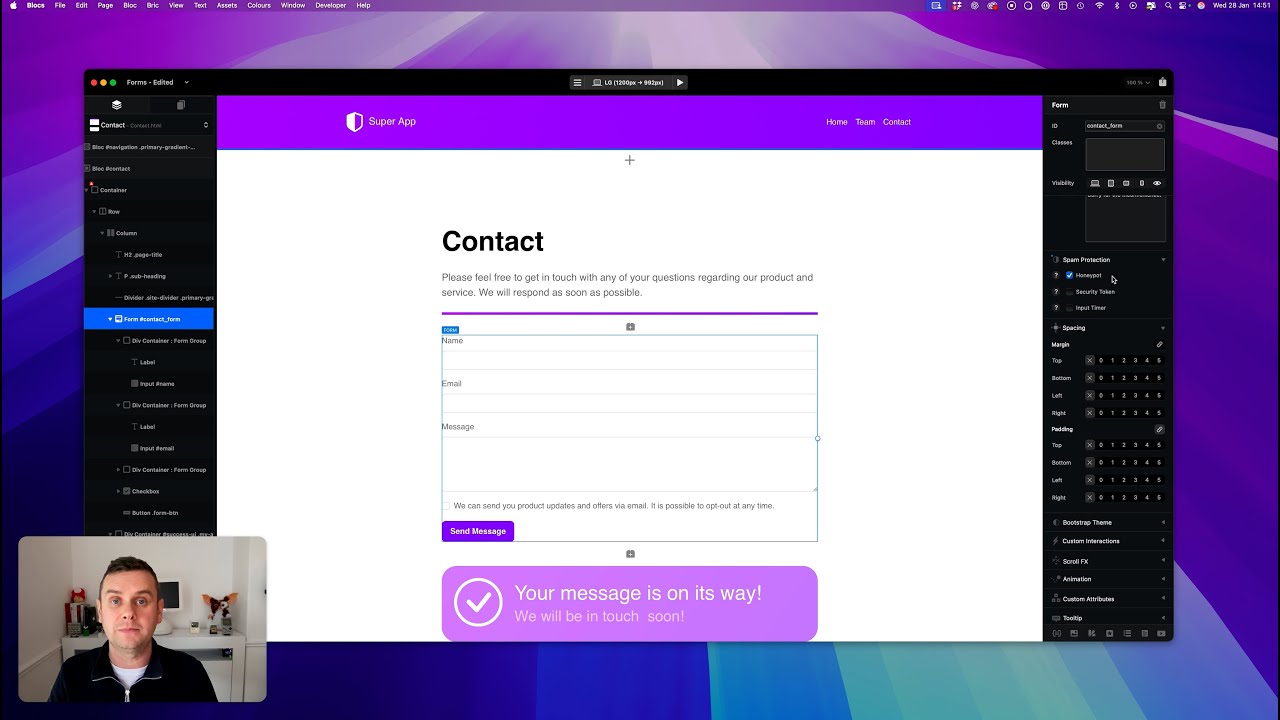
does NOT need mentioning in the Cookie banner terms - that’s a complicated topic in EU… so no Google-thing
easy and fast to use/solve for those who want to send a message via contact form
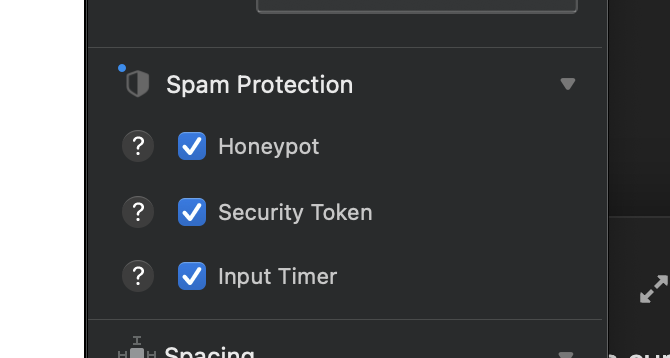
It would be very very helpful if such a secure contact form is right away within Blocs. It would be totally fine to buy this as an extra but it should be maintained from Blocs creator himself to always be up to date later on.
I’m kinda new to Blocs, and I don’t know if this has been implemented or not, couldn’t find it, but I would love to get some measurement tools to check for alignment and spacing. Something like Photoshop has.
Another standard Mac behavior I’d like to see is respect for standard Mac conventions around keyboard shortcuts when editing text. For example, if my cursor is in the URL textfield under Interactions for editing a Navigate to URL, then I expect Command-RightArrow to take me to the right most end of the text field and Command-LeftArrow to take me to the left most end of the text field, but instead it takes me to an element in the Layer Tree and out of the text field all together.
Don’t know if this helps, but personally I like having these tools separate so that I can use them anywhere and across any app I like. I’ve been a huge fan of and near daily user of xScope over what feels like a couple of decades now (it came out in 2003).
Great call out davecom. I stumble upon this multiple times daily when I’m working in Blocs. It’s not just CMD with arrows, but arrows themselves sometimes do funky things depending upon what’s focused. @Norm +1 for me too here.