Hi Norm,
I have not used “keyword”, since they don’t mean much in SEO.
Keywords are tags on the assets in the asset manager. If you tag your images in macOS they are imported with images as well.
The only thing I use is ALT tags based on the image file name.
I guess my point is when using the image slider, moving the slide to the far left, is to have the sorting/detail (the list view with the ability to sort assets by name, date, size, and type) available.
No doubt this feature would Blocs make so much better.
I know you want the Finder style user interface added to the Blocs Asset Manager, but thats not happening.
However, I have made some improvements to the ordering features in 6.4 beta 2.
The Problem
In your video, you switch to Descending and then use search to filter the results which leads to an asset numbered 014_asset-name followed by 0132_asset-name, which is not sequential when looking at the whole number 014 vs 0132.
The Cause
The filtering logic in the Asset Manager was only doing a basic numerical pass on file names which ment it was actually comparing the 014 against 013, excluding the trailing 2. Which is not how we expect it to work.
The Solution
I’ve beefed up the filtering functions to look out for numerical values in greater detail so leading numbers are now seen correctly, which should lead to more logical and sequential ordering.
Help Test it
When Blocs 6.4 beta 2 is released later this week, please take 5 minutes to download and try the new ordering and let me know if it works better as it may still require a few tweaks.
Also thanks for taking the time to record the video, it was super helpful 
2 Likes
I appreciate how much you and your Team work on making Blocs one of the best web builders out there for the MAC. 
2 Likes
Curious, why is this so difficult to implement? Sorry, I am not trying be an antagonist, it may be way beyond my limited understanding.
It’s not because it’s difficult, it’s just not my vision for the Asset Manager.
3 Likes
Asset manager works great as it is and has options which are perfect for my use. I just use the default 99.9% of the time or if it’s a named asset I know - I just search name ascending and BOOM! its there - nice and simple job done - well for me anyway !
One of my biggest gripes in the past was the asset manager.
The version we have today is far better than blocs 3 or 4, or even 5.
It works well, and i change a massive number of assets on my weather site at least twice per day.
Leave it alone!
Rich the Weather Guy
I’m really not sure what you’re after @KBConcepts , because I have this in mine as an option:

along with
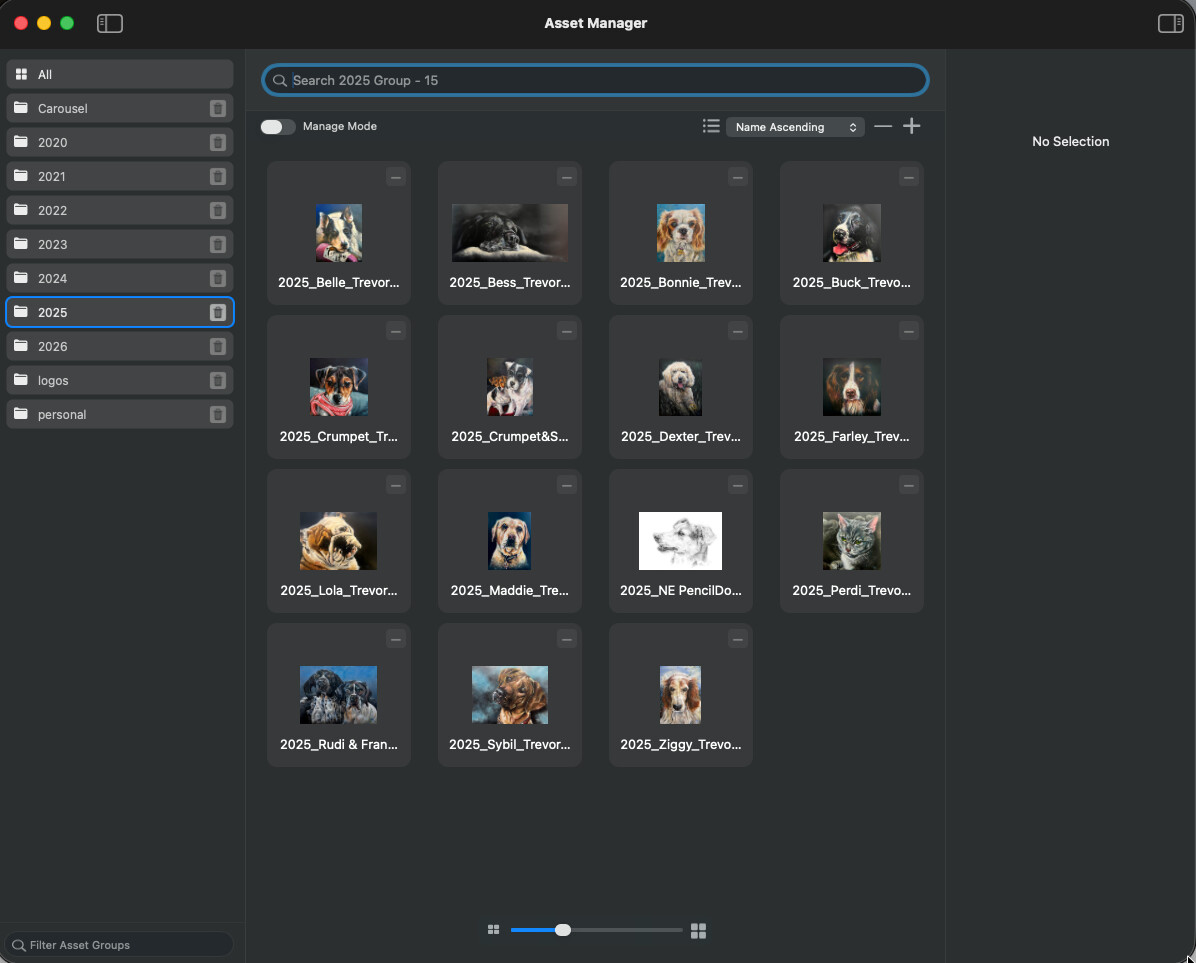
So to me, that’s most bases covered. If you have things named logically, then all good.
Greetings Blocs Users,
This topic/help is quick on my mind, since I have a project that contain hundreds of image assets in specific folders.
I decide to play and learn using AI. I am not a developer, but I still don’t get why Blocs cannot implement the same as Finder’s The List View.
“Items are arranged by name in a list, and other columns show additional information. To sort the list in a different order, click a column header. To change which columns are shown, Control-click any column header, then choose columns to show or hide.”
AI results
The Blocs developer would need to add:
- A new
NSTableVieworNSOutlineView - Columns such as Name, Type, Dimensions, Size and Date
- Clickable column-header sorting
- Column visibility controls
- Column-width persistence
- Asset selection and preview synchronization
- Drag-and-drop and group management
- Context menus, renaming and deletion
- Switching between the existing collection view and the new table
There is a lot more to the results… but that is enough to think about.
It probably remains the same KB …
Unless …
Maybe Norm has a massive Claude Max 20X running in Xcode and Blocs is about to explode with tons of massive new features, be 100% bug free, etc., 
 , so never say never KB.