tom2
April 5, 2022, 3:40pm
1
Any Idea for me …?
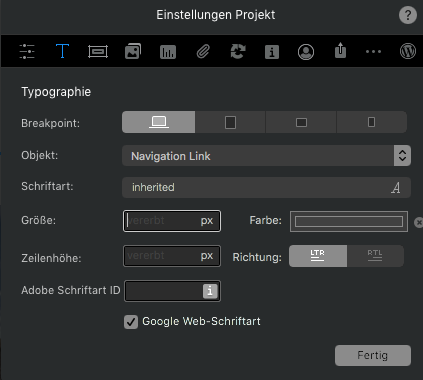
So I set a class called active - and put in the preferences …
thanks
tom2
April 5, 2022, 4:06pm
3
Jep. All the steps …
I think this will overwrite the class
tom2
April 5, 2022, 5:34pm
5
but the problem is that I need to set the link color to white, the nav links to grey, and a active link to white …
How have you styled the nav?
tom2
April 5, 2022, 5:43pm
7
Hi @PeteSharp
tom
tom2
April 6, 2022, 10:17am
8
@PeteSharp
I struggled the other week to do an underline on an active link, which I have never had before - but my client ended up not wanting it anyway !
tom2
April 6, 2022, 7:38pm
10
Hi @AdieJAM
If you look at the browser inspector is it being overridden. ?
In which case there is an easy “fix” well not so much a fix but a method. I’ve posted it before on the forum. But I’m on my phone.
tom2
April 7, 2022, 8:18pm
12
Hi @PeteSharp
PaulB
April 8, 2022, 8:45am
13
When you export the site are you combining js files? I had a problem a while back that prevented active from working if js files were combined. It seemed like a bug. Unchecking that box fixed the problem. (It may have been combining css files. I can’t quite remember)
1 Like