background image on a bloc is not fit hero
I have image is Size 1366x 768
look for
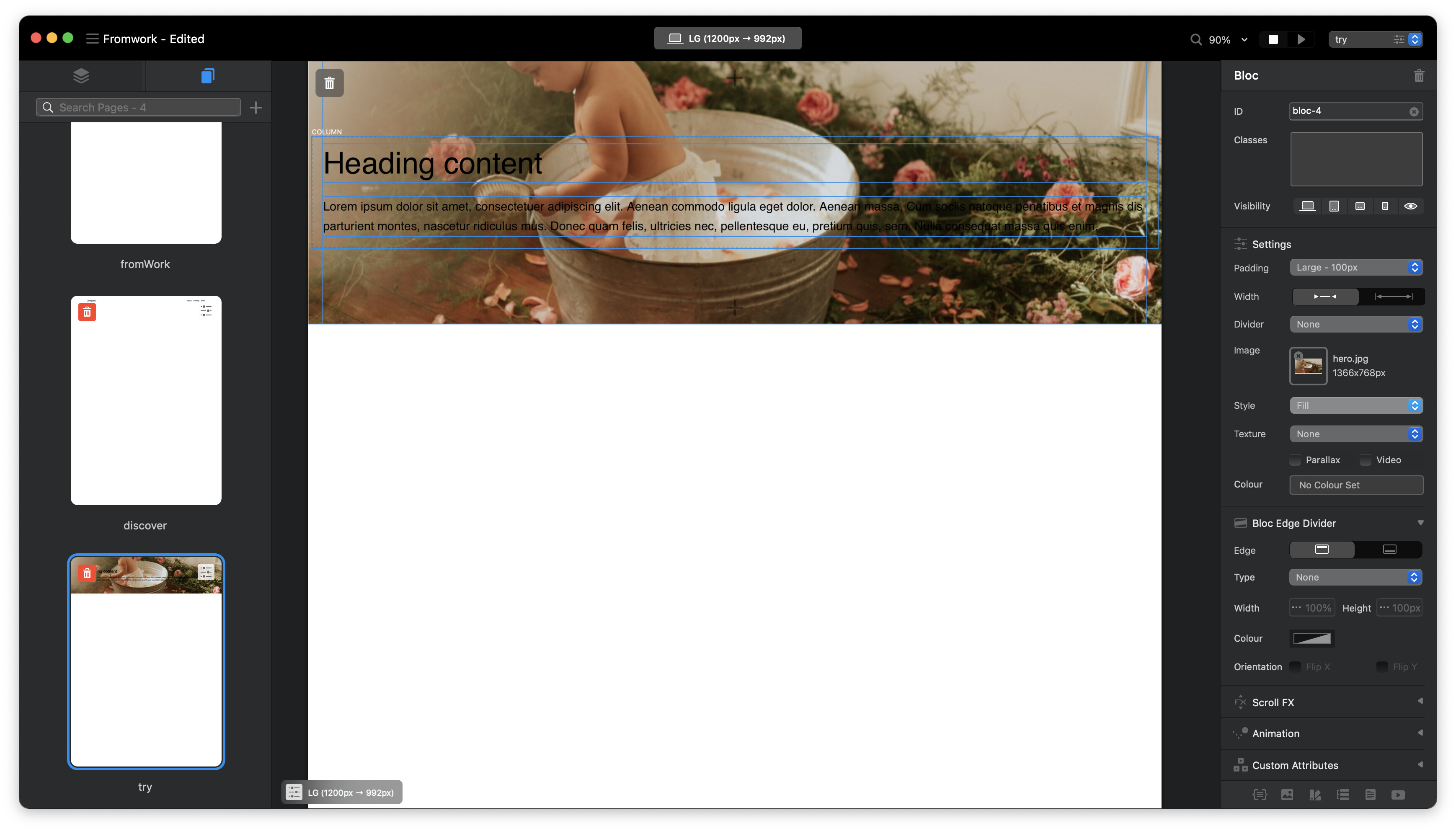
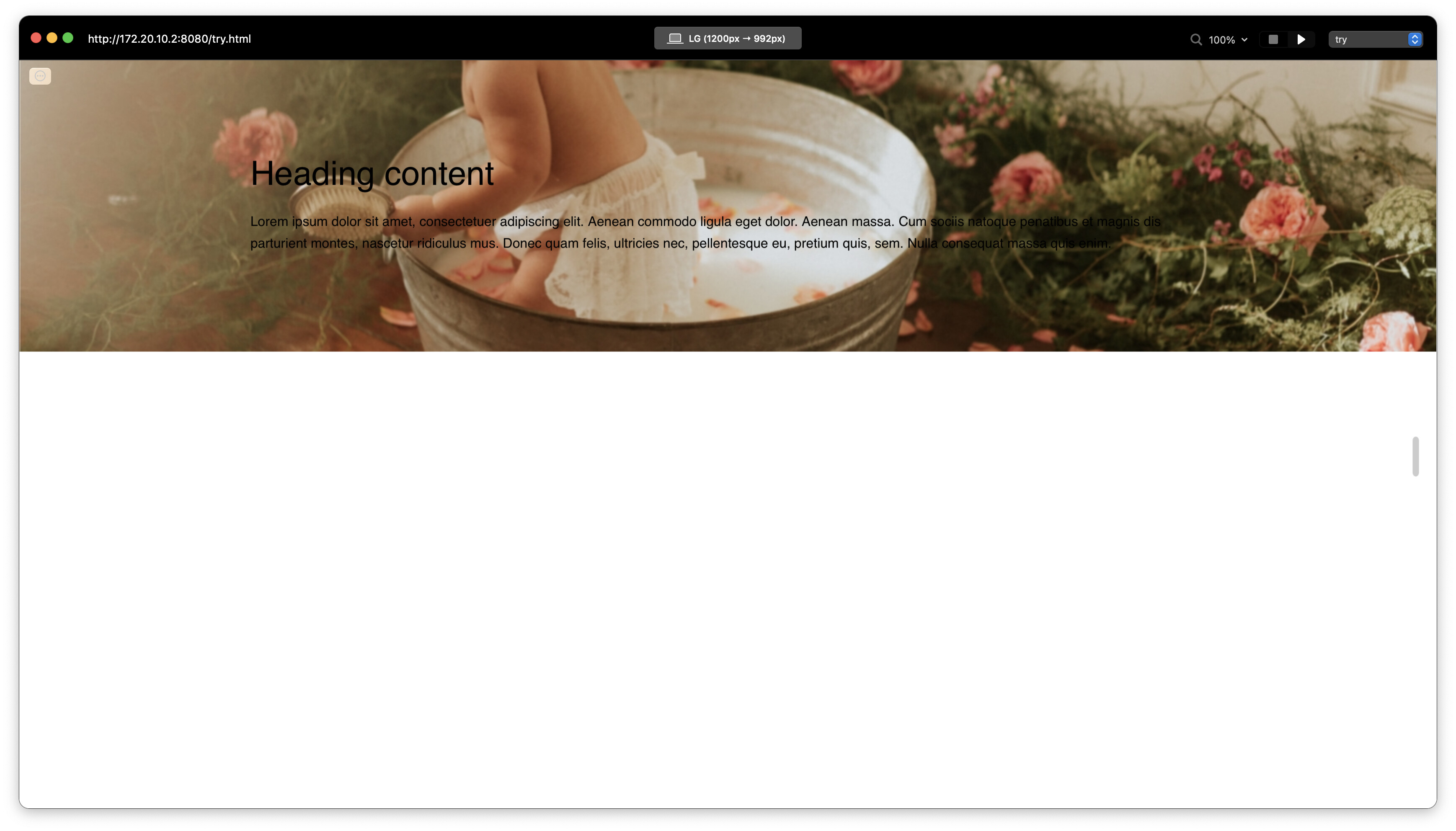
how to solve it to get fit image in hero with padding large 100px or xl
background image on a bloc is not fit hero
I have image is Size 1366x 768
look for
how to solve it to get fit image in hero with padding large 100px or xl
For a hero image the padding should be set to full screen. I would also suggest having an image that is wider than 1366px for larger screen sizes.
Yeah, your right but
how to make hero height for image 768 without full Screen? so if I make padding none how to make of hero Size 1366x 768 ?
Like Jerry suggested from somewhere under a coconut tree 
 you could create a custom class, however I think you are looking at this from the wrong perspective. A hero image basically needs to adapt fluidly, depending on the size of the browser window, both for height and width.
Chances are you will also need more than one version of your background image added through custom class to work with different breakpoints. A good hero image typically has a lot of space around the central subject with a clear uncomplicated background that is easy to crop without creating problems.
hey jerry
hmm, I think to do new class set up weight 100% x height 100% or height 768px
hey flashman
its a nice about full browser window.
I was thinking, what’s best size height and width for hero with padding large, xl and xxl ?
I used to do these around 2000-2500px wide, however I am now looking at more like 4000px wide and up to 3000px in height to cater for large displays.
The downside with this is that the images can become super heavy if the image is at all complex with something like trees and grass for example, so you really want to aim for graphically simple images with lots of space around the main subject. I am also using WebP now with Jpeg as a fallback through a script on the server, which cost the size in half.