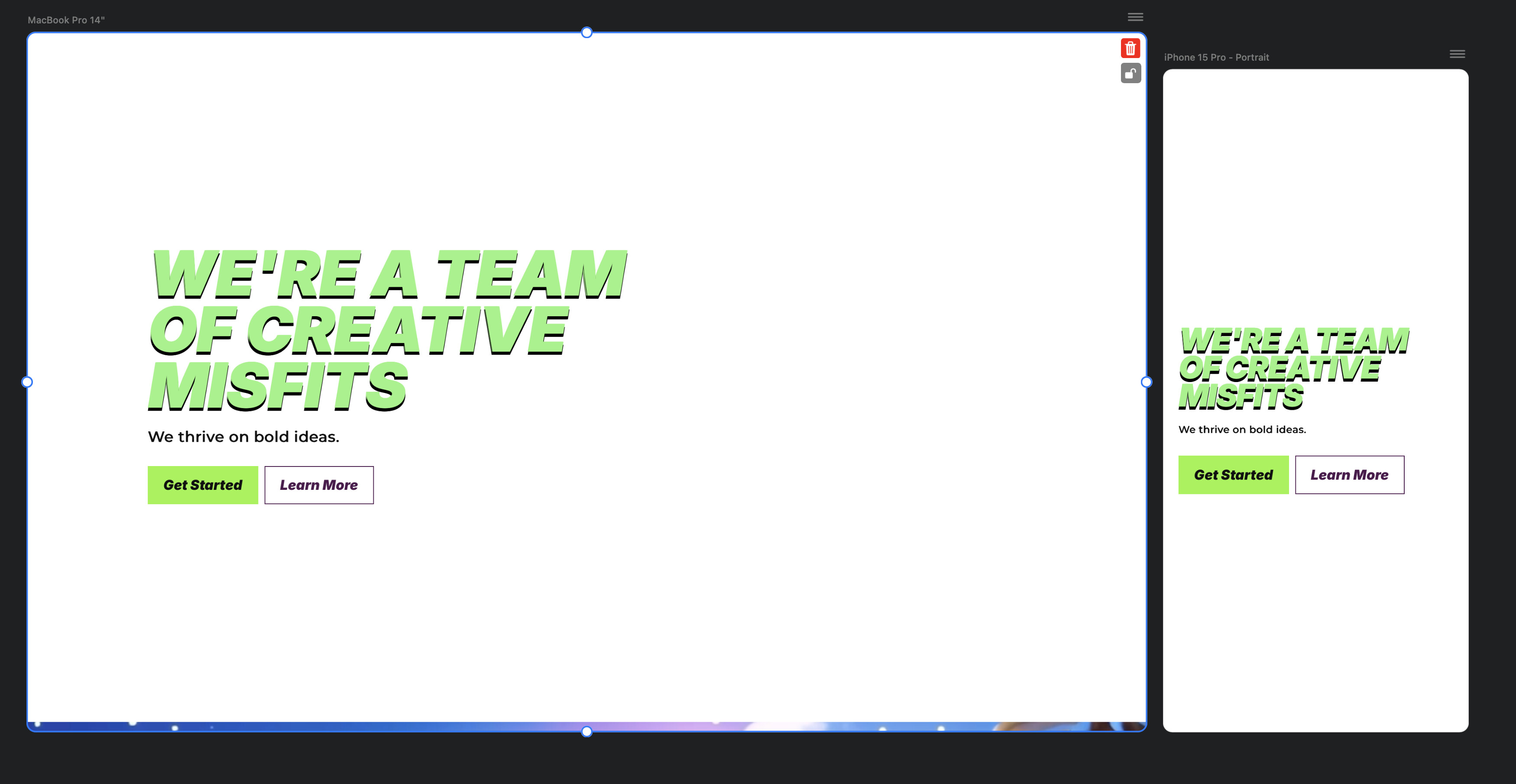
Using Blocs 6. I renamed a folder of images and from then on out, this app has been acting crazy and if parallax is checked for background image, the frame is blank in mobile and desktop previews and just a solid color.
Images are visible in the build, but as soon as I check the parallax, they’re gone. I even tried uninstalling and reinstalling the app. Still having the issue. Any help would be much appreciated.
I’ve had this happen to me also a few months ago on Blocs 6. I thought I had added a bit too much whizzy stuff that was causing a conflict. Instead I added a parallax background image using a class and that gave me no bother. If it has happened to you also then it suggests it is maybe Blocs having an issue and not a conflict of some kind.
When it happened to me @Norm from what I remember it was when I changed an image, it was the dimensions in Affinity and saved it again as the same file name and then replaced it, it threw a wobbler. After that even as a new file name it didn’t display, it was something along those lines, sorry to be vague it was a few months ago. Applying a class to the Bloc and adding the paralax image through a class it was then fine. Again though it is something I am trying to remember what happened back then, so may not be the cause.