Hi! I reported a bug on April 1st, bug haven’t heard anything. Maybe someone else sees the same issue?
This is the case:
I have this project, the full Blocs file is 6 MB. But the automatic backups i ~/Library/Application Support/Blocs 6/backup-vault/projectname is 4.3 GB each. Seems it’s the resource fork part of the backup files being huge, above the recommended max size.
This is making my computer freeze, as all of a sudden 34 GB of data filled my main drive. (Deleting the backup files and emptying trash fixes this, of course, but still. The project is only 6 MB …)
Hey, sorry you have not received a reply, some of our support email responses have been bouncing due to changes with the DNS for our mail server, we think we may have fixed the issue up now.
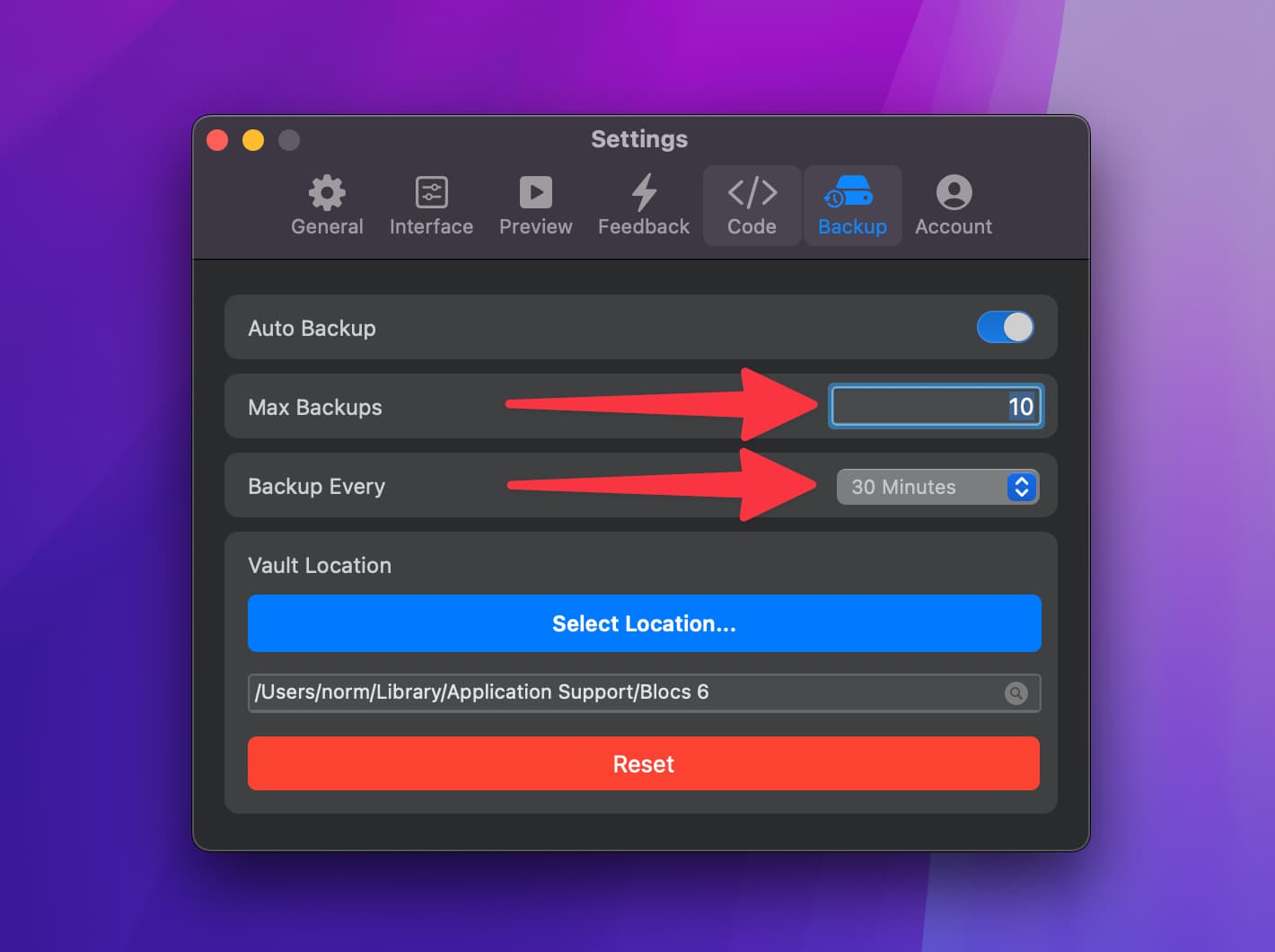
Regarding auto backups, you can set limits on Automatic Backups in the Blocs prefs. What do you have set here?
Also consider Blocs will backup the same project multiple times, if its located in different locations on your Mac. Backups use system path as a reference, so if something is causes the path to change it may create unlimited backups, but im not sure that is the case here.
Have you looked inside the backup vault to see what is in there?
Blocs backups are created natively with File Manager. It’s a fairly simple backup process that the OS manages to copy a file from one location to another, thats it.
I noticed in your support ticket you mention Carbon Copy. Personally, I don’t use this, maybe others do, with that said your report is very unique in the sense I have not seen a report with this type of issue before.
It would be interesting to see if you stop the backup folder being copied by Carbon to see if the location inflates in size the way it has.
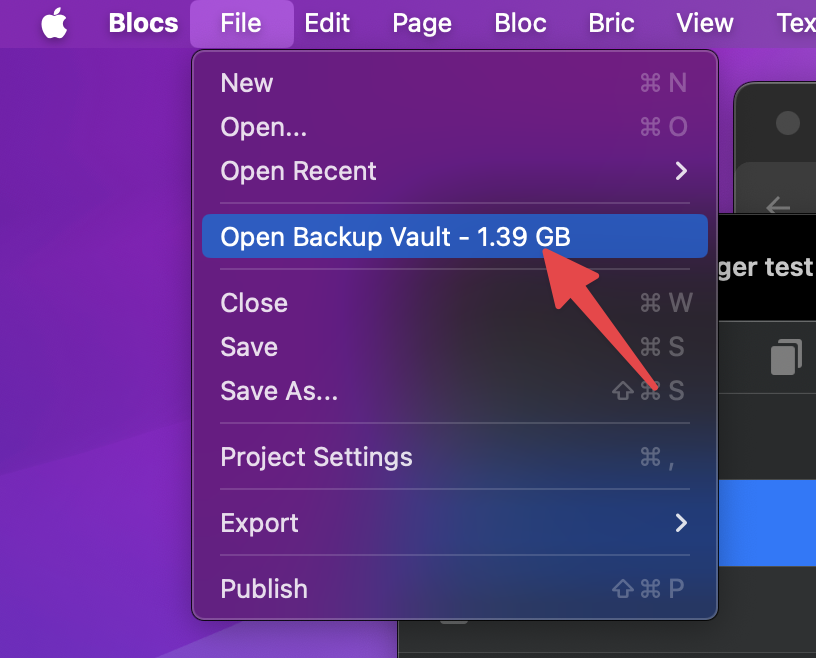
I would also add, its very easy to check backup vault size, you can see its current size when a project is open.
It’s also worth noting that Blocs stores all of its data for files in the data folk, we don’t use the low level File Manager API for handling resource folk.
Carbon Copy Cloner makes no difference here. The only reason that’s mention in the ticket, is because that’s how I discovered the issue. There’s no running background process or anything monitoring or interfering. I just run CCC daily to backup files, it’s not interfering with Blocs in any way as far as I can understand.
Backup setting are default, 10 backups.
The crazy part is not the amount of backups, but that when Blocs 6 makes a backup to the backup-vault of this project. That backup is crazy big.
The project file/blocs file is 6 MB total.
The file when backed up is 4.3 GB. I’ve been watching the new backup file grow after saving a version in Blocs.
And it’s indeed the resource fork part that’s growing.
I you wish, I can send you the project file and the huge backup file.
I was able to reproduce the issue right now.
So if it’s a simple file copy of a 6 MB file, something’s going terribly wrong …
Blocs does not write data to the resource folk, that needs to be done in code as far as I understand. So I’m not sure how this data is being generated.
• Does your original file get any bigger?
• Also how old is this project file, which version of Blocs did it start life with?
• How is your drive formatted?
• Do you have any system wide tools running, sync tools etc.
I would suggest creating a new project add a few resources save it, make some changes and see if you get the same issue.
I would also suggesting downloading older versions of Blocs 6 to see if the issue is resolved for you in earlier versions. I’d probably start with 6.0.0. Just take care to keep a backup of your original project.
I have no idea. It’s the first time I’ve seen such a huge resource fork, ever.
Nope, it’s only the backup files being huge, and it’s 4.3 GB for all of them, for three different projects, all quite small (2-6 MB).
The issue has surfaced with my 3 latest projects, quite simple/small landing pages 2-6 MB in size. All created in Blocs 6, not sure which version, I believe I saw it first around March 25/27 or something like that.
APFS volume group encrypted
Not that I know. I have pCloud running, syncing specific folders, not ~/Library … I also have Dropbox running.
In a way, this exactly what I have done.
I will create a new one pretty soon, though, I plan on testing something in Eldar’s Minimalist v2.6.
Not sure if I can share the bloc file here openly, as it’s Eldar’s template … The file is 1.6 MB. Backup files are 4.3 GB each.
But then, deleting that file and backup, and just creating it again from Eldar’s template in Blocs 6.0.0, the resulting backup file(s) are just 1.6 MB, just like the project file.
Not sure what to try next, though.
Conclusion so far: Blocs 6.0.0 has the same issue with backup for projects initially created in the latest Blocs 6.x version, but when the project is created in v6.0.0, this issue is not present.
I find this very interesting, and a bit alarming at the same time.
Not sure what is going on here?
I have NEVER used Blocs to back up anything.
I have automated back ups set up through Chronosync every evening, but you could set it up anyway you like, to add more frequency.
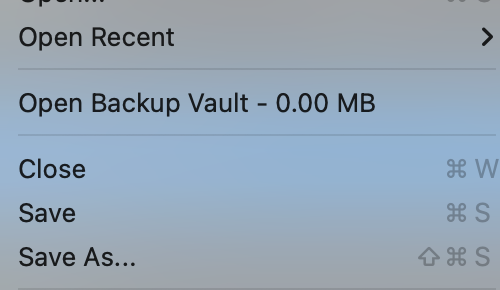
Here is my “Vault”
BTW, once you buy Chronosync, upgrades are free for life. Great app I have owned more than 10 years.
It will be interesting to see what Norm comes up with.
The issue/bug started somewhere between 6.0.0 and 6.1.5. I assume it started with the version I had upgraded to before saving a project on March 27th. (Seeing when backup files started growing in my filesystem.)
It’s quite new (recreated by Eldar for Blocs 6), and I also had this issue with two other project, both using the blank/starter Minimalist library template v2.5 IIRC.
Creating again, as in creating a new project from the same template in Blocs v6.0.0. (As opposed to just opening the one I created in v6.1.5.)
I have now reproduced this with 2 or 3 different templates (none being old/pre Blocs 6). But you still think I should:
Upgrade to 6.1.5.
Reproduce the issue by creating a new project from a builtin template.
Downgrade to 6.0.0 and realize the issue is still the same there.
And then create a another new project from a builtin template in 6.0.0 and realize that this does not have the same issue?
Hey @flips quick update on this on. I’m not able to reproduce the issues you get here on a Mac with APFS. Nothing is expanding.
However, I have put in a check to ensure the website thumbnail is not over a certain size, this should hopefully help with the issue.
If not we will have to delve a little deeper. The fix will be included in Blocs V6.1.6 which will be available later today.
Here are some things to try at your end before its release.
• Manually copy a file to the backup vault location for a project. If you manually copy a file to this location does it expand in size?
• Are you able to get the contents of any of the inflated resource forks, I would be interested to see what is stored here.
• If you are familiar with Terminal you could also monitor writes to the file using fs_usage, taking care to look for setxattr (this is how resource forks are modified).
Just to make sure no other app on your system is writing to the resource folk. Finder replacements or system wide search tools may also write to a files resource folk.
Hi again!
As I was still in v6.0.0, I did a check for update, and upgraded to v6.1.6.
Opened one of these projects. Did one edit and saved the project. Closed it. Re-opened it and then Blocs started building this huge backup file again. Got this 4.3 GB backup file again.
Doing a fs_usage -w | grep Blocs revealed lots of these:
I guess this indicates it’s actually Blocs doing all the fsetxattr WrData stuff …(?)
I realize I didn’t do all you mentioned, and I can still do that. Just wanted to quickly check if the issue was fixed in v6.1.6, as I’m in the middle of something else I’m working on.
I can share the huge backup file with you, but not sure the best way, since we would want to retain the resource fork.
Trying to Compress the file from Finder (right click and Compress) results in:
Just a quick update: I tried this, copying the .blocs file manually to the backup-vault folder. Nothing happened to the file, it stayed 1.5 MB …
Also I realized:
Maybe cloud stuff is actually involved in this bug somehow, you see:
The project file I was working on, wasn’t saved on APFS, but in pCloud, which is it’s own filesystem:
(This used to be based on FUSE, but now they have their own.)
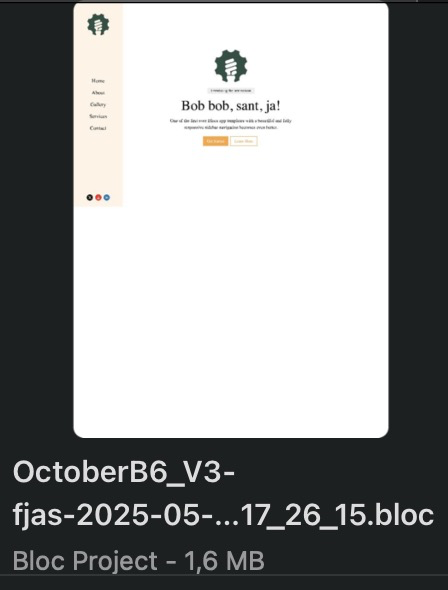
So, I tried copying the project file from pCloud to local APFS folder, and now when I open the file and save, the backup file is not growing. And the preview is also made as icon:
So, I guess you would have to install the pCloud app to reproduce this issue. Something happens upon copy from pcloud.fs to apfs backup-vault folder …
Just to test, I also saved a copy in Dropbox, and that did not have any issues when being backed up.
So something in newer Blocs 6 versions causes these backup files to grow the resource fork when being copied from a pcloud.fs directory.
Uhm, ok … but why no issue before newer Blocs 6?
(When I create and use Blocs 6.0.0, there no issue …)
I’ve been using pCloud all these years, and long before Blocs 6.
(Maybe you could share that code snippet in my ticket on this issue?)
Pretty sure. With 6.0.0 the issue persisted when I opened Blocs files created in/saved in the 6.1.5 version.
But when I created a new project in 6.0.0, at no point did the backup size grow … (Until I upgraded to 6.1.6, then the issue resurfaced.)



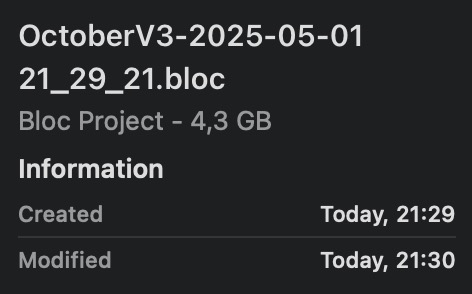
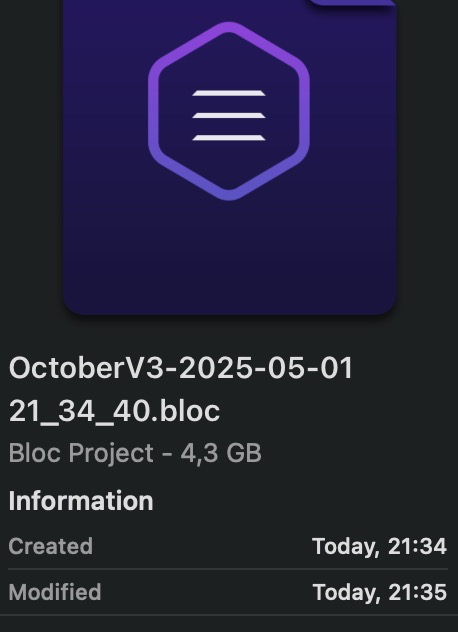
 The file is 1.6 MB. Backup files are 4.3 GB each.