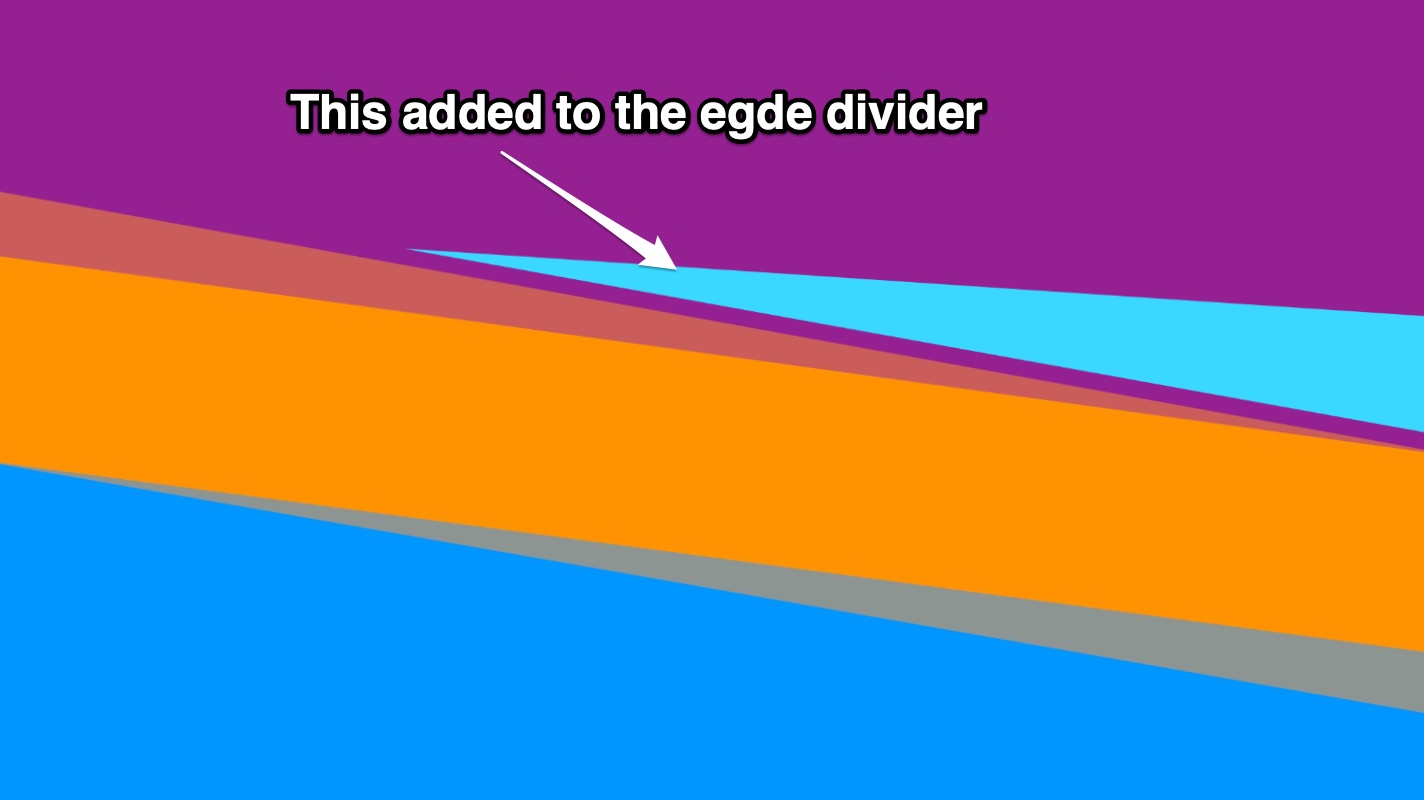
I have used the brilliant bloc edge divider (Thanks @Norm) on a project I am working on.
The purple bloc I have used the slant opacity on the bottom The orange bloc I have used slant opacity on the top and bottom The blue bloc I have used slant opacity on the top
Now this gives me a cool thick edge divide. See the image below.
Now my client has asked for a shape (light blue wedge/triangle) to go into the section to fill a gap and add some design.
Would this be easy to do, as on trying this - I can now seem to get it to flow nice. I have also took the edge divider away and tried adding the whole thing as an image and it does not work…the edge divider is so much smoother and slicker.
Hi @PeteSharp - I have tried to reword it better !
I do not have this example, sorry - it was done basic to show what I am trying to explain. Basically my client wants to add extra sections in the area the sloped edge divider leaves a gap, but it does not flow well.
Thanks for getting back - the light blue section is a shape my client wants to add in that space - but it does not flow nice with the edge divider, so i wondered about making the whole section an image, but again - the shape divider flows so much better.