Hello everyone. According to the tutorial (https://www.youtube.com/watch?v=cGFxQ0kGAz0&t=4s) I’ve made a mega menu that works without problems on desktop view. This mega menu does not work with Blosc built-in menu. Unfortunately, I am not able to integrate this mega menu with menus on mobile devices. Any suggestions?
You wouldn’t be able to trigger the mega menu with a hover event on mobile. You would need to select the hamburger icon and assign the show menu on the click event.
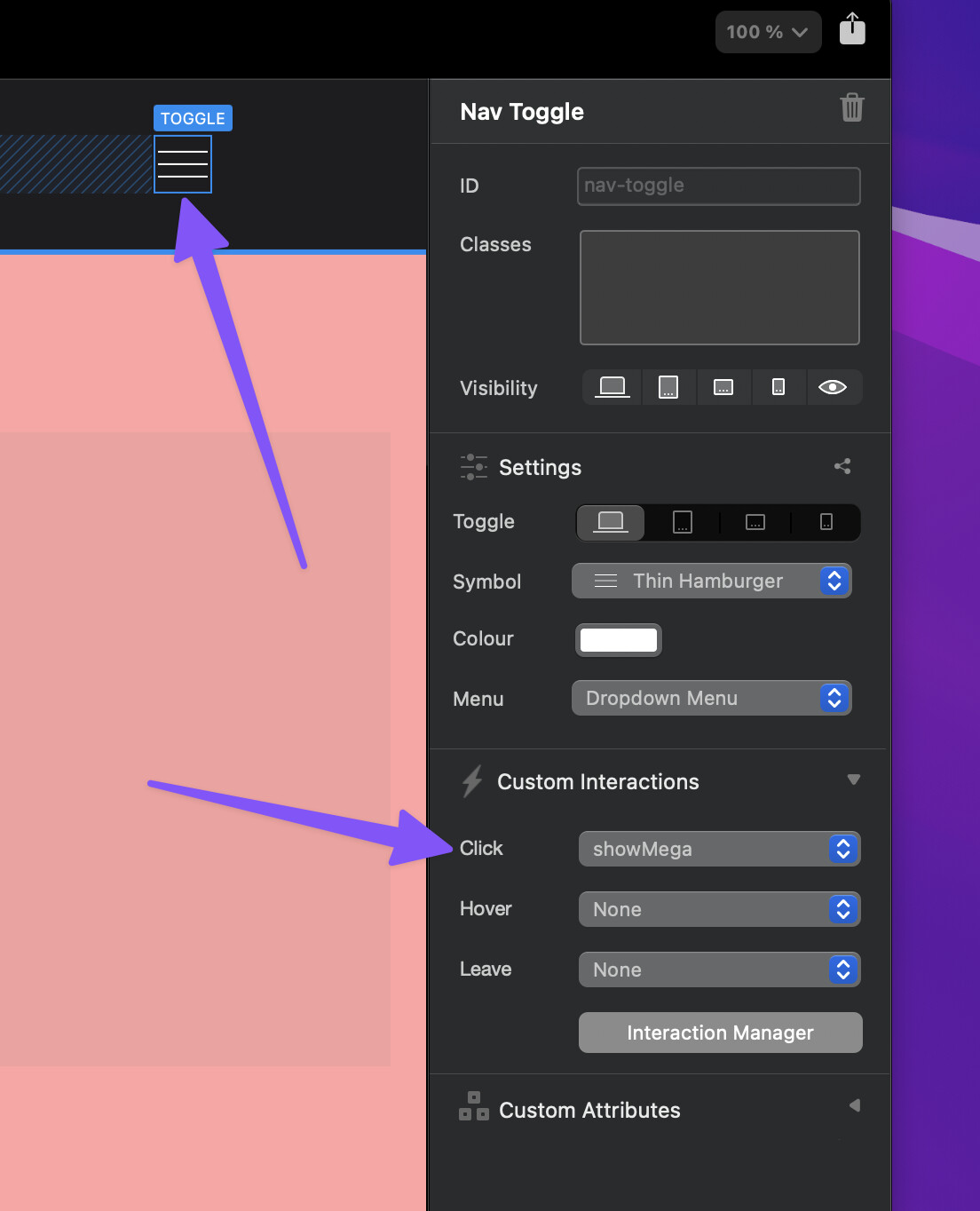
Here it is working, its just a quick test.
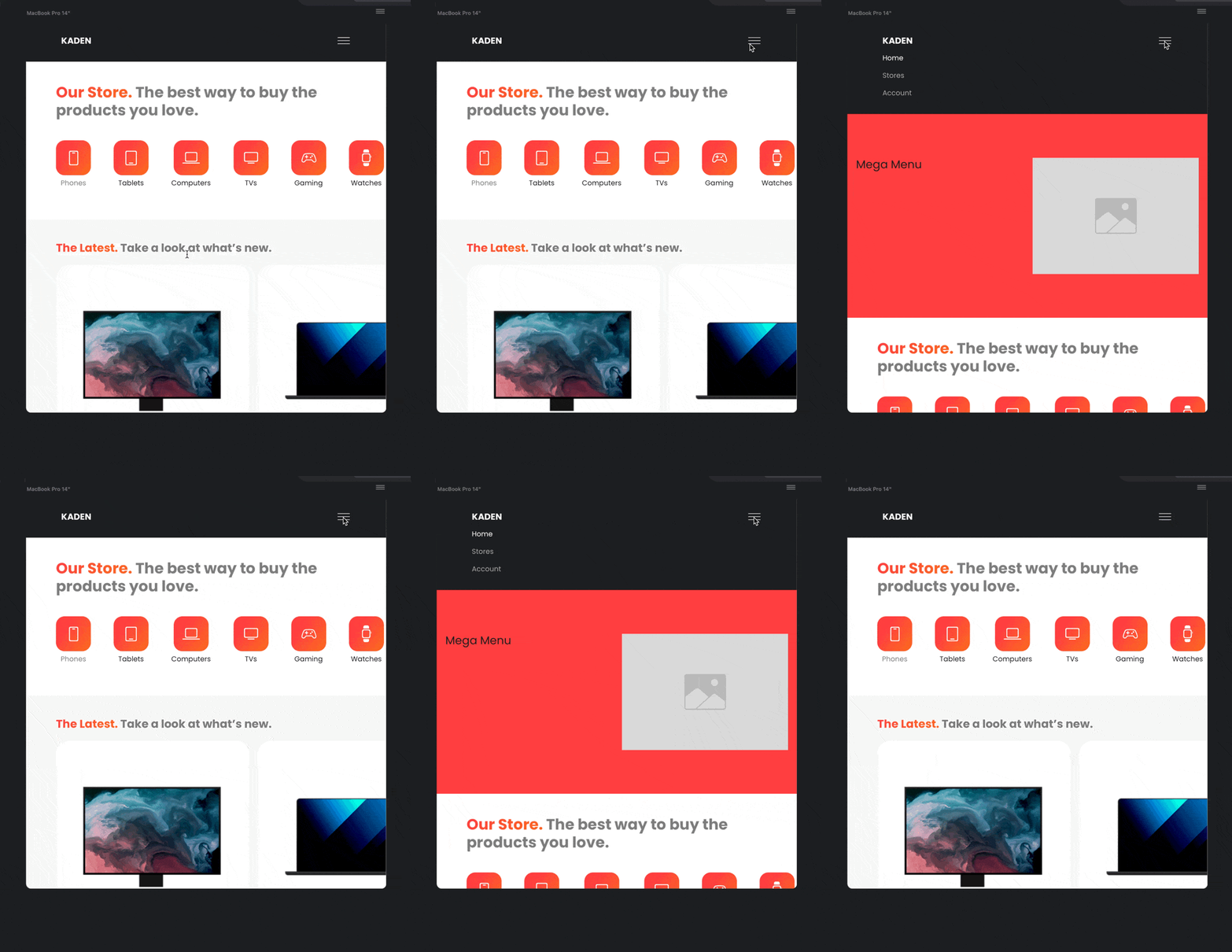
Here is the file I created the quick test in.
mega menu - quick test.bloc (987.3 KB)
2 Likes
FYI…I use the Off Canvas helper bric to create an off canvas menu.
Rich the Weather Guy
1 Like
Thank you for your help! It works better and easier than in the tutorial - only one function in the Interaction Manager. Works fine for me.
2 Likes
Sweet, I’m glad that helped.
The Interaction Manager is very flexible and customisable, so you will always find various ways to do the same task, that’s what makes it so good 
2 Likes