Here is the first beta of Blocs for Mac 6.4, there are lots of goodies to try out as well as the first batch of fixes since our last release.
If you have a bug report and it’s not addressed in build one, don’t worry it’s being worked on and coming soon.
As this is beta one, you will very likely encounter bugs.
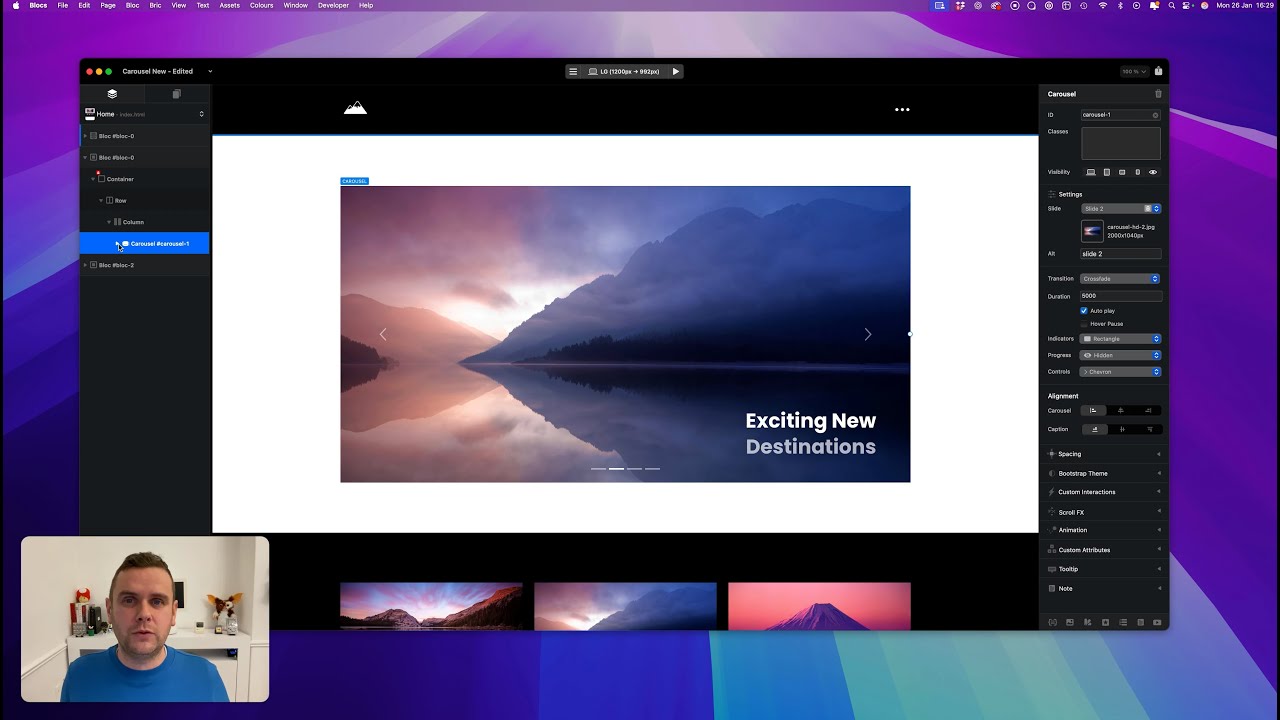
Carousels
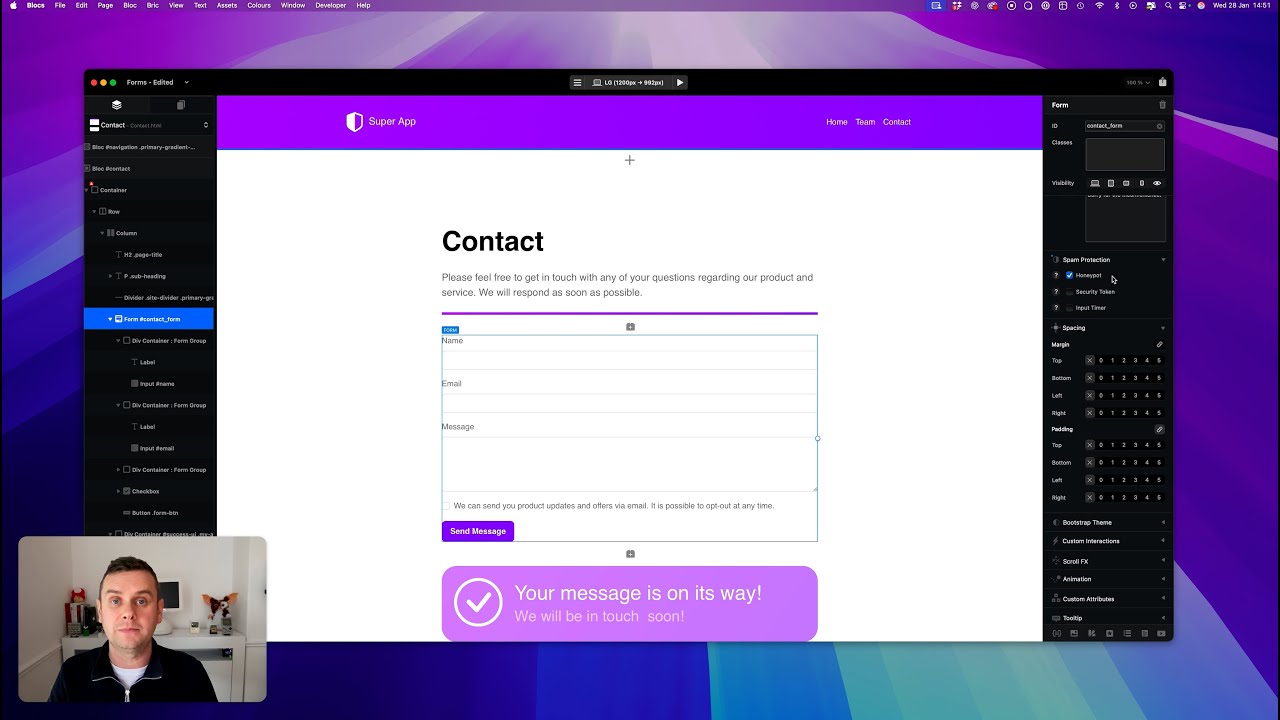
Forms
File Attachments
These are the current hard limits for using file attachments with forms.
• Requires SMTP form server.
• Max File Size 5MB.
• Total Max Multiple Files 10MB.
• Supported File Formats: PDF, JPG, PNG, GIF, WEBP, HEIC, HEIF.
I created a dedicated email account within the hosting provider, used exclusively for sending form submissions.
Using the provider’s standard SMTP details (SMTP server, email address, and password), I configured the form in Blocs using the SMTP option and set it to the provider’s default SMTP port.
After that, I saved the settings and everything worked as expected.
It’s essentially like a private email system between the website and the recipient, where the form is responsible for sending the emails.
At least for me, I’ve only done a few high level and superficial items with 6.4. I’ll definitely put it more through the paces, but not likely this week.
Maybe others have done some more testing?
@Norm I think the only thing I noticed is a bug where right-clicking on the Play button and selecting Safari doesn’t open up the page properly as the URL is missing the protocol (e.g. “http://”) so I constantly need to type it in. Not a 6.4 specific issue as this is also present in 6.3 and I believe earlier. Let me know if you’d like me to put in a web ticket.
A good start but it’s very early days. As a rule of thumb for bigger updates, we will aim to have this version in testing for at least 4 weeks minimum.
@Norm Did some minor changes to my website today and I used Beta 1 and found a bug. After exporting things out, my @2x & @3x images were missing and showed the broken image on my iPhone. I ended up going back to 6.3.3 and re-exporting without success. In the end I had to remove the @2x & @3x assets then add them back in from the Asset Manager.
Also a heads up that the previous issue I reported of Blocs opening the window offscreen continues to be a problem and all my documents “don’t appear to open”. But after figuring things out when I reported it, I just know to hit Moom and resize/move the window to my display.

 .
.



 At least for me, I’ve only done a few high level and superficial items with 6.4. I’ll definitely put it more through the paces, but not likely this week.