Here is the second beta of Blocs for Mac 6.4, there are some nice improvements to copy and paste as well as a brand new paste and replace feature in this build.
As always lots of bug fixes and refinements as well.
More to come!..
New Paste and Replace
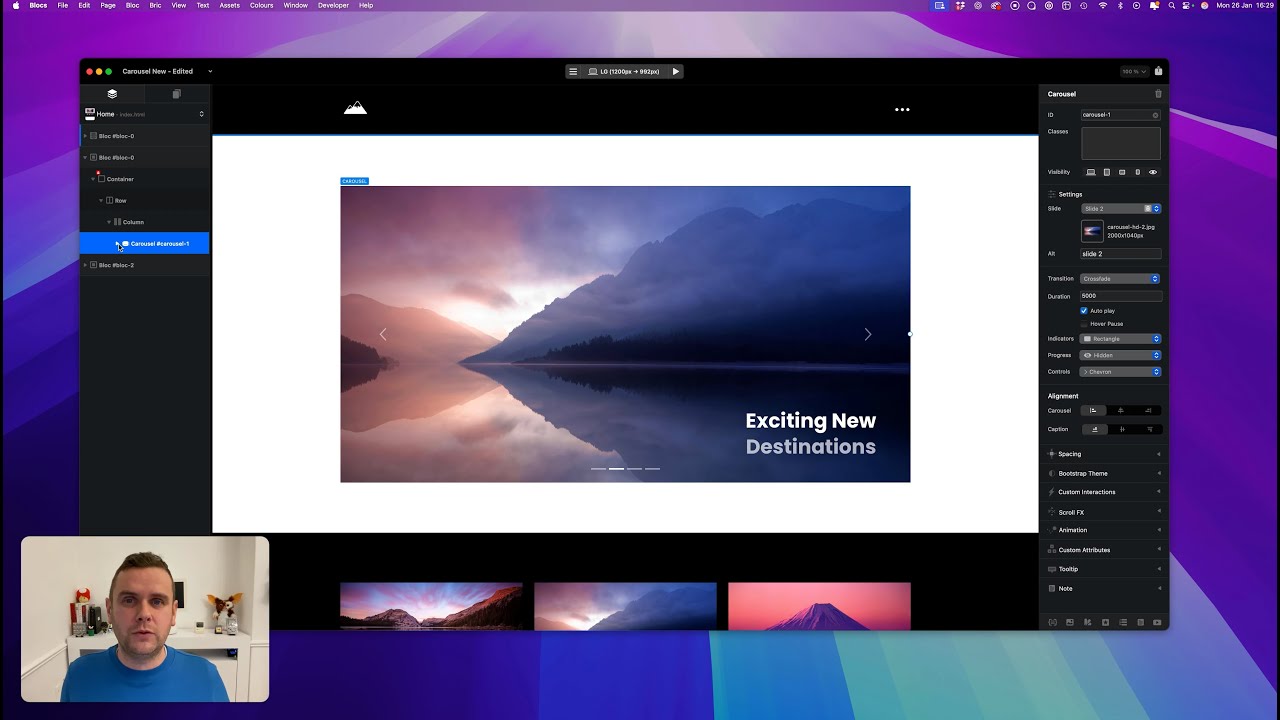
Carousels
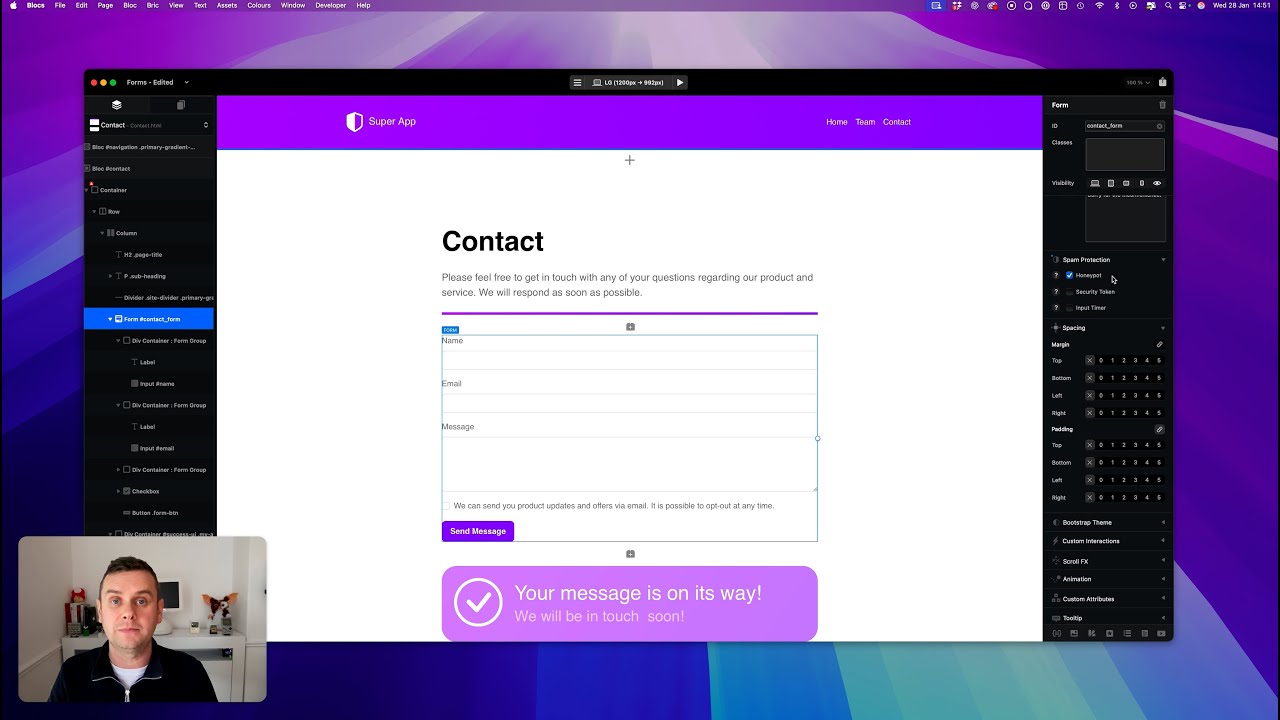
Forms
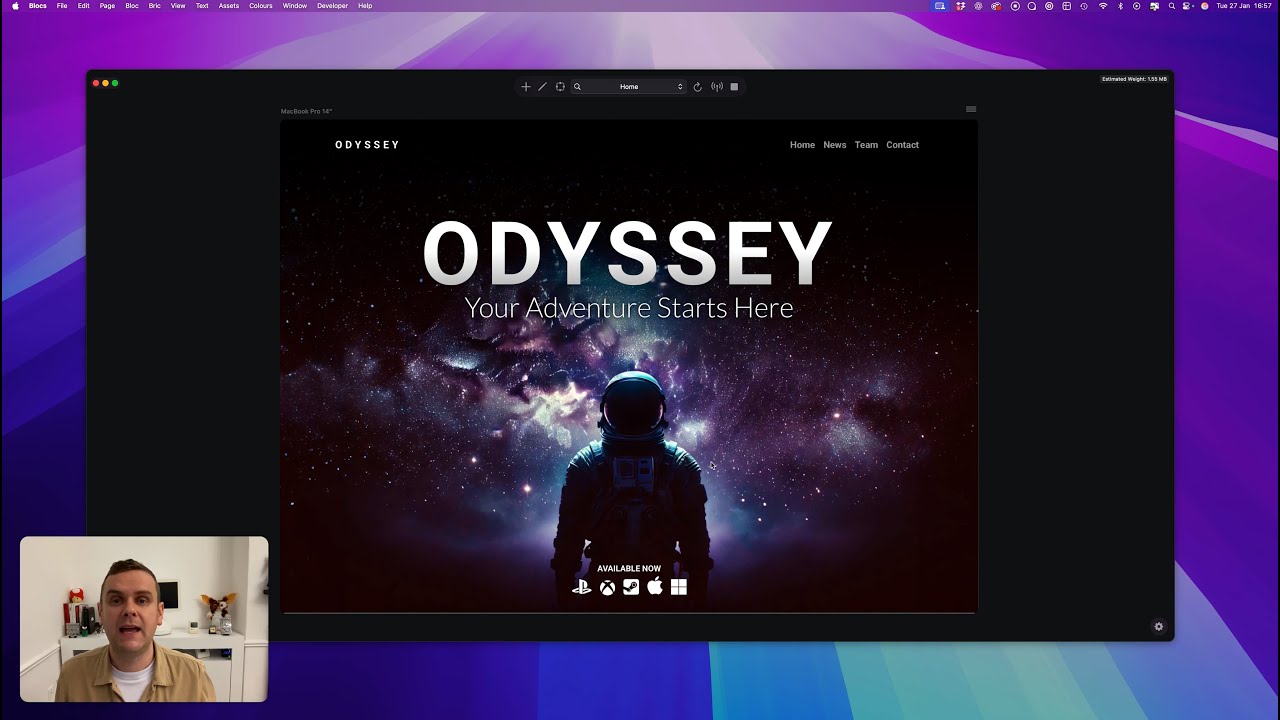
Preview Mode
File Attachments
These are the current hard limits for using file attachments with forms.
• Requires SMTP form server.
• Max File Size 5MB.
• Total Max Multiple Files 10MB.
• Supported File Formats: PDF, JPG, PNG, GIF, WEBP, HEIC, HEIF.
Norm, are we getting multi copy and paste pages? Let’s say you have a three with 10 subpages, it would be great if you copy and paste them all to another folder let’s say? This is great for multi lingual sites that requires the same pages but in a different language.
Question: When adding paste to design canvas from Finder, Browser or any other source are the images, videos and audio automatically added to the Asset Manager?
If so, it make me wonder what the source (file name) will be?
Sorry, I am not around to test it. I’ll be back next week.
The new features turned out really well, I like them a lot.
I have a few questions regarding file attachments in the form.
Would it be possible to allow uploading Word, Excel, Pages, and Numbers documents as well?
In the final release, will it be possible to set a maximum file size for uploaded files?
Would it be possible to change the appearance of the file attachment input from the default one, for example to a drag & drop interface, so users can choose a style that better fits their website?
Have you considered showing multiple attached files as small thumbnails or individual items when several files are uploaded at once? I tested attaching multiple files and it works, but the user can’t really see which files were attached, as it only shows a single file. Wouldn’t it be clearer if each attached file was visible separately?
Don’t get me wrong, these are just questions — I’m simply curious whether these are things you would consider.
Yes, pasted in files are added to the Asset Manager.
If you copy and paste an asset on your file system, it will be imported in exactly the same way you import with drag and drop or with the + button in the Asset Manager. This means it retains the original file name.
If you paste in a url to an image file, it will import the asset into the Asset Manager as a hosted asset and also use the original file name.
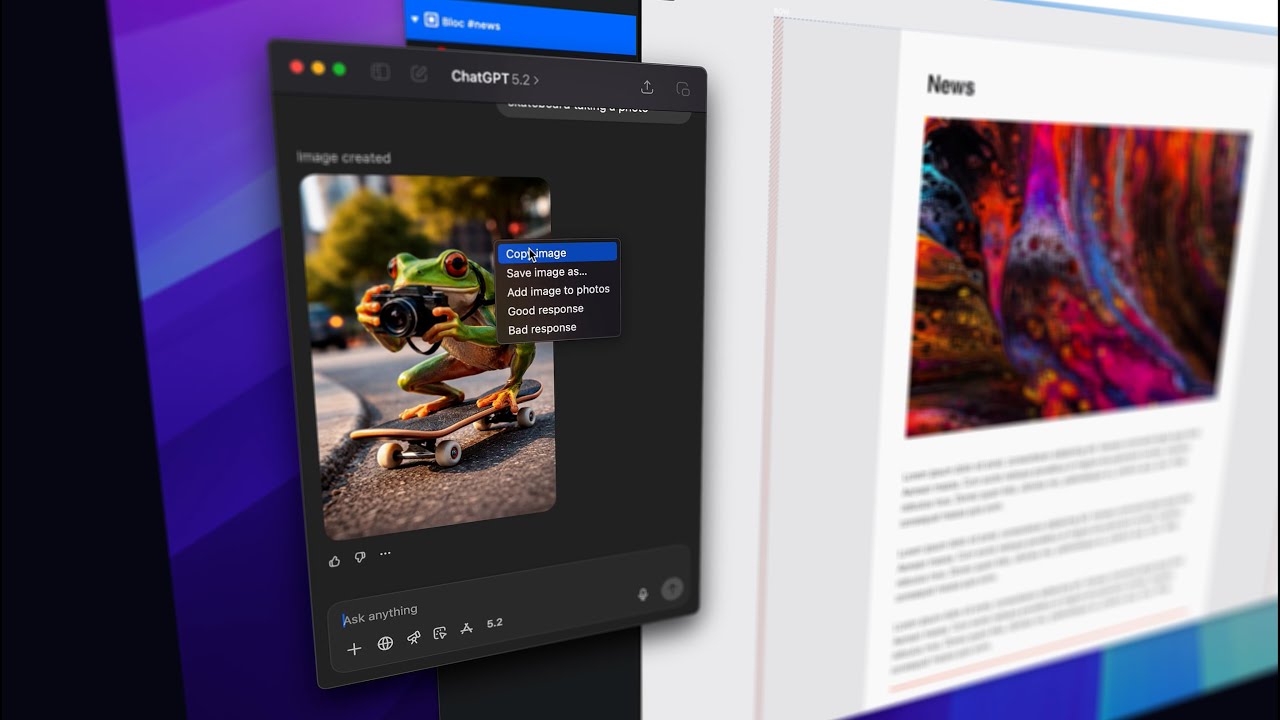
If you generate the image in an app such as Chat GPT or if the image is embedded in a pages document etc, Blocs will give it a unique name (blocs-paste-60241455.jpg) as the image data doesn’t have a file name, as it’s not stored to the file system or the cloud, at the moment it was copied it is just data bytes stored on your Macs pasteboard.
Don’t worry, it will remain organised.
If you copy an image saved on your Mac or in the cloud (hosted), it will only import it the first time you paste, after that it will use the version within Blocs as it’s now part of the project.
However, if you copy from an app that is generating the image e.g. Chat GPT, because there is no actual file, Blocs 6.4 beta 2 will add duplicates because its only data at the moment of pasting it.
But of course that’s not good enough
So I have spend the morning adding support in 6.4 beta build 3 (coming next week) to prevent these duplicates when pasting in images that are data only, no file.
So the only way to get a pasted duplicate (with build 3) will be if you:
• Open a project.
• Paste in an image that does not exist as a file (generated in Chat GPT) .
• Save project.
• Close Blocs.
• Reopen Project.
• Paste in the same image that does not exist as a file (generated in Chat GPT) .
With these steps you will get a duplicate, but thats not a very realistic way to work, so rather than bloat projects with additional data for every asset by storing the pasting history, the fingerprint test is limited until you close the project.
I hope all of that helps and makes sense
It’s a very nice addition, I know personally that I’ll use it every day now.