Here is the third beta of Blocs for Mac 6.4, there is lots to discover in this build.
Custom Interactions
This build introduces some useful improvements to custom interaction rules. Almost all of them now support targeting elements using a class (as well as an ID) with the exception of the select tab rule.
Unlike IDs, classes are not reset when you copy or duplicate elements within Blocs, which makes it easier to re-use custom interactions and the things you build with them across multiple pages in a website. A step closer to making Custom Interactions easier to work with between projects.
I’ll refresh my glass music player to take advantage of this very soon.
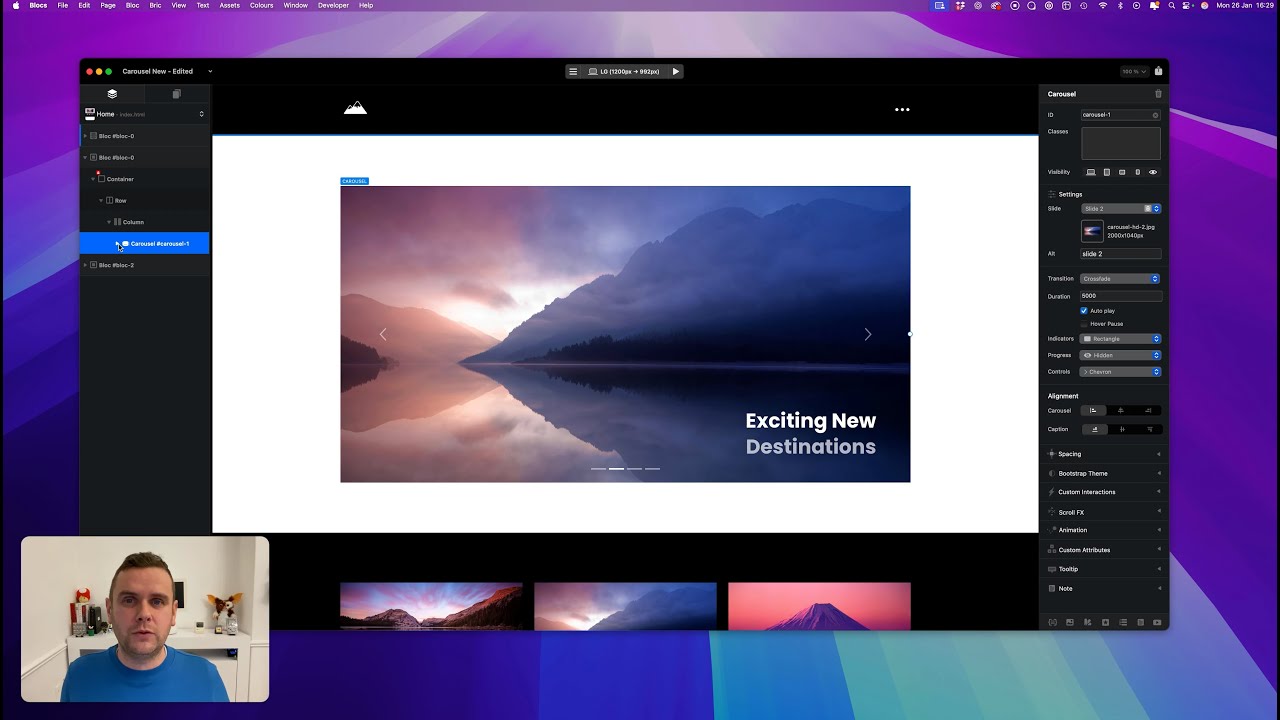
I’ve also added support to control carousels with custom Interactions, which is pretty cool!
Text Carousels
You can now delete the main image in carousel slides, which means you can have text only carousels. I’ve added two new Brics to help get these into your websites quicker (still a bit of work needed on these in Bootstrap 4).
As always lots of bug fixes and refinements as well.
More to come!..
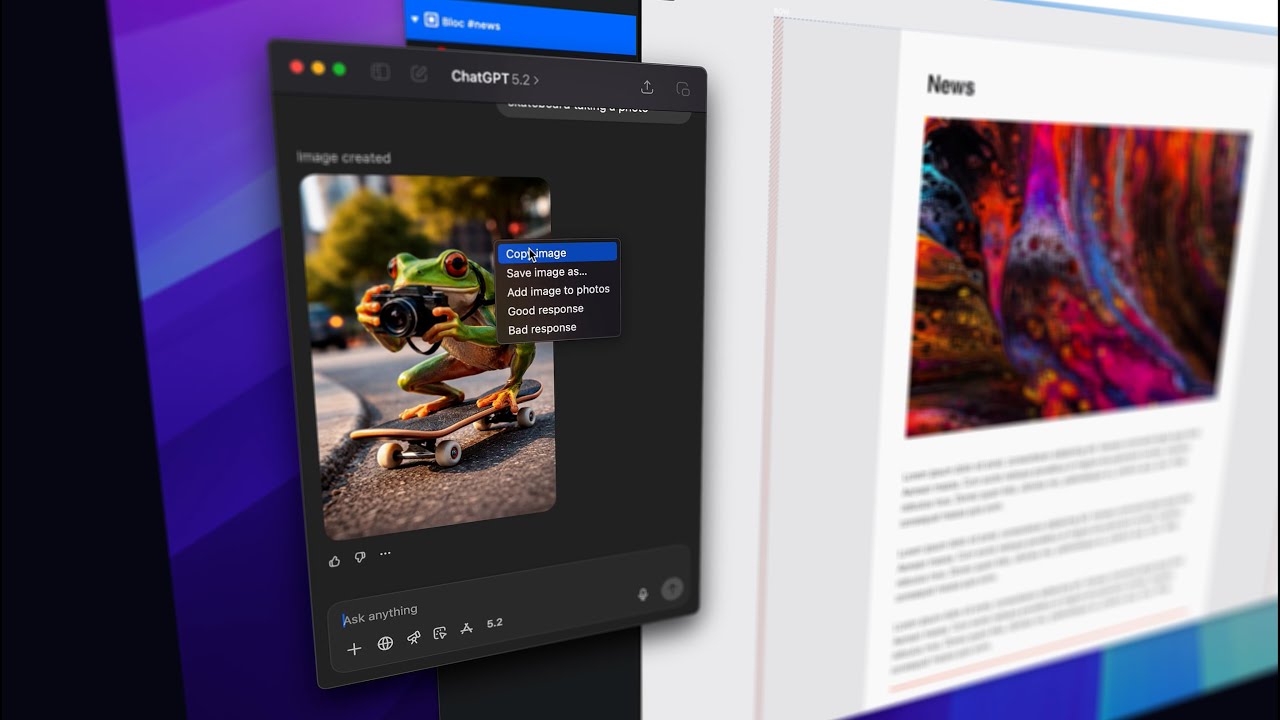
New Paste and Replace
Carousels
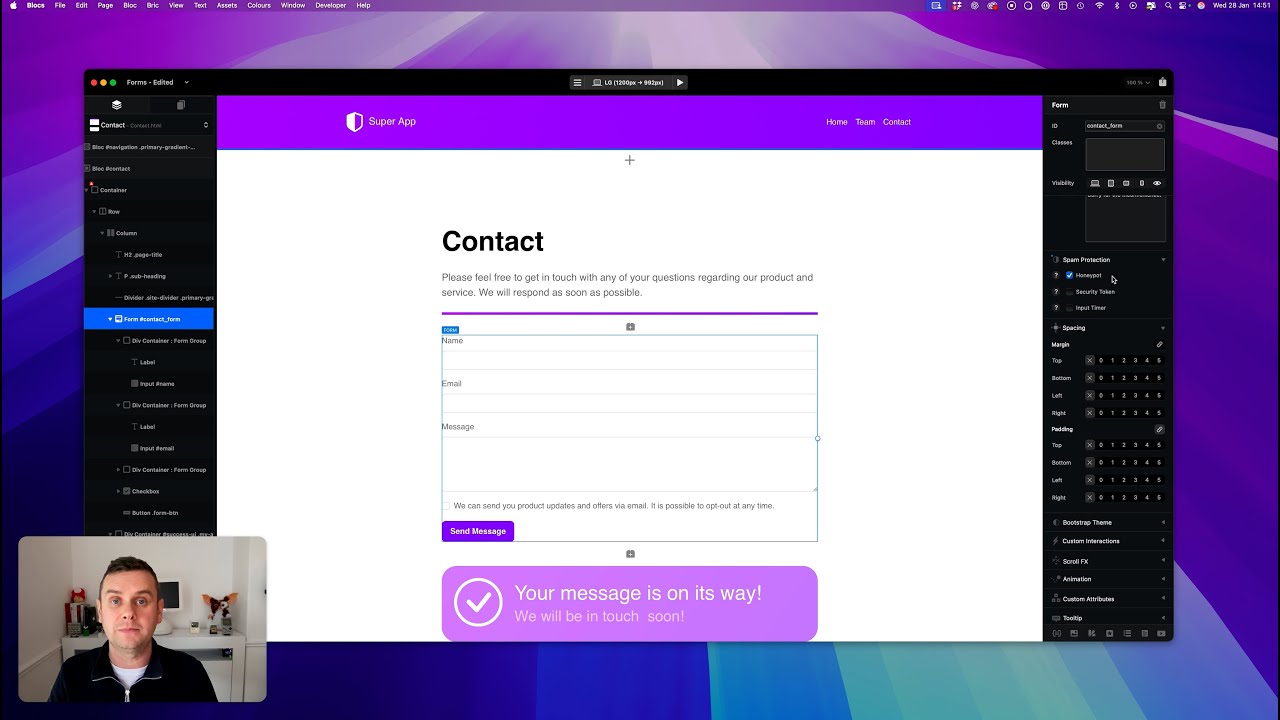
Forms
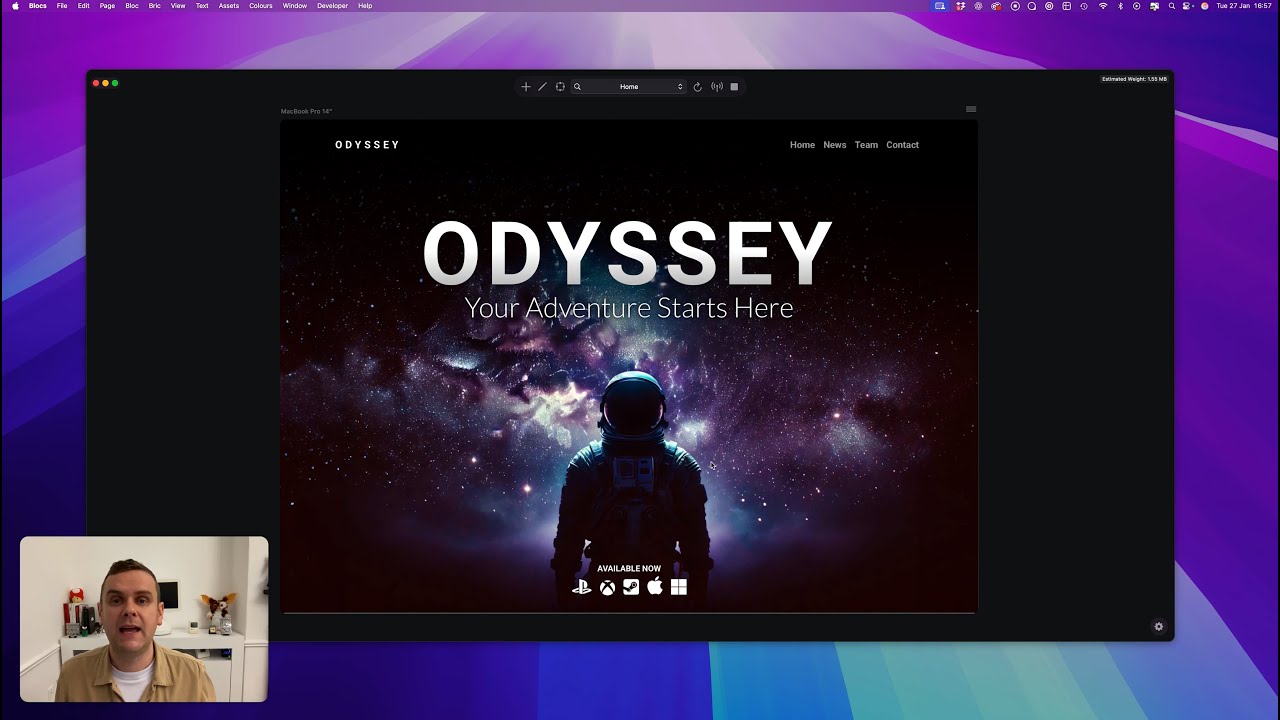
Preview Mode
File Attachments
These are the current hard limits for using file attachments with forms.
• Requires SMTP form server.
• Max File Size 5MB.
• Total Max Multiple Files 10MB.
• Supported File Formats: PDF, JPG, PNG, GIF, WEBP, HEIC, HEIF.
Really great, an minor update from 6.3 to 6.4 brings so many useful changes. Keep up the good work!
Custom interactions can become a Swiss Army knife in Blocs. If Custom Brics can now somehow bring her own custom interactions into the interaction menu, the door will be wide open for all kinds of possible extensions.
Deep into a project today with the beta build 3. Ran into a couple of issues, that I suspect are long term items and not tied to the beta.
I changed my homepage from one page to another. Although the UI showed everything appropriately, when navigating in the preview, things weren’t linked up properly. In the end I quit Blocs and restarted it and all was fine.
I’m dynamically adjusting my UI based upon my URL path (some of this is JS and some through Interactions). For the life of me I couldn’t get the preview to actually use the Path defined in the page settings. I suspect the preview doesn’t respect this and instead uses everything “flat”. If so, then quite a bummer because this means that I won’t be able to fully test some of my logic until I go live with my project (working on some pre-release stuff right now that’s not ready to be published publicly). Sure I could probably publish elsewhere but this adds a bit more work to things.†
Don’t know if I’ve mentioned this, but it would really, really be helpful to expand upon the If conditional in the Interaction Manager…
Else is definitely needed
URL » Does not contain is also needed
Cookie should allow for not just checking to see if one exists/doesn’t exist but also check for a value when given a cookie name.
† Scratch that. I remembered I had WorldWideWeb from the Icon Factory and used that to quickly/easily preview my exported site without publishing.
Just ran into an issue where I couldn’t change an image via the Asset manager. Clicking on the image did nothing and deleting the prior images in the project and clicking 1x, 2x, and 3x to try and add from the Asset Manager did nothing. Restarting Blocs solved this problem.
On a positive note, I’ve been doing my fair amount of copy/paste of elements from one page to another, and everything has worked flawlessly. And boy is it fast versus before where things felt slow and a bit clunky. Great job on these improvements @Norm!