Here is the fourth beta of Blocs for Mac 6.4, which comes with some lovely improvements to icons and text links as well as lots of bug fixes.
More to come!..
Icons Text Links
New Paste and Replace
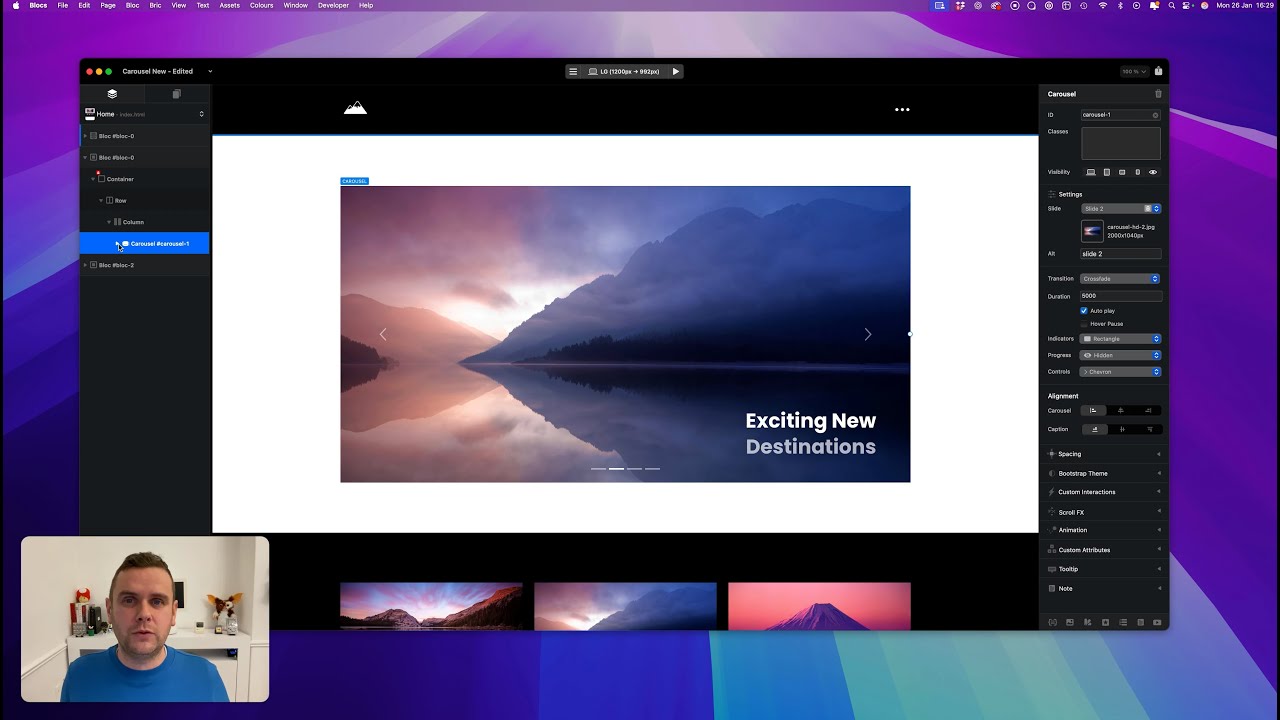
Carousels
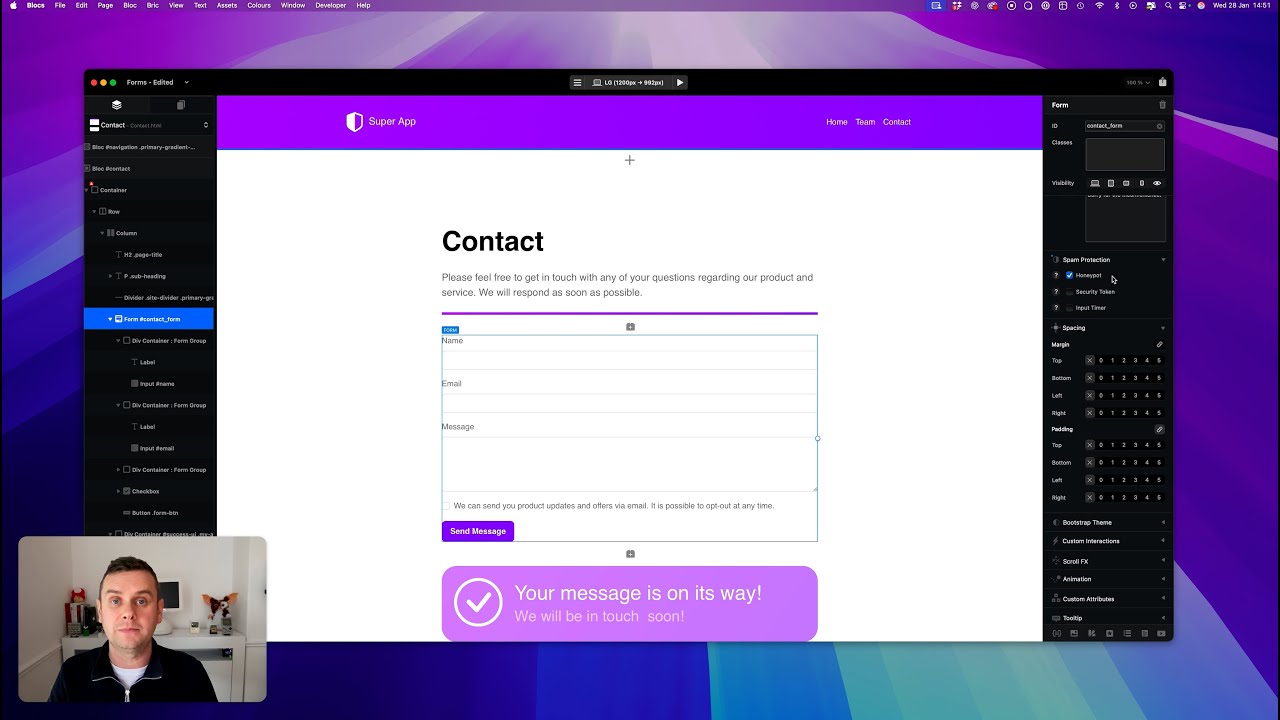
Forms
Preview Mode
File Attachments
These are the current hard limits for using file attachments with forms.
• Requires SMTP form server.
• Max File Size 5MB.
• Total Max Multiple Files 10MB.
• Supported File Formats: PDF, JPG, PNG, GIF, WEBP, HEIC, HEIF.
Custom Interactions
This build introduces some useful improvements to custom interaction rules. Almost all of them now support targeting elements using a class (as well as an ID) with the exception of the select tab rule.
Unlike IDs, classes are not reset when you copy or duplicate elements within Blocs, which makes it easier to re-use custom interactions and the things you build with them across multiple pages in a website. A step closer to making Custom Interactions easier to work with between projects.
I’ll refresh my glass music player to take advantage of this very soon.
I’ve also added support to control carousels with custom Interactions, which is pretty cool!
Text Carousels
You can now delete the main image in carousel slides, which means you can have text only carousels. I’ve added two new Brics to help get these into your websites quicker (still a bit of work needed on these in Bootstrap 4).
Thank you Norm, the text link icons are great, I’m using them right away. I notice some of the links that are nested deeply in the layout required selecting the link and then dragging the icon onto the link, that worked great, I tried selecting the link first and then double click the icon to add the icon to the link but that didn’t work.
@Norm Text to links is great. Thank you for reminding us we can add icons to buttons and bullets. I have a question about this. Can the icon and the styling be part of the classes? I have 56 page project and each page will have the same button at least one. Anyway the icon to be added to a class so it automatically populates on all my buttons?
@Norm,
you gave your success message a class called my-alert.
What are the settings for that class, because I can’t get this “show item” feature to work.
Some REALLY good and useful stuff there @Norm. I’ve downloaded and looking forward to trying bits out very soon.
With regards to the carousel, is there any way to slow down the transition if needed? Sometimes I’d like to see a lot slower fade between slides.
You create your own ui (ideally in a div container to group it all together), set the div hidden, give it an ID (or .class). Then use that ID (or .class) with the form success option. Also be sure to use either # or (.) .
When the form is posted successfully, it’ll be shown as long as the IDs (or .class) match.
Possible srcset duplication bug when mixing PNG and WebP in @1x and @2x fields
Hi,
I believe I found a possible bug related to the image @1x / @2x fields and automatic srcset generation.
Here is what I did:
• In @1x I inserted the original PNG file (logomaxwr.png).
• In @2x I inserted a manually optimized WebP version (logomaxwr.webp).
After publishing, the generated HTML produced a duplicated extension in the srcset:
logomaxwr.webp.webp
This resulted in 404 errors in the browser console:
Failed to load resource: the server responded with a status of 404 (Not Found)
It seems that when a WebP file is manually assigned in the @2x field, Blocs may automatically append the .webp extension again during srcset generation.
Steps to reproduce:
Add PNG in @1x
Add WebP in @2x
Publish
Inspect generated HTML
Notice duplicated .webp.webp in srcset
This causes console errors and unnecessary network requests.
Could you please confirm if this is expected behavior or a bug?
You could, but it would be done differently to having an SVG icon in the page html (which is how dragging icons onto links/buttons works). You would need to style the button text and add an icon before the text with either a background image+left padding or a pseudo class:before.


 Text Links






 Yes nice work!