Subscription model 
Well an awesome update is coming…. Once I get back to the office.
Subscription model
Well an awesome update is coming…. Once I get back to the office.
Cancel would be the same as no wouldn’t it? Or better yet, be able to turn it off as an option in the Blocs settings. And save the additional step.
This latest beta and the last general release feel like an improvement in terms of general reliability with fewer bugs, however I started work yesterday on a new 10 page website that currently has almost zero content, yet I frequently see spinning ball for a few seconds, even with really basic operations like trying to add a structure bloc. Also just scrolling the page on the canvas often results in a delay of a couple seconds before it moves, so everything feels very laboured.
The spinning ball only last around 3-5 seconds, but I’m left wondering why I’m seeing such a performance hit. This is on an intel 2018 mini with 32 gigs of ram running Sonoma 14.2.1. I did add a new 4k display at the end of November and the old 2k display is still connected, though rarely in use. I don’t know if that that is causing a hit here, but the problem seems limited to Blocs and other apps are fine.
On a different matter, the project settings for text are flexible, but could be greatly enhanced in terms of workflow with a few basic tweaks. At present it defaults to px with no entries, but if I set the text size as rem and the line height as em for example, I then need to manually repeat that step across every single breakpoint and header type etc. Surely these could be inherited, or better still, set as general preferences.
Also following the same logic, let’s say I set H1 as 3 rem with 1.1em line height. Once again I have to go across every breakpoint manually to fill in those numeric values, when ideally they should be inherited by default, then only changed manually if needed. I’ve also noticed that if I set rem and em, but fail to insert values they automatically revert back to px if I change breakpoint.
Perhaps others have some thoughts on this. My simple perspective is that setting the font parameters, including colours is altogether too fussy and as a result, not just time consuming, but also more prone to accidental error.
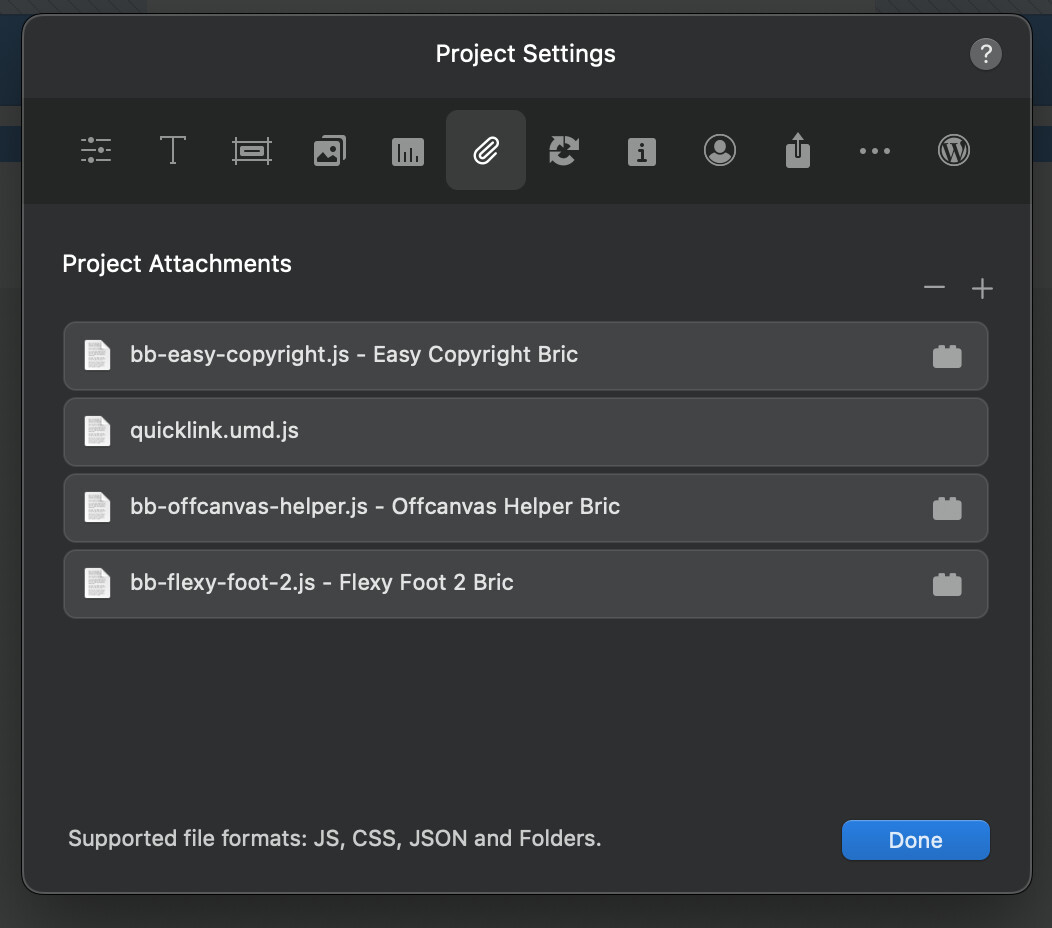
Sounds like this may well be Blocs then or perhaps some rogue custom bric and it is definitely interfering with the workflow, having to wait so frequently.
It would be interesting to know which custom Brics are being used. Personally, I’ve never seen this behaviour in Blocs.
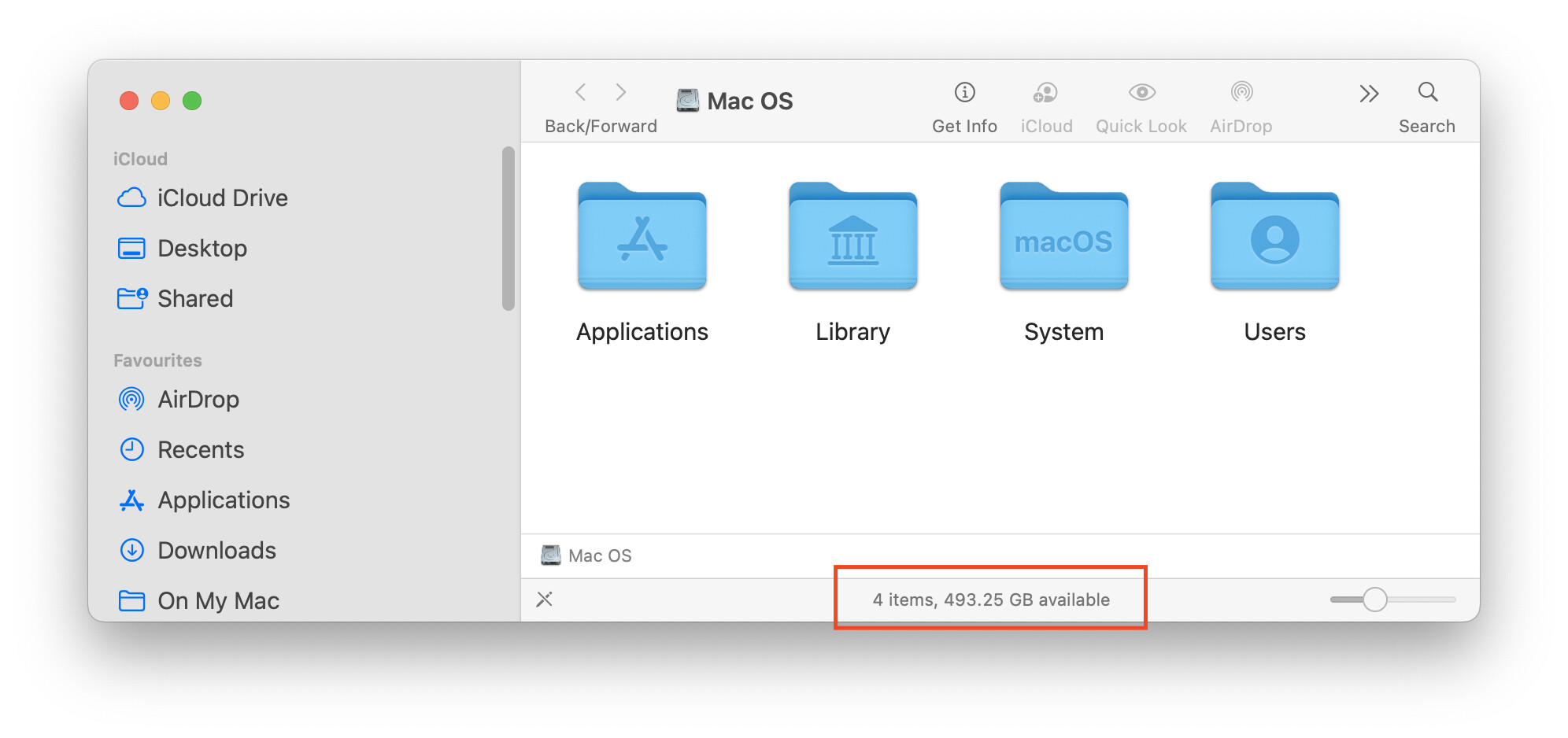
I’d also check available hard drive space, I know that can slow things down if it gets close to the limit.
Those are the custom brics, so Jerry is conveniently off the hook here. I also had easy burger installed, which wasn’t really needed so I have just uninstalled that.
Regarding drive space I’ve had a weird thing in the last week or so where the reported available space has grown considerably. On a 512GB drive I had about 300GB available and that went down to 270GB, then after doing some intensive video exports it shot up to over 400GB and currently showing 485GB. Earlier today it even reached 492GB. All of this contradicts having 130GB just in iCloud alone.
I don’t know if you use any Adobe software, but I’ve found the latest versions of some of their apps eat up HD drive space. I’ve started using clean my Mac and found it great for keeping tabs on the used HD space.
Does the project have any large resources in it? Large video files, music or super high res images being used?
Also have you tried a reboot, clear out the temp resources?
No I have the opposite happening. I’ve had what you are describing in the past where available space seemed to be eaten up for no reason and once ended up doing a clean install to fix it. In this case I strangely have loads more available space and everything is working fine apart from Blocs.
Nothing from Adobe installed and the project has basically no resources installed. The temperature seems fairly normal, but I’ll try a restart to see if that helps.
Noticed something a while back. Not a big issue, but it always catches my eye when using the Bric Builder
If you have the focus on the Bric Builder window, pressing shift will show the column guide on the design canvas. I am surprised it does that with focus on the other window, I expect it while using the design canvas?
Ignore the insanity test project 
When using the Design Canvas, yes! When using another window… no
@Norm The restart does seem to have helped and I’m not seeing slowdowns now in general usage with Blocs. I also reset the NVRAM and SMC at the same time.
The reported available drive space has also returned to a more feasible 300GB. It’s strange though that Blocs was the only app that was seemingly affected, otherwise I would have just carried on.
I just started working in Blocs and had two crashes in about 10 minutes. Once when attempting to paste in a custom class copied from VH Helper and another time simply trying to add a bric, where I didn’t even get to choose the bric.
Both times sent in the crash report, but this is a concerning degree of instability. I now find myself saving once every couple of minutes.
I had this happen to me a few builds back, it must be back.
It’s probably the comma characters. I’ll investigate this.
Maybe it this special character? Between
Sounds pretty tasty Jerry.
Can you ship one to me? 

Rich the Weather Guy
Do not get me started! Thats a cause of major division with us Kiwi’s and Aussies. Who created the Pav? They stole it from us and staked a claim that it was theirs. Seriously, this is a thing 
OMG…Who knew!!!
Rich the Weather Guy
It never has, it’s a design canvas only feature.