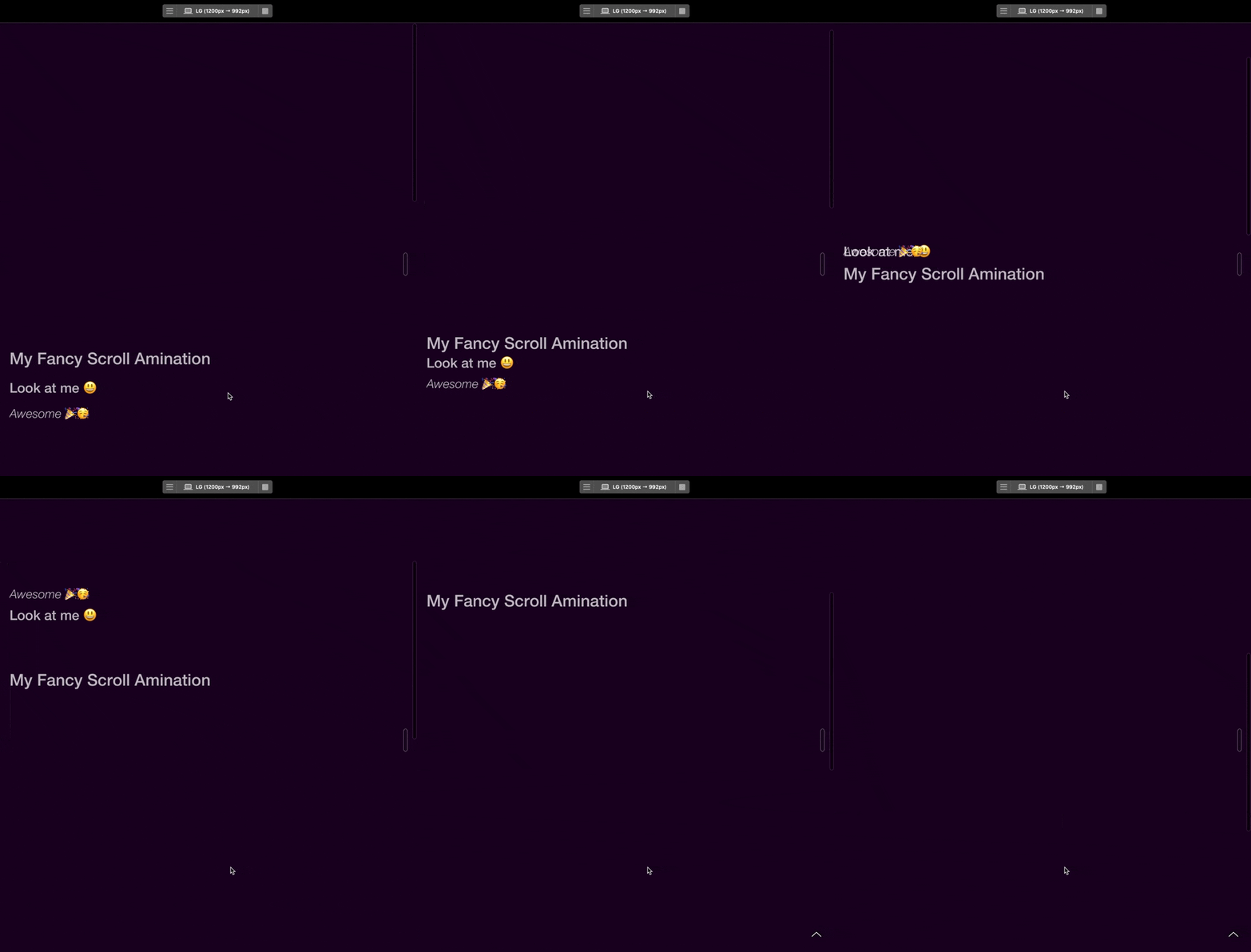
Good stuff thank you 
Maybe one for Blocs V6
Hi again Jerry, I’m sure I’m doing something really stupid, but I can’t insert locomotive-scrolls into Blocs like you did so well.
here what I did:
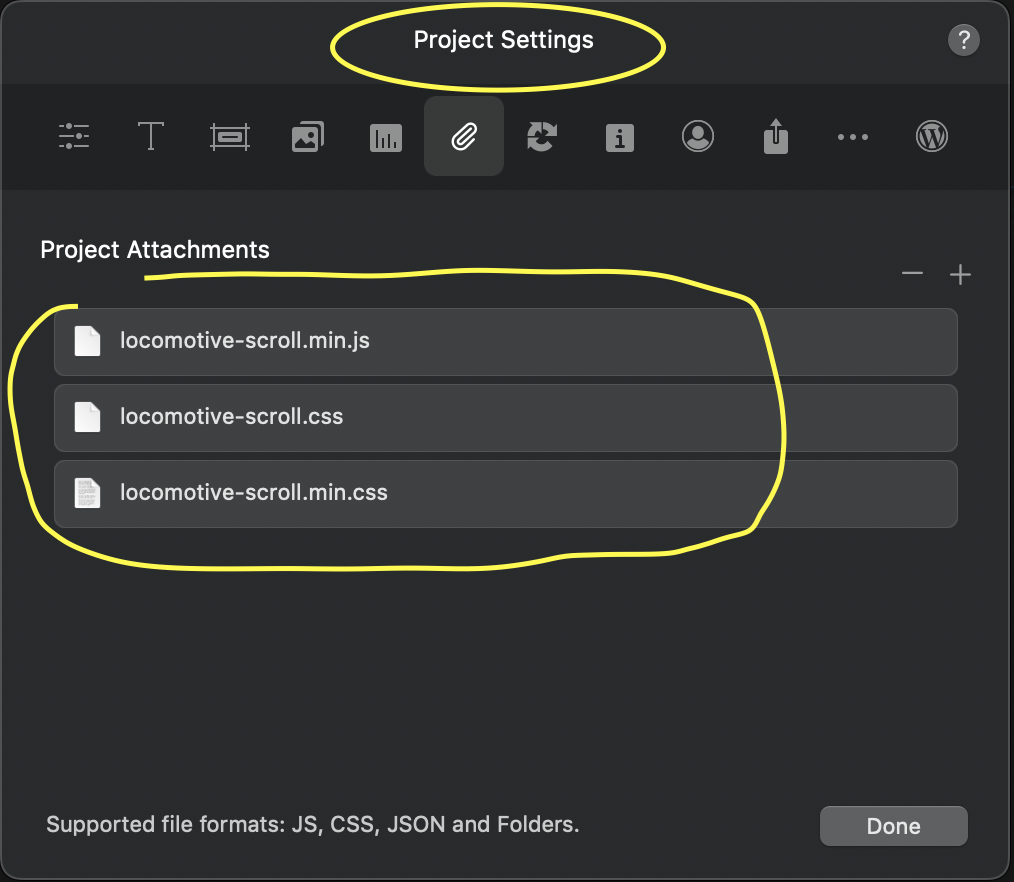
1. Insert JS and CSS minify into Project Settings
2. Insert the Scripts in Project-Header (also what you gave to me)
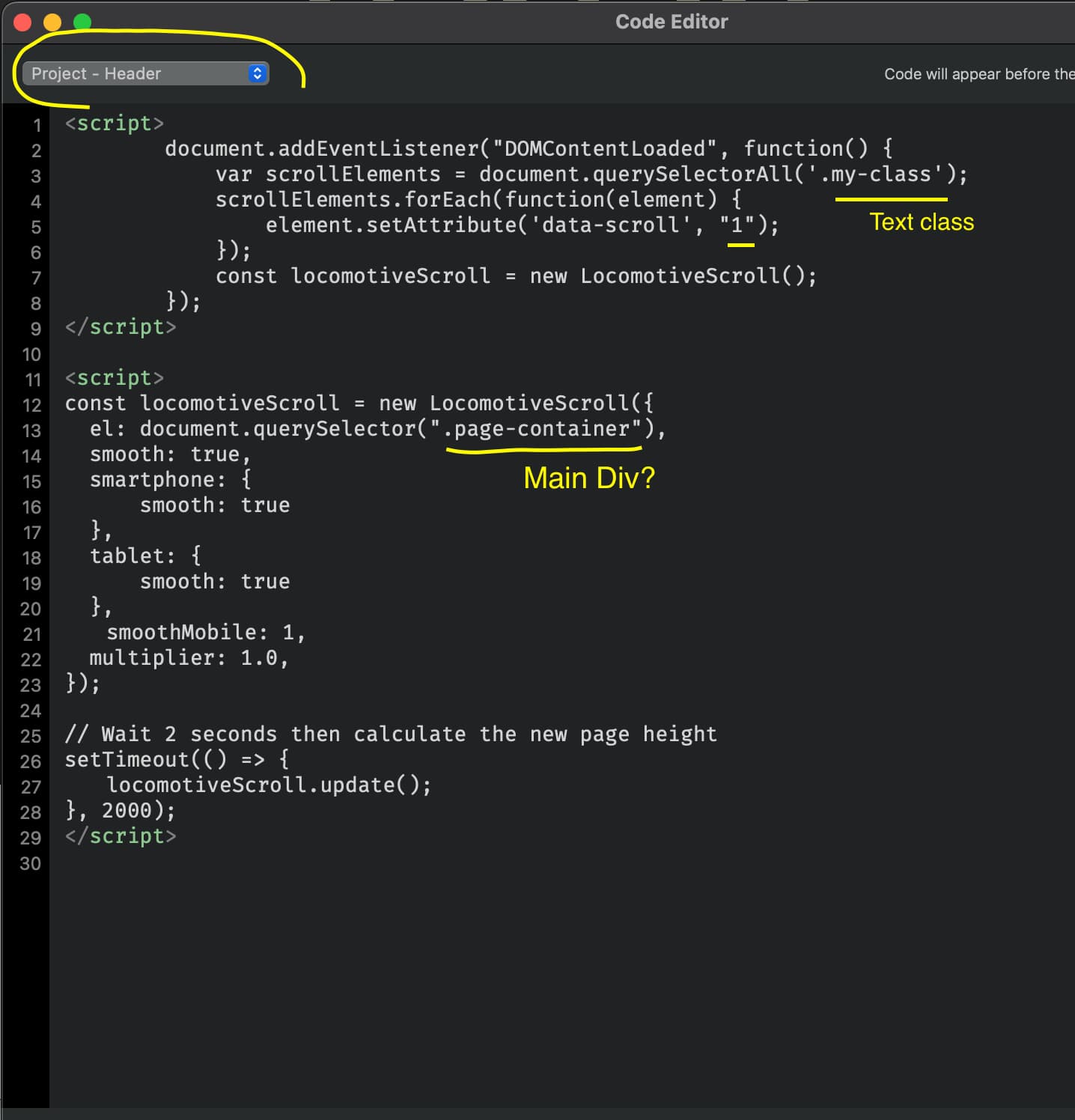
…and your script works, I can see
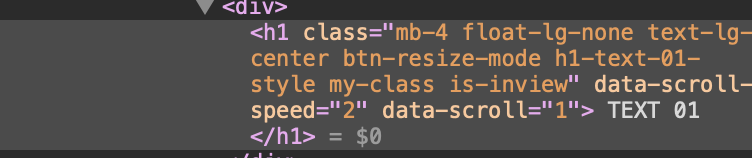
3. Give class “my-class” and different values attributes “data-scroll-speed” to the Elements “Text 01 etc” I will like to move
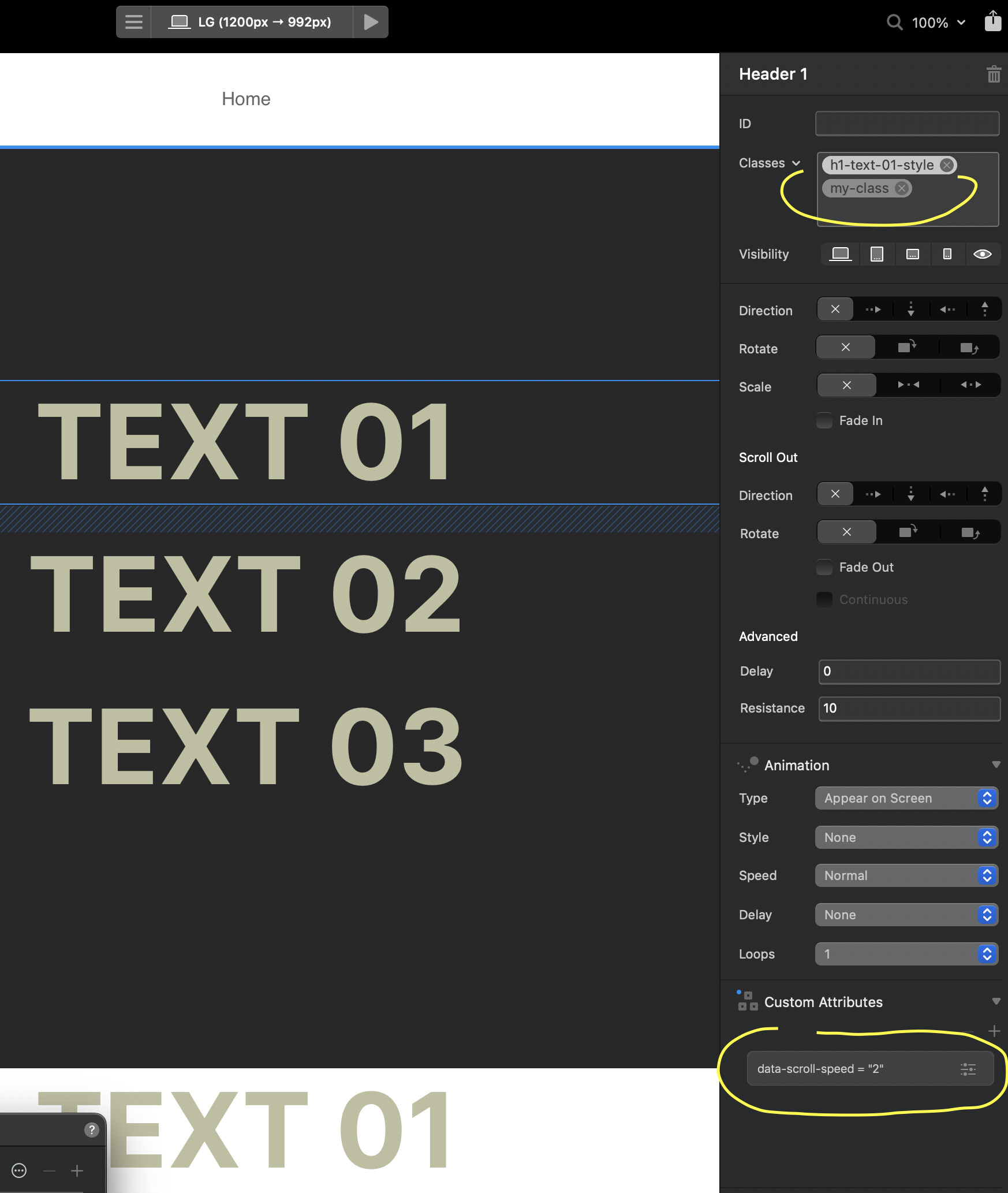
AND NOTHING IS HAPPENING 


But I trust that you have a very simple solution (obviously for you) to solve my problem,
I remain confident waiting for your response and I attach also the project file in case you want to look at my mistakes 
I have found the cause of this crash and have it patched up ready for build 8.
3 Likes
…Did you just open and try, right?
Mine doesn’t even want to get up from the chair
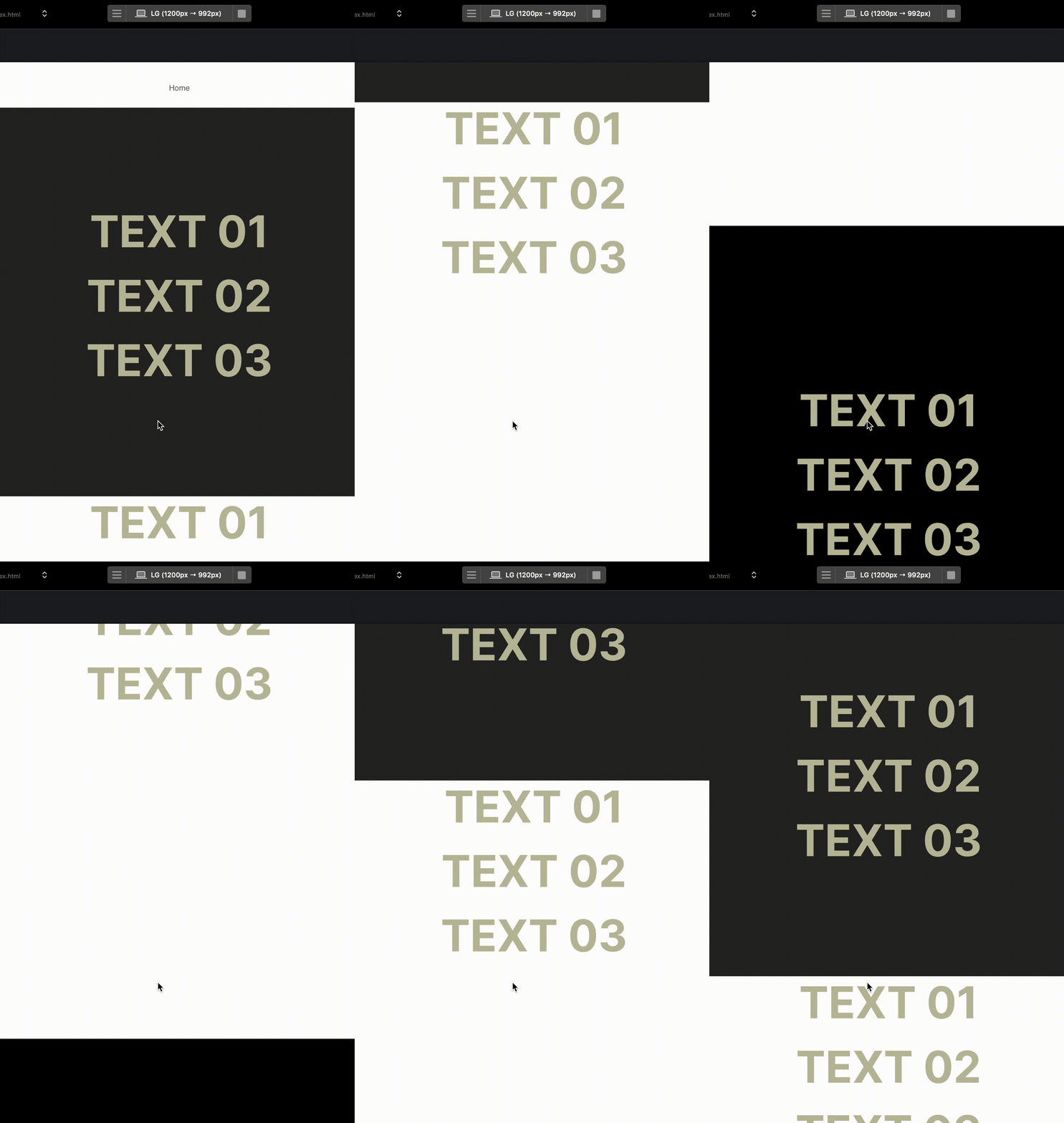
This is just too weird!!!
Jerry, by any chance do you still have this file that you posted some time ago? I would like to see if it works for me too or gives me the same problems: