Hey all,
I noticed that after migrating my site to Bootstrap 5, all of my text links became underlined. I’m assuming this is normal, since a quick Google search showed that V5 has changed the default to underlined.
Link: https://getbootstrap.com/docs/5.0/migration/#typography
- Links are underlined by default (not just on hover), unless they’re part of specific components.
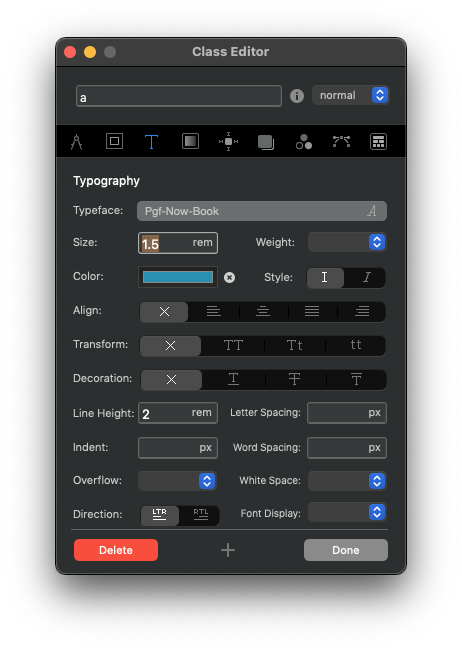
Right now I made a custom class to remove the underline, but was wondering if there was an editable default class that will change all of the link styles without having to add a custom class to everything. I tried “link-style” and that doesn’t seem to change all the links at once. (I’m new to playing with the CSS classes.)
Maybe it would be nice to see a setting in the future that would allow you to turn the underline off across the site without having to self-manage, and it could go under the “Active Link” setting in Project Settings. Is there a reason (SEO, UX, etc.) why I’d want to keep my links underlined otherwise?