Why is the icons still using Font awesome? The Bootstrap icons should be the default
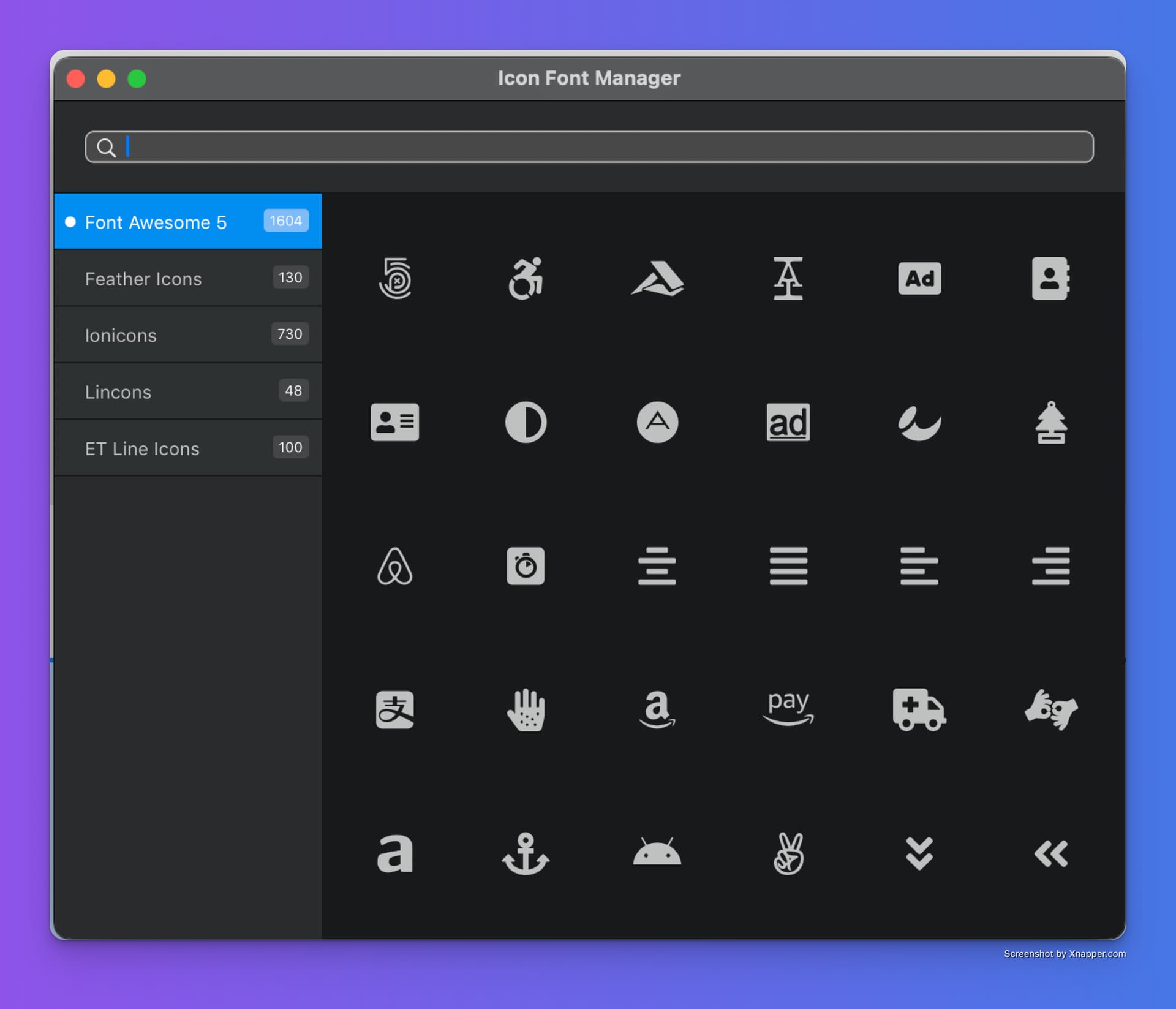
Why should bootstrap icons be the default?
Bootstrap 5.3 comes with bootstrap icon in the components
Example
<svg class="bi bi-ticket" xmlns="http://www.w3.org/2000/svg" width="1em" height="1em" fill="currentColor" viewBox="0 0 16 16">
You still have to load the CSS therefore.
@Norm out of curiosity regarding the topic, why are the Bootstrap Icons not included, given it’s the framework Blocs is built upon?
What a second? 

@Linuslim how do you even have that in Blocs 6?
My Blocs 6 “Icon Manager” has Bootstrap Icons? Confused. 
Blocs 6 does not generate vanilla code using bootstrap icons. It uses font awesome but is quite dated as 5.3 bootstrap framework has its own icons. In the properties pane, it does not have bootstrap icons even though they added bootstrap icons to the icon manager.
Sorry @Linuslim guess I don’t quite understand what your expressing verse what I’ve tested. Hopefully @Norm will address your inquiry.
Still, bootstrap icons aren’t bundled with inside bootstrap core. You still have to load additional libraries, exactly as with font awesome.
At quick glance, according to what I see in the Blocs app bundle, Blocs has the Bootstrap Icons as indiviual SVG’s that are inserted into the page source inline when used from the Icon Manager.
1 Like
That’s the old icon font manager, it’s still in Blocs 6.
Blocs doesn’t migrate old icons as mentioned here.
So if you edit an old style icon added pre Blocs 6, you get the old Manager.
2 Likes
I assume this was the link you wanted to share. 
1 Like