Bric Builder Improvements 6.2.3 Beta 2

I have some new functions and improvements coming to the Bric Builder in 6.2.3 beta 2.

Bric Script Launcher :rocket:

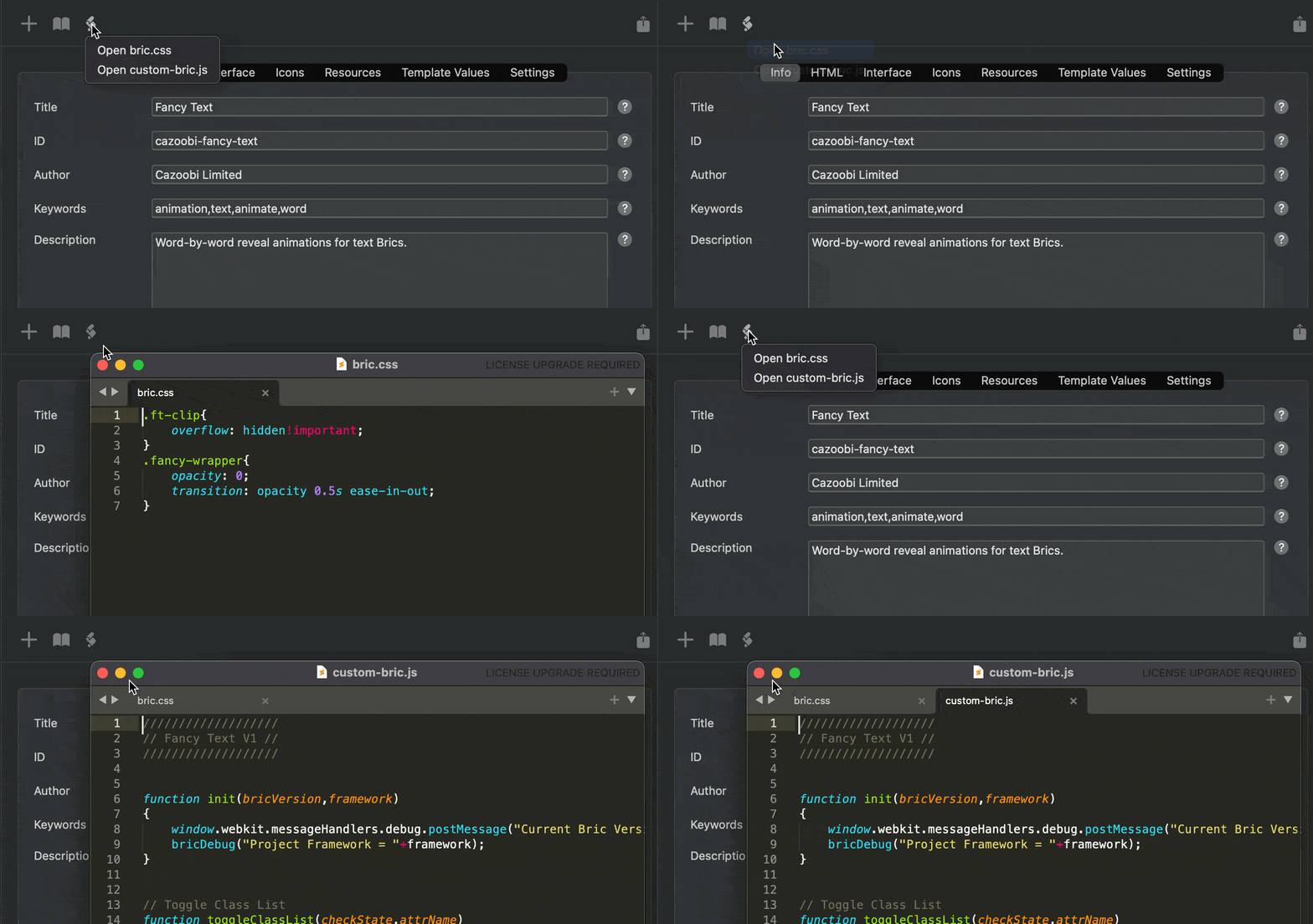
I’ve added a new option to quickly open the bric.css and custom-bric.js files from the builder UI.

CleanShot 2025-08-27 at 11.29.51

I found when I’m developing a custom Bric, I’m often hunting around for these files in the main Bric directory.

So far, I’ve found this addition surprisingly timesaving and useful. :white_check_mark:

7 Likes

Quick Function Example Snippet :high_voltage:

I often find it hard to remember which variables are passed into a function when building the user interface for a Custom Bric.

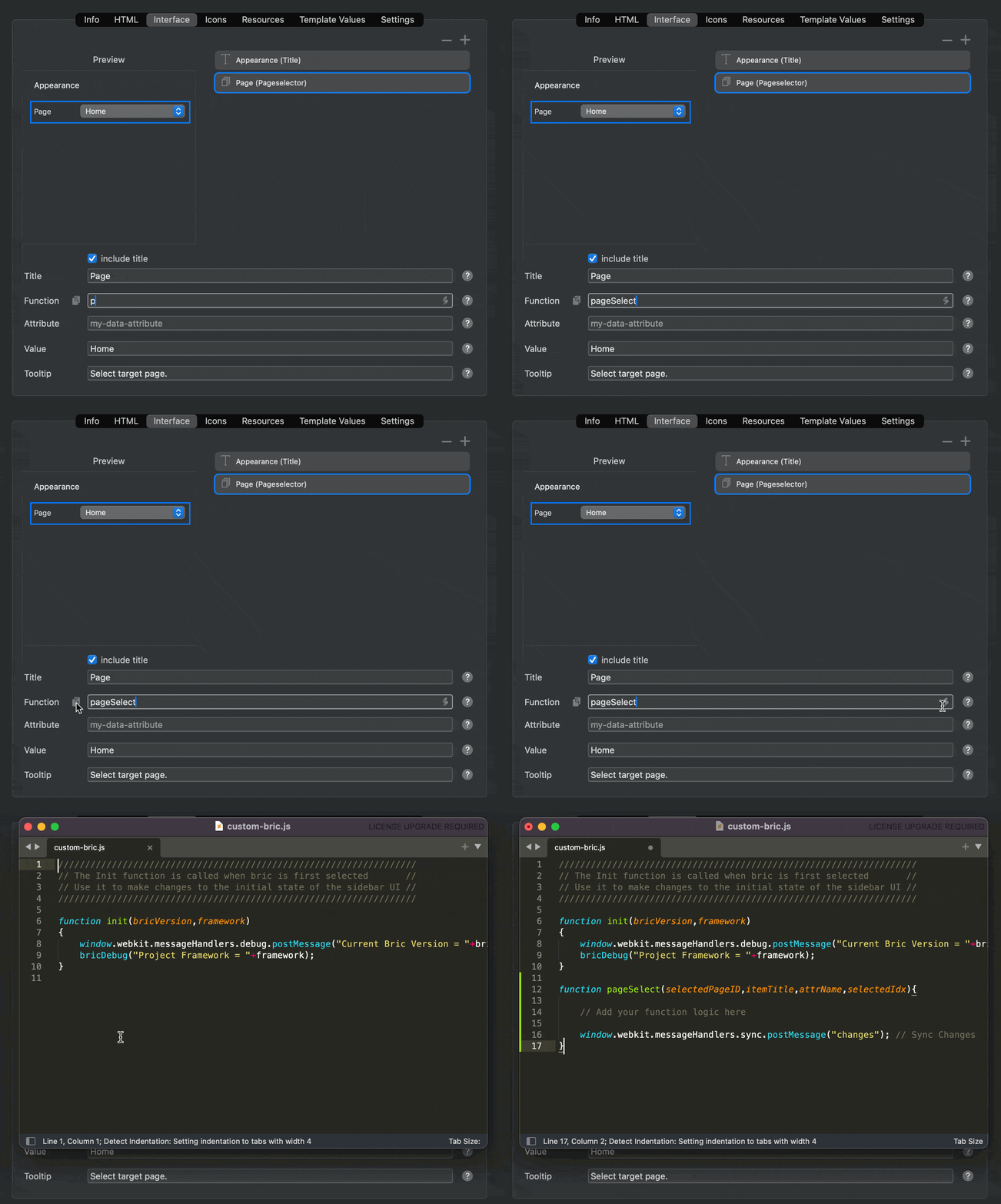
In Blocs 6.2.3 I’ve add a new button (left of function name field) that will copy a simple boilerplate function example to the clipboard based on the target UI element and the function name, making it quick and easy to paste into your custom-bric.js and begin creating the logic for it.

CleanShot 2025-08-27 at 11.44.48

7 Likes

That’s a great help! I used to have typos or errors with upper and lower case letters, but you only notice that when you test the brict. That’s a thing of the past now.

It would also be nice if elements in the interface could be hidden or deactivated by default. At the moment, I do this in the init function.

2 Likes

Bric Builder Quick Launch

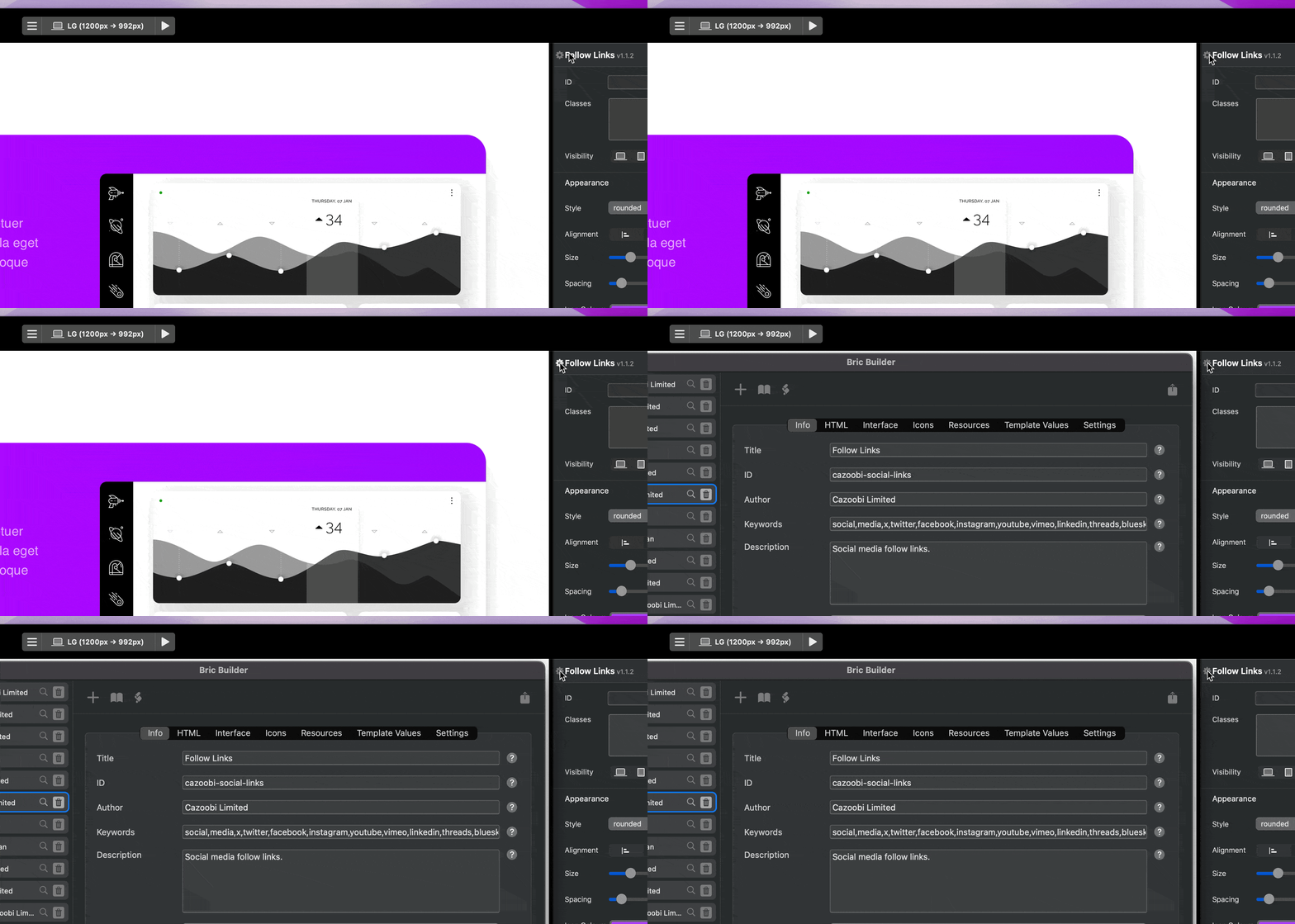
If you run Blocs v6.2.3 in developer mode you will now notice a little gear icon is displayed to the left of the Bric name in the Sidebar Inspector (within the main application window).

Clicking this will quickly open your custom Bric in the Bric Builder, ready to edit.

CleanShot 2025-08-27 at 12.47.16

3 Likes

Very nice indeed - for developers.
But what about us users trying hard to build websites with custom interactions and are trapped because you can’t export them. :smile:

1 Like

It’s in the works :smiley:

3 Likes

Copy to Pasteboard API Call

In Blocs v6.2.3, I’ve also added a new API call that lets developers copy a text string to the users pasteboard.

window.webkit.messageHandlers.copyToPasteboard.postMessage("My Custom Bric String");

4 Likes

Compare Current App Version - Environment Utility

I’ve also added a new environment utility to Blocs 6.2.3 that makes it easy to compare versions of Blocs so you can adjust available features and functions.

if ( appVersionNewerThan( "6.2.3" ))
{
// Do Something for Blocs 6.2.4 or newer
}
5 Likes

Nice work, Norm
I can’t wait to get the new release.

3 Likes

Hi @Norm

The improvements look promising :slightly_smiling_face:

You could also add an icon section to the interface section :wink:

2 Likes

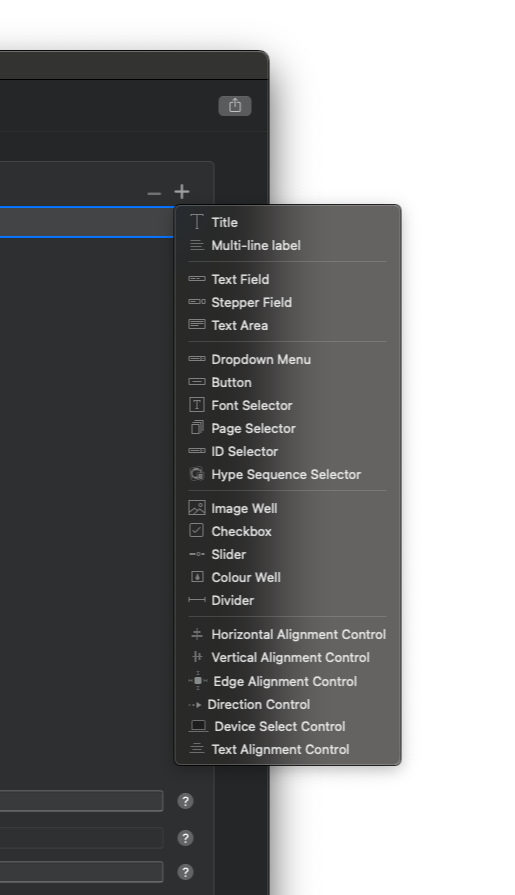
I’ve also added a new Custom Bric Global Variable in 6.2.3 beta 2, which lets developers identify when a Custom Bric is within a Global Area, enabling custom functionality for Brics depending on their page location.

if (inGlobalArea)
{
	// This Bric is located in a Global Area.
}
else
{
	// This Bric is NOT located in a Global Area.
}
3 Likes

I’ve added some more API calls in Blocs 6.2.3 beta 2 (which will be released soon).

Set Breakpoint

Developers can now set the current breakpoint via the Bric API.

window.webkit.messageHandlers.breakpoint.postMessage("XS");

Extension Manager

Developers can launch the Extension Manager:
window.webkit.messageHandlers.extensionManager.postMessage("open");

And check for updates:
window.webkit.messageHandlers.extensionManager.postMessage("update");

Reset Bric Values

Developers can now reset aspects of a Custom Bric to the default using the Bric API

Reset all:
window.webkit.messageHandlers.reset.postMessage("all");

Reset HTML:
window.webkit.messageHandlers.reset.postMessage("html");

Reset Resources:
window.webkit.messageHandlers.reset.postMessage("resources");

Reset Template Values:
window.webkit.messageHandlers.reset.postMessage("templates");

3 Likes

It’s great that the API capabilities are being expanded!

Am I interpreting this correctly? I can now also reset the resources in the init function, which is extremely helpful, especially when the Bric consists solely of JavaScript. This is particularly useful for updates. If the Bric is used multiple times, are all resources reset?

Yes, these options are already available if you right click a Bric on the design canvas, the developer can now trigger these functions from the Brics JS functions.

1 Like

Perhaps one more note:

the “new” API functions are only available from v6.2.3 onwards, so a note could be added to the documentation at

1 Like

Do you have an example when this is useful?

BlocsApp has a cache. removing and re-adding a bric via the extension manager does not help; the cache is retained, meaning that not everything is updated. This is problematic with js files. This only occurs when the version number increases.

This is extremely tedious in the development process and can now be initiated directly by the developer. Good thing…

1 Like

It could be used in conjunction with a custom update feature that the developer could manage in the Bric code.

It would also allow developers to add visual reset controls to their Brics for customers to use.

And of course it’s handy during building and testing if you want to flush resources or html regularly while developing a Bric.

2 Likes

Nice. I like to mention you are only able to use this JS call from 6.2.3 upwards. So you first have to check if this method is available.

1 Like