Have a look at this very odd problem…
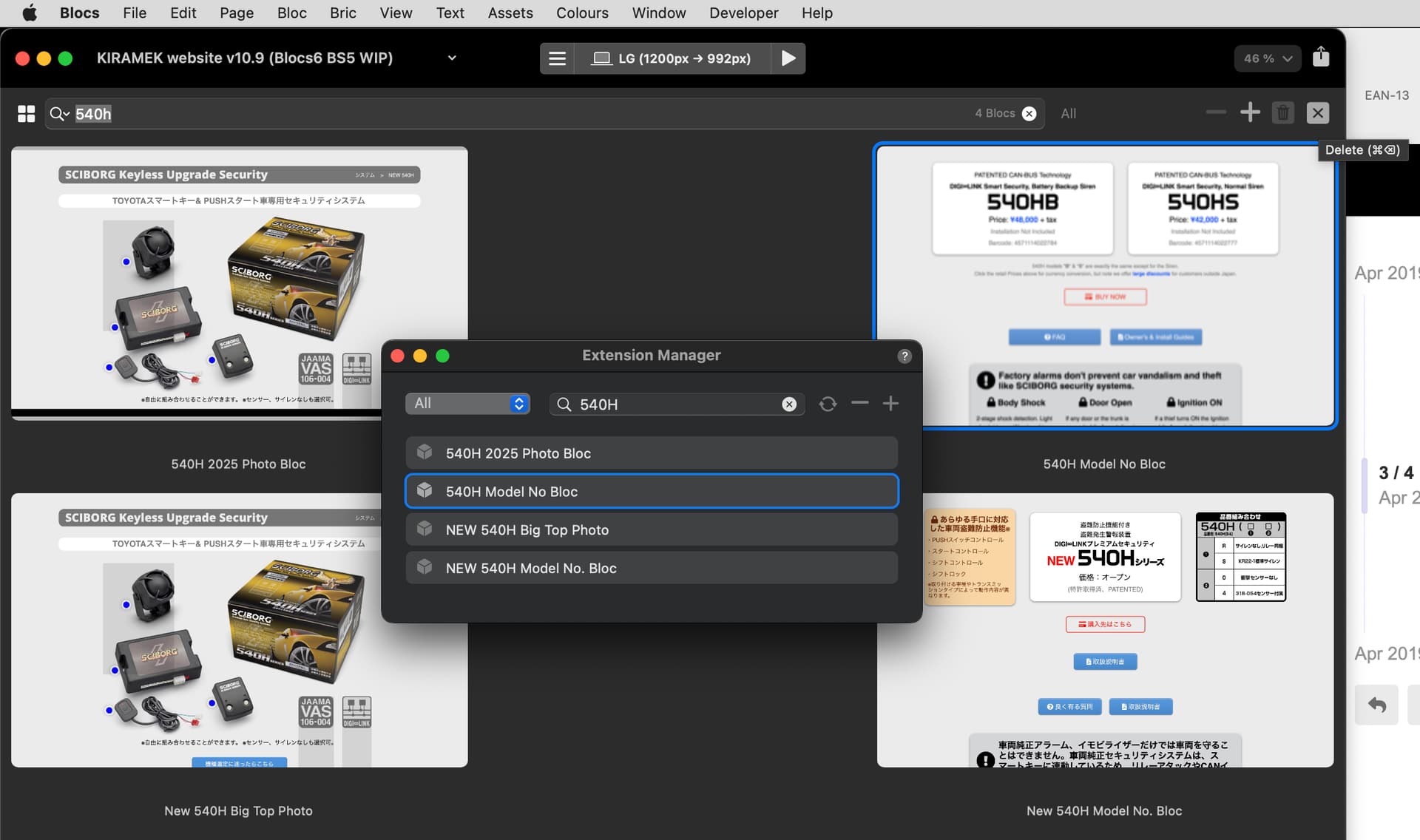
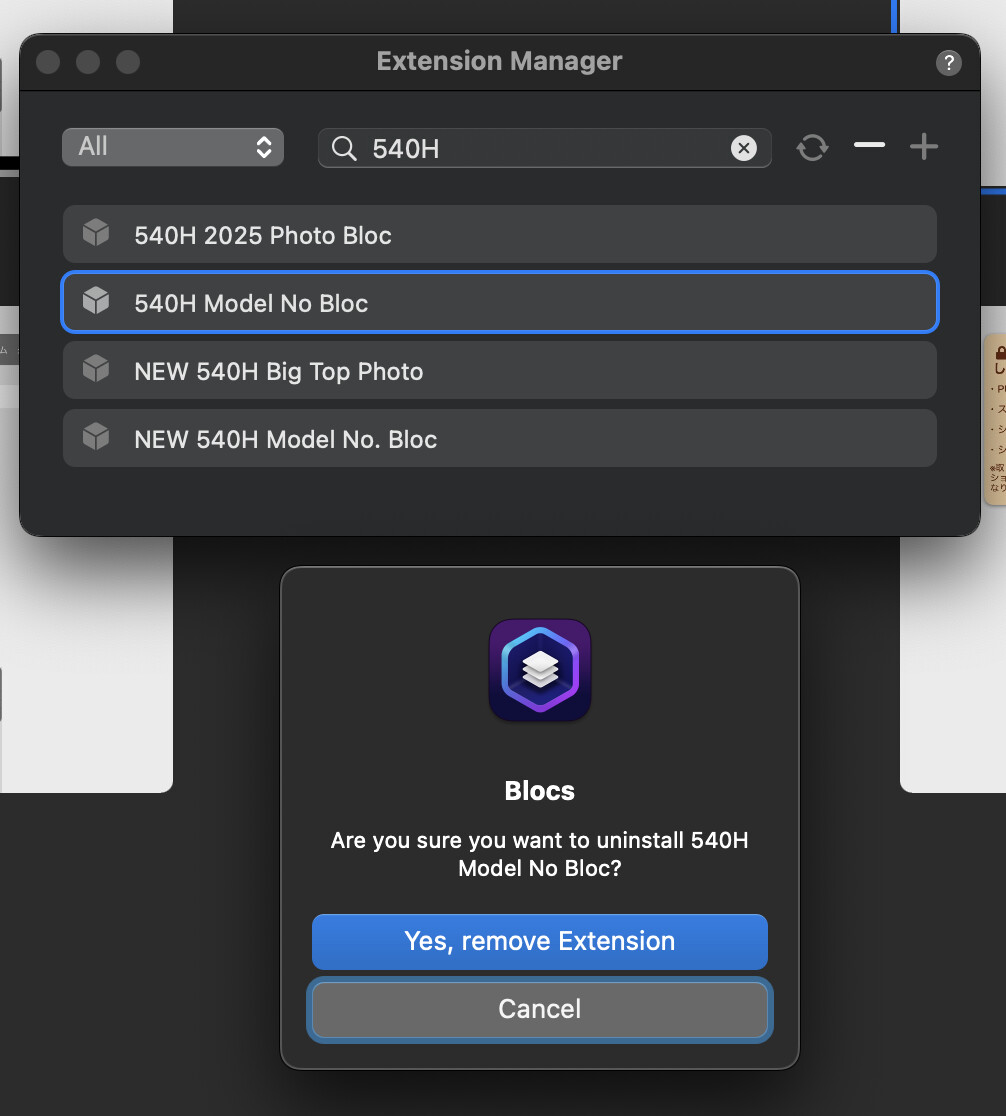
Only Extensions Manager lets me delete a Bloc from the Library.
Look behind the Extensions Manager dialog in the above screenshot and take note of the small “X” button/icon in the upper right area of that window. Clicking it does NOT delete the selected Bloc! It causes the “X” button to vanish and then it displays “Settings” instead…
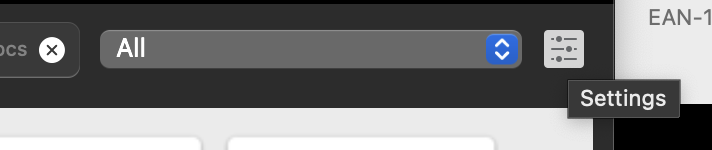
Pressing CMD-DELETE doesn’t delete the selected Bloc either!
It’s only by way of clicking the “-” button in Extensions Manager than any Blocs in the Library can be deleted, as shown here…
Here it is now deleted (via Extensions Manager)…
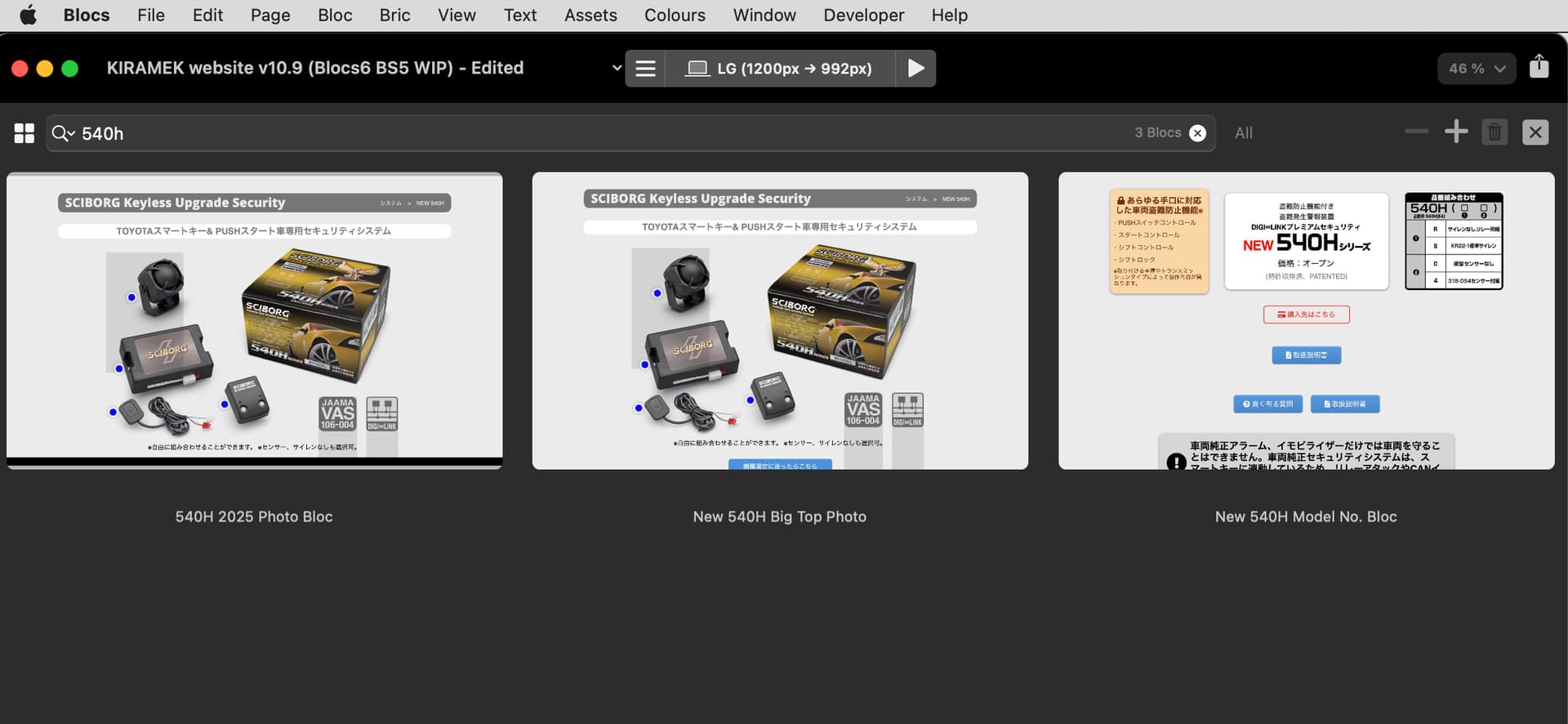
Isn’t this a bug?
Not being able to press CMD-Delete or click that “X” button when a Bloc is selected looks like a bug to me, but I would like to check with you folks first, before I report it.
I am using macOS Monterey on a late 2015 5K 27” iMac. (And no, I cannot update to any newer OS.)
Thanks.