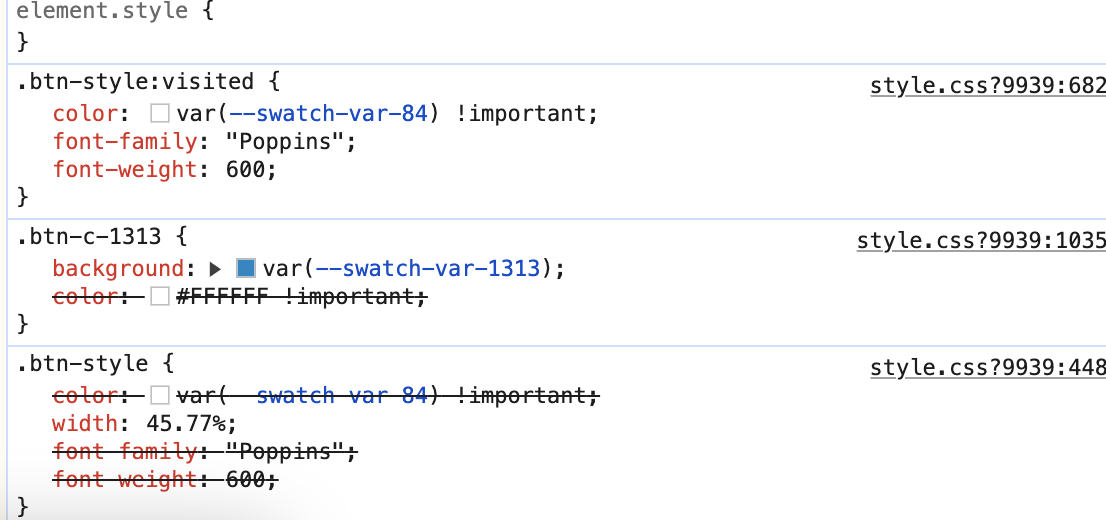
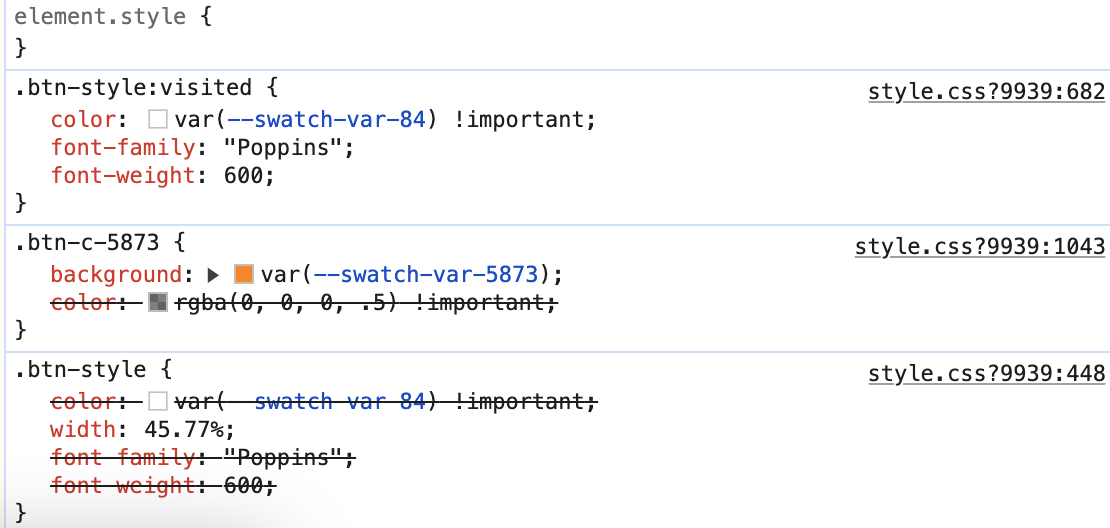
Hello! I’m trying to simply change the text color of a button—which I haven’t had any issue doing before the recent update. It’s stuck on the automatic color that’s decided from the background color even when I edit the btn-style or add a new class and mark the color important under the rules in class.
In work mode it shows as white text on an orange button, but in preview and in live view in browser it’s gray on orange and I’m unable to change it. I double checked all classes and can’t seem to find the issue. Wasn’t sure if anyone else was having this problem and if they found a way around it. Thank you!
Preview (The way I want it to look)

Live (Don’t want this lol)

This is the another button that is working with white text, but it’s blue instead of orange: