Hi, how can I create a link or a button to add contact info (like name, surname, phone number, email and Facebook or Twitter link) to Contacts app on iOS or Android?
1 Like
I found the following website which seems to do what you want…
The main problem is, despite that page saying it should work in Safari 12.x and higher (both desktop and iOS), when I view their CodePen examples in Safari 13.1.2 on my High Sierra MBP, the content is blank. So clearly, browser compatibility is an issue.
I think they are taking about something more along the lines of vCard or aka digital business cards?
But that share button is cool.
Hello @theenrico in my case I create a VCF file (open contacts in Mac and export your contact with all that you want to have like website, address, name, company, notes, etc…) then in your server upload the file in a source folder or somewhere.
Then you create a button like @PeteSharp says with the link to that vcf file and it will open directly in Contacts to add your contact.
Hope it helps you…
2 Likes
I did it, but when my friends download the vcf file via chrome or internet the website show the vcf code, it’s possible to show a paragraph only if the user is on iPhone? I want to hide the paragraph or the button if the user is on Android. Or I want to download the vcf if the user have iPhone and show modal if the user have Android
Like some websites that when you click on “Download App” redirect to App Store if you’re on iPhone or redirect to “Play Store” if you’re on Android.
Please explain a little bit more I didn’t understand, sorry…
Sure. On my page I have a button to download the vcf file, but I want to show this button only for the iOS user, I want to hide this button for Android users
And you only what that for Android or you want to select for each OS (win, Mac, android, Linux, etc…)
I want to show this button for iOS and Mac and then I will create a new button for Android because the vcf file it’s ready for safari but not for Chrome on Android
But the VCF file works in both…
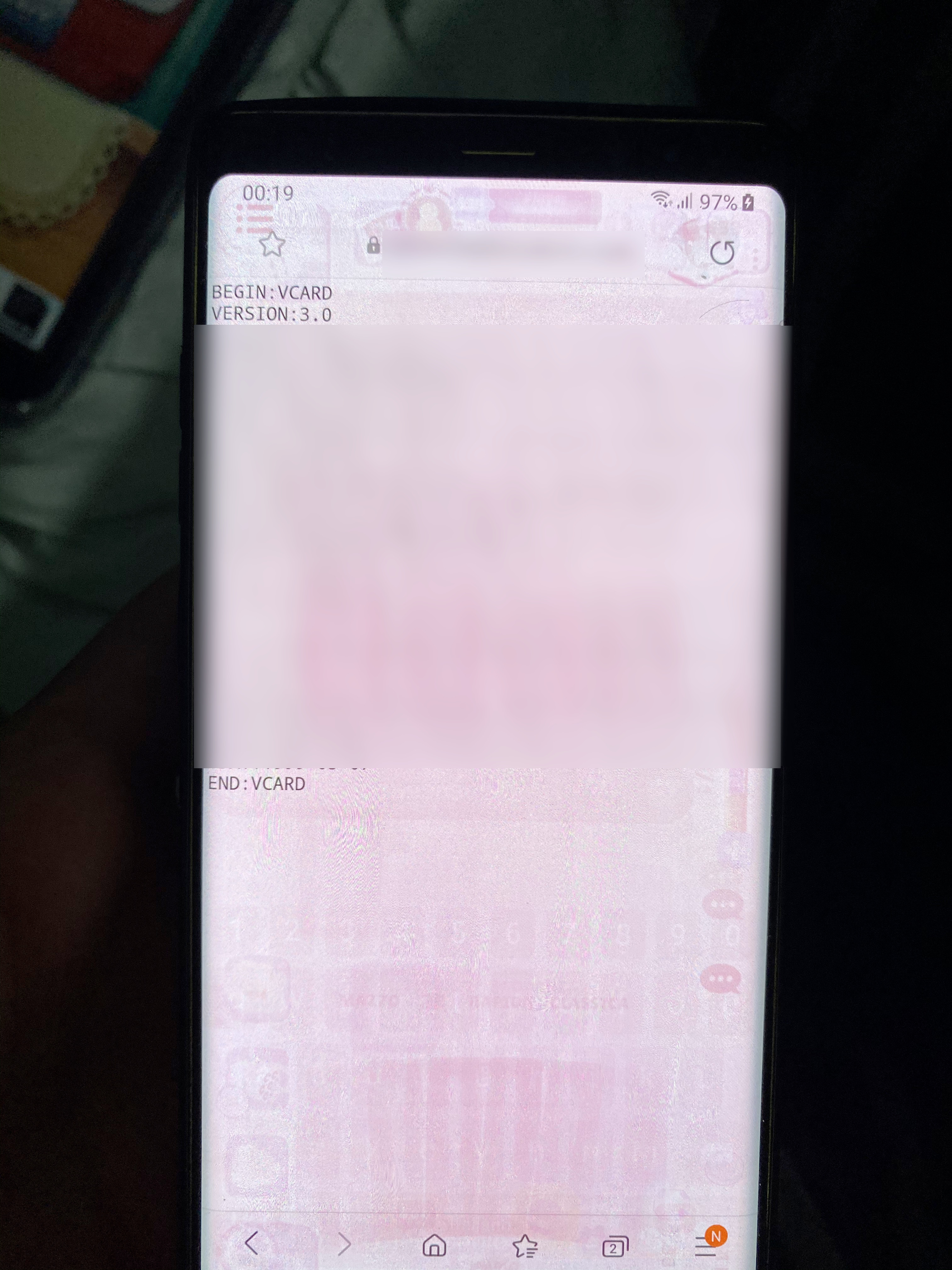
probably you had opened a vcf file before and make default app to open vcf in that app… try this:
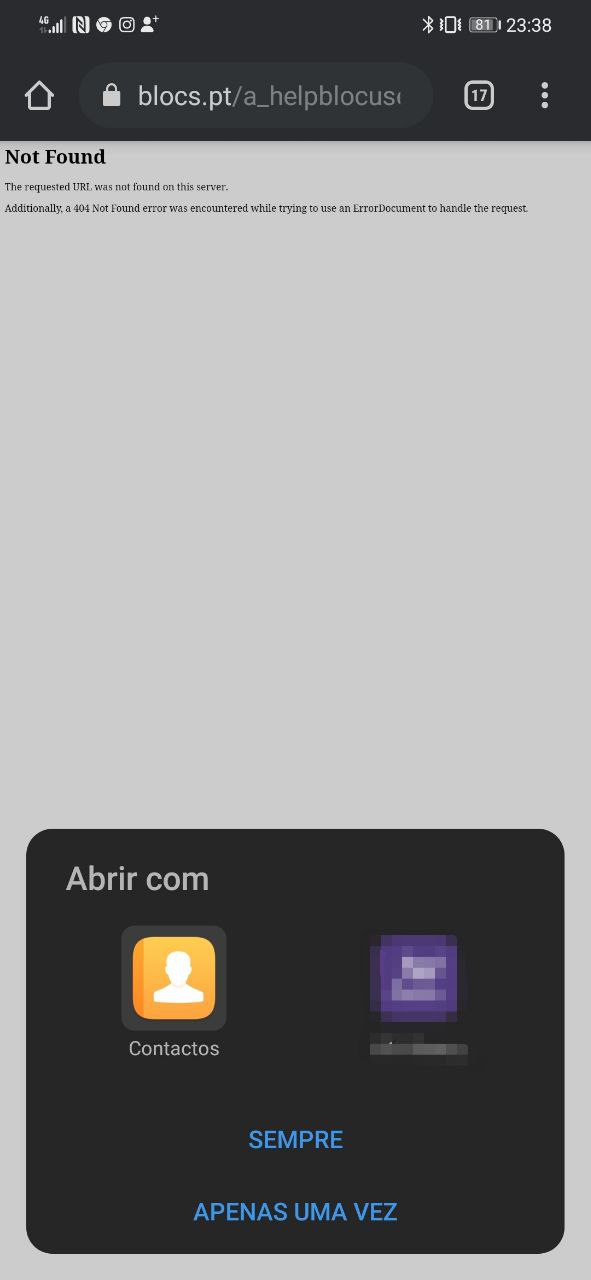
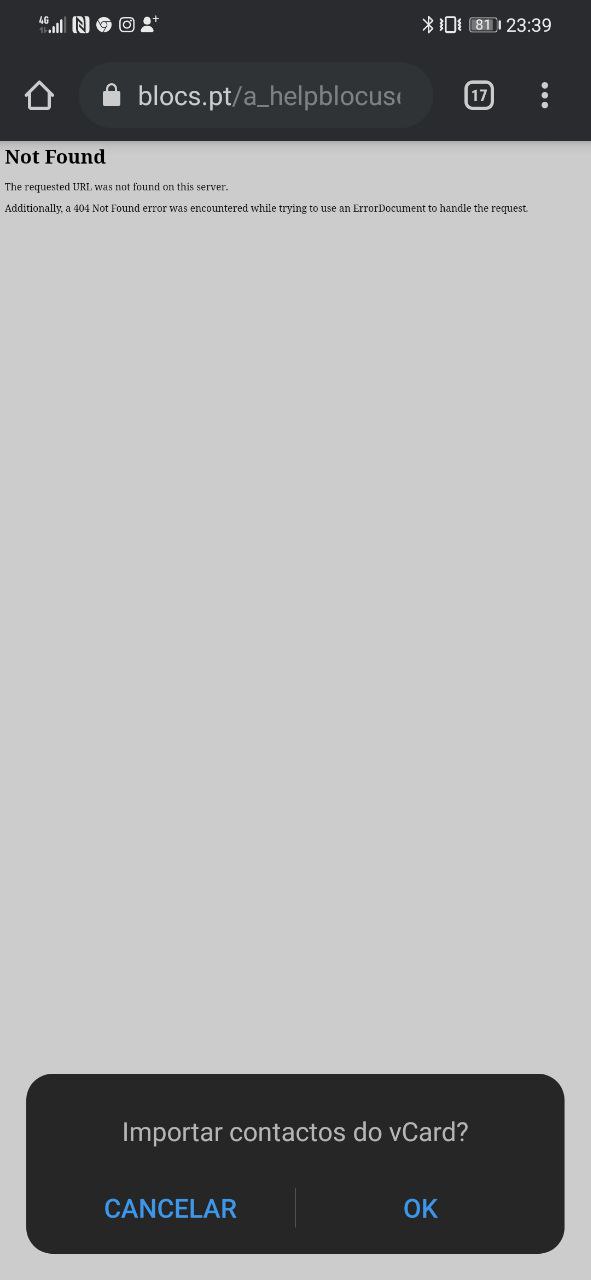
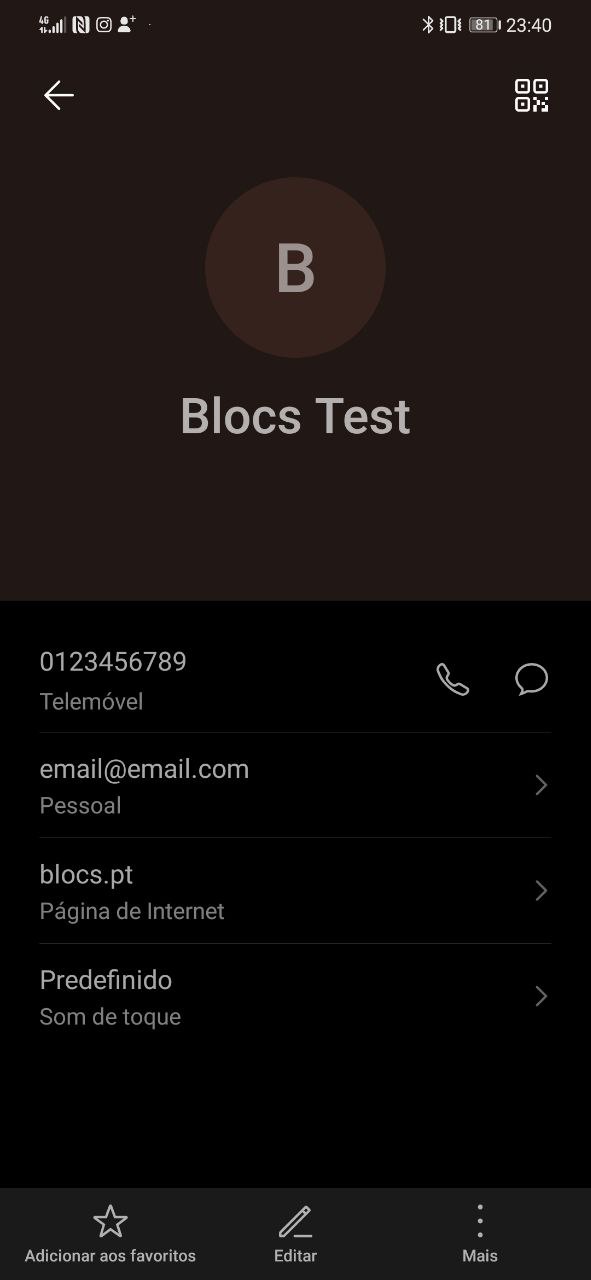
With this link I downloaded your file and I can open it in Contacts, I don’t know why with my vcf I have problems. I shared it via iPhone Contacts app and uploaded via FTP to my website, then into the blocs page i created a button with the “Navigate to URL” interaction and in the url section I copy-pasted the vcf file link www.domain.com/file.vcf
If you have your contacts sync with your Mac:
- Open Contacts app in Mac.
- Select the contact you want to create the vcf.
- Select File -> Export -> Export vCard
- Upload that vcf file created in Mac to your server.
IF YOU DONT HAVE THE CONTACTS SYNC IN MAC:
- Create a new contact with all information you want
- Follow the instructions on top.
Hope it helps you…
I will try, thanks
I have a similar problem. I created vcf and in IOS (Safari) everything works as I want - when I tap a link, it offers me to import new contact.
But on Android phone, I must first download vcf file, and then open that vcf to import new contact. So, is it possible to force Android/Chrome to open default contact app instead download?