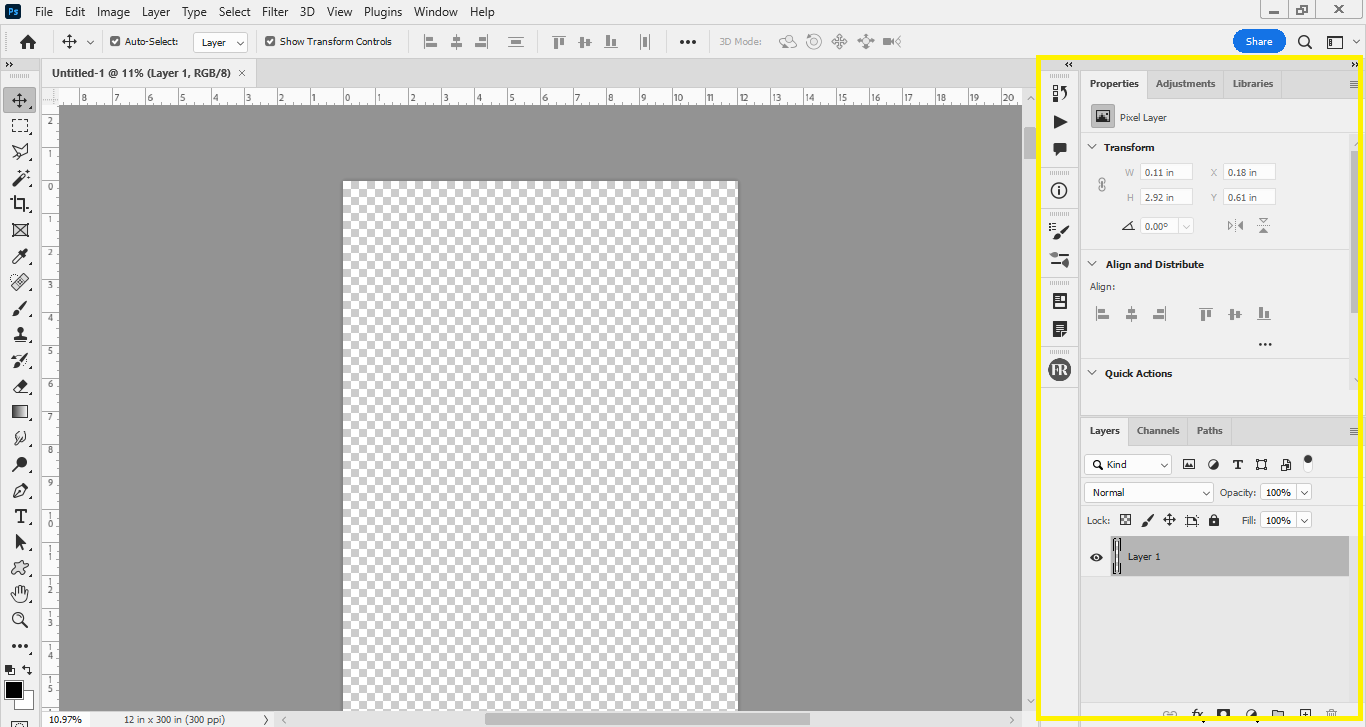
I’m wondering if Blocs is the right tool to clone this Photoshop template and turn it into a landing page for my website. For example, is it possible to create the same level of detail, including the hover effects, using Blocs?
Thanks in Advance
I’m not sure what to do with the photoshop screenshot of a blank page and some settings. I don’t see any hover effects or details on that screenshot.
If you’re asking if you can create hover effects in Blocs, yes you can easily with the use of custom classes. You can do a lot with custom classes or just by adding Bootstrap 5 classes that already exist. Check the BS5 documentation for those.
Basic Animations and scroll animations can be added by using the sidebar. Anything else like transform translate, transition or keyframes etc., can only be added by using some custom css in the code editor.
Hope that answers your question. So why not take Blocs 5 demo for a spin, watch some of the free tutorials from @Eldar or @PeteSharp on YouTube, or the free ones on the academy site and see if works out for you?
Hi Pumpkin
I wanted to know if I could replicate the design seen in the above screenshot using Blocs, and if it was possible to add hover effects., my goal was to build a basic website but something similar to Photo Pea with a whole lot fewer features, if that makes sense.?
Glad you added tiny bit more detail, your first post was a little confusing being a screen shot of photoshop with a blank document. It’s only slightly confusing now
Although it’s possible to mock up something. I think you have bigger things to consider. Blocs will only make you a front end. You need a backend developer. Ideally a full stack developer.
But then, I’m assuming you want functionality. Or do you want a webpage with a UI theme?