Hi all,
I’m relatively new to Blocs, but I really have enjoyed learning how to use it and continue to learn every day. I’ve come across an issue that has me stumped. I’m trying to get an image to fully take up half of the browser screen and go full height. Here’s an example of what I’m trying to accomplish:
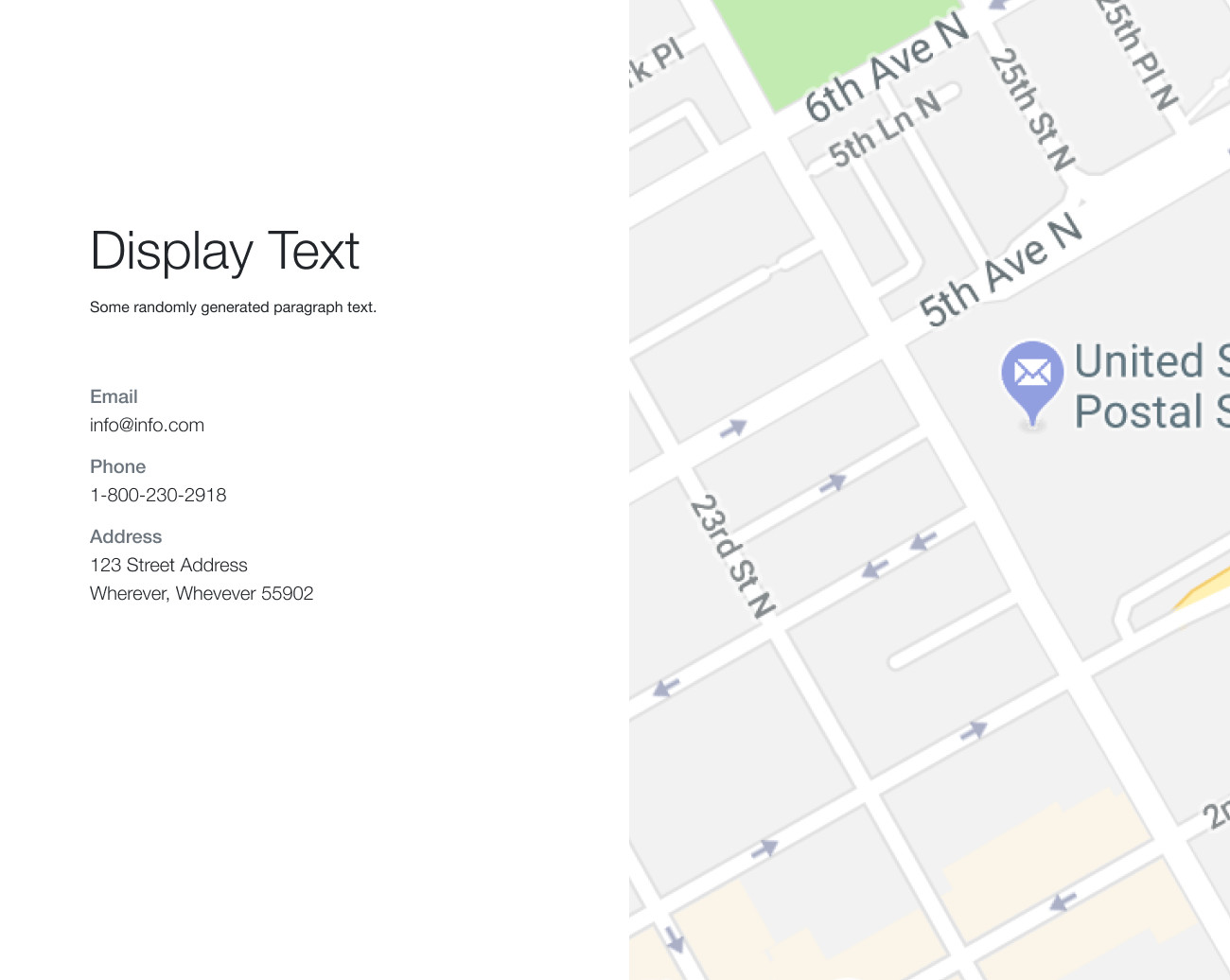
So far, I’m using one row with two columns and I cannot for the life of me figure out how to get the 2nd column to go full height and have a width that takes up half of the screen. I’ve tried using the h-100 and mh-100 classes, to no avail. I’ve also tried removing the image and then using it as a background for the column.
If you could please help, I’m sure this is something relatively simple that I’m overlooking. Attached is an example Bloc file.
Any/all help is more than appreciated! Thank you. 
Example.bloc (190.6 KB)