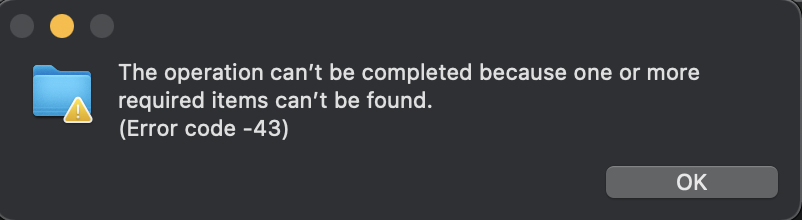
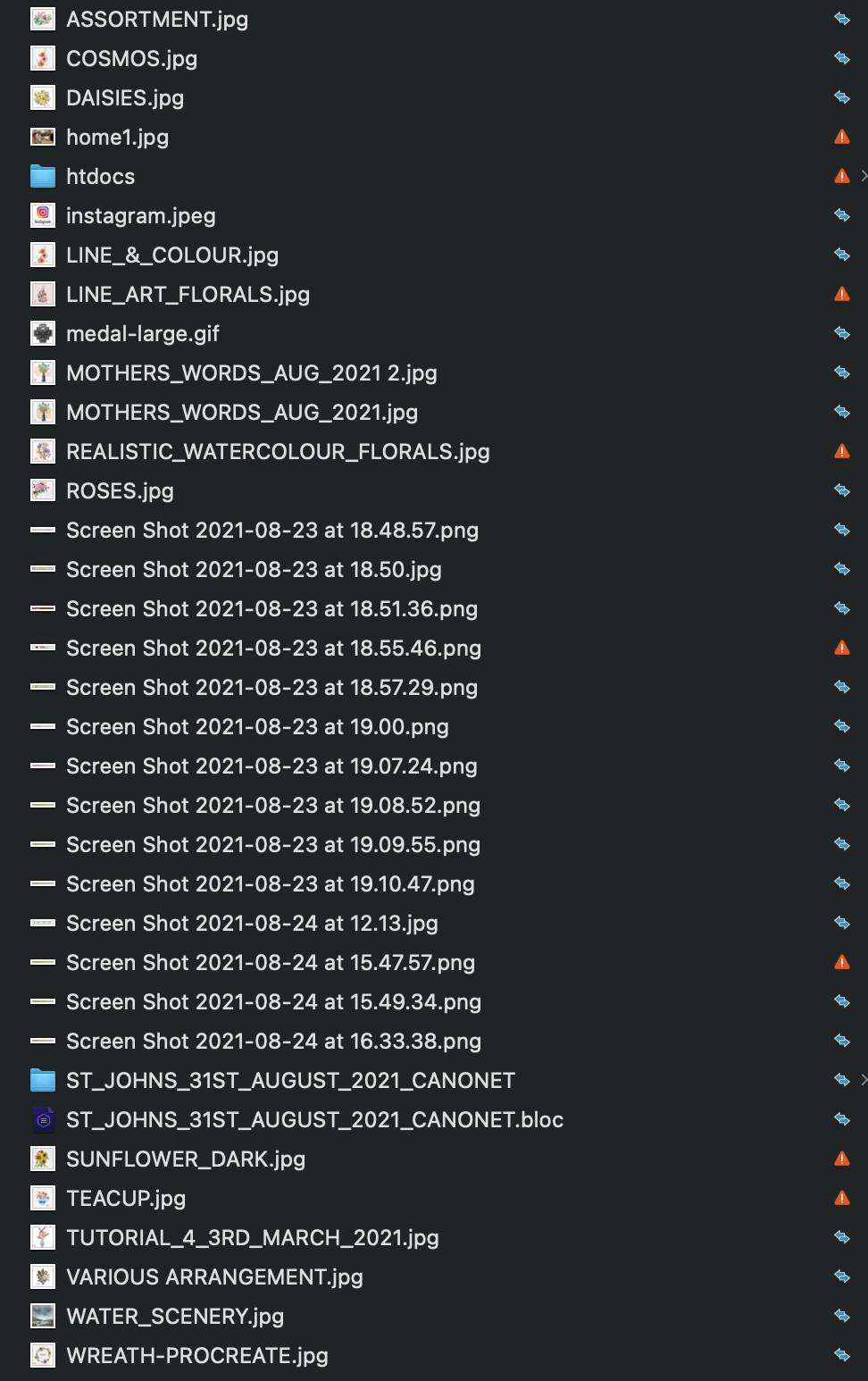
Up until just very recently I was able to copy and paste a Blocs Project folder from my “Documents” folder to both Dropbox and a specially created folder in a Created Cloud Files folder. e.g. 26TH AUGUST 2021 CANONET HOMEPAGE. However, now, for some reason, this isn’t possible. In the case of Dropbox I keep getting the following msg.
See Screenshot 1.
The Project file is saving just fine and I am able to upload it to the server and it’s showing just fine in a browser. I just can’t save to my “cloud” folders. Can anybody suggest what is causing this problem, please?
Thanking you,
Sabina
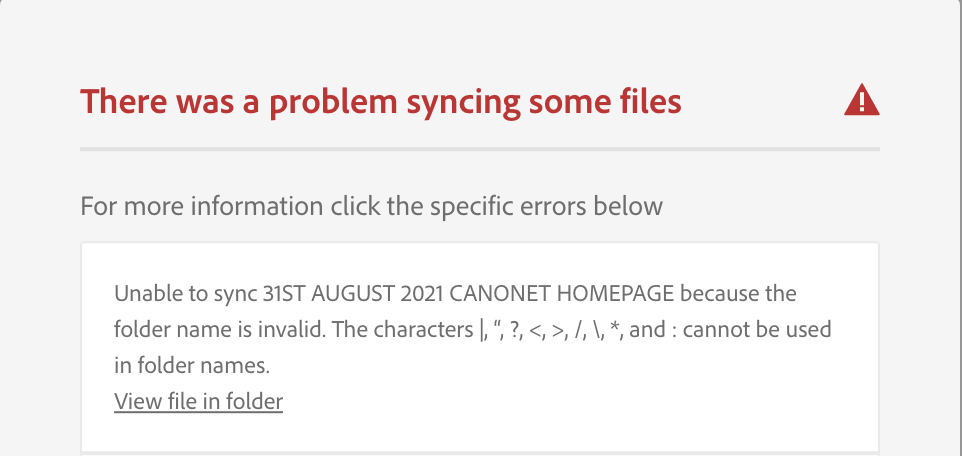
PS In Creative Cloud I keep getting the following whereas there are no such files there.
The funny thing is that the Folder name 31ST AUGUST 2021 CANONET HOMEPAGE has been copied to my iCloud Drive and Google Drive without any problem. No error msg whatsoever. None of the characters which it says cannot be used in folder names are present. Got me baffled.
Many thanks to both of you for this information. I have to go out of town for the next 8 days but will definitely look into this matter on my return asap. It certainly has been annoying not knowing why it keeps coming up with this msg.
Sabina
Tried all the things which you have suggested here to no avail. Double-checked that I didn’t have any copious letters here or there and where I had a space I turned it into an underscore. Still no further advanced. Why did it work just up to a week ago and now not at all? Got me baffled.
Sabina
Went through this afternoon changing all the spaces on pages - e.g. gallery-en to gallery_en (rather a lengthy process) and renaming the project file to something much simpler, etc., etc and I am happy to report that all is now working fine. I can copy and paste to Dropbox, Creative Cloud, iCloud Drive, and Google Drive without any errors appearing.
Sabina
Snahtajan did you eventually sort out the problem? Not that I can help you beyond what I have already posted. Also, I have no idea what CCNA is. Maybe somebody else can assist you.