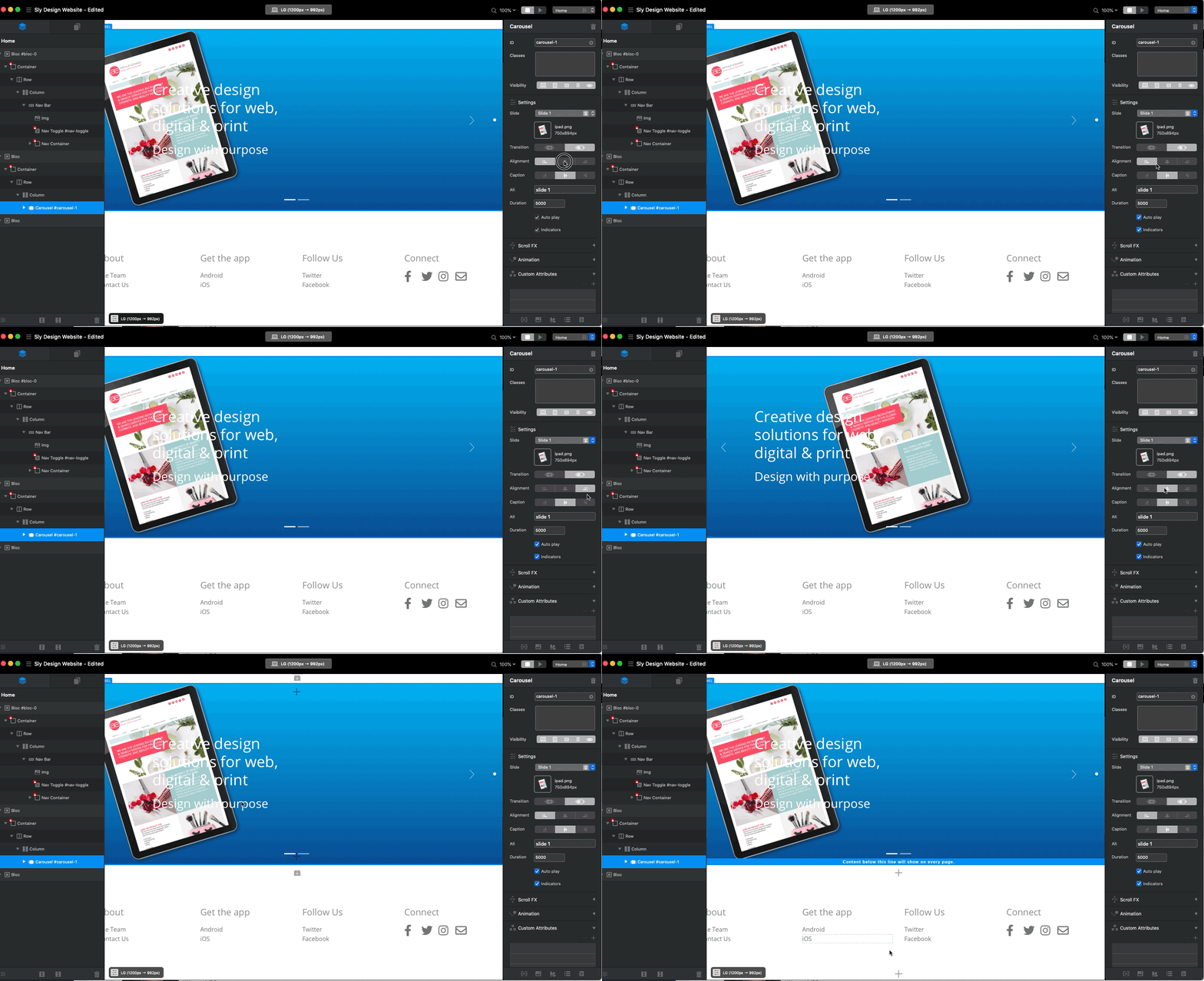
When I click the Right Alignment button the image alignment does not right align. The image stays left and the button in the inspector skips back to ‘left align’.
Also, I can see how to turn off Indicators, but how do I hide Arrows? Do I have to use custom classes?
Hi @simonclay
For the indicators, you will need to go to:
1: Class manager
2: Select +
3: Scroll down to carousel, and then select Carousel Navigation Arrows
4: Open this in the class editor and select SVG
5: I just select a colour i the SVG stroke and set it to 0% opacity.
An option would be easier to select it to take it away, but its pretty easy this way and makes sense.
For what you are seeing on the image position - thats strange. When I add an image it normally fills to full size anyway…not sure whats happening there!