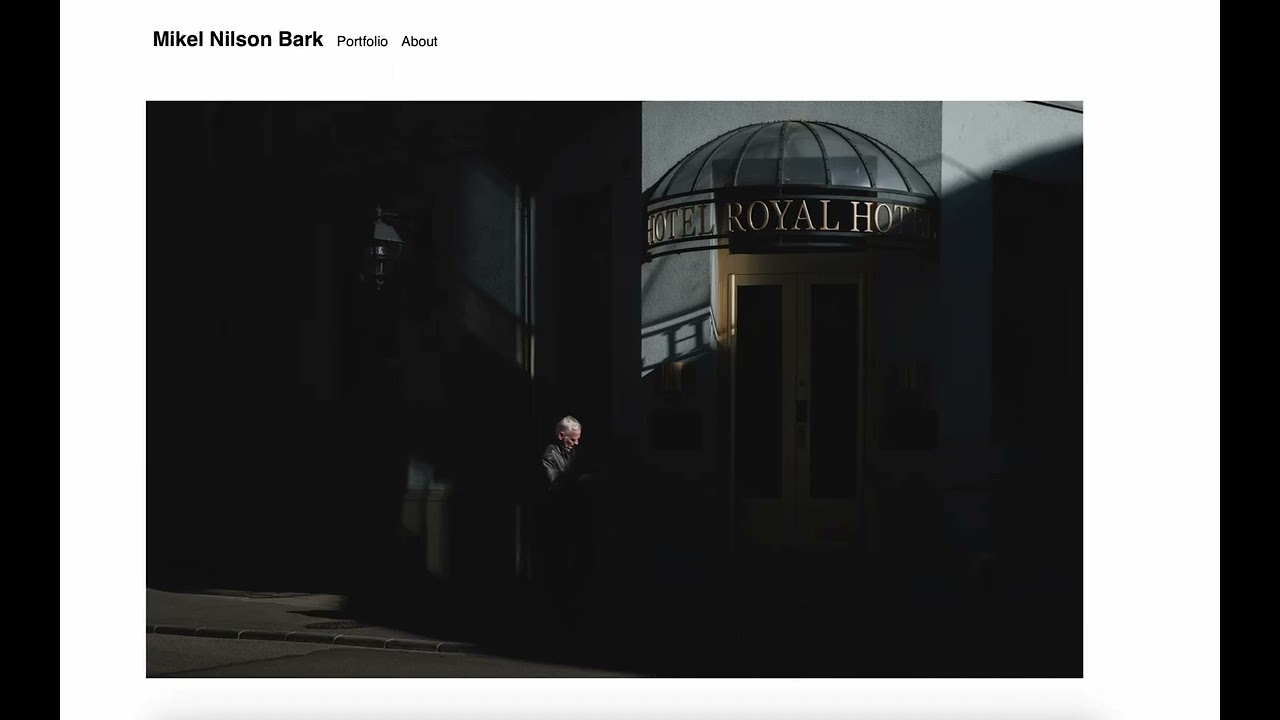
I’m really new to blocs. And can’t figure this one out. So I got a carousel. With 2 images in it at the moment. When it transition from image 1 to image 2. The whole site moves to the left.
I tried creating a class for the nav area and tried sticky and fixed. Wouldn’t help. Tried to set the actual carousel alignment but that won’t do either.
Both images have the same width (3000px) but different height. Is that the reason? How do I make the site fixed/static so it won’t move. And I just want the carousel to change images smoothly without anything moving other then the images.
Make sure that all your images have the same width and height, so that when you scroll the carousel it does not move, that will give your website a better effect, also remember that the carousel by dafaul has 3 images, you can still delete or add more .
So, try with the same width and height for your images.
Nevermind. I came up with a workaround. Decided for one size and then created a white empty document in photoshop with that size. Then resized all my photos with the same height. Obviously the width are different so when adding them to the empty document in photoshop. The all become the same size.
Yeah - the way I work is always size the images in same height and width and also look at making sure the image file size is not too big either so carousel is nice and smooth even on mobile etc.
Whilst I can understand the needs of you as a Photographer, it’s still better to use images that all have the same width and height.
That has nothing to do with the app, but the way carousels work. If you want to use different sizes with each image, you might not use a carousel, but maybe an image gallery or a 3rd party slider with some zooming effects, so the image widths and aspect ratios won’t matter too much.
After all it’s always a compromise between your wishes and the visitors needs and demands for usability and accessibility.
We see it all the time with graphic designers and photographers who are used to pixel perfect composition and either start providing a web design service or making their own sites. It’s not a bad things, just what we are used too.
With web design you think more fluid, how things will flow and show on various breakpoints, the user experience etc.
You either see it as design compromises or a canvas that’s dynamic.
There are several ways you could approach the carousel. Two I can think of, off the top of my head, but you will have shifting white space, which is not ideal. It is still better than layout shift.
Like you already figure out.
The main container around the carousel items can be set at a max height and you can have the image items work within the space responsively.