Change Dropdown

Hi…
A few weeks ago I can change the navbar simple when I set the source to none - and apply a class on the link. But now when I do it like that it doesn’t work :face_with_diagonal_mouth:

Now I learned that I use the navbar-nav li a class. But what is with the dropdown menu … here I use the class dropdown-menu but doesn’t work…
What I doing wrong ?
tom

Update: With the dropdown-menu class ist possible to change the background … But nit the font color … But I set it to important. Nothing happen :woozy_face:

what are you trying to achieve? change the dropdown menu colour?

Hi… I just try to change the font color :face_with_raised_eyebrow:

I only want to change the font color in blue … that’s it :slight_smile:

Yes, the bottom of the post shows how to do that. Ive re-copied below.

This will change the text to Red and the Menu Colour to Green. You can obviously change these to what you prefer by changing the colours or if you just want text to be changed and not the menu colour, then remove the background-color line.

Oh - I unterstand. Thanks @AdamNotEve
I will check it :slight_smile:

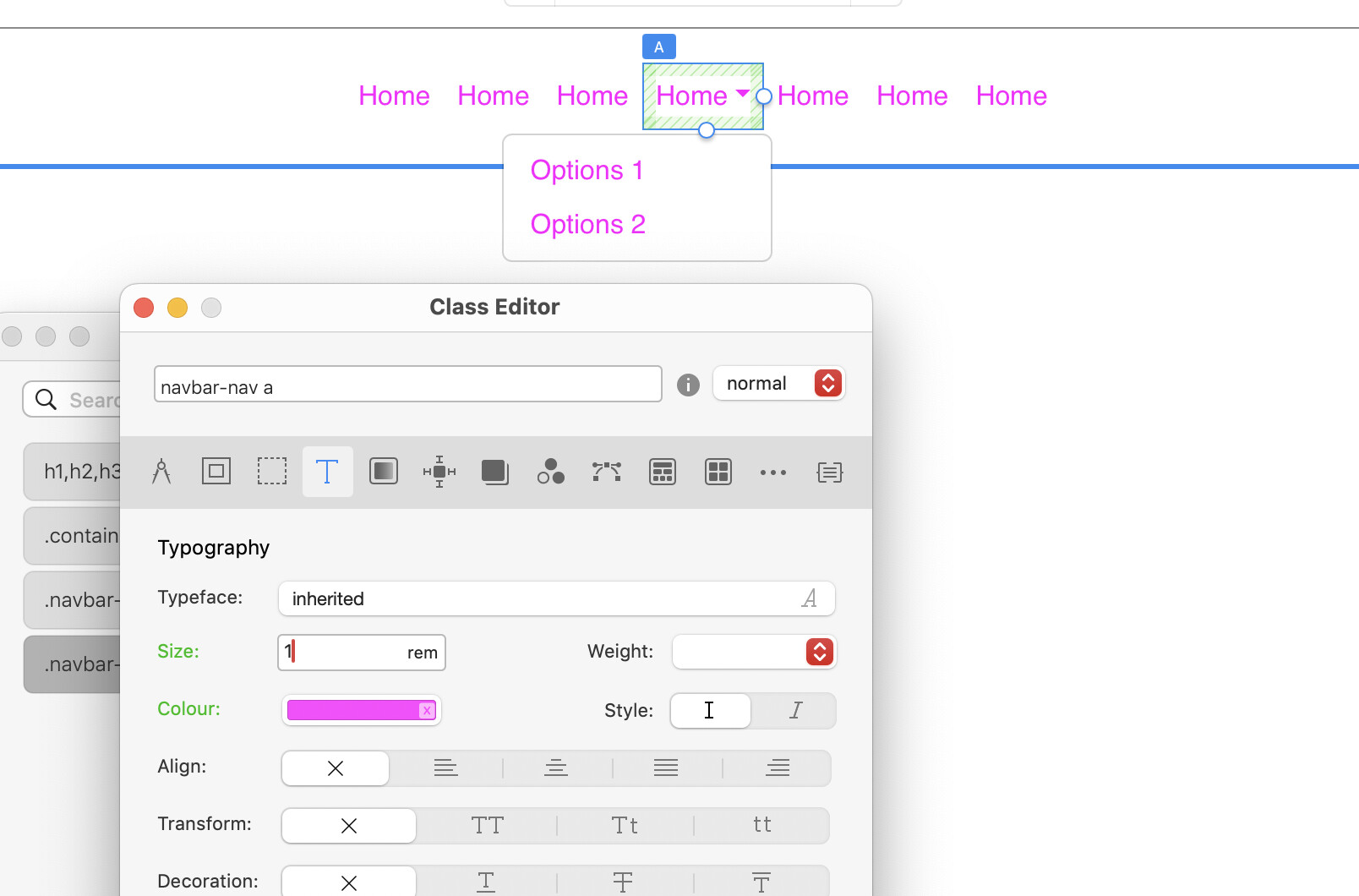
You can just use the class manager and use

.navbar-nav a

This will alter every link in the navbar, dropdown or not.

The class you referenced before, is targeting all links within a list item. (li)

.navbar-nav li a

Hi @PeteSharp

Ok - I give it a try. Thank for helping
Cheers
Tom

Hi @PeteSharp
With this class I change the navbar style … But it dont change the text in the dropdown menu … it is still grey - but in the navbar-nav a class I set it to blue and set important … doesn’t work…
thanks
tom

Hi @AdamNotEve
this solution works. Thank you …
I think it would be nice if there is a class to style the dropdown menu :slight_smile:
cheers
tom

1 Like

Works for me

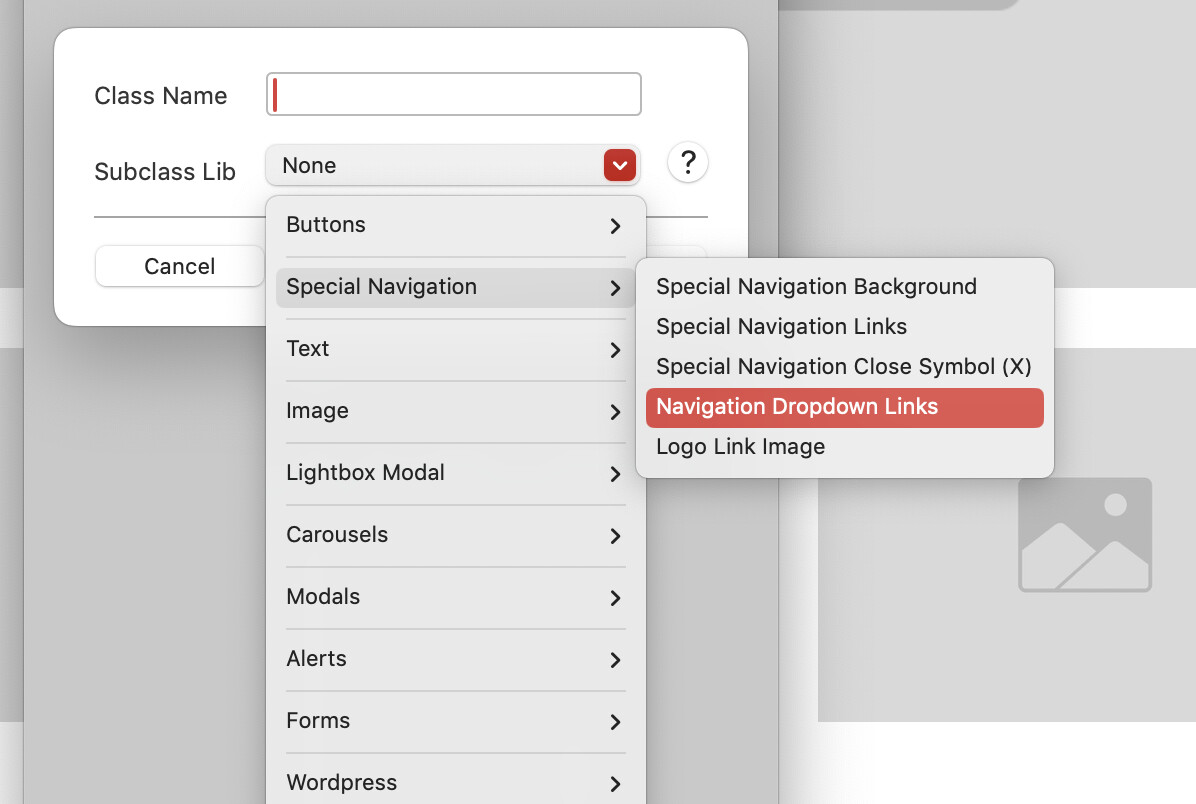
There is a dropdown links class in the sub class options in the class manager. Not used it though.

Have you made your menu with the menu manager Pete?

@AdamNotEve Nice catch, I never use the menu manager (too painful :rofl:), so was never an issue.

Thats where the built in Sub-class works though. This works with the menu manager dropdown.

1 Like

understand … so there it´s different if you use the class manager or not :slight_smile:

Yes, in the layer tree the Links are locked when using the menu manager so you can’t add classes directly on them, when you set menu manager to None, the links unlock.