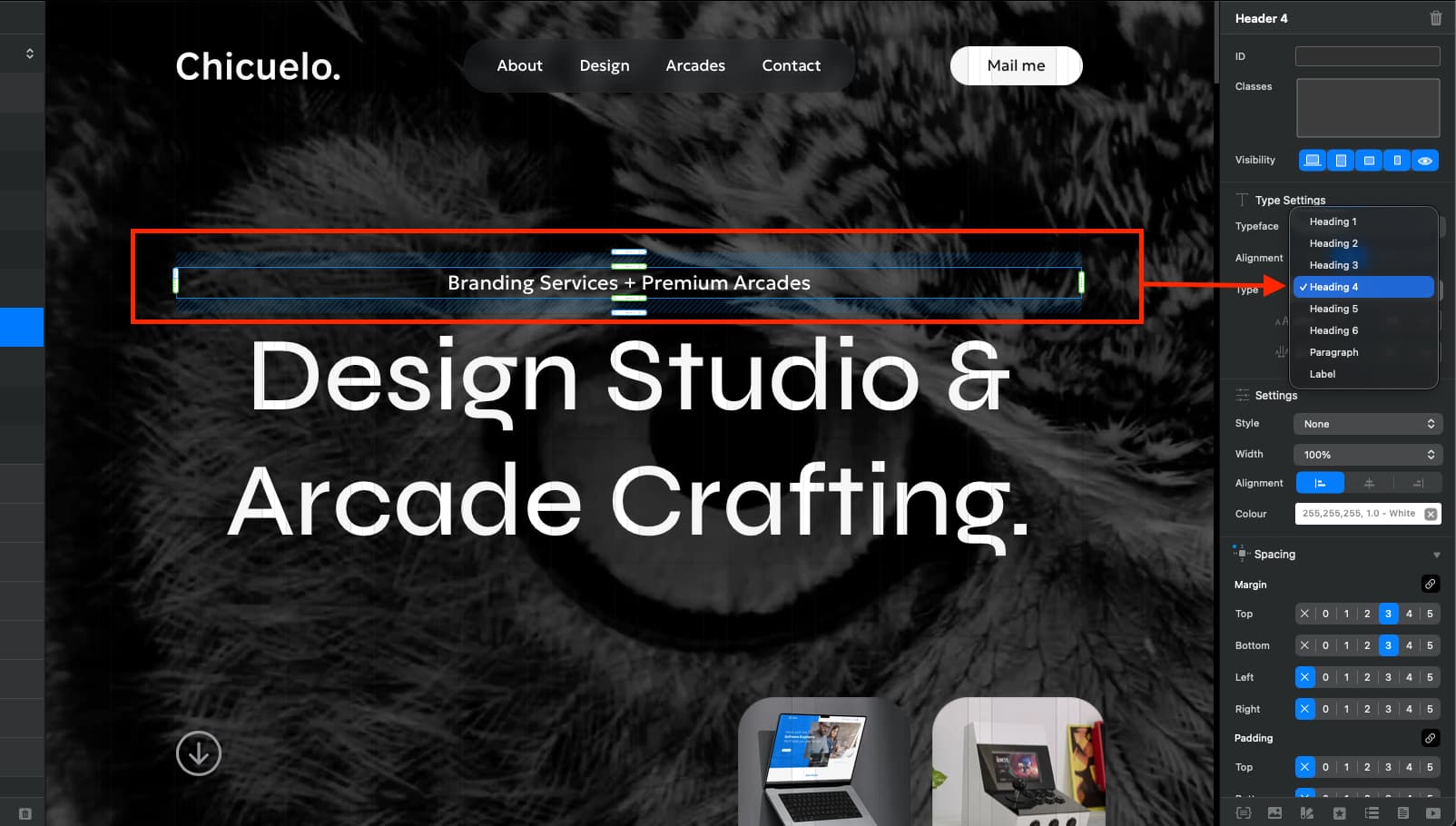
Hi all,
I have several headers which my client has changed to 3 lines and they were H1 tags.
We have now made the page titles underneath which I can change to a H1 tag easy.
So my question is - with the original H1 tag which is quite complex design, I would like to simply change all the text to a H2 tag! - What is the quickest way to just change it to a H2 without having to rebuild it all ?….is there such a way?
If not @Norm would it be possible on an update to simply right click on the side bar a H1 tag and a drop down happens with the H tags we can simply swap to ?
There might be an easy way to do this already and I am missing it !
Thanks all