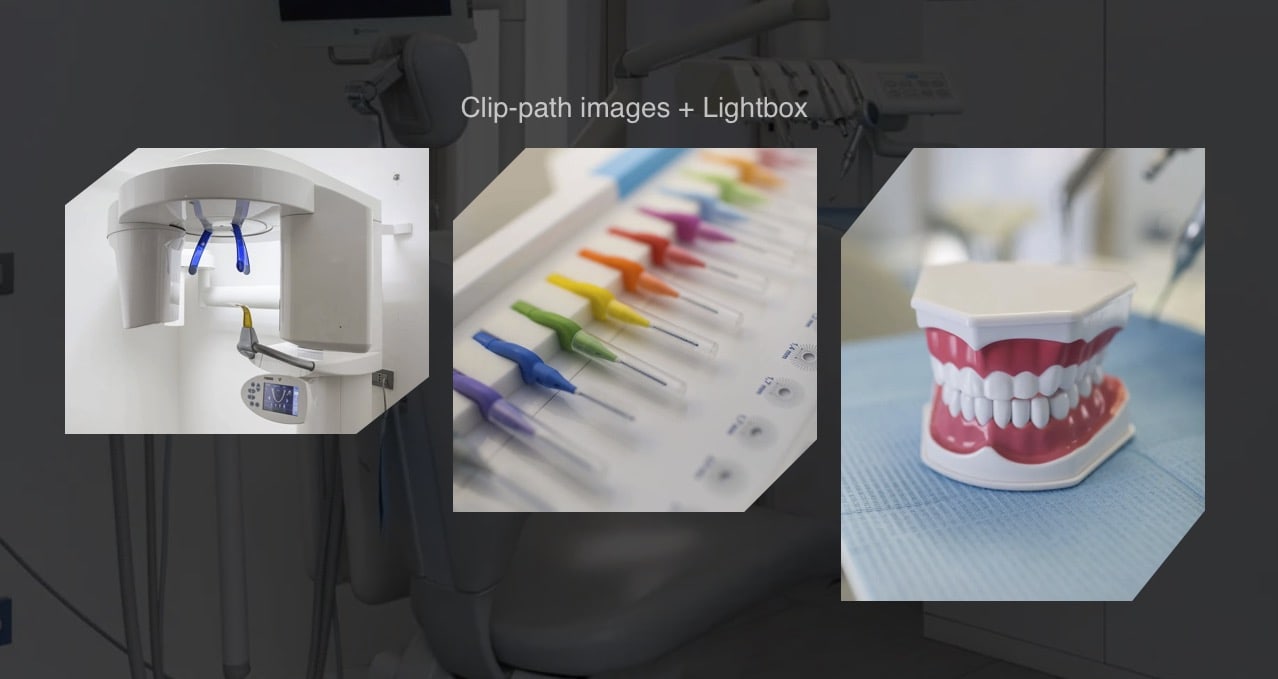
Clip-path to create cuts on images

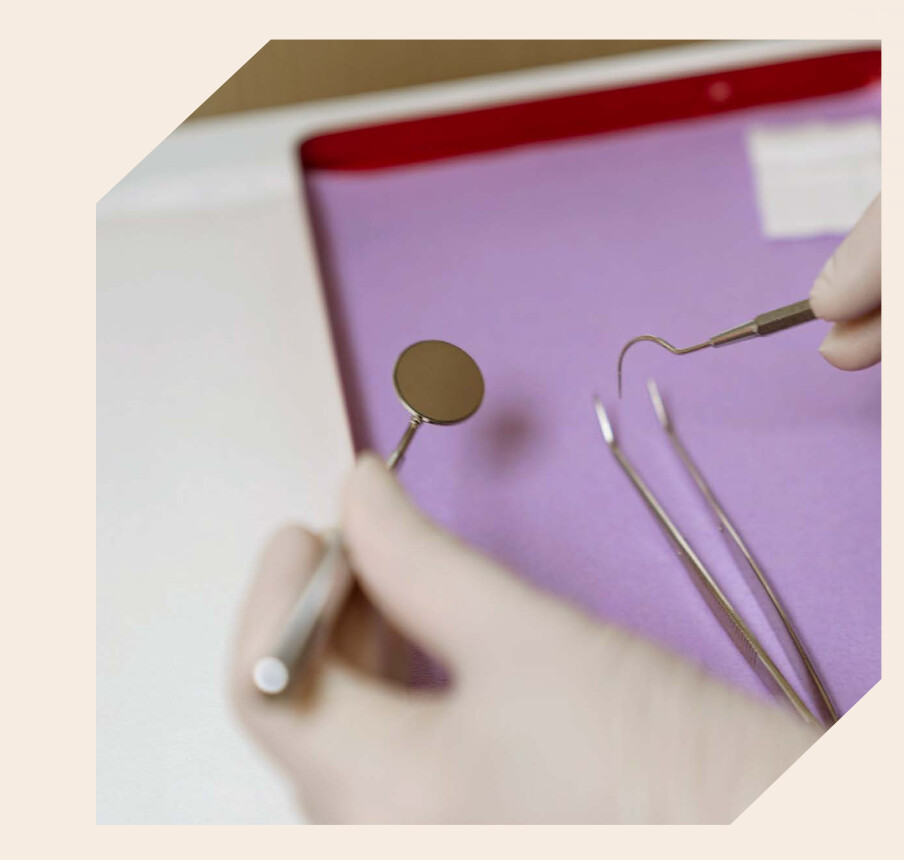
Hi guys, I’d like to have all my images like this one below, that’s cut on the left-top and bottom-right.

Easy with AI which gives me the code. But, is it possible in Blocs by creating a class ?
I didn’t find this property in the editor.

The code generated by Comet is:

.img-cut {
/* taille à adapter à ton layout */
display:inline-block;
overflow:hidden;
}

.img-cut img {
width:100%;
height:auto;
display:block;
clip-path: polygon(
20px 0,    /* coin haut gauche coupé /
100% 0,
100% 100%,
0 100%,
0  calc(100% - 20px) / coin bas gauche normal, à adapter */
);
}

Yes, it’s possible. The simplest approach is using CSS clip-path, which doesn’t require SVG masks or extra markup.

However, when using percentage coordinates in clip-path, the diagonal angle depends on the image’s aspect ratio, so it won’t always stay exactly 45°. In my example only square images generate 45° angles.

If you need a true constant 45° angle regardless of aspect ratio, you’ll need a more advanced approach :man_scientist: :magic_wand: using SVG clipping (often combined with JavaScript) to calculate the shape dynamically.

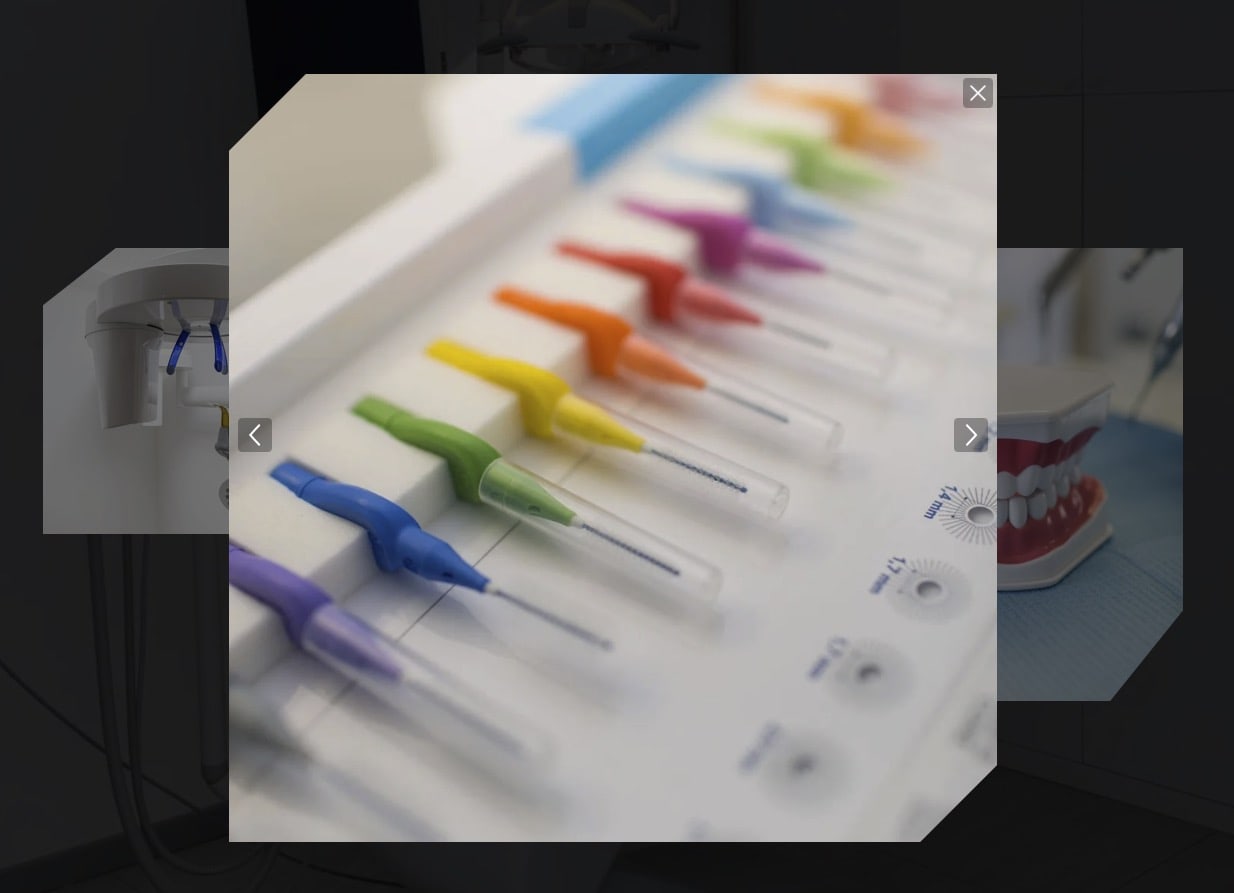
BTW just added the clip on lightbox, is cool!! :heart_eyes:

I set separate values ​​to maintain the crop ratio between the image and the lightbox version
/* triangle size */
.img-cut { --cut: 20%;}
#lightbox-image { --cut: 10%; }

clip

clip_lightbox

One important thing, clip-path should always be checked with browser compatibility, Firefox once gave problems

:down_arrow: DOWNLOAD :magnifying_glass_tilted_right: PREVIEW

hope this helps

3 Likes

Thanks for the share. You even took a dentist example !
That’s about the same code Comet gave me.

I was asking if the clip-path was somewhere in CSS editor in Blocs.
If not, then I’ll have to use widget-code.

Best.

These are my photos, I’m also a professional photographer :camera:

1 Like