I find it far too easy to accidentally delete a colour when selecting it from a self-collated palette (desktop). There is no warning pop up before it happens and ‘undo’ doesn’t restore the colour. Also, there is no way to retrieve the Hex by clicking on an element which is already using the deleted colour. Maybe a warning could be added in a future updates.
1 Like
Hey @Reg, how are you deleting the colour? There are a few locations to do this.
I accidentally hit the - icon, top right on the individual swatch.
….though now I think about it, maybe the problem is I’m leaving the palette in manage mode.
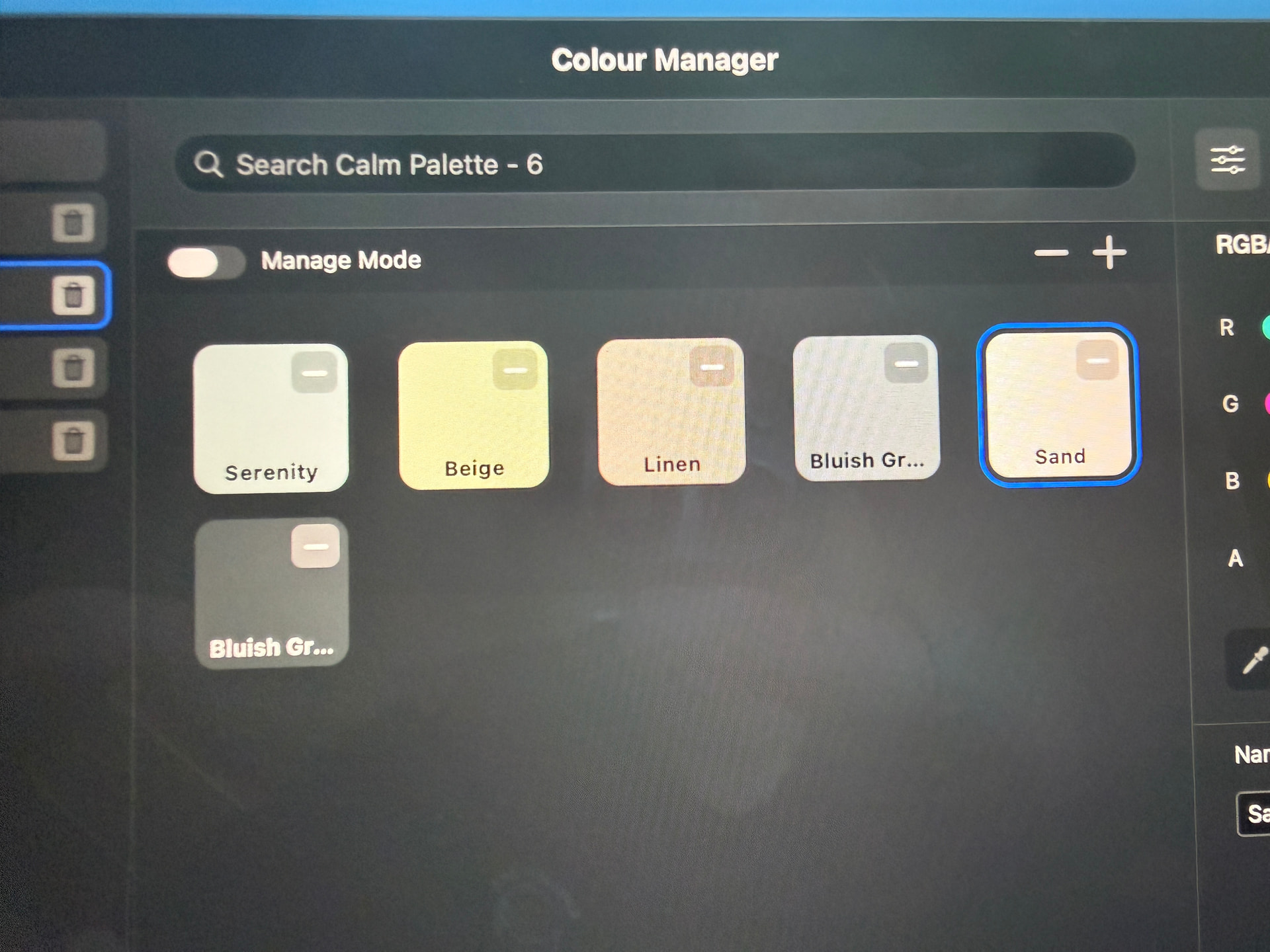
Ok thanks for the screenshot, btw this doesn’t delete the colour, it just removes it from the group.
1 Like
Ah, so if a colour is deleted from a self-collated palette, it remains in the ‘All’ collection? I didn’t notice that. Great, thanks.