is it possible to use the custom interactions to change the background of the landing page? I want to change the background for the winter and the summer.
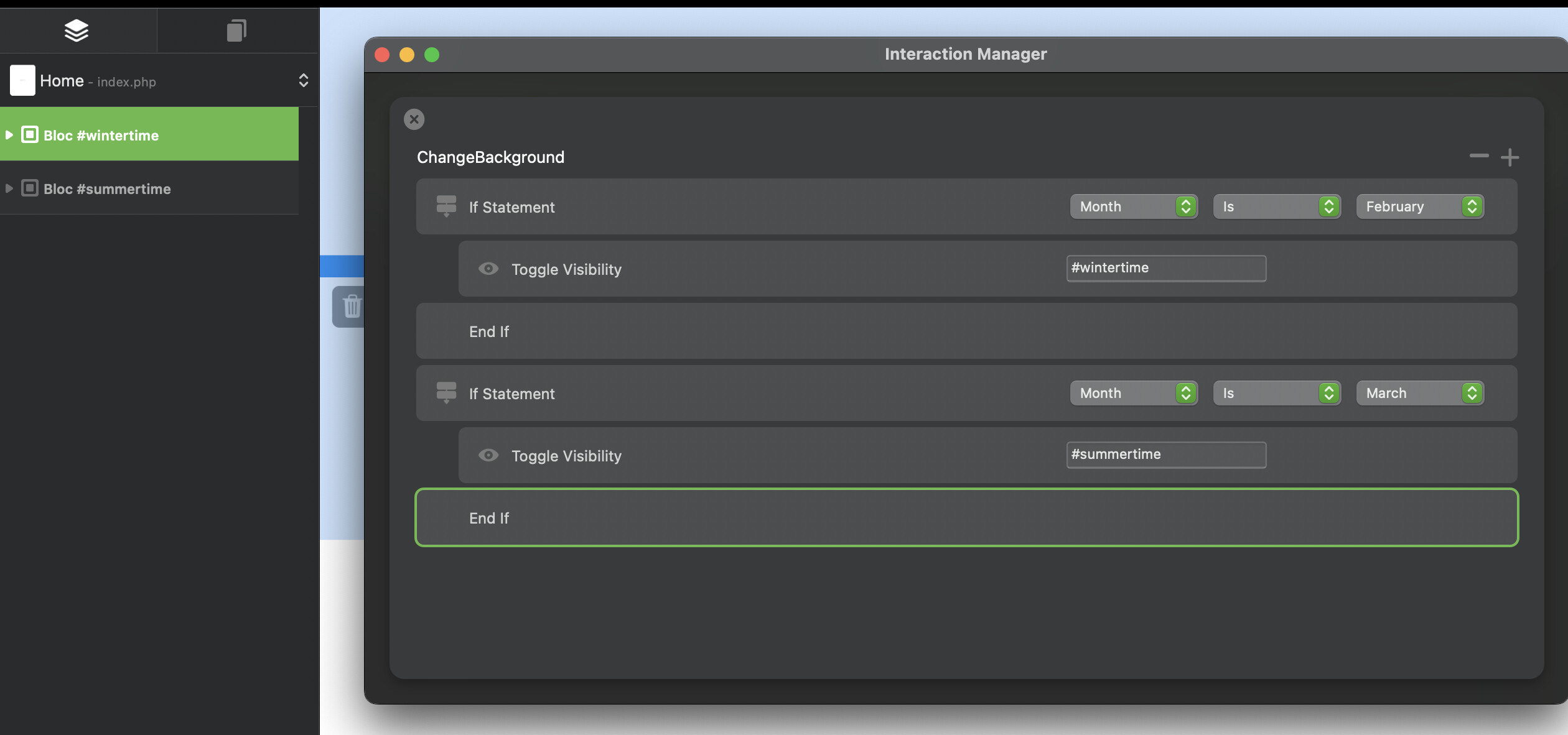
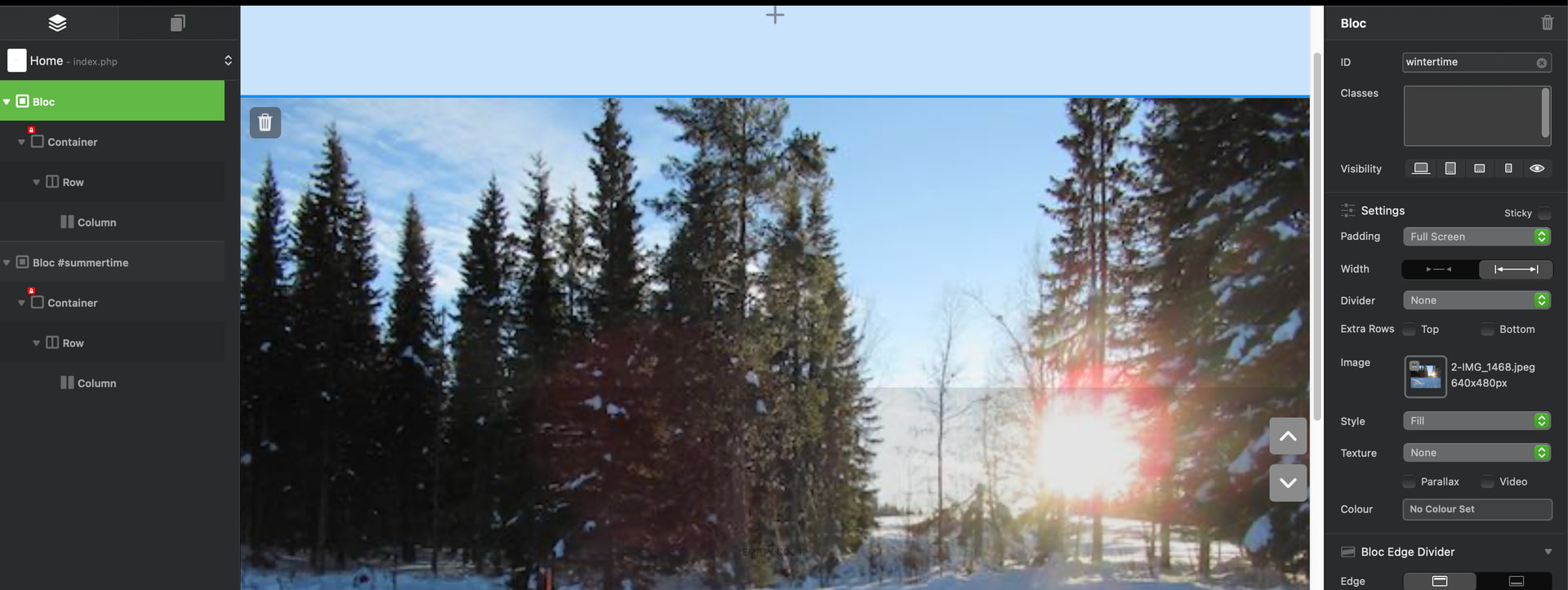
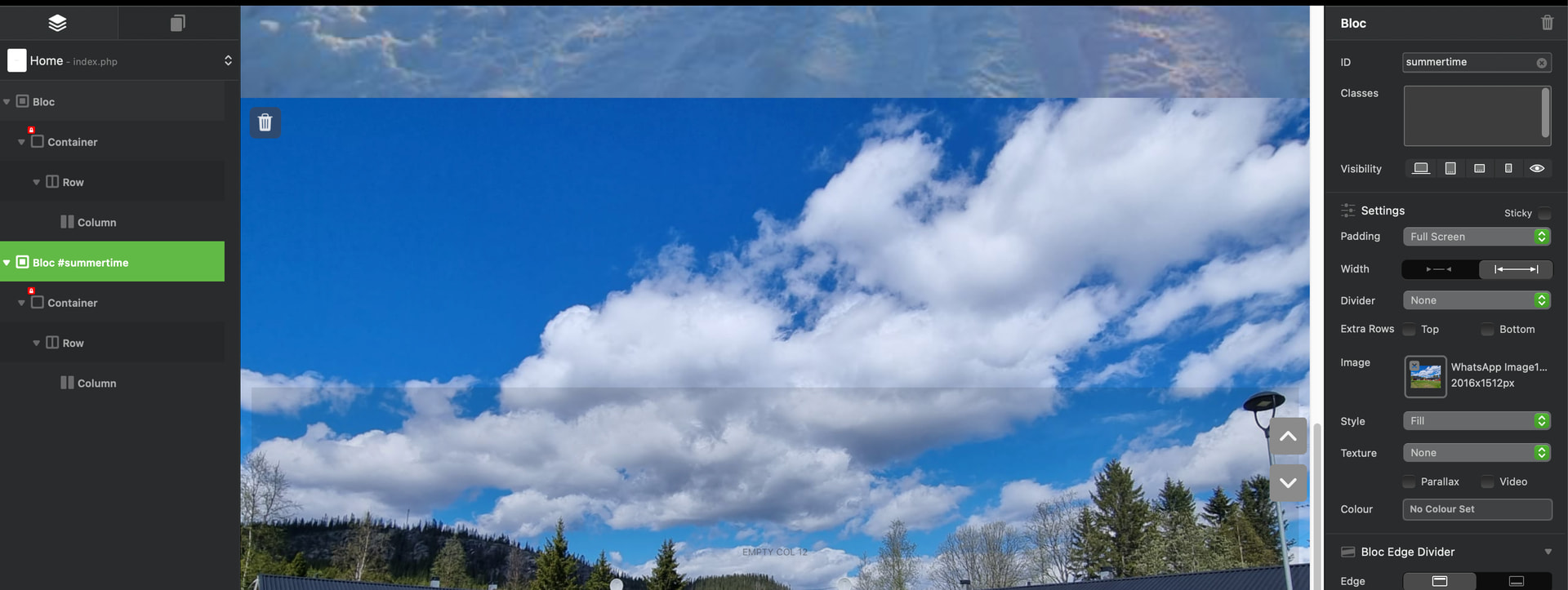
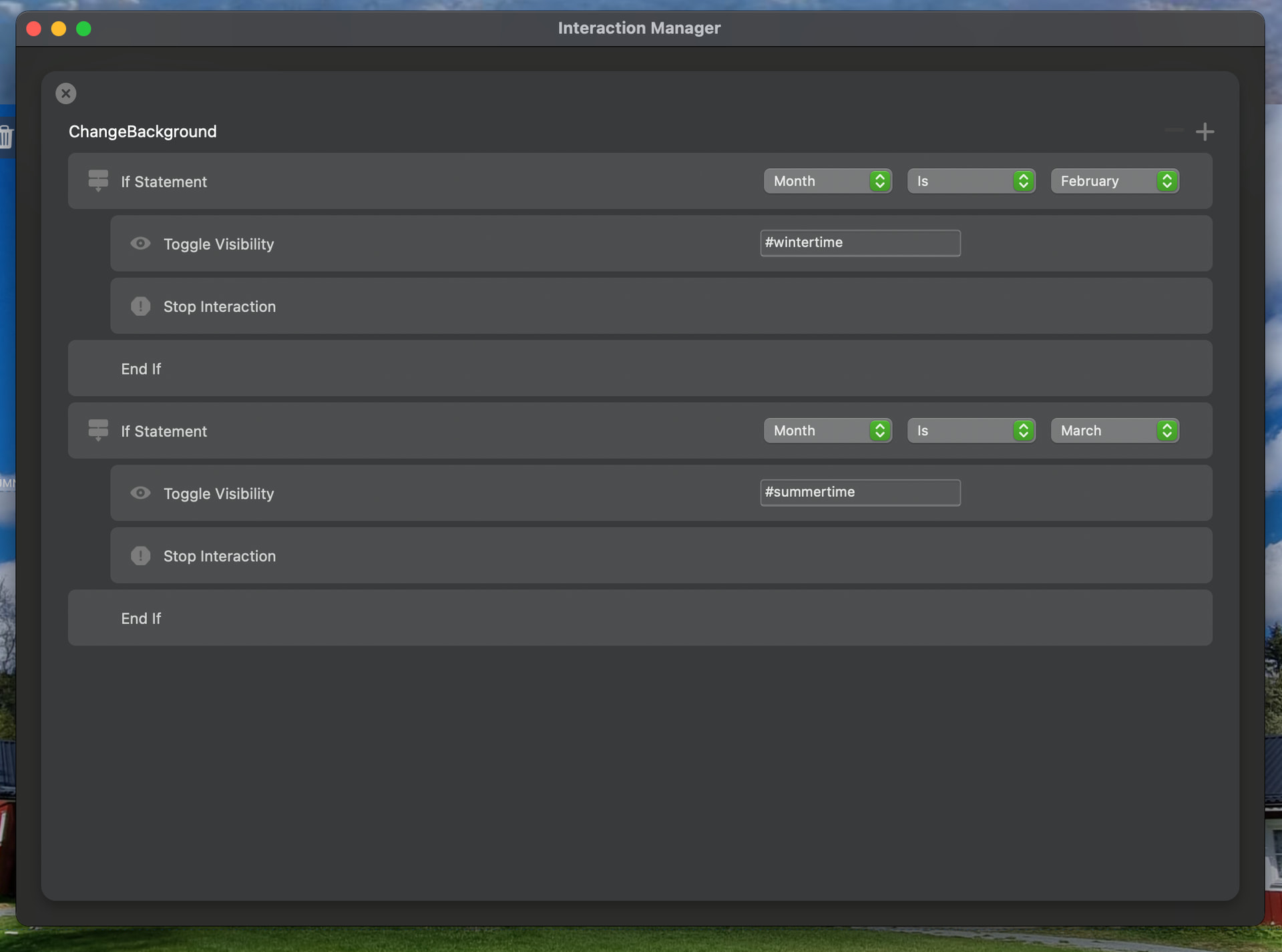
I tried by creating 2 blocs on the landing page (global), made those invisible and made a interaction like:
the ID of the 2 blocs are: bloc1#wintertime bloc2#summertime
ChangeBackground
If month is february
toggle visibility #wintertime
endif
If month is march
toggle visibility #summertime
endif
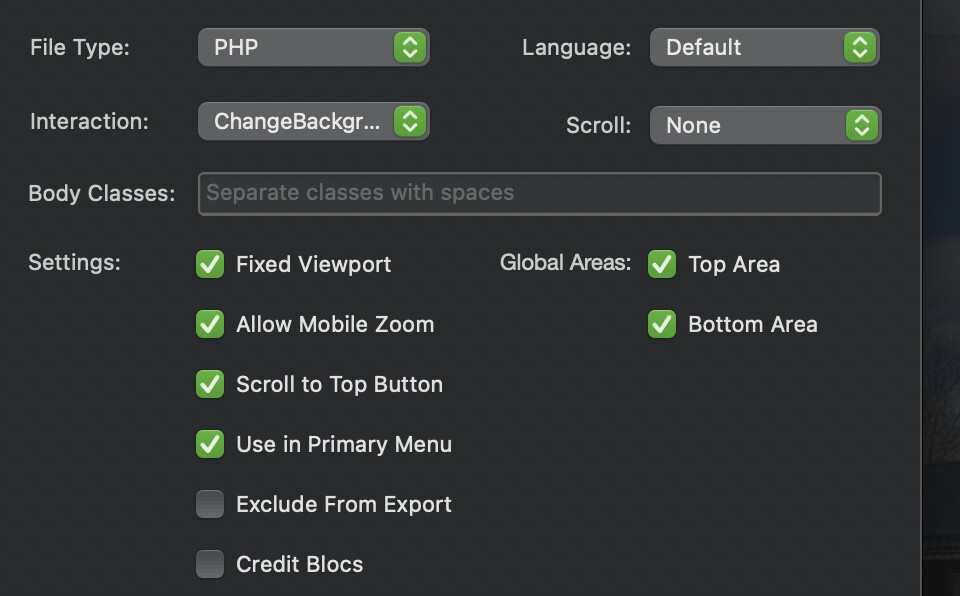
In the Page Settings I changed the Interaction to ChangeBackground
When I run the preview mode I do not see the background of #wintertime (date=23-02-2026) and when I change the date to march, #wintertime is shown. Not on 1 date the #summertime background is show.
Is it possible in the way I do this to change the background for winter and summer?
Is there an other solution?
What is wrong in the way I do this?
Not much progress, but I have encountered the issue, however, it’s fleeting and Im still trying to track down the cause of why the month simulation is not always correct.
This project started out not working and then, starting working after a reload.
Does this work for you? Very simple, it should load the title March or February based on the month.
Hi Norm,
I tried your “Test Month Interaction.bloc” and this works, but it’s not really what I’m looking for.
I want to change the background in a “summer and winter” background by changing the background image. Summer-image for the period of may until september and Winter-image from october until march.
I tried to do this with the “custum interaction” but this is not working or works in the wrong way.
Can you give me a clue or is this not possible with the “custom interaction”.