@PeteSharp I’m not following this answer. If you create a new Blocks project and leave everything as the default, the font used is Helvetica. I don’t see any way of avoiding that. You can’t remove Helvetica from either the project settings or the main text class. Please clarify. Thanks!
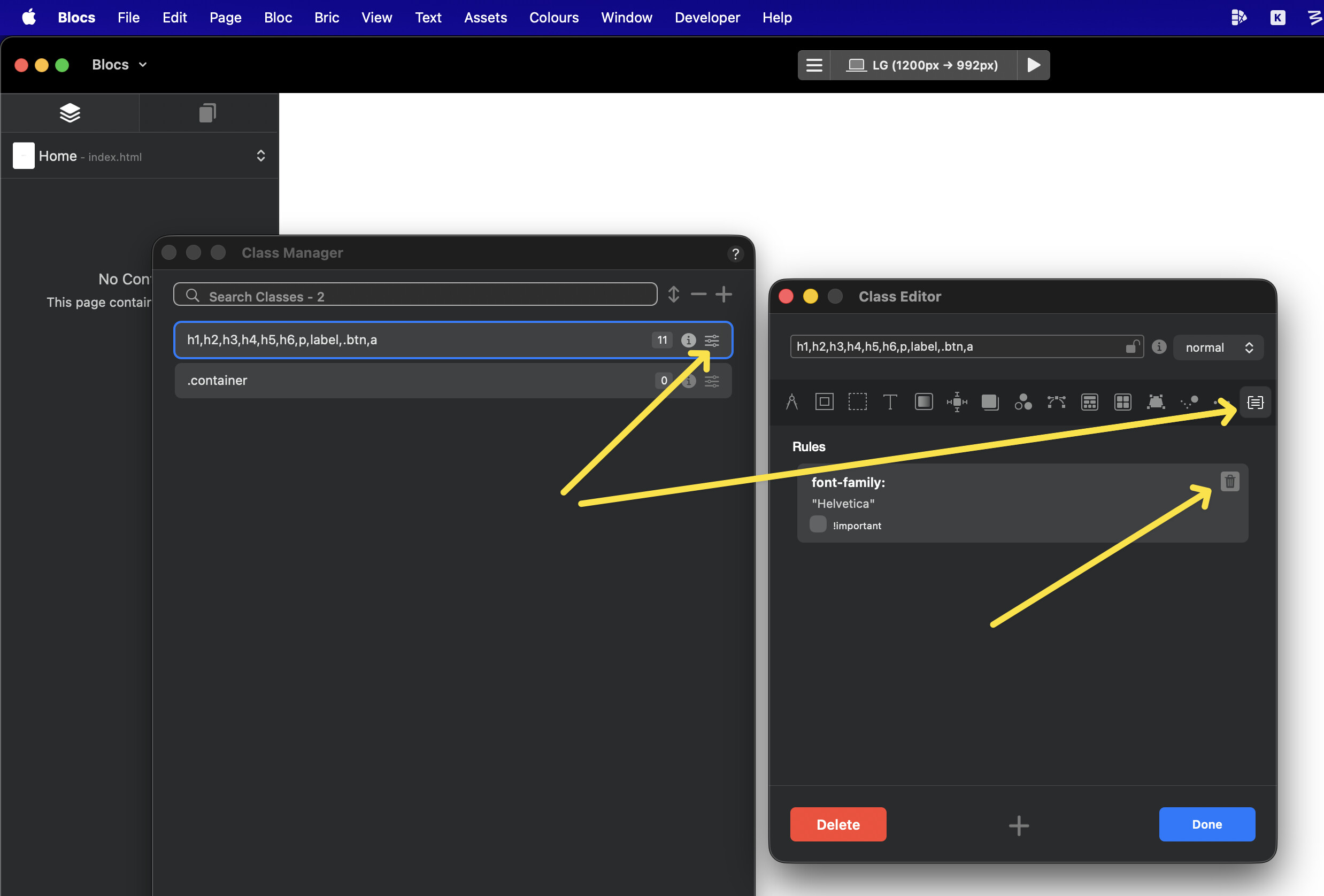
If you create a new project > open the class manager, you can deleter the font family here.
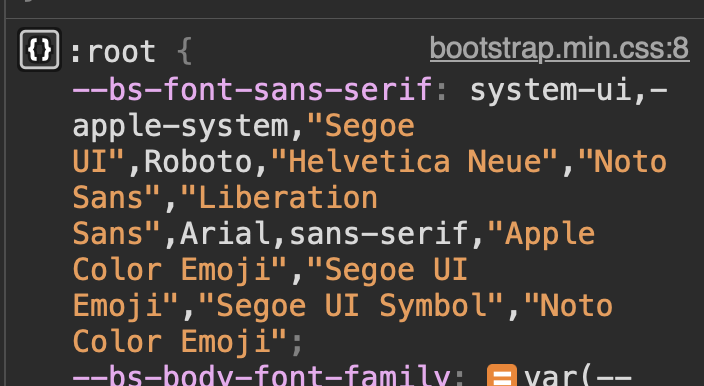
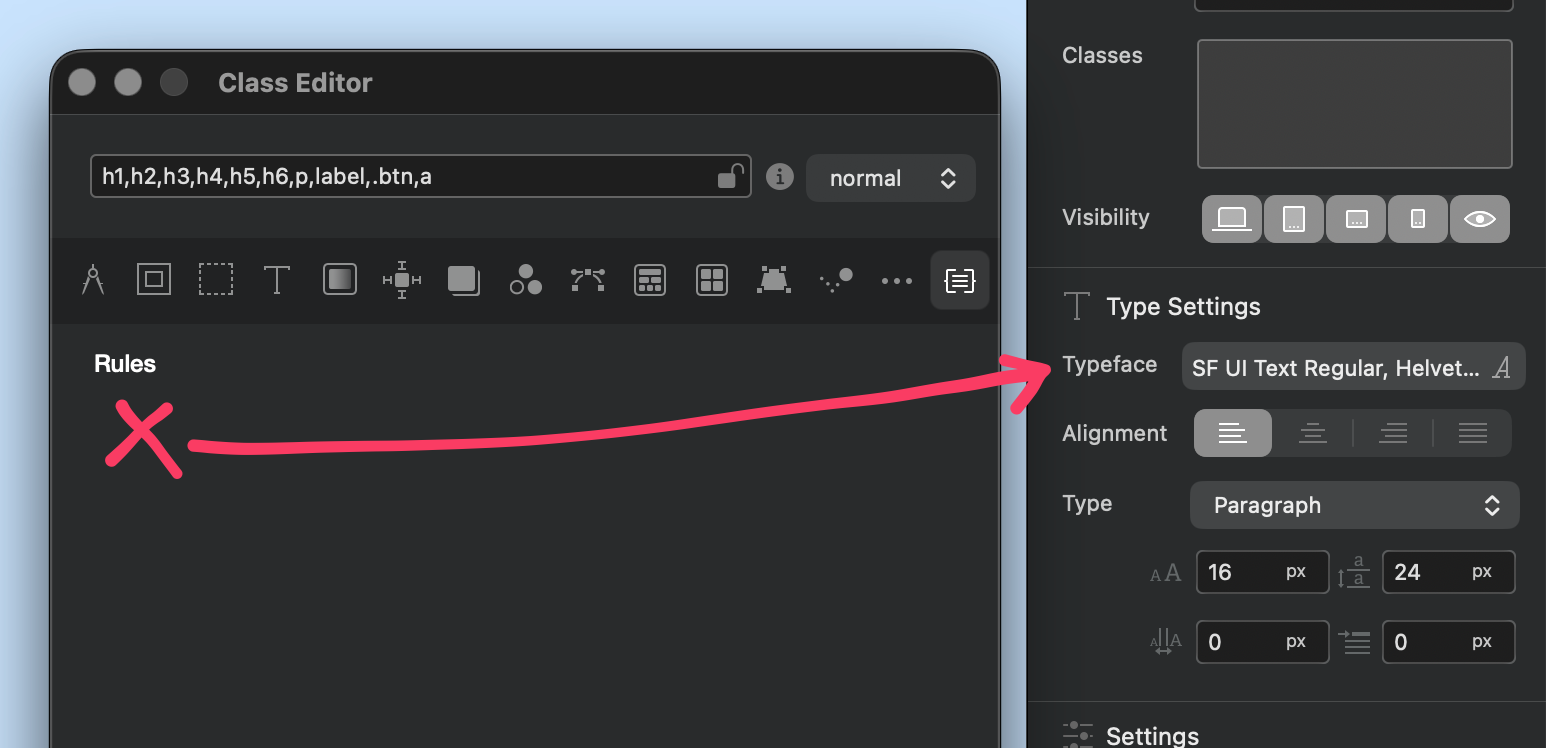
This will then default to the std bootstrap system font. The drawback / side effect, is you will not see the system font in edit mode, only in preview and publish.
You can add this bric to a global footer, and it will then show the system font in edit mode also. It only affects edit mode and will not add anything in preview or published page. I just created it so I can see the real system font in edit mode after doing the step above.
I have always added a font to whatever I am doing - so can someone please tell me the benefit to just leaving it as a default font? (other than instant load I guess!)
I do at time to time see posts on the forum of things like this and I do wonder why or whats the point!….so I am just asking what benefit this will give me - thanks all.