I’m trying to use one font for normal paragraph text and a different font for headings (H1–H6) in Blocs 5.
It works correctly on all smaller breakpoints.
But in Desktop view (the largest breakpoint), the paragraph text always becomes the same font as the headings.
I’ve also tried not using “Inherited”, but it doesn’t help.
How are fonts supposed to be managed globally in Blocs 5, especially for Desktop?
Can this be a corrupt project file (it has happened before and Norm was then kind enough to fix these project errors somehow). I hope it’s more simple than this now, as the project has become pretty huge through the years and as it seems too difficult to start a new project and simply import the important data from earlier projects is not possible/not easy in Blocs.
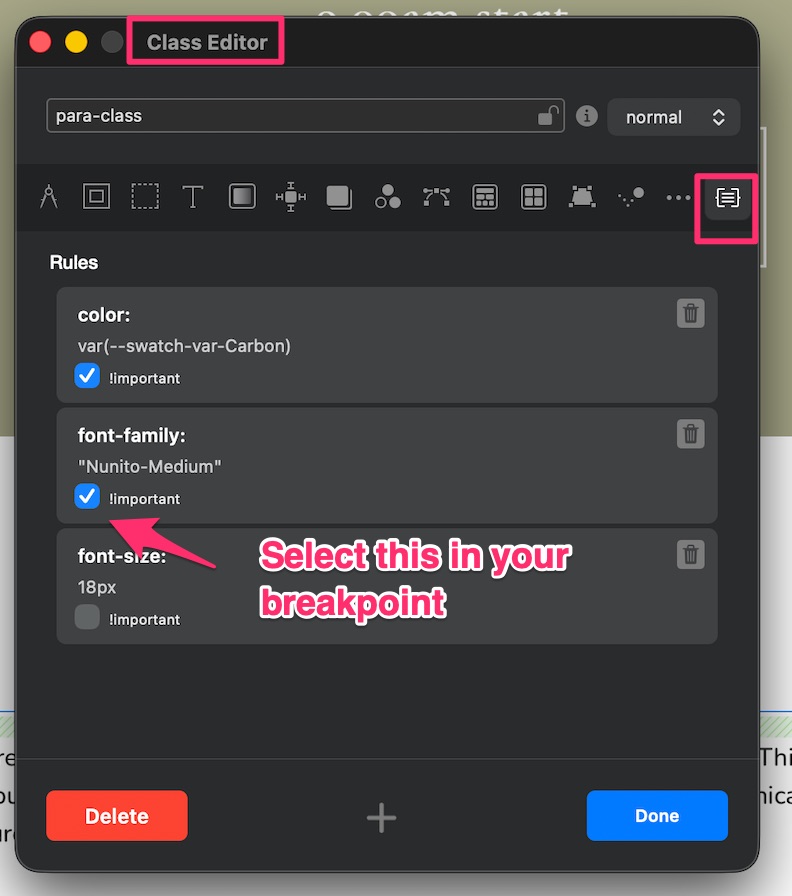
Have you checked the class on the paragraph text if you have a class? if yes and thats no good, maybe check the important in the font in the class editor.
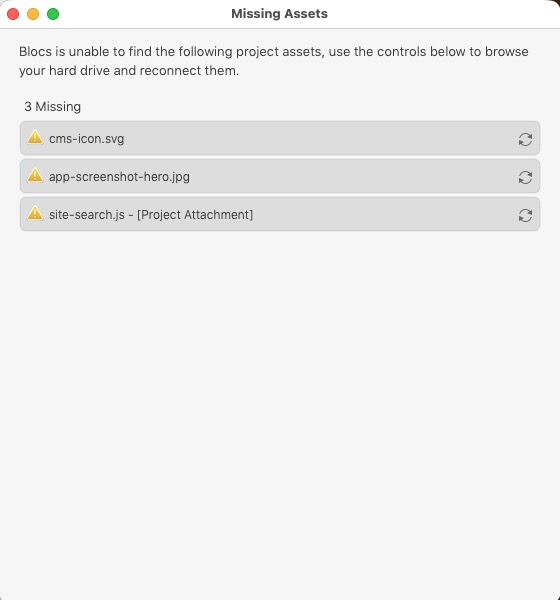
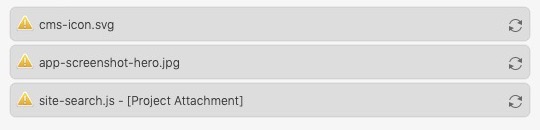
Tried the v6 which didn’t change anything. So I uninstalled it, with AppCleaner, and after this when opening the old project in v5 again this pops up. Hm.
I found the first 2 by searching in the finder popup, but the “site-search.js” was found all over the place, on plenty of external disks etc – where I have exported the project through the years. I have asked about this before where I have wondered where on the system disk this “site-search.js” file is located.
To summarise: All I need is for example one specific font for all headings and for example one specific font for all the paragraph text parts – why not with links etc in the same font as the paragraph(s) – all should preferable follow these settings through all breakpoints.
When a font normally changes - I go to my class and just make the font important and BOOM! it works. As long as you have your font installed properly and nothing else going on!
Hi @Himmelstrutz - that is my class on a project I am working on.
So find the class of the paragraph and go to the breakpoint thats not working (desktop, mobile etc) and in the class editor go to the rules section as in my image and check the important box on the font you want.
Ah ok, I see, thanks, I’m pretty sure I have totally messed up my css’s, it’s so many I don’t know where they come from (the project has been running for several years with several changes, and I have never “cleaned up” anything). I wish I could somehow make a clean up in css’s but don’t want to destroy this mess even more
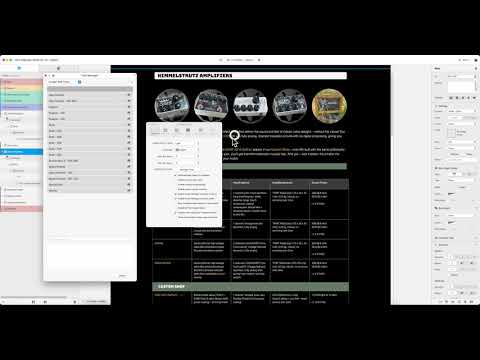
And as you can see my blocs font setting is also like a true bad circus; I don’t understand the “Local/Global” thing.