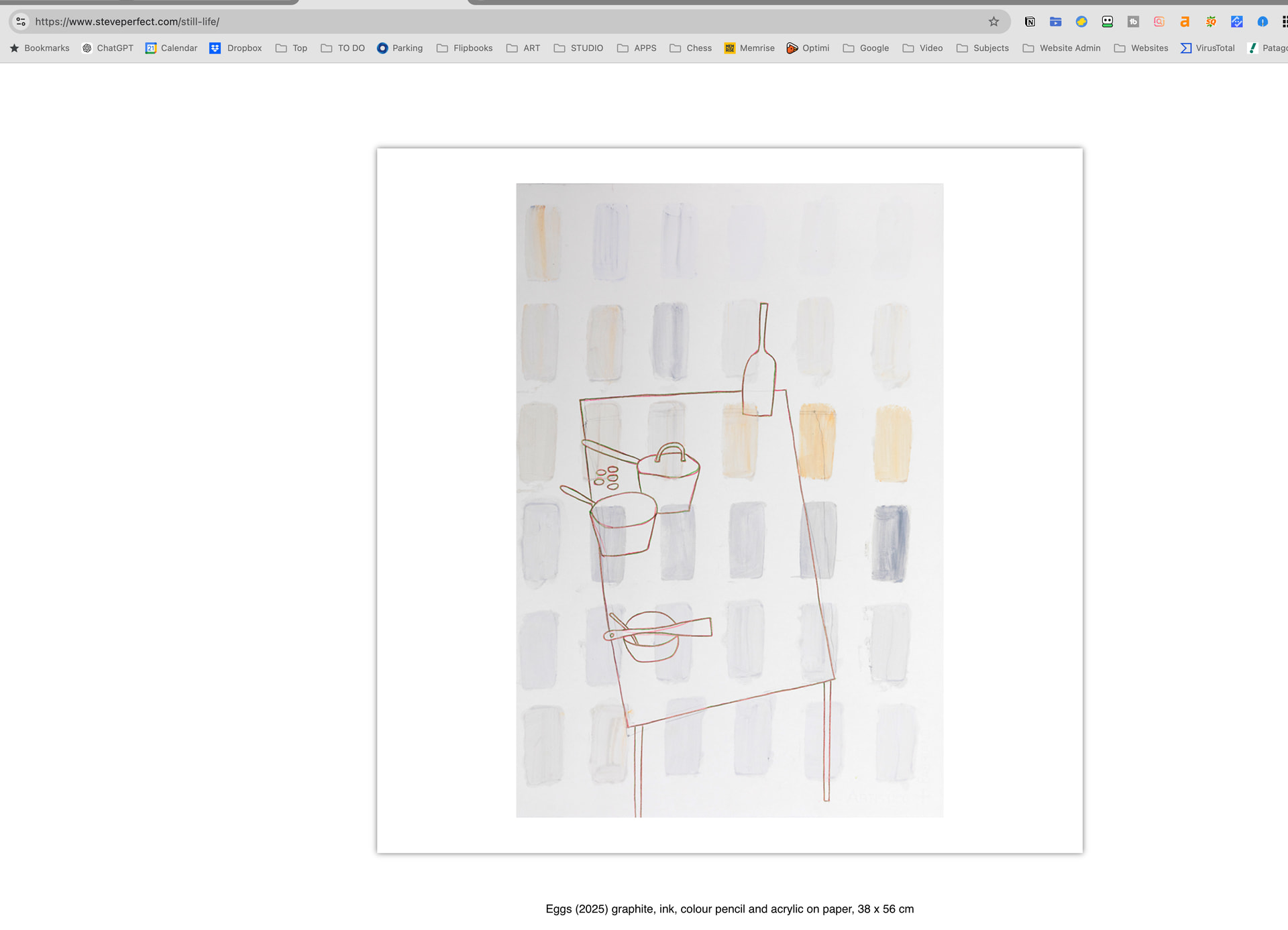
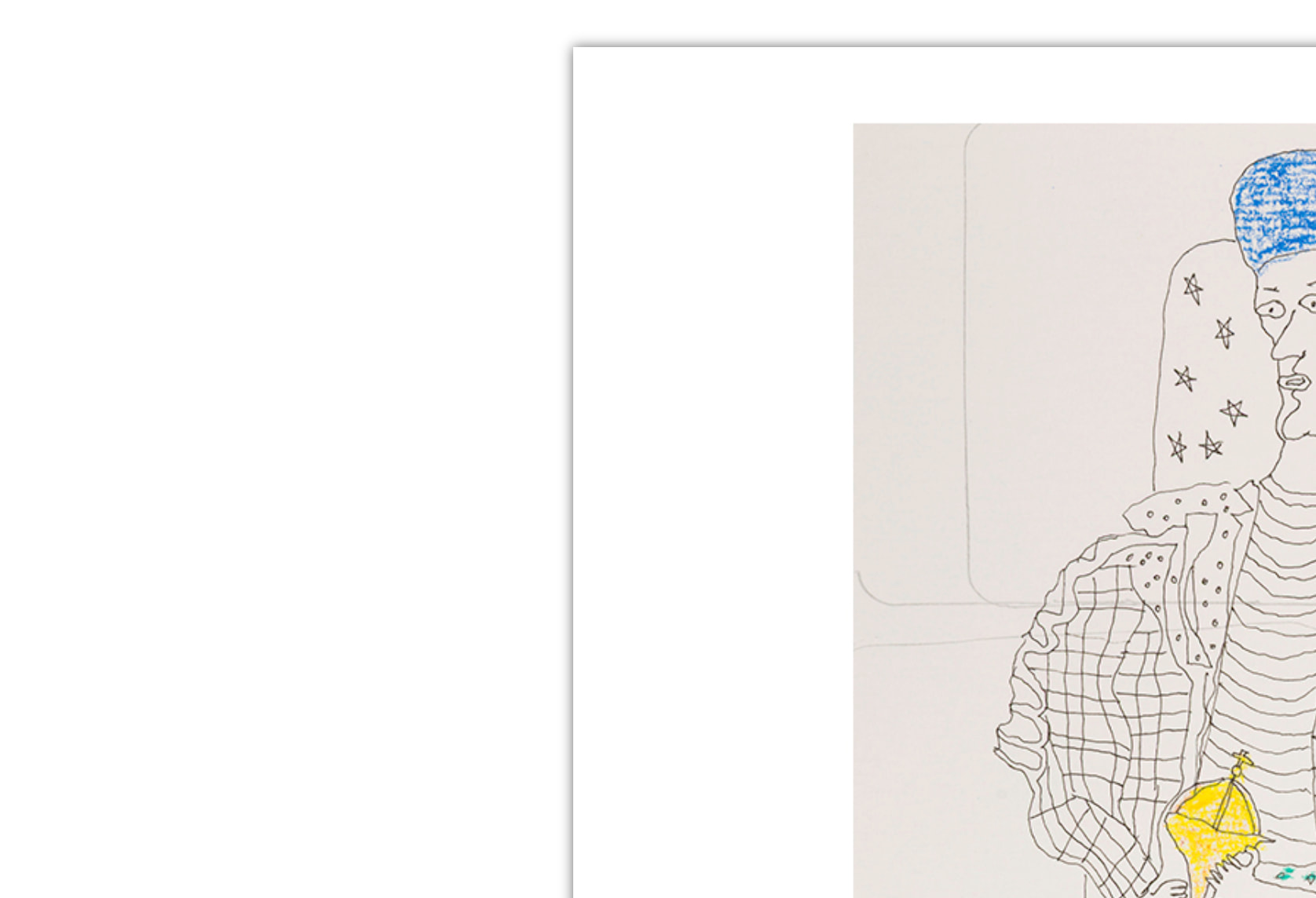
Hello, I have been trying to remove a drop shadow on images in a Volt Gallery with flex box carousel:
I cannot see any classes applied, and no additional css added in the blocs file. When I inspect I can see webkit and baguette box but cannot recall how to edit those values (or know if they are what need to be changed).
Could you please post a screenshot with a marker which drop shadow should be removed?
Here is one example image. And I want to remove such drop shadows in other galleries too.
Just to be clear, the drop shadow I wish to remove is on the actual image (not the images on the gallery page) People and Places
Hello RobertF,
Put this in the header of that page or the project header for all pages. Use the code editor. It’s found here in the file menu Window > Code Editor.
<style>
/* Remove shadow/filter from all Volt gallery popup images */
img[src*="/_cms/media/"] {
	box-shadow: none !important;
	filter: none !important;
	-webkit-filter: none !important;
}
</style>
Please let me know if this solves the problem.
Thank you
Calibinder
3 Likes
Thank you Calibinder, this is exactly what I needed.
You’re welcome. Glad it worked out, I checked out your website this morning and looks great!
2 Likes