Floating headline over carousel

Hi all, there must be an easier way than adding the headline to each carousel item or using separate text boxes in different blocs and adjusting using padding.

Does anyone have a solution just to overlay a simple floating headline over a carousel so all of the pics preview behind it? I seem to be going around in circles this morning.

Any help appreciated. Thanks all.

I am using tab anything for that, you can create whatever you want and make it slidable. Unfortunately is no longer supported if you have any issue.
Hoping the new updates for the carousel bric include the ability to add other elements in a content area so you can create a much richer experience for the user.
1 Like

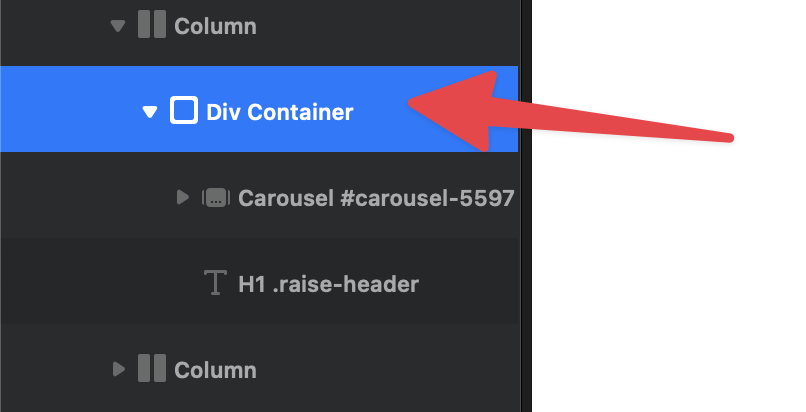
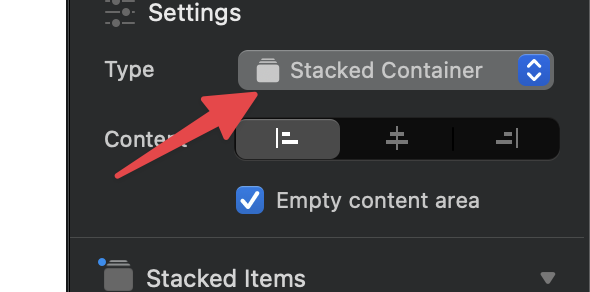
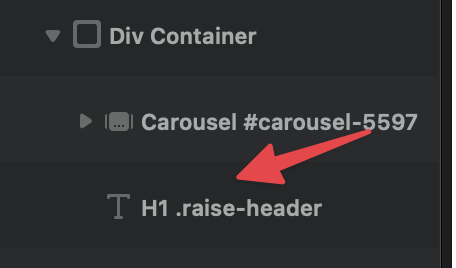
Put the carousel and the heading in a div container and set the div to stacked container.

Make sure the heading is below the carousel in the layer tree.

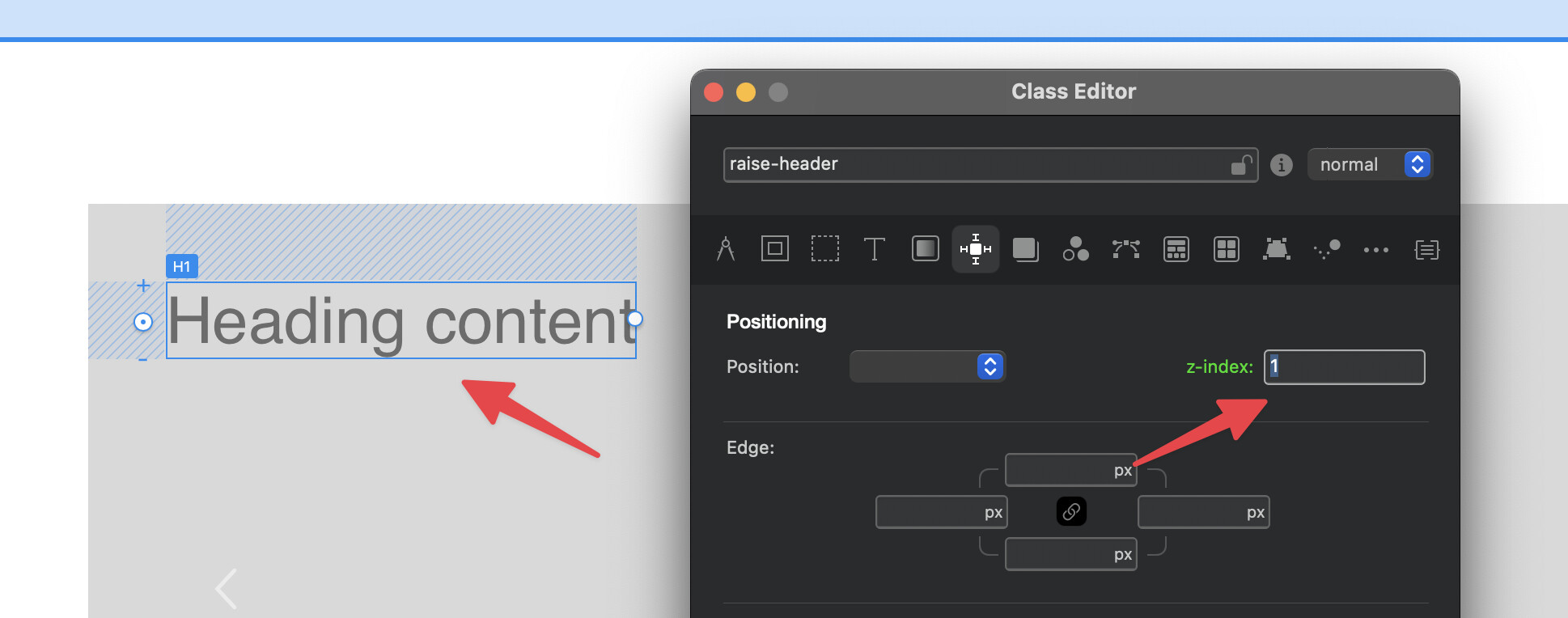
Finally add a class to the heading and give it a z-index of 1 to ensure it always overlaps the carousel.

Here is the project to checkout. :backhand_index_pointing_down:

text-overlap-carousel.bloc (40.2 KB)

I hope this helps. :smiling_face_with_sunglasses:

4 Likes

@Norm How would you centre the heading ?

Fantastic @Norm, I’ve been heading along those lines with Absolute and Relative values and starting to get there, but this seems an easier solution.

Guess what I’ll be doing tomorrow?

Thanks very much.

2 Likes

Just set the alignment for the child elements on the parent div container that is set to stacked container.

Sorry I’m being a bit dim but I still don’t follow you.

These controls will let you align the text so it is placed over the center of the carousel.

They are located on the div that the heading and carousel are placed in.

Thanks Norm for your patience - now I get it :joy:

1 Like

Centres fine on desktop but can’t get it to centre on xs breakpoint

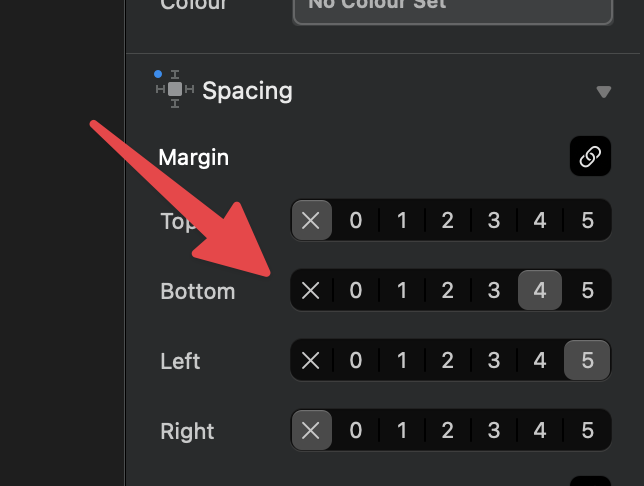
Make sure the text has no spacing assigned on all breakpoints. My example project did.

Thanks Norm that did it.

2 Likes