Yeah, the app is really good and free.
It takes a while if you’re searching through the entire disk or network volumes, but it’s really good. Only “find” directly on the console is better.
1 Like
Thank you guys, I think I will have a busy week end removing all the data and reinstalling brics, fonts and all my setup again.
I removed all folders in library, files, p.lists, data, everything I found with App Cleaner and EasyFind (founded some ultra hidden files and deleted too), make a disk clean with clean my mac, restarted my mac and reinstall blocs 6.
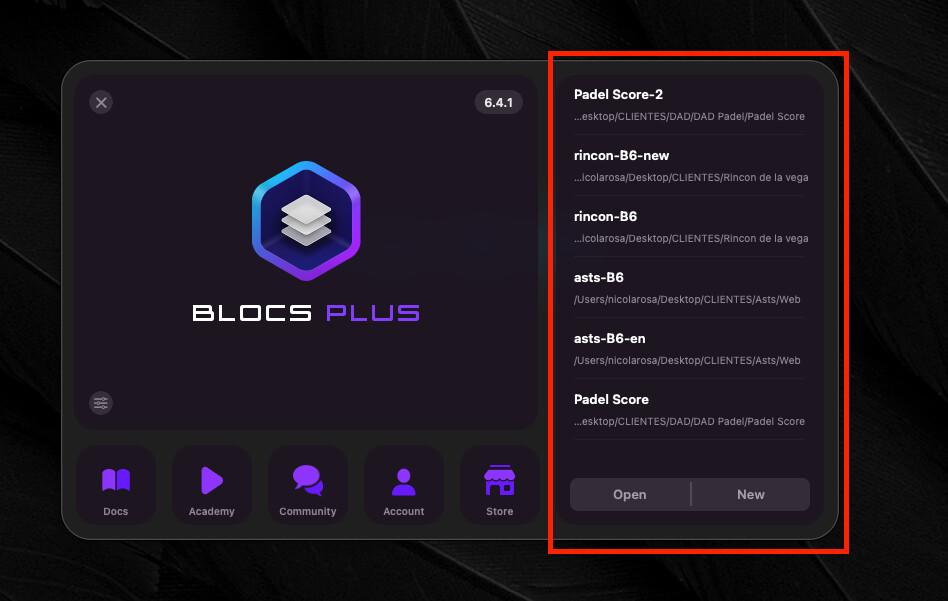
Recents projects where shown again. I can edit old projects maintaining the clases but they do not show any font, just helvetica (If I preview or export it works). I don´t know what I am going to do when I have to work on a new project. Starting to panic
Hmm, that’s strange—I’m running out of ideas as to what it could be…
Do you open the projects via the “Recent” list in the Start dialog? Is it the same if you load them via the normal “Open” dialog?
Blocs Recent Files in stored in your Macs user defaults under the key recentFiles.
When you use clean tools, these files are typically washed away and destroyed.
Currently I have no other reports of this issue, so I don’t think its wide spread, making it very tricky to track down.
When you click on the Font Manager (google fonts) do they load correctly, each font, is it rendering in the preview?
Yes, it’s the same
The preview via font manager works fine, the fonts are displaying correctly, they are not showing / selectable on the class manager or right panel. When using preview mode or exporting they work fine. The issue is when I have to create a new class or start a new project.
1 Like
Ok I’ll dig in and see what is different in this menu and what would potentially cause this.
1 Like
Thank you Norm, my last chance is to format my mac, but i’ts an insane process that would took me some days to get working again with all my programs running fine. If you can get a clue of what’s causing the issue I would appreciate very much.
Thanks!
Don’t do that, I’ll do my best to find the cause.
1 Like
Do you every get this notification when you launch Blocs?
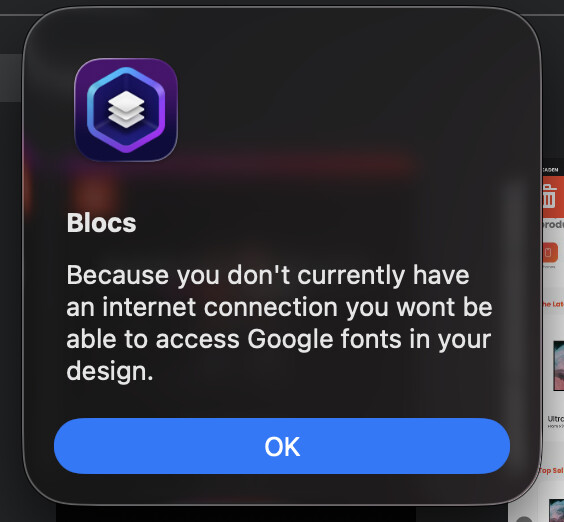
The main difference between the Font Selection menu and the Font Manager is there are more online checks, but you would see this notification. I thought I’d ask just in case.
Also can you try right clicking on the font dropdown menu and selecting reload.
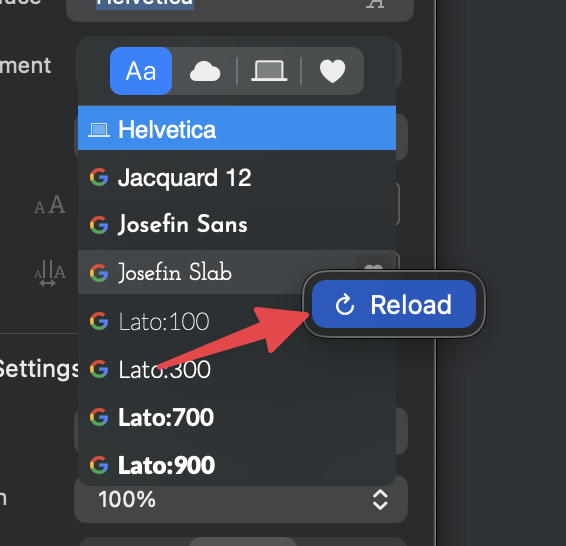
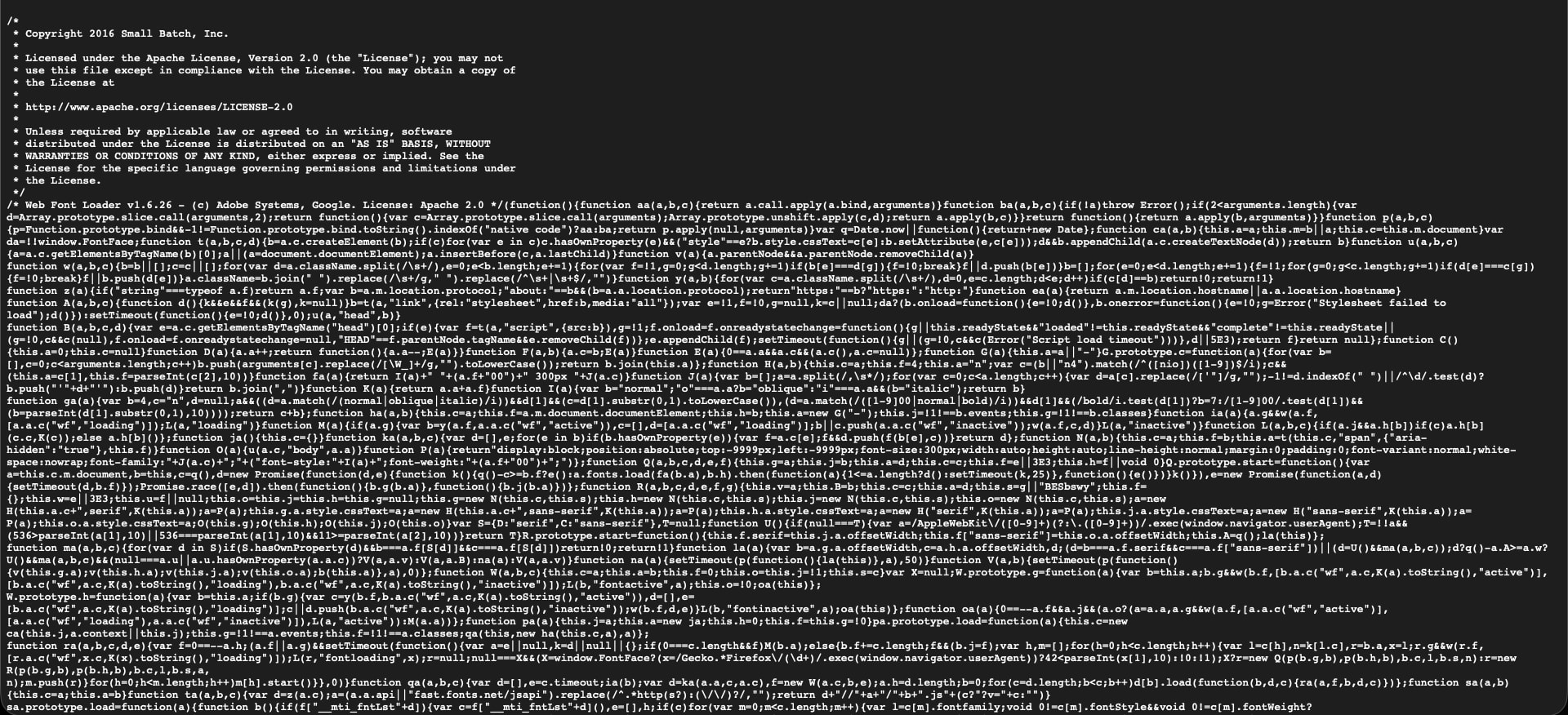
Also we use this to load fonts into that menu can you load this in your web browser?
https://ajax.googleapis.com/ajax/libs/webfont/1.6.26/webfont.js
Thanks Norm,
When I start blocs the internet connection popup does not shows up. I have tried opening blocs without connection and yes it appears.
Instead I have this alert when I open a project (the font varies depending the project, but Lato is a custom installed google font)
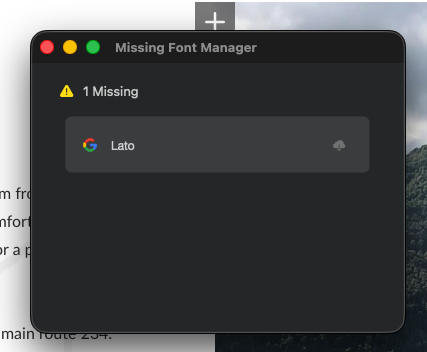
I download some of the fonts too and then they appear on the list, but most of them are variable and they are not able to download so Its a half way solution.
I have tried reloading the dialog, but has no effect. Only Helvetica is showing.
https://ajax.googleapis.com/ajax/libs/webfont/1.6.26/webfont.js
This is what I get with that link
I might need to send you a private build with some additional debugging enabled. I don’t think there is much more I can do with the standard release version.
3 Likes
Thank you so much Norm, tell me if I can do anything else from my side
1 Like