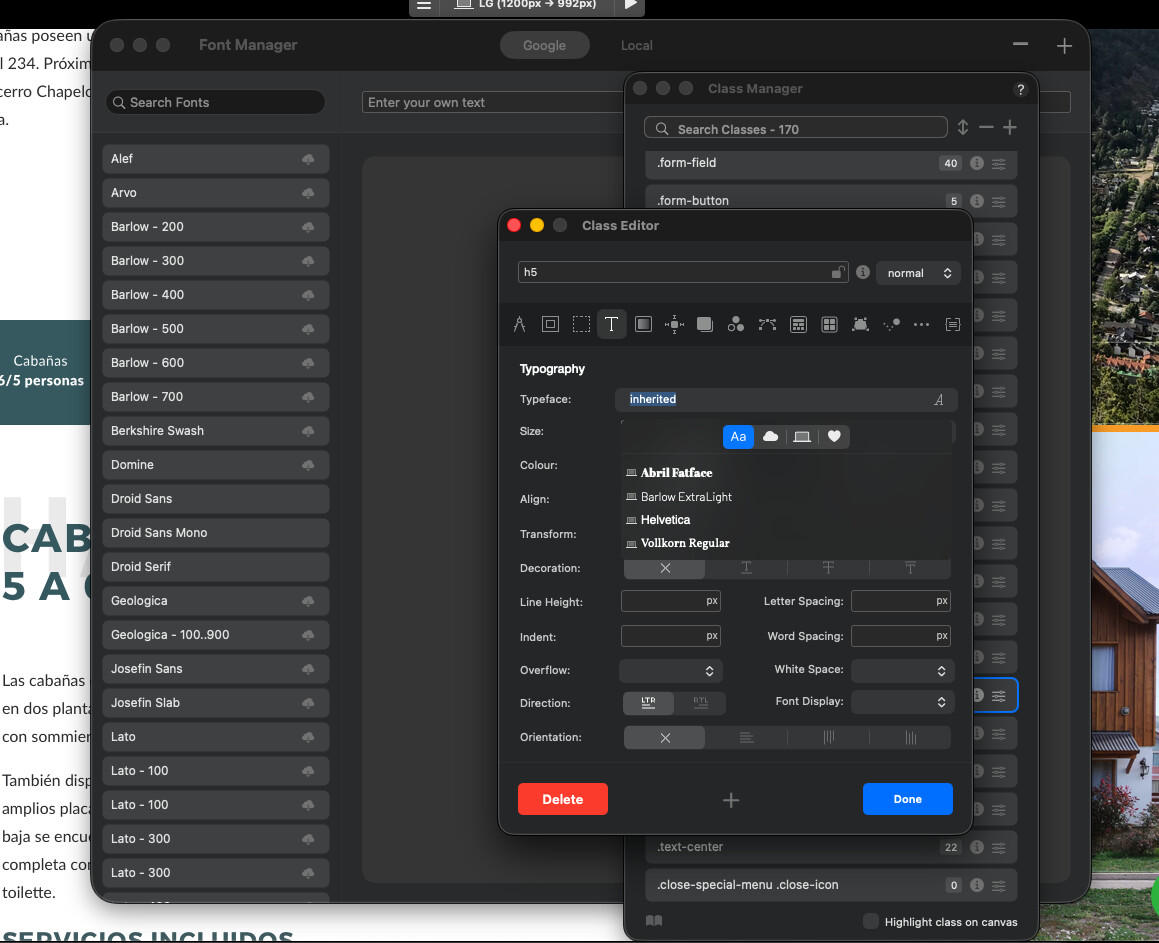
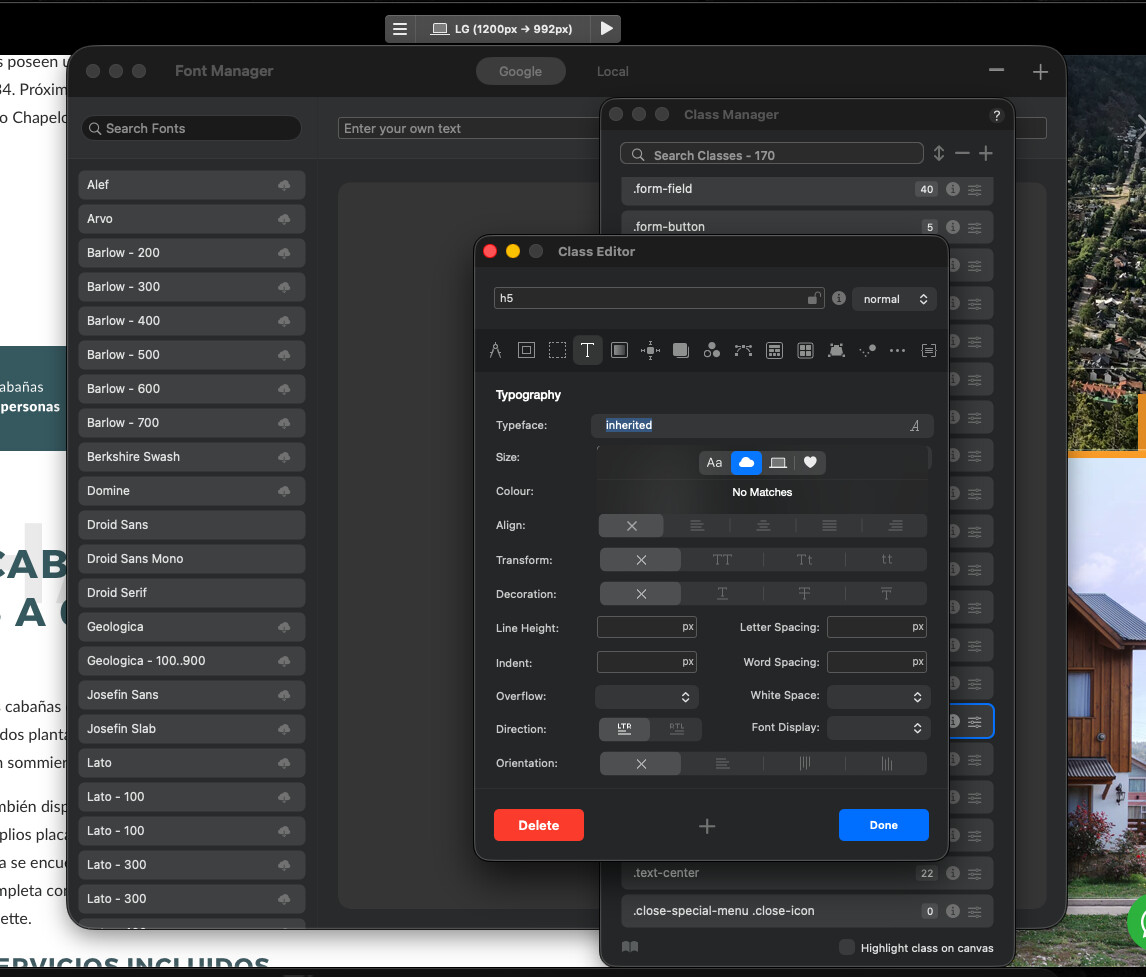
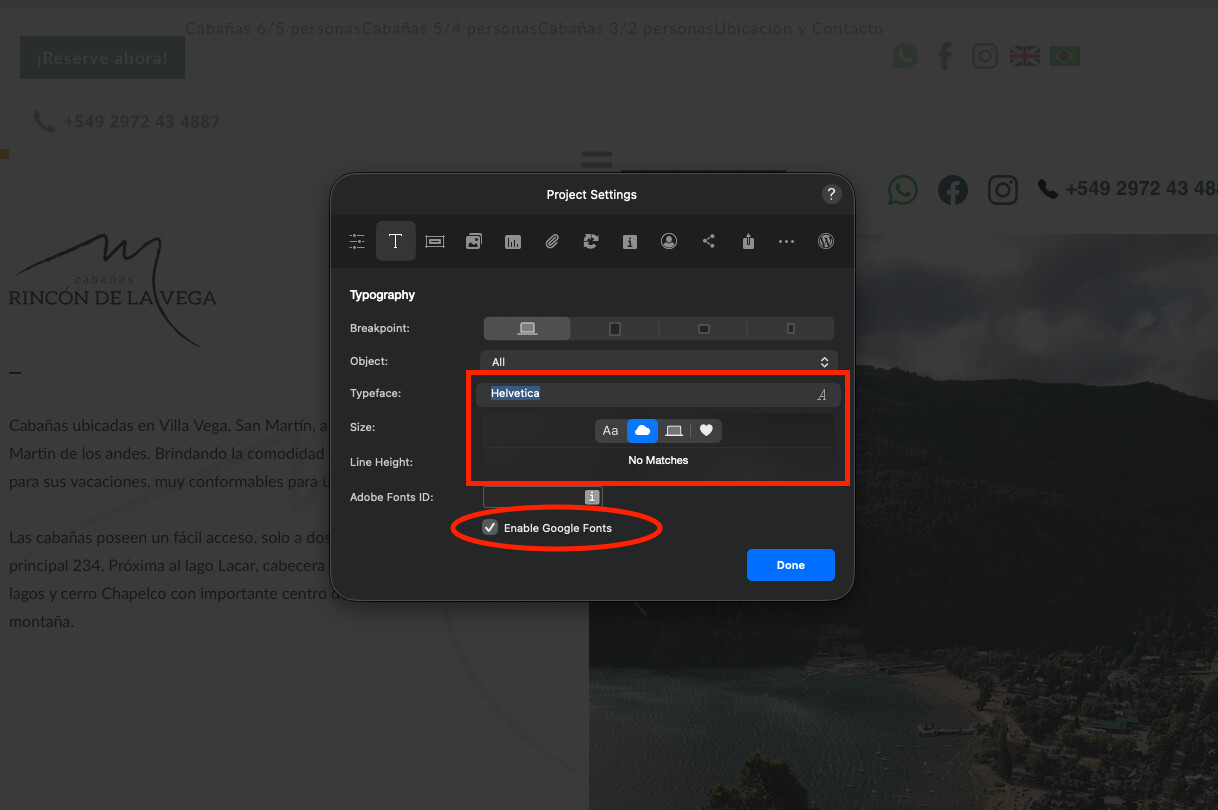
With the 6.4 version release I have noticed all my remote fonts are not displaying, I thought it was a bug between old projects and new bloc releases but it happens when creating a new project too.
Any ideas on how to solve this? I am stuck with some updates until I can work with web fonts
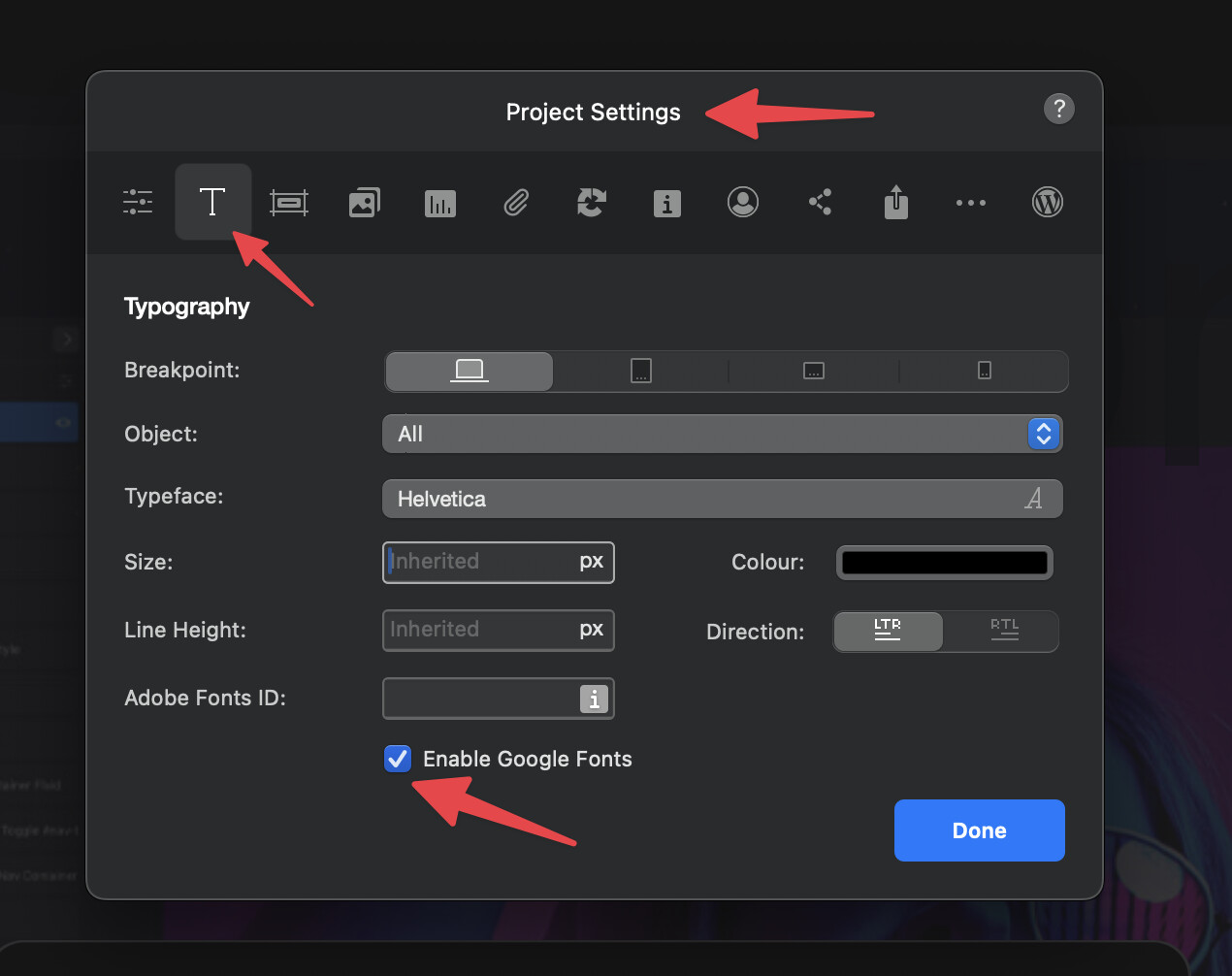
Also have you recently installed any new Google fonts? This can sometimes cause errors if Google have changed something in the generated font links Blocs uses to install fonts.
Hi Norm, not working
No recent web fonts installed. I start noticing this with v.6.4, I thought It was a project incompatibility with a v4 project but it happens with all my projects
I’ve noticed I have to reload them a few times - both Google and local - before anything ‘sticks’. Although the site previews fine, sometimes they’re just not there in the font manager.
When I open a project sometimes tells me there are missing fonts, other times loads fine.
The main problem is when I want to create a class or edit, I have no fonts on library so I can’t work properly.
Yes, in the first post picture you can see the font manager window below the class window and all the fonts are there: barlow, syne, geologica, lato, titilium, poppins.
The strange thing is I’ve tried downloading barlow extra light to my computer and it does not shows at all as a local font either.
Edit: @Norm The link does not open my font manager window
No luck with new projects.
I turn off my mac every night. And I have this same issue with other project yesterday. I realized now because is the second project it has the issue.
Maybe deleting all my blocs versions, data, cache and reinstalling again? Its a pain but if I have no choice I will do
No, same issue. But I opened blocs 5 and I have the same issue so Its not a v6 issue,
Im cooked.
Could It be some kind of mac update? They usually update and you have to give access to certain apps in order to work properly.
I tried that recently, deactivated B5 and B6 licenses, use app cleaner to remove blocs apps and data, download again both versions and reinstalling.
Issue is still there, but the strange thing is that blocs showed again recent projects, that tells me that not all files where deleted.
I will go again with the process until I remove completely all blocs traces
No luck @Norm. Reinstalled twice, have to install custom brics again, reinstall web fonts, configure all the app again and I have still this issue. No fonts available. When I open a project I get the warning of missing font.
I give full disk access to blocs but nothing works.
What can I do?
Im not sure, I have not seen this before, the fact its effecting Blocs 5 which has not had an update for a while, makes me wonder if its something very specific about your setup.
Do you have any firewalls? can you try on a different internet connection like a phone connection.
I could try that, I do not have any firewall. But I think it might be with some kind of os accessibility issue.
Where did blocs search for recent projects? Because when I removed all files and reinstalled, I still have the recent files showed. Maybe there is a location that contains some data that could be removed or refreshed
When I removed all the blocs files, aplication preferences where deleted too. But when reinstalling, the title screen shows recent project so something is still stored on my device.
I can download the app, but tell me what to look for.
Using another internet connection has the same result. I can’t open any font but when preview or export I can see the fonts.