Hi - I am having a challenge with fonts and it is likely I have caused it myself. I recently installed an external ssd drive to my Mac mini and set it up to be the drive that I run all of my non osx operating system applications from. I have kept all of the OSX system apps on the internal Mac mini drive. When I installed Blocs I moved it to the external drive. It worked but I had some issues with images etc and so I moved it onto the internal applications drive. Now I have issues with fonts not rendering correctly (I am using Google). I have tried removing any traces of the external drive Blocs by deleting Application Support files from the external library, doing the same on the internal drive, and even reinstalling Blocs completely. There is something somewhere that is causing the fonts to load ok but only display default Helvetica. Anyone go any ideas on how I can fix this?
Hey @jazzsurfer
-
Do the Google/Local fonts load correctly in preview mode and the Font Manager?
-
Have you installed any new Google fonts recently?
-
Which version of Blocs are you using?
-
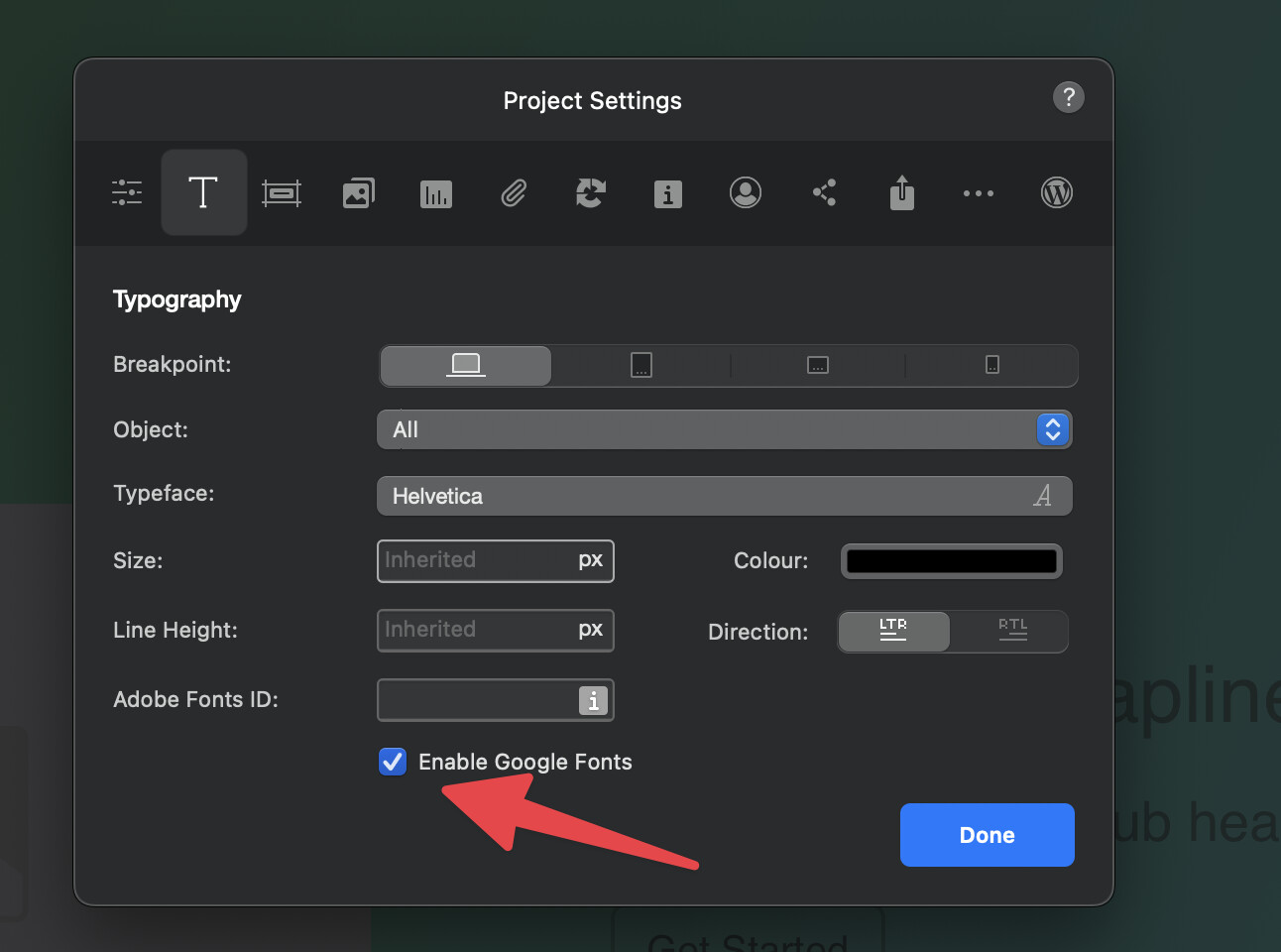
Could you have accidentally disabled Google fonts in the project settings?
1 Like
Hi Norm - Thanks for the reply. I did some further cleaning and removed all the fonts from font manger, fonts.dat, and fonts from application support. I also toggled the ‘Enable Google Fonts’ off and on. I have now only reloaded the font I want to use (Inter) and so far in the project I’m working on it shows correctly in font manger and in the project preview. Fingers crossed it may be fixed