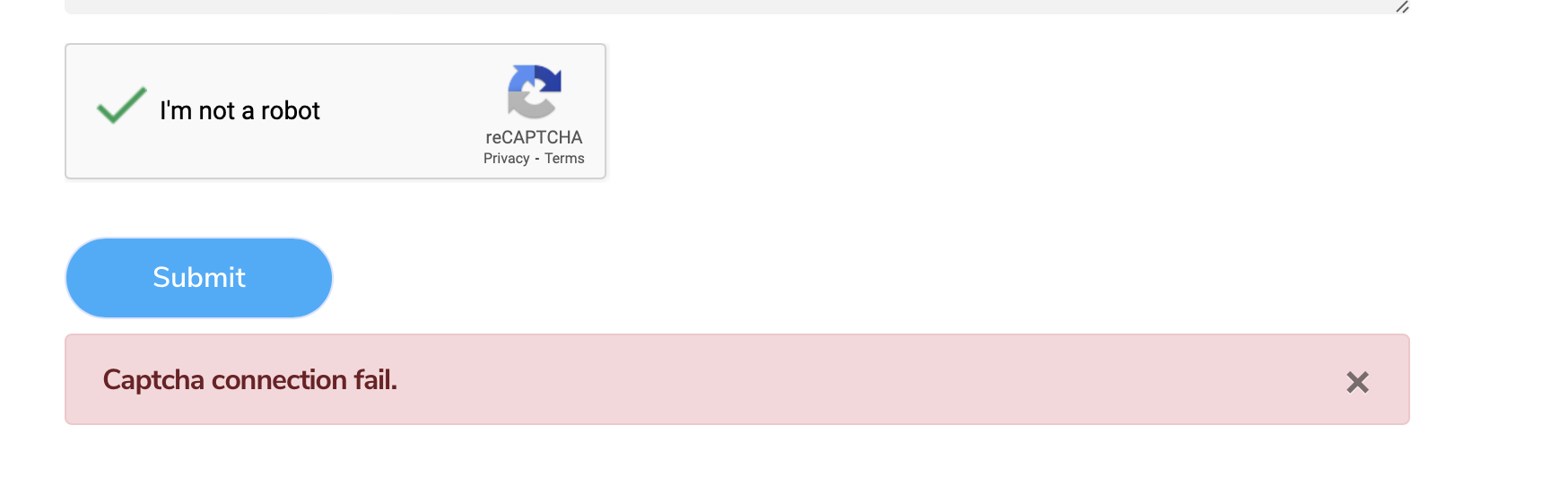
Turns out it was a mismatch with the Google Keys because of a publishing quirk with Blocs not updating the form files server side. Deleting the relevant files on the server and a re-publish fixed it.
Nothing better than create a forum post to go back and re-check things more carefully to solve it
Hi @Davedesigner I’m still no clearer on how to solve this issue, as I’m having the same issue as yourself but not clear on how to solve it as you have done. Sorry to badger here just eager to understand as best I can.
Just thought I would respond that I have resolved my issue. I had logged into google enterprise instead of the v2 documentation option, hence why this was failing to connect. So living and learning