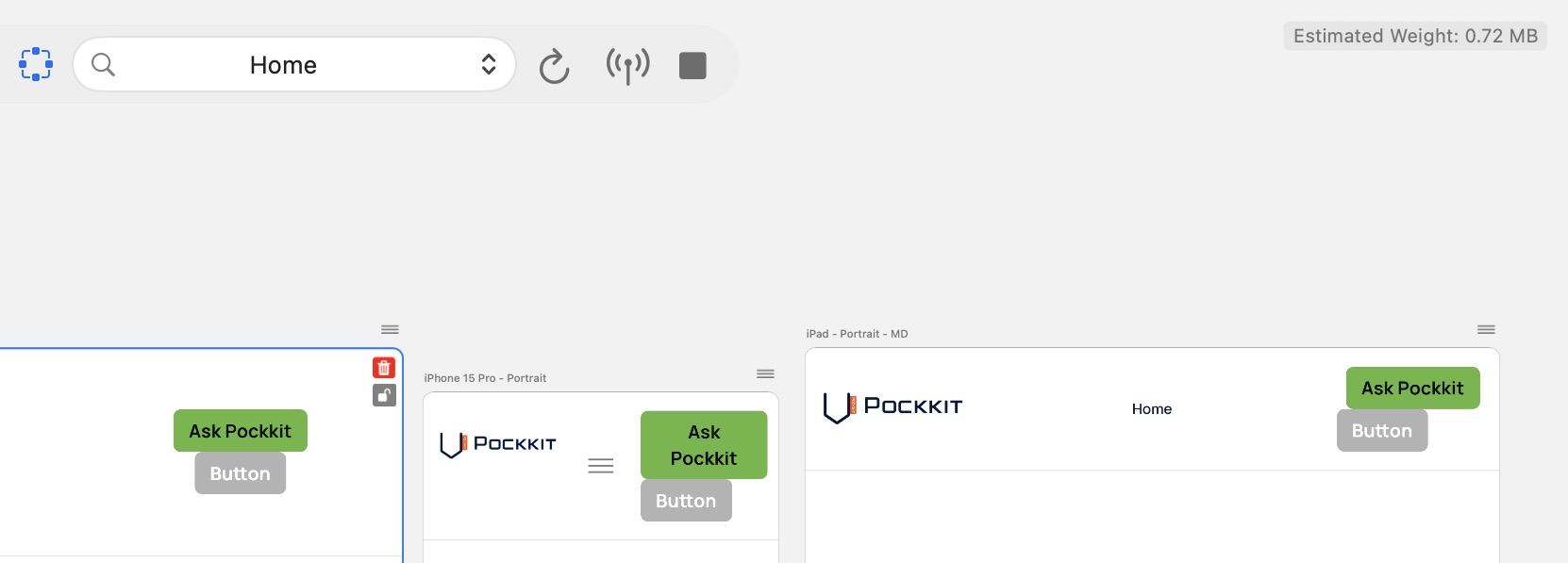
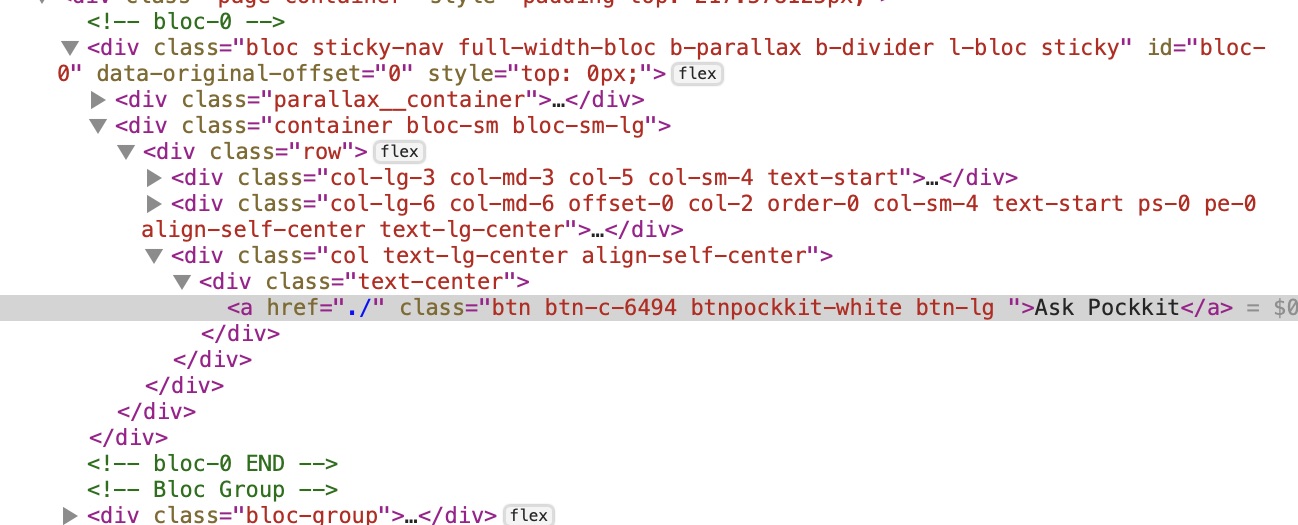
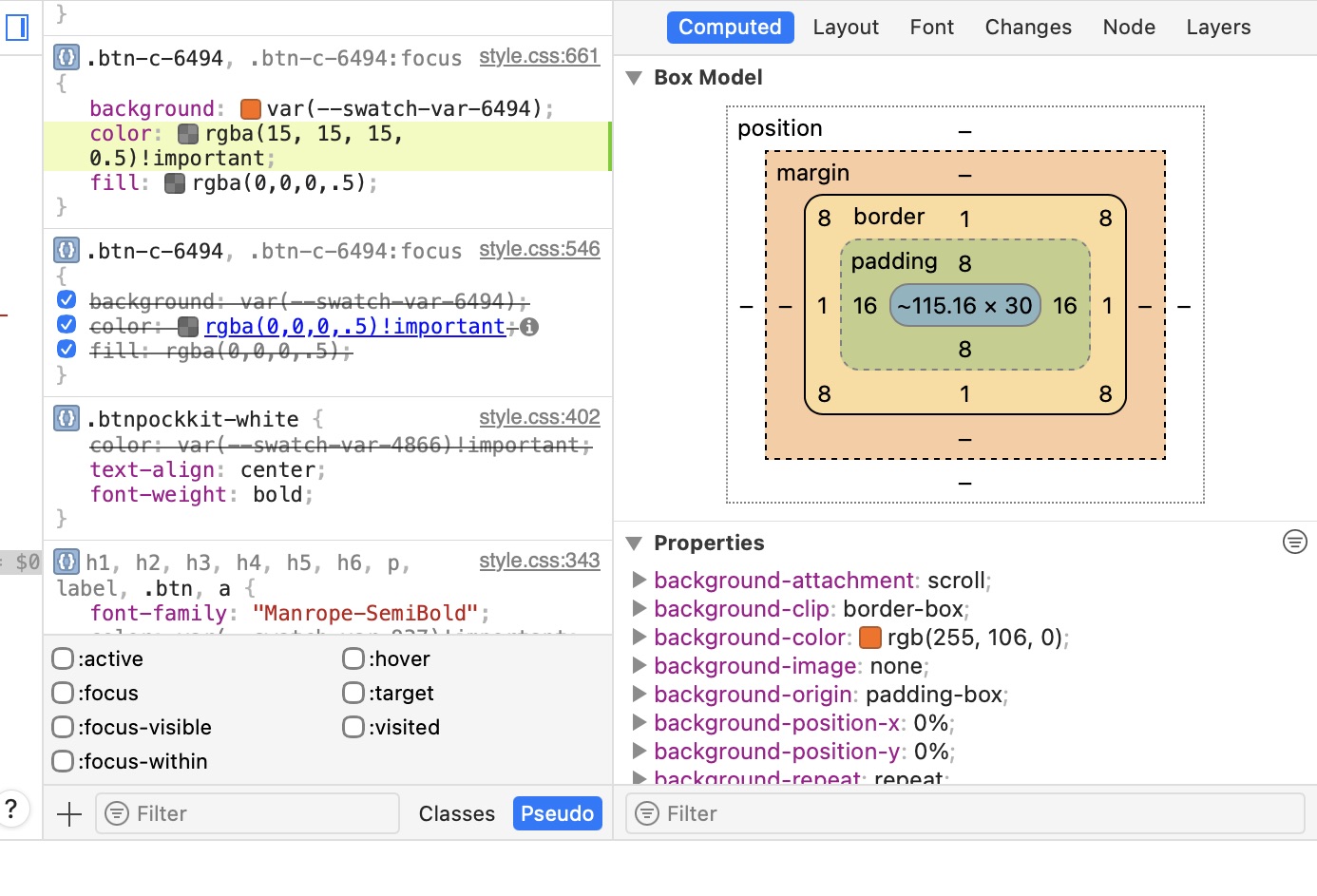
I use Blocs 6. When I manually change the button text colour within the editor, the button text colour doesn’t change in the preview (or on the actually uploaded website). Where do I make the colour changes for the button text colour changes so that the text colour I set doesn’t get overwritten by any other text colour setting? (Images: EDITOR: BLUE button text changed to WHITE. // PREVIEW and Online: still shows BLUE and didn’t get changed)
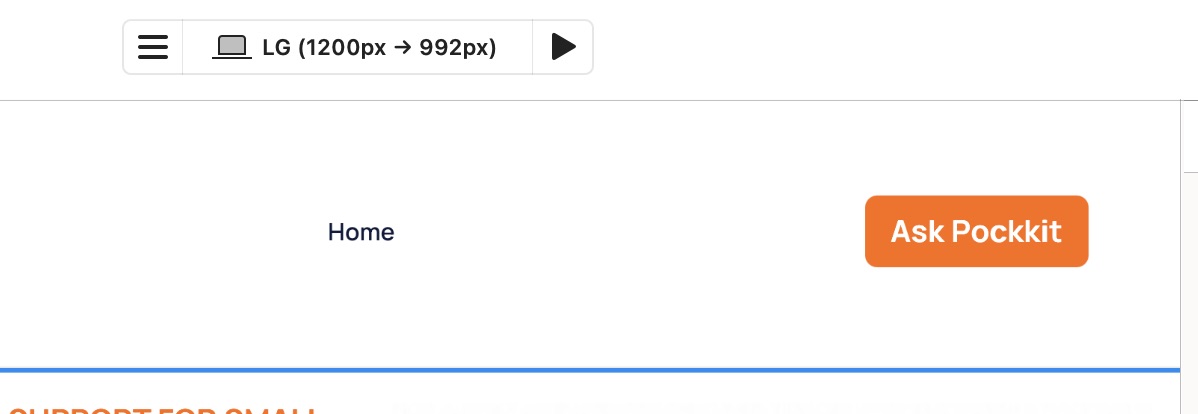
Try changing the class .btn. That will change buttons throughout the site though, or make a new class, apply to the single button (.btn_bluecopy or similar) and change the relevant settings on there.
Could work! 
2 Likes
Just to check, have you changed the colour in all breakpoints, or just the LG as shown in your screen grab?
1 Like
That’s the important thing.
1 Like
Thank you for your reply. I have done that.
Thank you for your reply. I have done that as well.
Interestingly, when I use a grey coloured button, it takes my white text, but when I use an orange or green coloured button, it uses the blue colour in the preview while it showes the white colour in the editor.