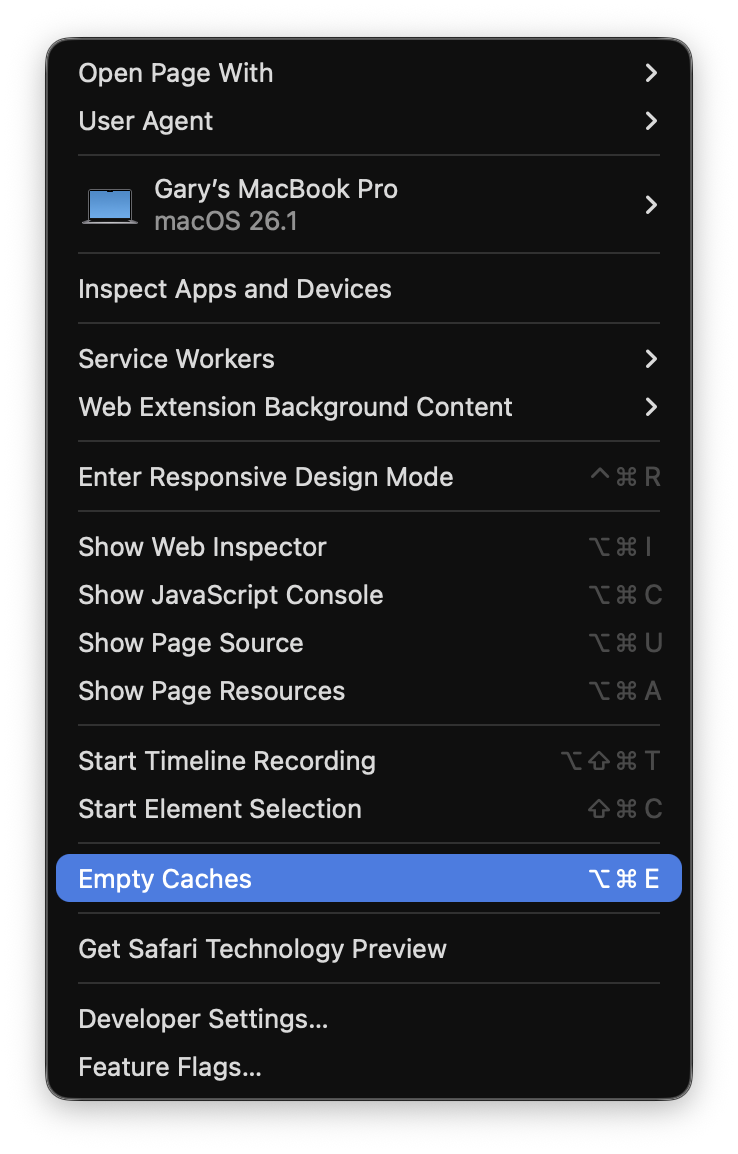
Unless there is a quicker/easier way or some little app I don’t know about, having to change the page from my website, open Preferences, go to Privacy, Click Website data, type in my website name and then click REMOVE seems really annoying each time I publish an update and try and check my site over.
When I need to test something live I just use a different folder and renaming after each update so it loads from scratch. You can also use private browsing or test the site offline. That works for me
For Safari, if I see the cache is not being updated and not showing latest Blocs web site updates, I may try clearing the history and reload the page; or try full site Blocs web site publish and then page reload. Of course if clearing history, you may need to re-enter login info to certain web sites, such as Blocs forum.
Yeah, that’s the process I detailed above. It’s long winded and a pain to do each push - hence i was looking for a quicker more one-click-fix solution.
shift+ refresh clears the cache on the specific page you are on. That works for me when I make a quick change and it does not show up initially on page load.