I’m trying to build a shopping cart and I need to clear all the cache each time I preview the page, so that each time I run/test it, it reverts back to a clean, never used before point. Is this something that Blocs can do?
Thanks, but I wasn’t using Chrome and I was looking specifically for the built in previews of Blocs rather than previewing in a browser.
Just trying to cut down on faff-time whilst testing.
Yes just right click the preview mode canvas, you can read more here.
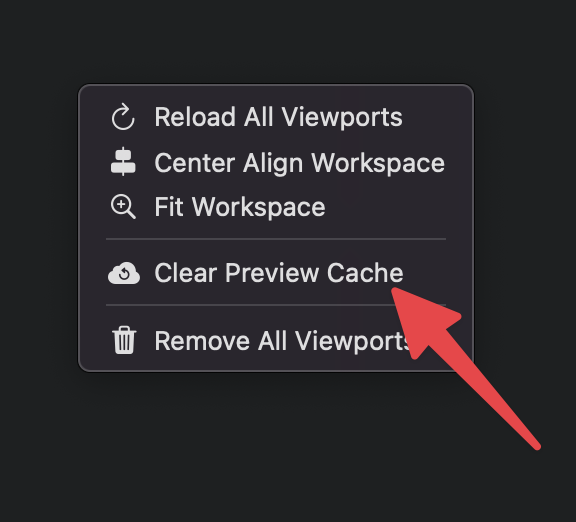
2 Likes
Ha, never thought to right-click, I was going through all the prefs and menu options.
Thanks, this is perfect.
1 Like