How to close Offcanvas Helper 2 when the modal pops up when I click a button in the menu

Hello!

I would like help with the following. I use Offcanvas Helper 2 Brics on one page.

I included a modal in the header and linked it to the Offcanvas area. When I click on it, the modal comes up and the offcanvas closes, it works perfectly. This is perfectly done by @PeteSharp in Offcanvas Helper 2 Brics.

What I would like to do now is if I link this modal to the navigation, and if I click on it with the offcanvas menu open, then close the offcanvas menu.

But unfortunately it doesn’t close, but stays open, do you have any ideas for this?

I hope you understand what I want to solve.

1 Like

I think I follow :joy:

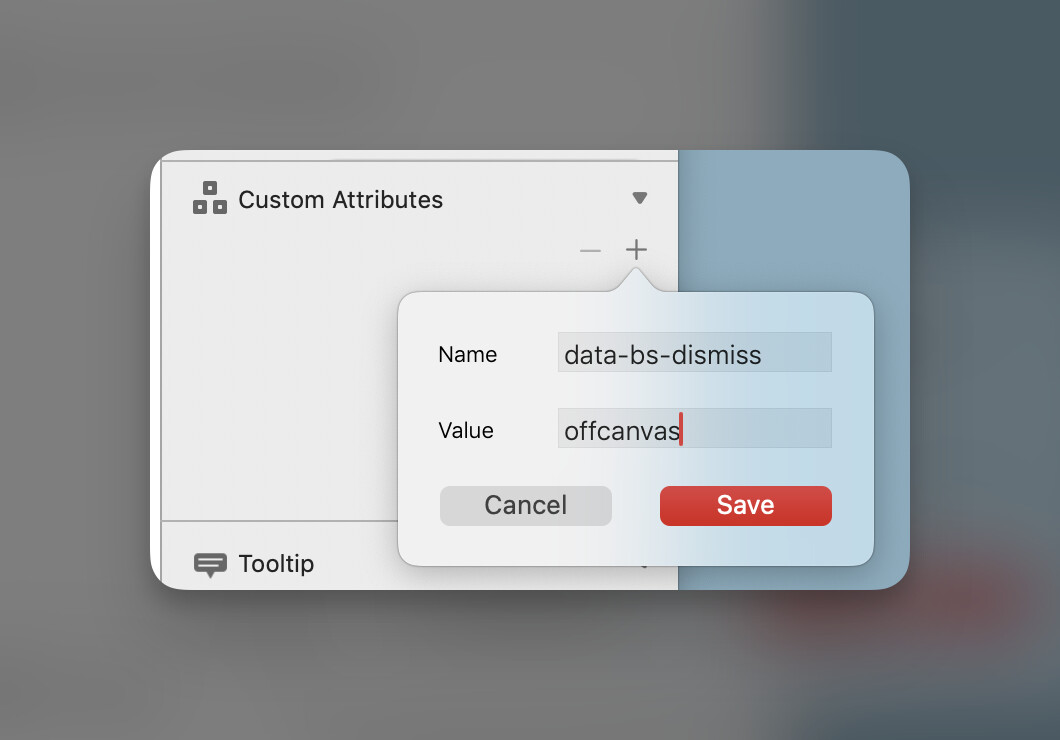
On the menu item outside of Offcanvas that is opening the modal add a custom attribute

data-bs-dismiss=offcanvas

This will close any open Offcanvas. As you know this is already an option in Offcanvas Helper, but it may be just automated for buttons inside the Offcanvas itself. I can’t fully recall. :sweat_smile:

Hi @PeteSharp

Maybe I worded it wrong.

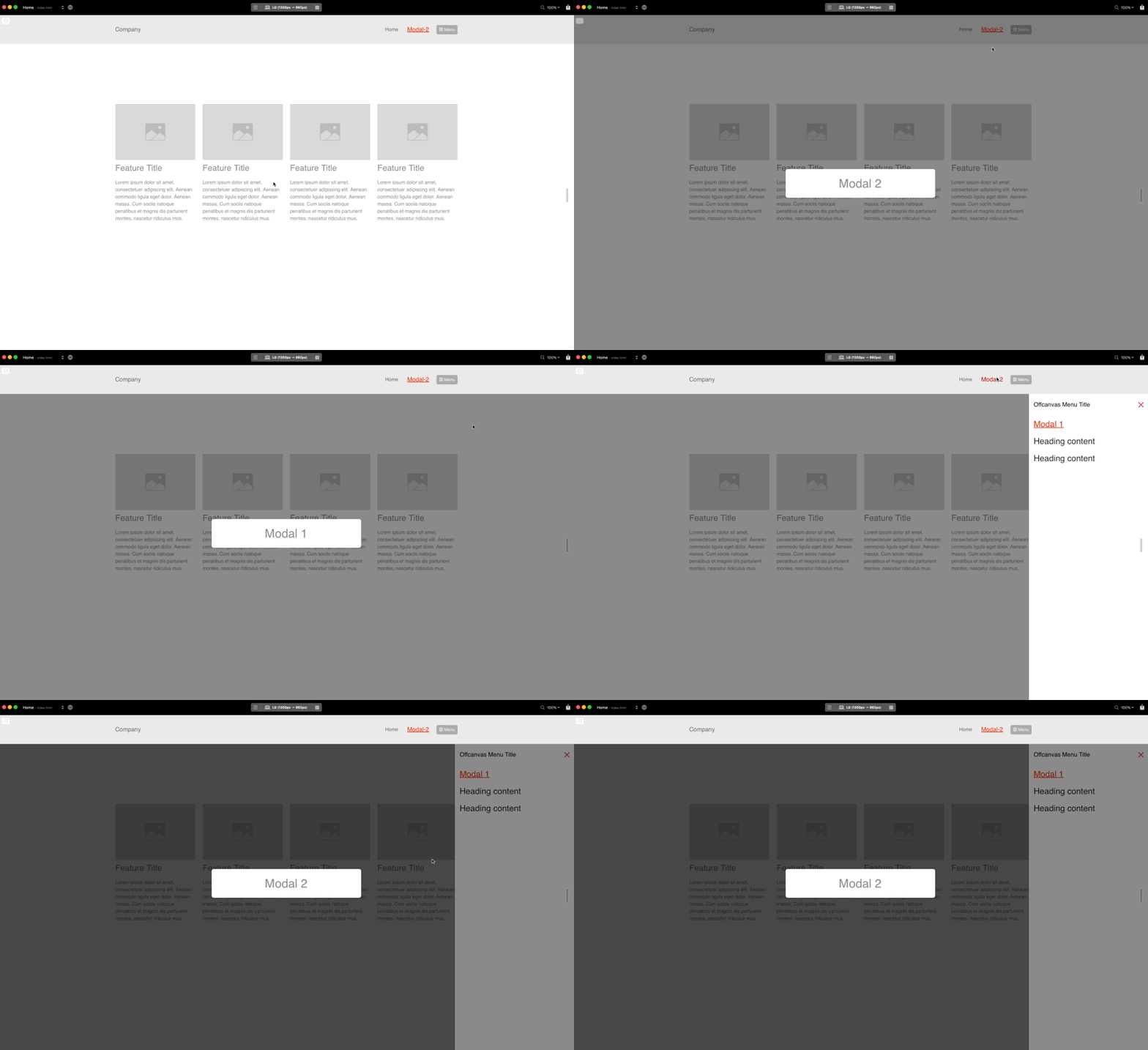
When I open “Modal-2” in the navigation, it works perfectly.
When I open the Offcanvas menu, “Modal-1” also works fine and closes the Offcanvas menu.

But when I open the offcanvas menu and want to open the “Modal-2” placed in the navigation, it opens it, but the offcanvas doesn’t close.

The goal would be that if the offcanvas is open and I open “Modal-2” located in the navigation, it should still close the offcanvas menu.

CleanShot 2024-07-28 at 06.16.13

Try adding this as a custom attribute to the Modal 2 menu item, as I mentioned above.

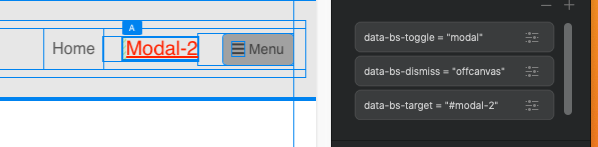
Yes, I added it, but it’s not good. If I delete anything from there, obviously the modal will not appear.

So you think that?

CleanShot 2024-07-28 at 06.48.13

You can keep the modal ones there.

Are you saying that doesn’t work?

Yes, did I send you the block file?

Umm, I was just looking at the code I used in Offcanvas Helper, and it doesn’t look like you can do it that way.

At present Offcanvas Helper, only does this with links inside the offcanvas. I can update it to extend to the whole page, but no ETA on that.

As I understand it, I can only do this if you have updated Brics.
Will you ever have the opportunity to do this?

I will give you some custom code, I will PM you back your project with the code included.

OH2 is in the middle of some dev work, and so I can not push it out at the moment with a minor update. The Bric builder is terrible for version control.

1 Like

Okay, thank you very much in advance :slightly_smiling_face:

It works perfectly, thank you very much, great :smiley:

1 Like