Hello Bloc Users!
Which file(s) need to be modified?
Is it possible to enable this within the blocs app itself? Or does it need to be modified with a text editor?
Anyone have an idea how to accomplish this within blocs?
Happy
May 23, 2017, 6:42pm
3
I have the same question, how can I visualize drop down menu when I hover over an item without click… anybody wanna to answer
Brett
May 23, 2017, 7:27pm
4
I love Blocs, but I think the Nav menu should have more extensive options.
1 Like
idem, Nav menu should have more extensive options.
Happy
May 24, 2017, 4:34pm
6
Even not in navigation bar menu, I men the usual bricks of dropdown menu, if you have daughter dropdown menu, it should appear with hover not to click… Any answer from Norm
Brett
June 8, 2017, 10:09pm
7
Agreed. @Norm , is there any easy way to enable a drop down menu on the navigation bar on hover?
What code could we add to the custom code section of the heading to enable opening a drop down by hovering?
Thanks in advance.
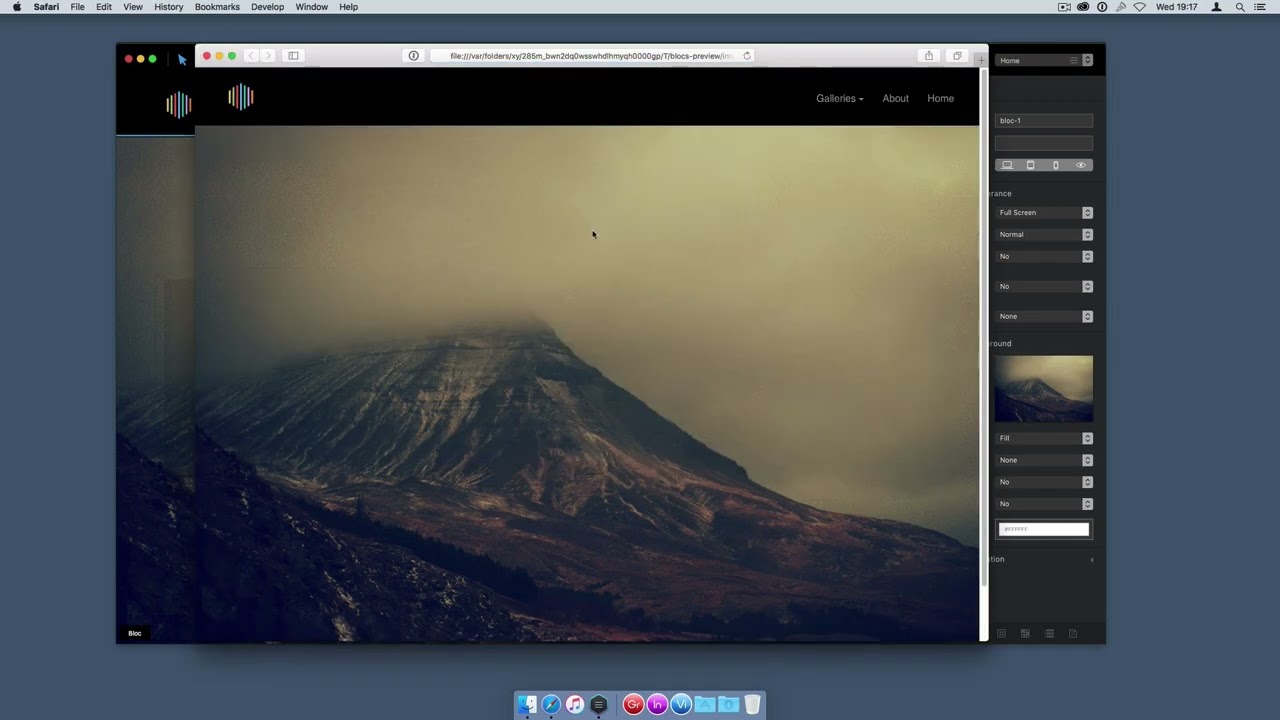
You can see how to do that in this amazying video tutorial by Jakerlund
6 Likes
@Jakerlund how come the tutorial you did is not working on my blocs site? Help me hehe
Brett
January 26, 2018, 1:08am
10
@Jakerlund your Dropdown menu with mouseover video doesn’t work if there are sub menus inside a dropdown.
See my page http://caldwellequipment.com/temp/snapper-example.html See EQUIPMENT.
Can you please explain how this can be fixed? Much appreciated. Thanks!
1 Like
JDW
March 12, 2019, 7:45am
11
Interesting tutorial, but I think most people would still like to click to drop down each of the main menus. However, I would prefer to hover over menu items and automatically have submenus pop-out without my having to click. So if a new tutorial in Blocs 3 could be made to show that feat, I’m sure it would be warmly welcomed by many.
–James W.
2 Likes
Pat
December 18, 2020, 12:04pm
12
Hi
Here is the missing video that @Jakerlund made. It is really helpful to understand the process.
But we don’t need this now.
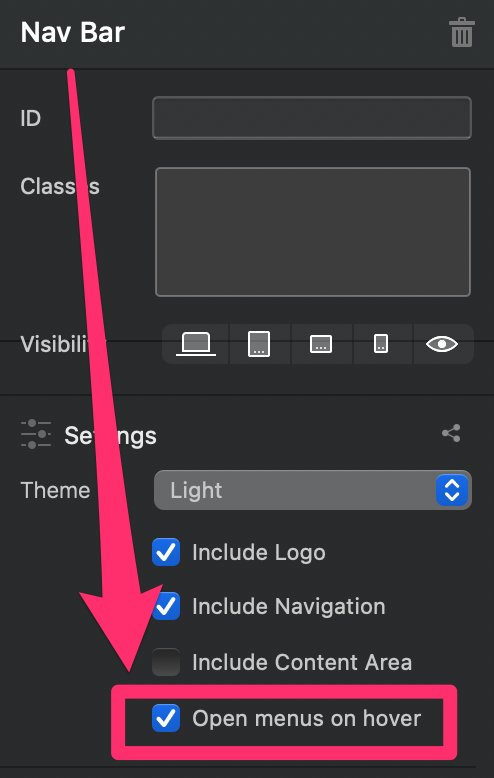
Just tick the box for drop-down on hover from memory in the menus settings.
Much easier!
I still have it in my dock
I barley used it at the time though.
1 Like
And to spice it up a little, just add this css for a nice sliding-up transition:
/* dropdown menu animation */
@media (min-width: 768px) {
	.dropdown-menu {
    	animation: .5s slideup;
	}
	.dropdown:hover .dropdown-menu {
		display: block;
	}
}

@keyframes slideup {
 	from {
		transform: translateY(25px);
		opacity: 0;
 	}
	to {
		transform: translateY(0);
		opacity: 1;
	}
}
2 Likes
Thank you, that was some good information.
By the way, I am aware the video is old. I found so many places where this was mentioned, but no link was relevant. That is the reason I put it back.
1 Like
Just posting this incase anyone wants to not do code, but of course using code can give more options of transitions etc.
4 Likes