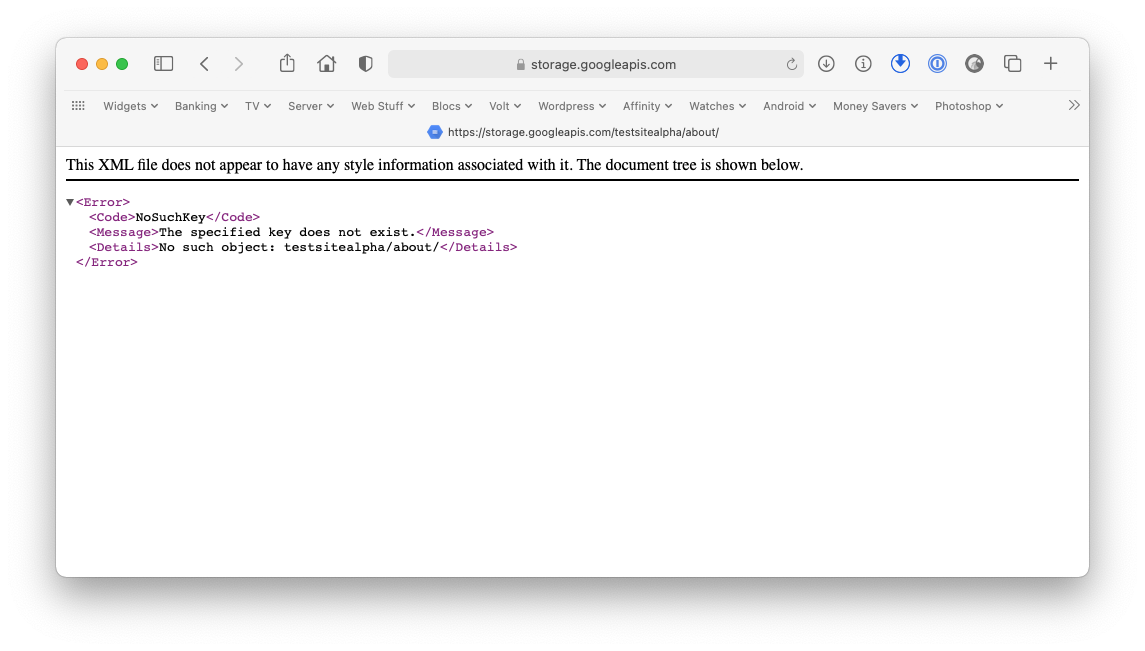
I am getting this view (see attached) when I try to click on the page links both in my local machine and on the cloud. It was all working fine, but the only change I did was changing the file name of the project file. Since then I get this view when I try to access the menu links. Any help would be greatly appreciated. I don’t recall the previous name and I’ve spend hours trying to get this fixed but without any luck.
@Flashman: Thanks for your prompt reply. Yes, but even with the backups I see the same happening when I preview in the browser or when I export it. It works fine in the preview (play) option. I am quite new to Blocs and was enjoying it all the way through until I hit this wall
If it helps, here is a quick sample site I just created using the placeholders. Even there I see the same message when I click on the other links apart from ‘Home’.
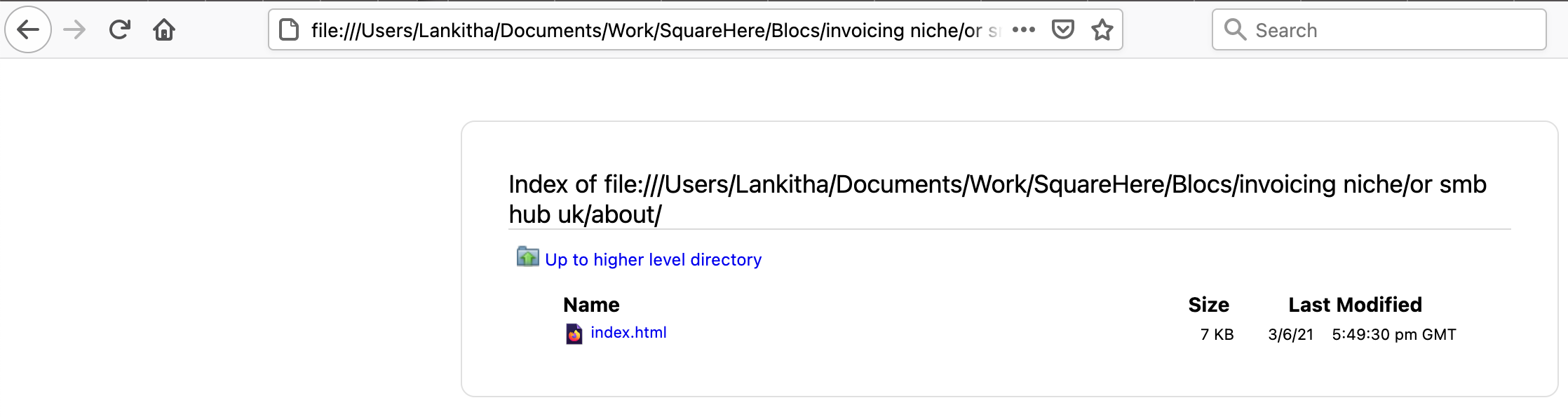
That is so weird. I see the home page normally in Safari, but if I click on any of the links it opens the folder in the finder, which makes me wonder how you are linking these pages.
If you want to send me the project file via PM I’ll take a look, though sending it to Norm as a bug report and as much information as possible might be more useful for you Reporting Bugs – Blocs – User Documents
If I preview that project in Safari it all works perfectly here. My main computer is busy at the moment but it works fine on the backup running Mojave. This is also 4.1, so I am wondering if the issue is with your install or computer setup.
As easy as it may seem a computer restart often works wonders. I would also try resetting the SMC and NVRAM that can also sort out some glitches. I had to do the same thing on my main computer just an hour ago and it fixed some issues with QuickTime.
Tried reinstalling Blocs 4 and resetting SMC and NVRAM, but still the issue continues. BTW I am on Big Sur and wonder there is away to reset the setting in the Blocs 4 app itself as the environment hasn’t changed apart from the renaming one of the working files while it was open in Blocs.
I have just tried on Big Sur and it works correctly there as well.
Try going to the developer tab and scroll down to the bottom option to purge project date, then select Clear All Custom Project Data. I still think it is something unique to your setup though, otherwise I would have the same problems.
Tried that as well, but still no luck. I too feel something went wrong with the files perhaps when I tried to rename a project while it was open. The app works well but without the ability to export data correctly, it looks a dead end to me. I’ll try to drop a message to Blocs support as well and see how it goes. Thanks for all your support once again.
@Flashman I think I found a clue here. This happens only when I export the files with the clean urls option enabled from the export settings. Then the page specific index.html files are put in side a folder and that’s why it shows the folder instead of the page. Any idea how to fix this?
I wonder some setting in the Mac OS (Big Sur) or Blocs got changed as even the clean URLs were all working fine. Any idea where and how I should get this fixed? Can manage without the clean URLs but its always good in terms of SEO to have them without the index.html at the end.
Realistically it’s a good thing to use clean urls and I don’t think that is your issue. It’s something more. I’ve just prepared you a super quick test project that you can open in Blocs then see if it still causes you problems. Just click the menu links for the different pages.
@Norm It’s more than that. When I click on a page link viewed locally in Safari it opens the folder in the finder, rather than showing the page. It doesn’t happen with my own projects though.
I’ve never used Google storage so I don’t know if that is the issue, but for me that project works as it should. The one you created and put on Dropbox didn’t though.


 I too feel something went wrong with the files perhaps when I tried to rename a project while it was open. The app works well but without the ability to export data correctly, it looks a dead end to me. I’ll try to drop a message to Blocs support as well and see how it goes. Thanks for all your support once again.