I need the current page to be highlighted on the nav bar

I’ve tried giving the nav bar list container a custom class of ‘my-nav-list’ as per the documentation.

I’ve then added a new class called ‘my-nav-list a; and then chosen from the drop down list ‘active’, ‘focus’ and even ‘visited’ and given them all a text colour, but nothing is working.
What am I missing please?

Thanks.

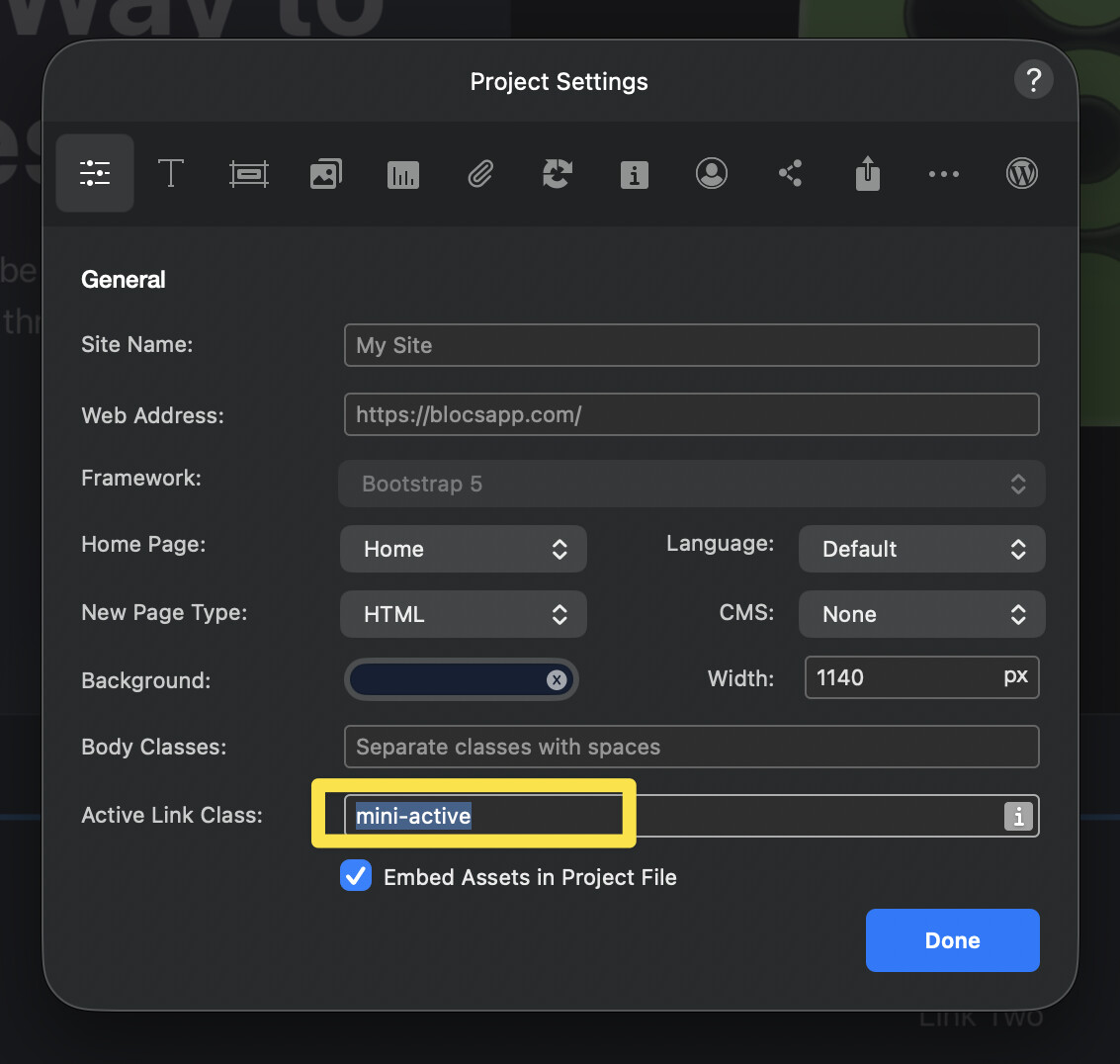
You set the active class here. This is the class that is dynamically added to the active nav item.

Then target it with the class:

navbar-nav li a.active

Where “active” is what ever class you added for the active link class in project settings.

Any link becomes “active” when the href matches the url.

3 Likes

Thank you.

I found this - from the help you provided and it solved it for me.

1 Like